Pixel Art Tools Mod 1.7.10 is a small toolkit for people who like to make pixel art in minecraft. Tested and works in multiplayer.
Screenshots:
It adds three items which can be found in the new creative tab:
A Colored Block
This is a block that can change color. When you are holding the block in your hand, you can hold down shift and right-click to get the color menu for the block
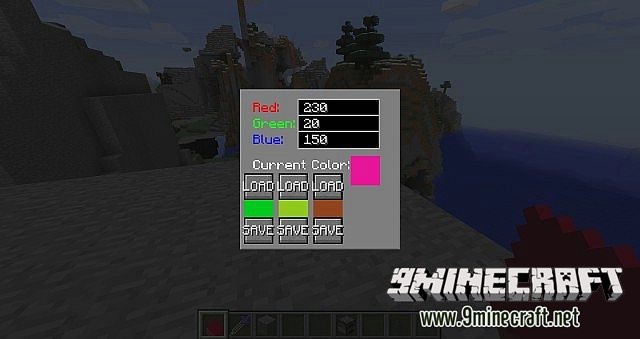
Here you can change the red, green and blue color of the block. When you change the values, press ENTER to update the block. VALUES HAS TO BE BETWEEN 0 AND 255!!!
This will now be the blocks color when you place it. Note: You can have as many different colored blocks as you want.
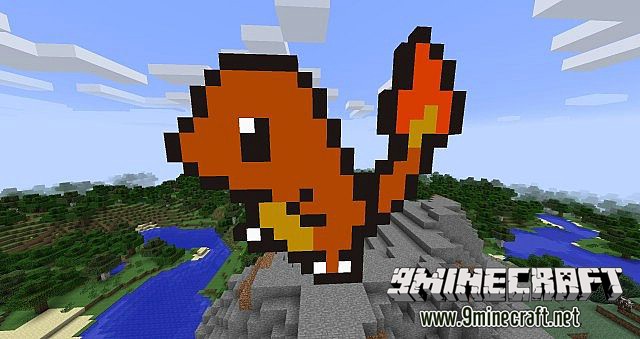
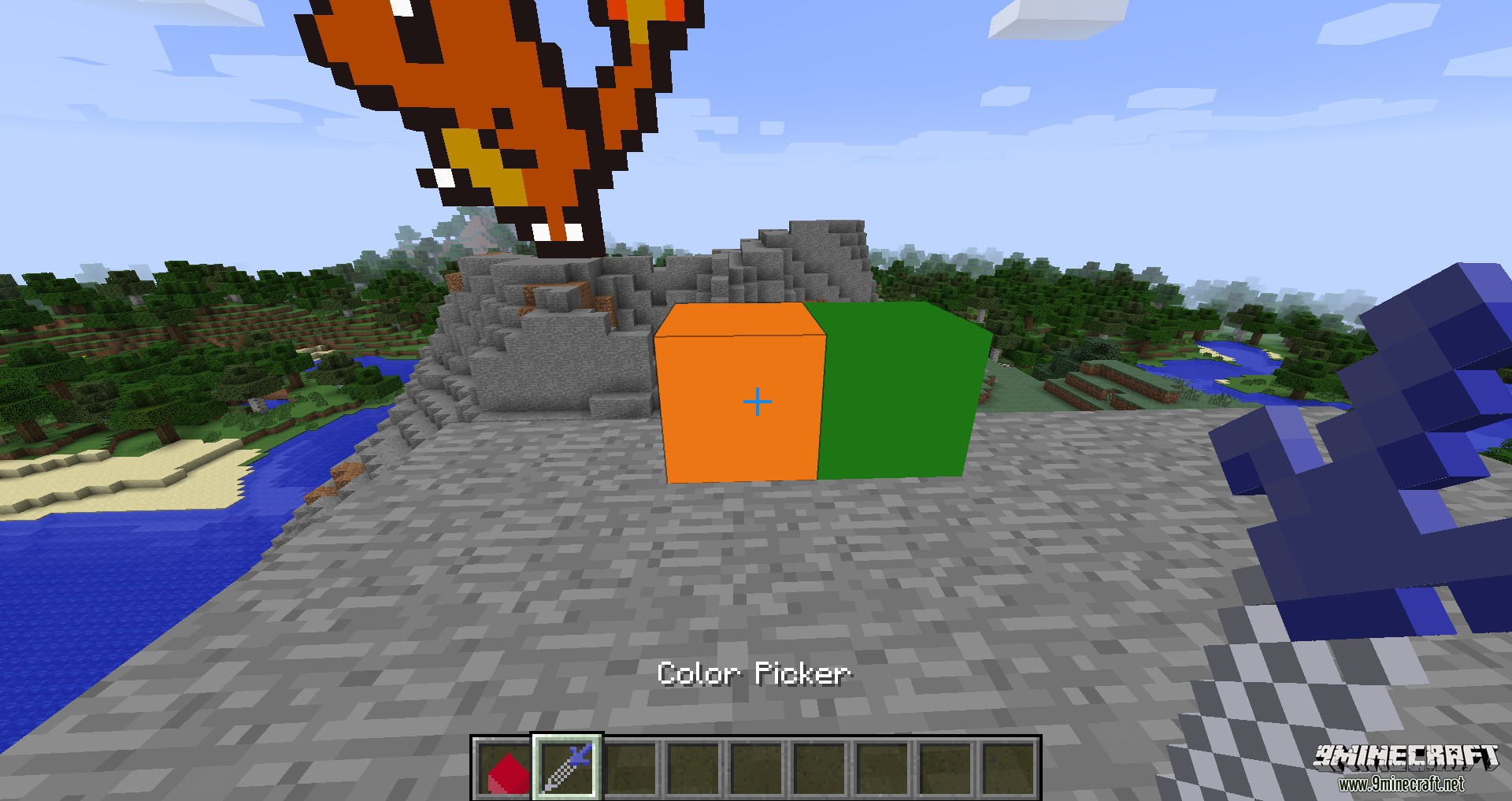
If you right click on a block you have placed, you will get the same color menu as you did when you were holding the block, but this time it will only change the block you clicked on. Press enter to update the block when you have changed the values.
Note: You cannot hold any item when you right click on the block, if you have, you will not get into the menu.
The Colorpicker
This item functions as the color picker tool in photoshop or paint. You shift + right click on a block to store the color of the block. When you right click on a different colored block it will change its color to the color you have stored.
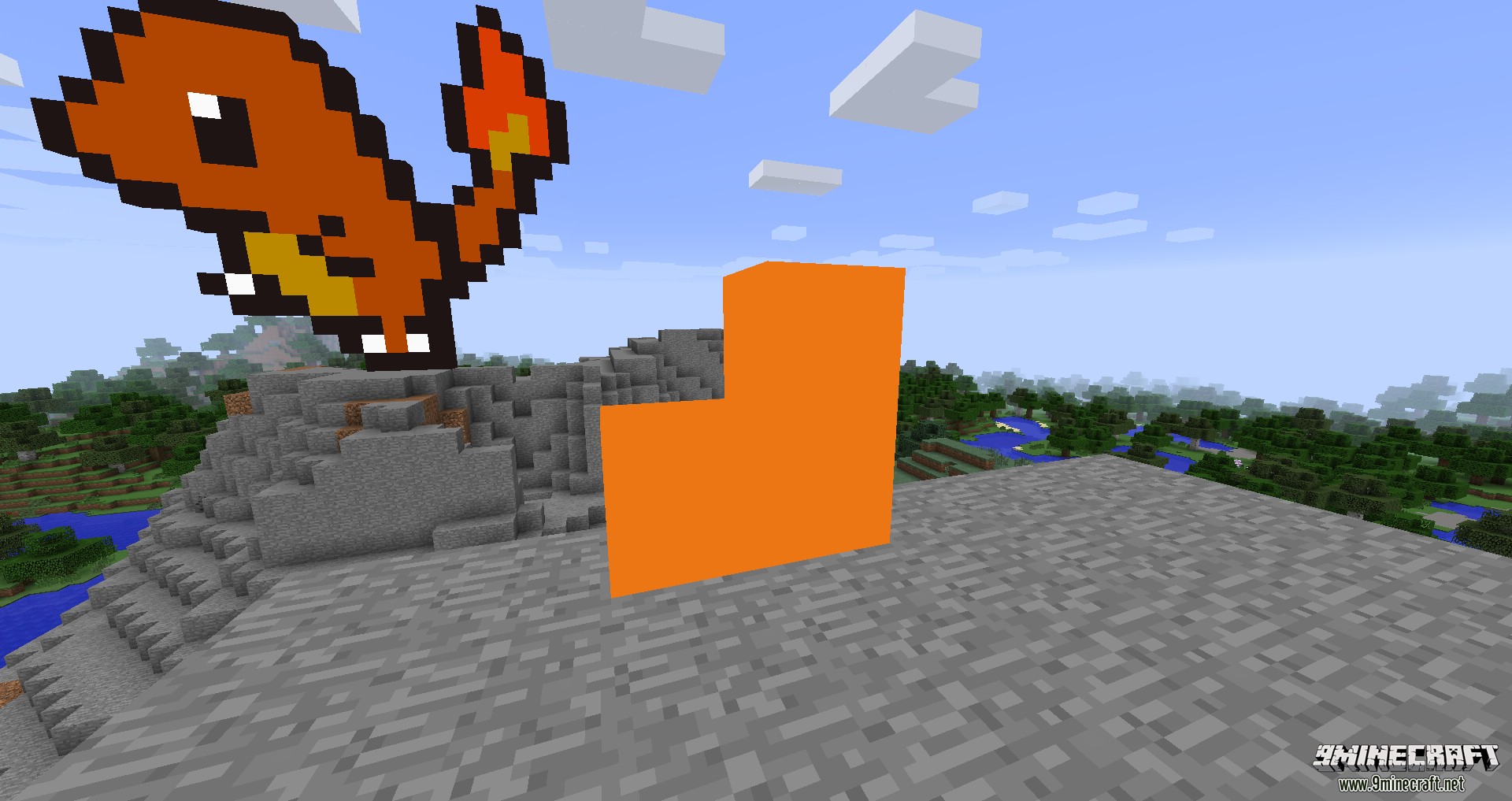
When you pick a color with the color picker, the blocks you place will have the same color as the one you picked.
Color Bucket
Works pretty much as the paint bucket tool in photoshop or paint. Replaces the selected blocks color and all surrounding blocks with the color you have selected
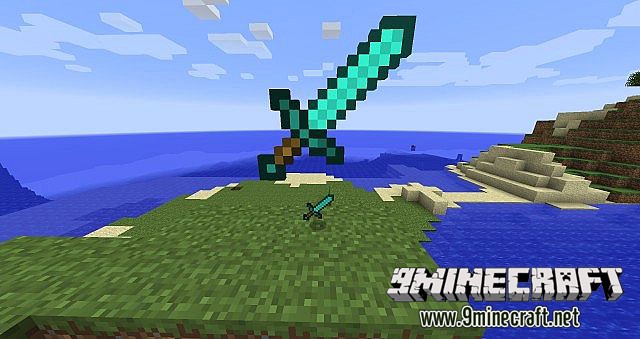
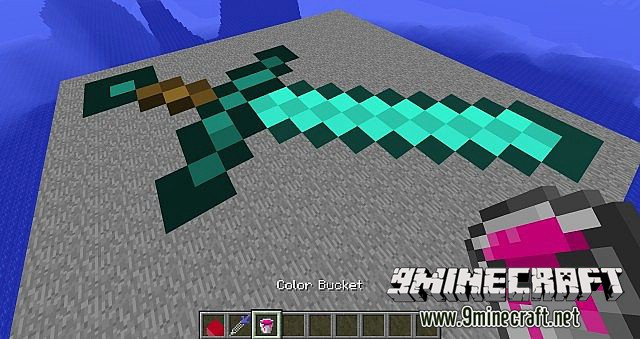
Mod Showcases:
Download Links for Pixel Art Tools Mod 1.7.10
For Minecraft 1.7.10
- Edition: Minecraft Java
- File type: .jar
- How to install: Install the matching mod loader (Forge, Fabric or NeoForge) for your Minecraft version. → Download the .jar. → Put it in the .minecraft/mods folder and launch that loader profile.
- Where to get it: In MC Java Mods, or directly above on this page.
Install steps are the general flow for this file type — How to install Minecraft Java mods & modpacks walks through it step by step.
- Downloads as 213119.mcaddon
- Download size: 32 KB
- Download link checked 27 Jul 2026 — working
- Mirrored on our own servers — the download does not depend on the original host
These come from our own check of the pack file, not from the source page.