VoxelCam Mod 1.7.10 Features:
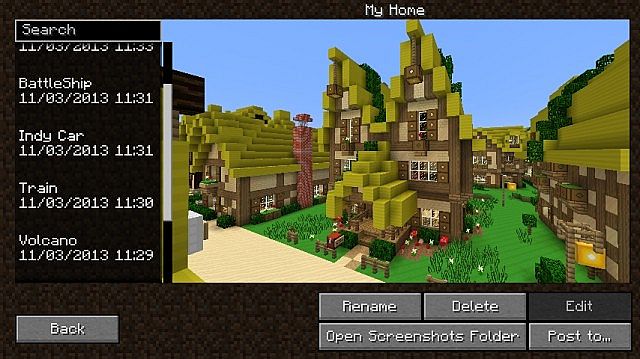
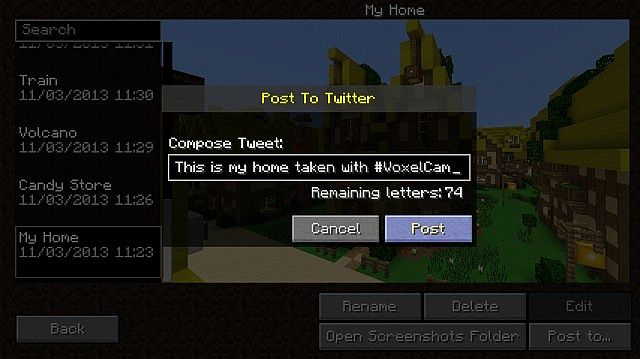
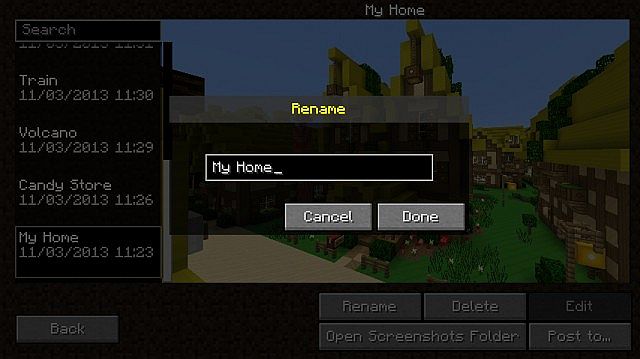
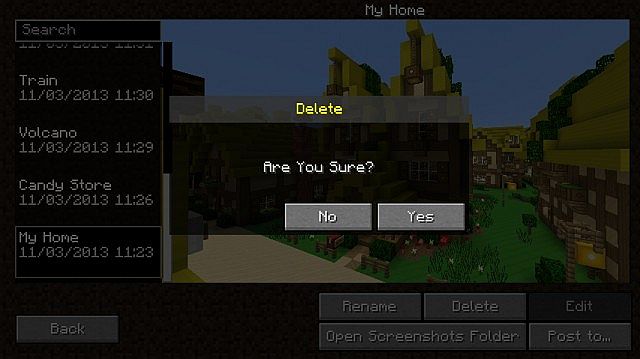
- Screenshot Manager Never have to navigate outside of Minecraft again! The in game manager will show you your photos and allow you to manage them
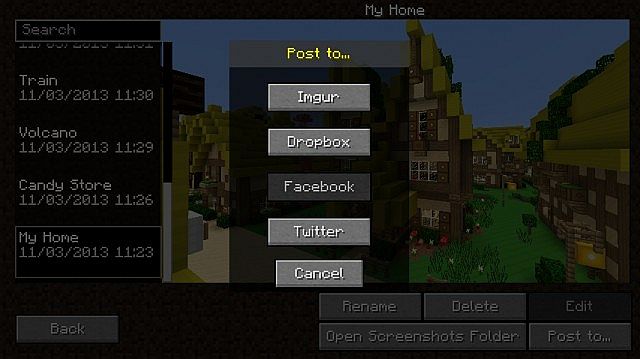
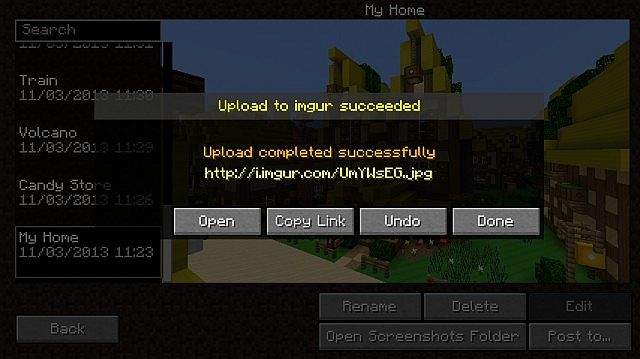
- Post your Screenshots to your favorite image sharing sites The screenshot manager comes with a built in GUI to post to Twitter, Imgur, Google Drive, and Dropbox with more like Facebook, Reddit, and Minepix on the way
- Integration with Minecraft’s normal screenshots VoxelCam supports normal screenshots taken by Minecraft with F2
- Beautiful GUI Stunning Visuals
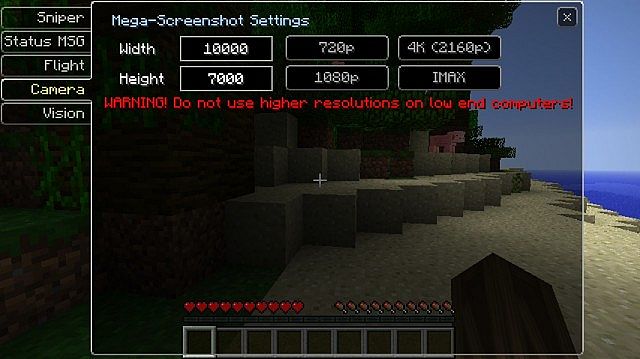
- Huge Screenshots Back in early beta Minecraft had a feature that would allow the user to take screenshots that were absolutely huge. I have brought it back with a secret weapon that allows for low-end computers to take IMAX images
- Integration with VoxelMenu VoxelCam will add itself to the menu options in VoxelMenu for ease of use (VoxelMenu is not Required)
Screenshots:
Mod Spotlight:
VoxelCam Mod How to use:
- Press H to open Screenshot manager in game
- Press F7 to open VoxelOptions to configure the huge screenshot settings
- Press Shift + [Screenshot Key] to take a huge Screenshot
Download Links for VoxelCam Mod 1.7.10
For Minecraft 1.6.2
For Minecraft 1.6.4
For Minecraft 1.7.2
For Minecraft 1.7.10
Quick facts
- Edition: Minecraft Java
- File type: .jar
- How to install: Install the matching mod loader (Forge, Fabric or NeoForge) for your Minecraft version. → Download the .jar. → Put it in the .minecraft/mods folder and launch that loader profile.
- Where to get it: In MC Java Mods, or directly above on this page.
Install steps are the general flow for this file type — see the MC Java Mods guides for the full walkthrough.
Verified by MCModsHub
- Downloads as 213157.mcaddon
- Download size: 161 KB
- Download link checked 23 Jul 2026 — working
- Mirrored on our own servers — the download does not depend on the original host
These come from our own check of the pack file, not from the source page.