Linked Chests
Java mod listed for Minecraft 1.21. Downloads from the MC Java Mods app on Android.
I don't know my version or loader
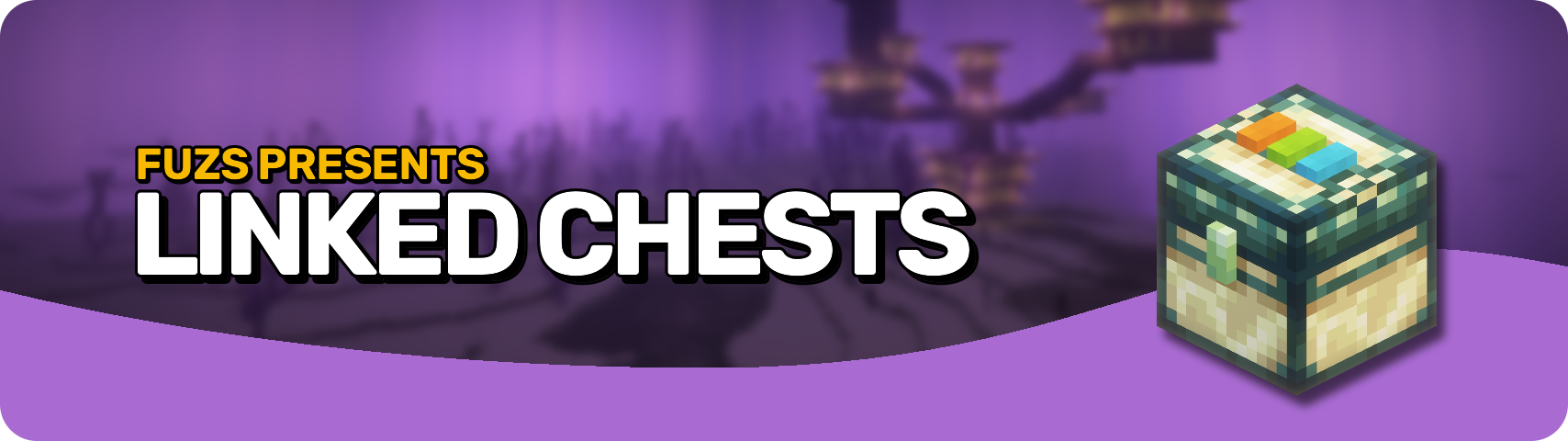








Linked Chests is your new best friend for storing and moving items—across any distance, instantly! 🌍 With thousands of 🎨 color-coded channels, access to your items from anywhere, and personalized per-player storage, this mod makes inventory management feel like magic (but with dyes instead of spellbooks). ✨
Perfect for builders 🧱, hoarders 📦, and redstone masterminds 🧠, this mod keeps your gear right where you need it—no matter where you are.

🎨 Infinite Channels, One Chest to Rule Them All
- Set color-coded channels using 3 dyes (any of Minecraft’s 16 colors). You get 4,096 unique combinations!
- Click the 3 buttons on top with dyes — or craft them in directly.
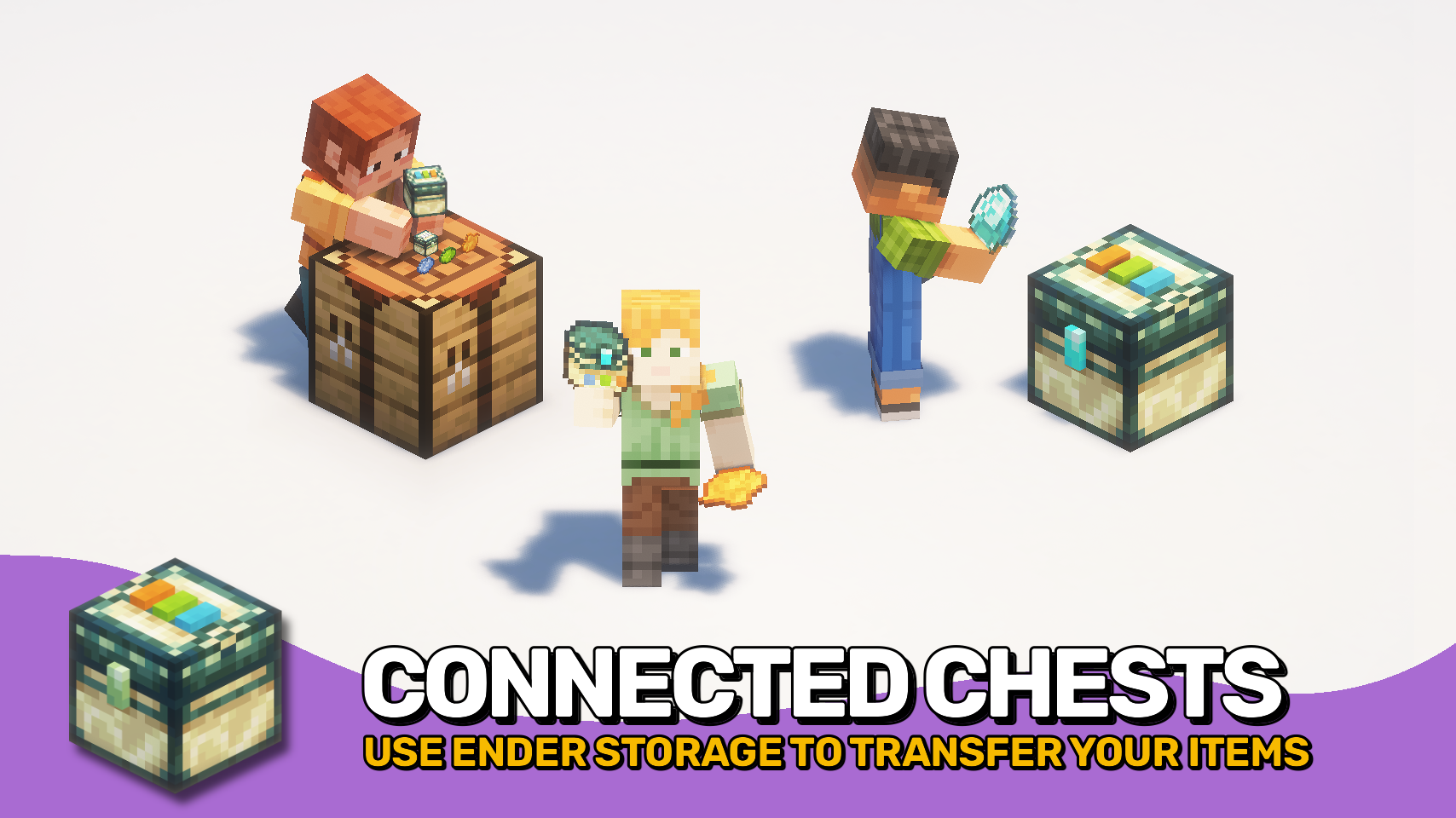
- All chests on the same channel access the same inventory, no matter how far apart they are! 🌍
💎 Make It Yours with Personal Channels
- Slap a diamond 💎 on the latch to personalize the chest — now the channel is yours alone!
- Personalized chests get double inventory size! 😱
- Other players can still sneak a peek if they get their hands on it, so guard it well! 🛡️
🧰 Automation-Ready & On-the-Go
- Works with hoppers for easy automation! ⚙️
- Use a Linked Pouch to access your chest channel anywhere! 👜
- Perfect for base linking, trading setups, redstone contraptions, or just hoarding loot across dimensions! 🧠


⏩ INSTALLATION REQUIRED ON CLIENT & REQUIRED ON SERVER
⏩ REQUIRES PUZZLES LIB TO BE INSTALLED (FABRIC & NEOFORGE)
⏩ REQUIRES FABRIC API TO BE INSTALLED (FABRIC)
⏩ REQUIRES FORGE CONFIG API PORT TO BE INSTALLED (FABRIC)

If available for a mod, configuration is possible directly from in-game using the mod menu (requires Mod Menu by Prospector to be installed on Fabric). Please note that on older Minecraft versions installing Forge Config Screens is also a requirement.
For manual configuration using an external text editor all files are found at .minecraft/config, named as MOD_ID-client.toml, MOD_ID-common.toml, or MOD_ID-server.toml, depending on the type of config. Not all types might exist for a mod, if any at all.

🌟 Thanks to Kyrptonaught and their Linked Storage mod for serving as a founding for this project. Linked Chests originally started out as a port, but has since turned into a complete standalone rewrite.
🌟 Thanks to Chicken_Bones for inspiring this project with their Ender Storage mod.
🌟 Thanks to the incredibly talended Mim1q for creating all those amazing textures.
 |
 |
|
 |
 |
|
 |
 |
|
 |
 |
|
 |
 |
|

- Edition: Minecraft Java
- File type: .jar
- Minecraft versions listed: 1.21.11, 1.21.10, 1.21.9
- How to install: Install the matching mod loader (Forge, Fabric or NeoForge) for your Minecraft version. → Download the .jar. → Put it in the .minecraft/mods folder and launch that loader profile.
- Where to get it: Opens on CurseForge — not every file is mirrored on our own servers.
Install steps are the general flow for this file type — How to install Minecraft Java mods & modpacks walks through it step by step.
- Ships as LinkedChests-v26.1.1-mc26.1.x-NeoForge.jar — drop this file into the mods folder
- Download size: 132 KB
- Download link checked 8 Oct 2026 — working
These come from our own check of the pack file, not from the source page.