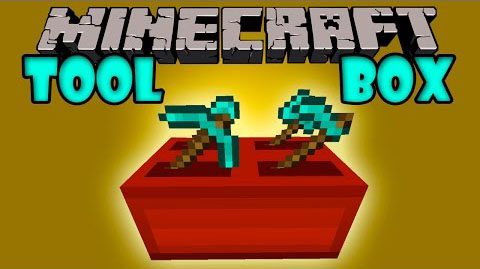
Toolbox Mod 1.7.10 is a small mod that adds one item: the toolbox. It can store up to 4 items that can be used. You can combine all items that are available (even modded items). The toolbox will automatically use the best tool for the specific block it breaks.
For example:
A great miner’s toolbox: pickaxe, shovel, torch (doesn’t work for now)
- It can break all the blocks a pickaxe/shovel can break
- On right click on a block it will place a torch
A great farmer’s toolbox: hoe, shovel, seeds, bonemeal
- It will turn dirt to farmland on right click
- It will plant seeds on right click on dirt
- It will grow the seeds with the bonemeal
Screenshots:
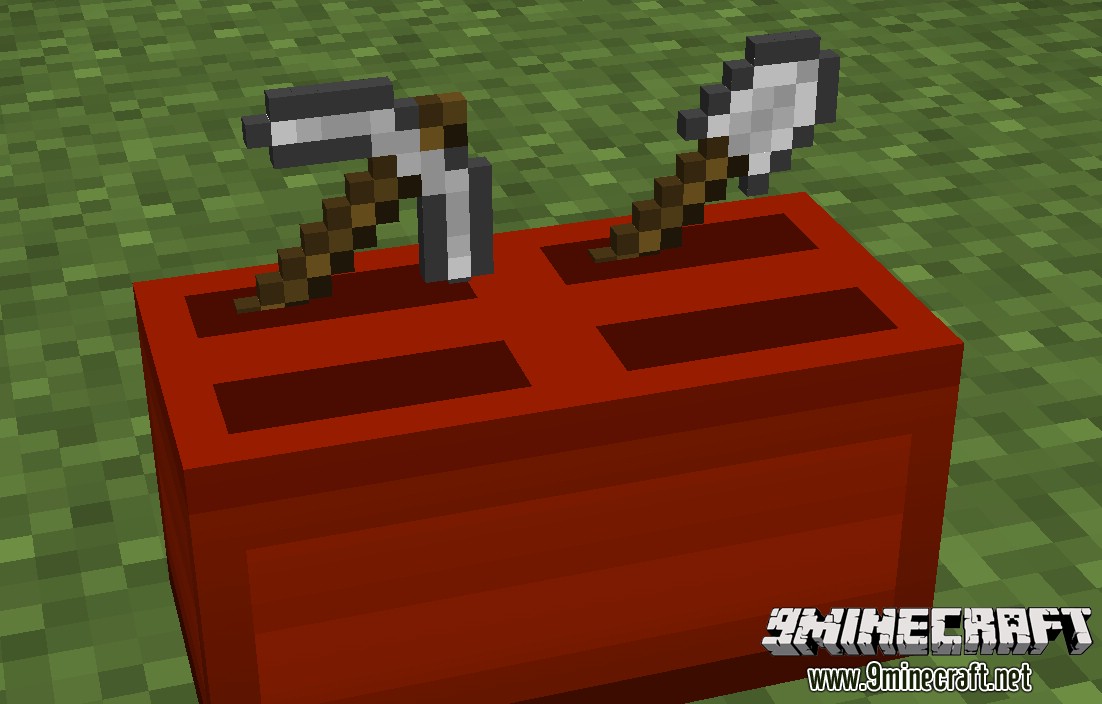
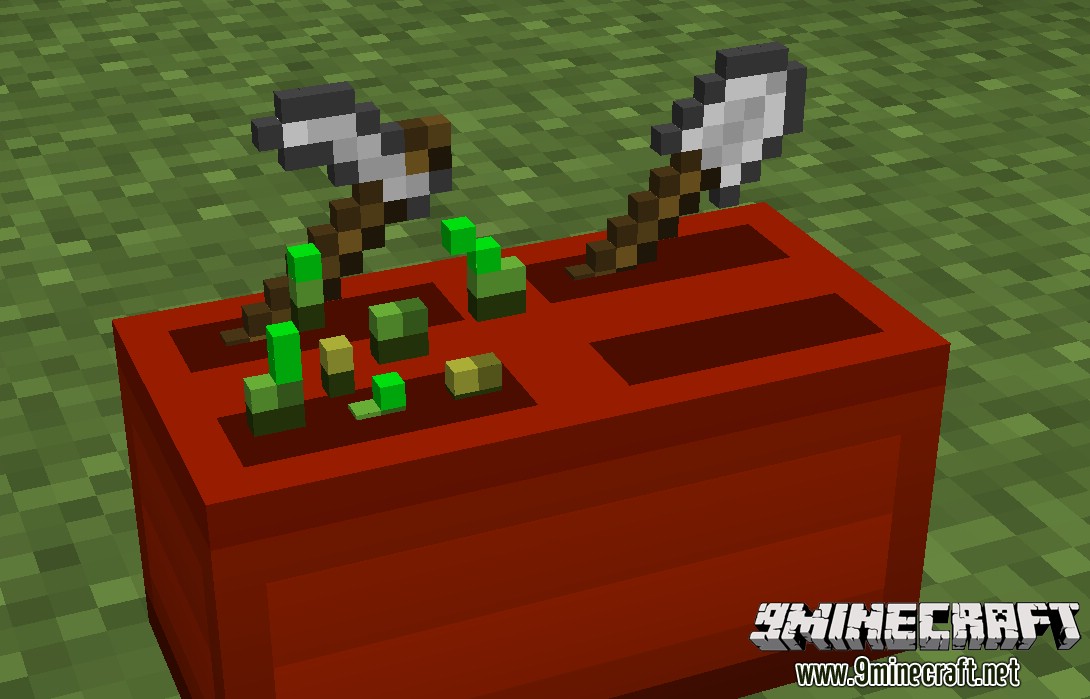
Mod Showcases:
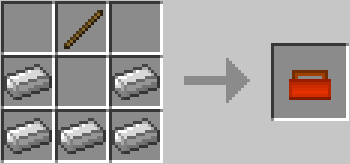
Crafting Recipes:
You simply craft a toolbox like so:
Controls:
- Sneak + rightclick with the toolbox to place it down
- Rightclick with an item on one of the four slots of the toolbox to place it there
- Sneak + rightclick with empty hand to get the item out of the slot
- Break the toolbox to get the toolbox back
Now you can use the toolbox as a normal tool.
Download Links for Toolbox Mod 1.7.10
For Minecraft 1.7.10
Quick facts
- Edition: Minecraft Java
- File type: .jar
- How to install: Install the matching mod loader (Forge, Fabric or NeoForge) for your Minecraft version. → Download the .jar. → Put it in the .minecraft/mods folder and launch that loader profile.
- Where to get it: In MC Java Mods, or directly above on this page.
Install steps are the general flow for this file type — How to install Minecraft Java mods & modpacks walks through it step by step.
Verified by MCModsHub
- Downloads as 213315.mcaddon
- Download size: 19 KB
- Download link checked 27 Jul 2026 — working
- Mirrored on our own servers — the download does not depend on the original host
These come from our own check of the pack file, not from the source page.