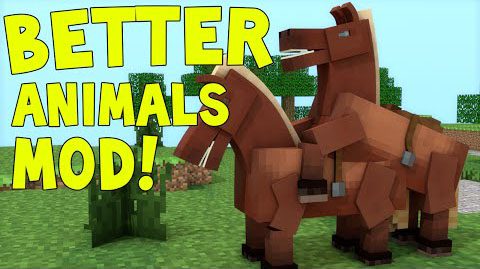
Better Breeds Mod 1.7.10 changes at how you look at your animals and how they look at you! This mod adds in genders to animals. So you can’t breed animals that are the same gender! Isn’t that something we always wanted to see in Minecraft? It also adds in tons of textures for all the simple animals of minecraft! There are also multiple config options to customize the mod to your liking!
The animals currently switched are:
- The Chicken
- The Cow
- The Wolf
- The Sheep
- The Pig
To breed animals, there are some prerequisites:
- They have to be a male and a female. They can’t be both male or both female
- They have to be in the best health. Meaning max health.
- They have to be different species… Obviously
- And they have to both be in love!
Screenshots:
How to tell an animal’s gender:
Note: Every male has a deeper voice, and the female’s have a lighter voice. That’s also another way to tell them apart.
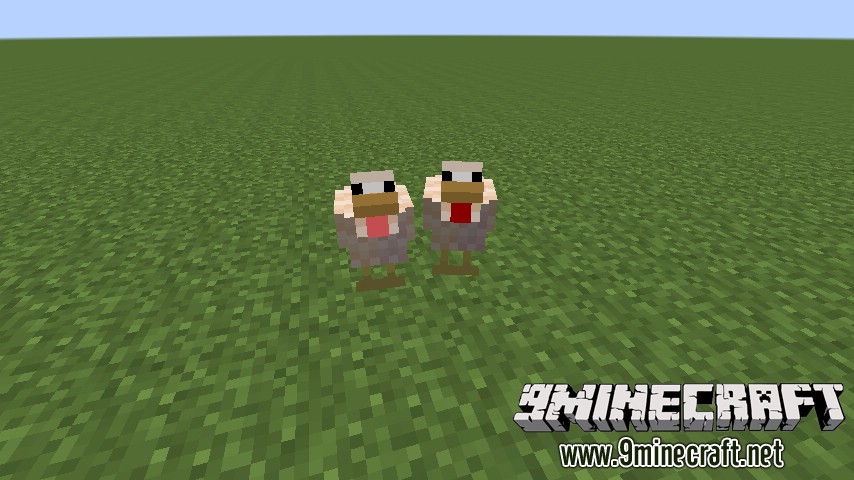
Chicken:
If you look under the chicken’s head, you’ll see that it’s wattle (that small red pouch near it’s neck) is different colors. The male’s wattle is dark red and the female’s lighter red.
- Male- Dark Red Wattle
- Female- Pink Wattle
Pig:
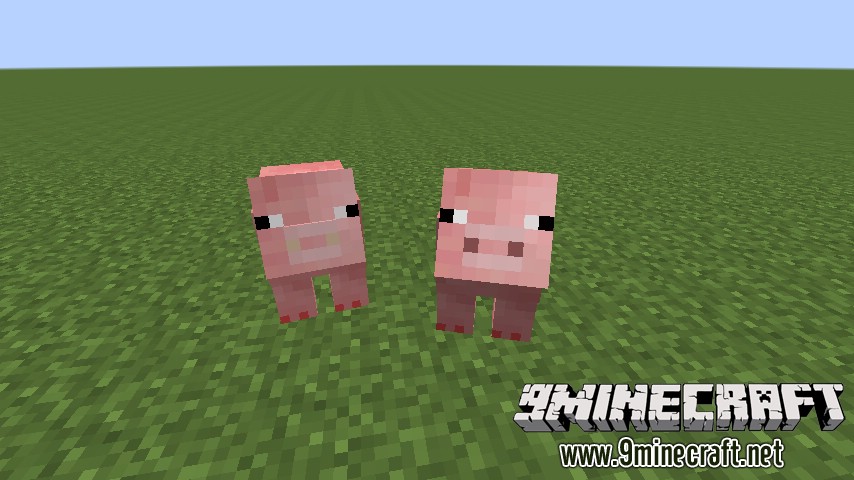
Here, the animal’s noses are different from each other. The colors are different. The male’s nose is a darker shade of pink. The female’s nose is a light brown.
- Male- Dark Nose
- Female- Light Brown Nose
Cow:
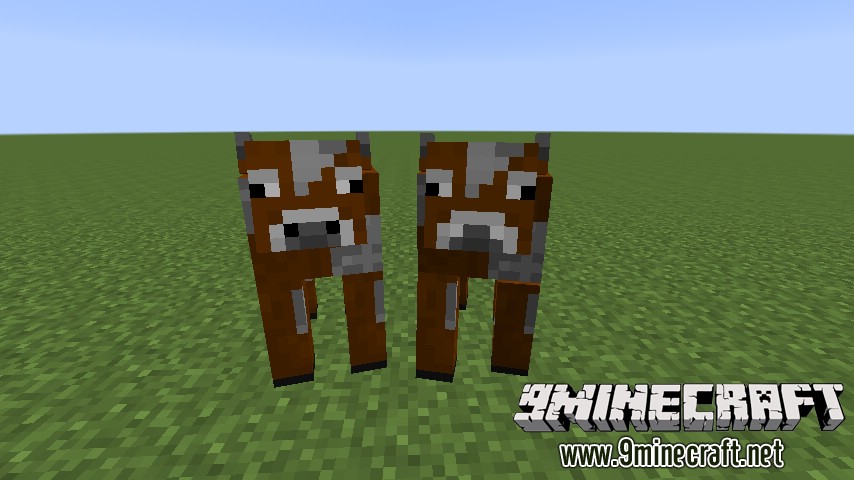
Again, the animal’s noses are different colors. The male’s nose is black but the female’s is white.
- Male- Black Nostrils
- Female- White Nostrils
Sheep:
It’s kind of obvious but one of the animal’s mouth is a darker red. The male has the dark red mouth, while the female has a pinkish mouth.
- Male- Dark Red Mouth
- Female- Light Red Mouth

Wolf:
If you look closely, the male has dark green eyes. But the female has dark blue eyes.
- Male- Dark Green Eyes
- Female- Dark Blue Eyes
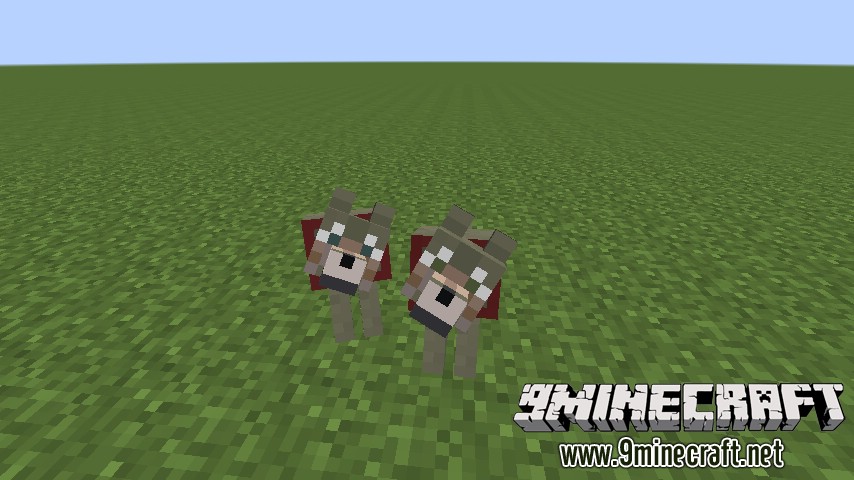
Mod Showcases:
Download Links for Better Breeds Mod 1.7.10
For Minecraft 1.7.10
- Edition: Minecraft Java
- File type: .jar
- How to install: Install the matching mod loader (Forge, Fabric or NeoForge) for your Minecraft version. → Download the .jar. → Put it in the .minecraft/mods folder and launch that loader profile.
- Where to get it: In MC Java Mods, or directly above on this page.
Install steps are the general flow for this file type — How to install Minecraft Java mods & modpacks walks through it step by step.
- Downloads as 213340.mcaddon
- Download size: 360 KB
- Download link checked 30 Jul 2026 — working
- Mirrored on our own servers — the download does not depend on the original host
These come from our own check of the pack file, not from the source page.