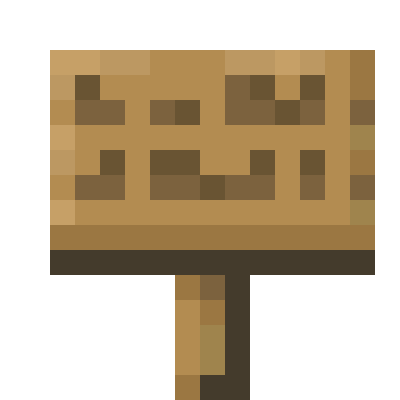
Simple mod to allow the player fast placement of multiple signs, by holding down a key (Default Left-Alt), which doesn't open the sign Gui every time you place a sign.
Futhermore you can edit existing signs by sneaking and right clicking a sign, which opens the sign Gui and let's you change the text.
Install:
Drag the jar to your minecraft mods folder, normally found in '<username>\%AppData%\Roaming\.minecraft'
Quick facts
- Edition: Minecraft Java
- File type: .jar
- Minecraft versions listed: 1.19.4, 1.19.3, 1.19.2
- How to install: Install the matching mod loader (Forge, Fabric or NeoForge) for your Minecraft version. → Download the .jar. → Put it in the .minecraft/mods folder and launch that loader profile.
- Where to get it: Opens on CurseForge — not every file is mirrored on our own servers.
Install steps are the general flow for this file type — How to install Minecraft Java mods & modpacks walks through it step by step.
Better Signs is a free Minecraft Java mod. Compatible with Minecraft 1.19.4, 1.19.3, 1.19.2, 1.19.1 and newer. Downloaded 395,853 times (via CurseForge). Download it and open it directly in the game.