GUI Tween
I don't know my version or loader
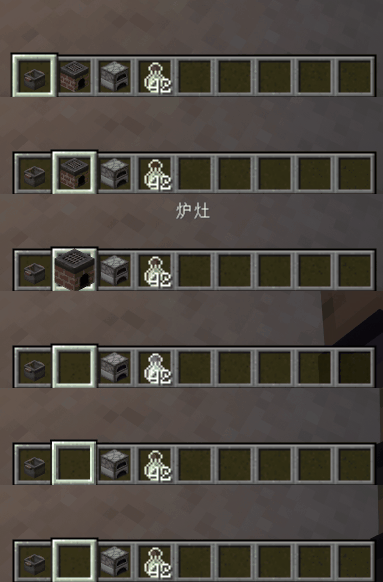
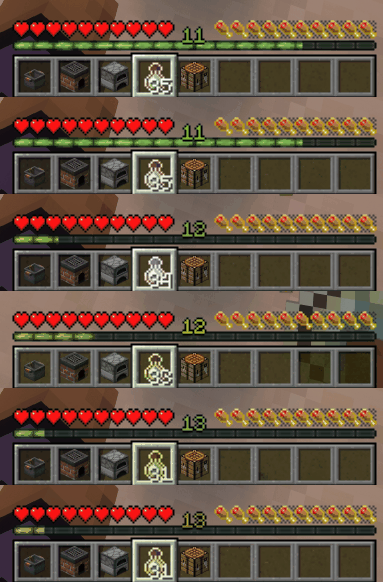
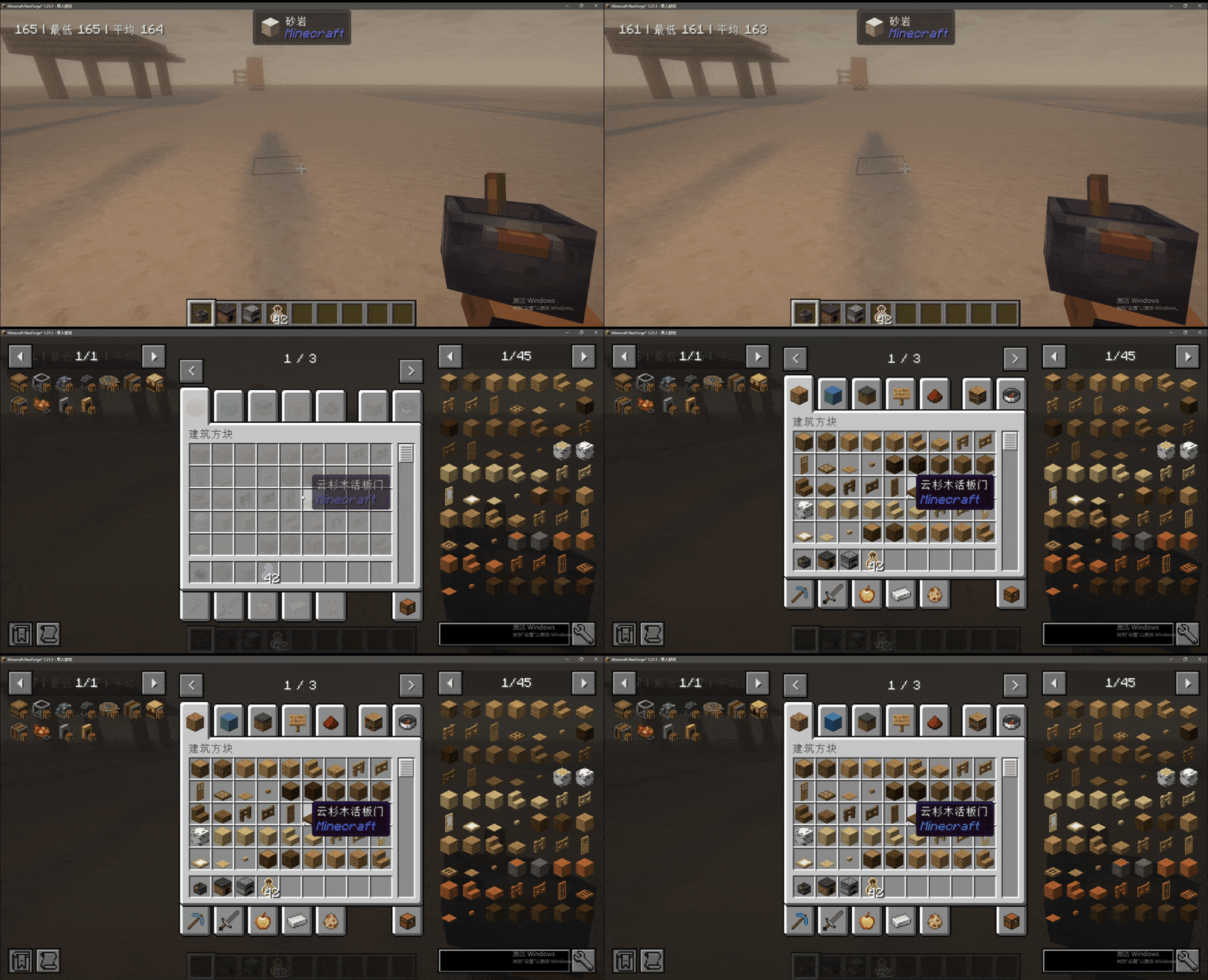
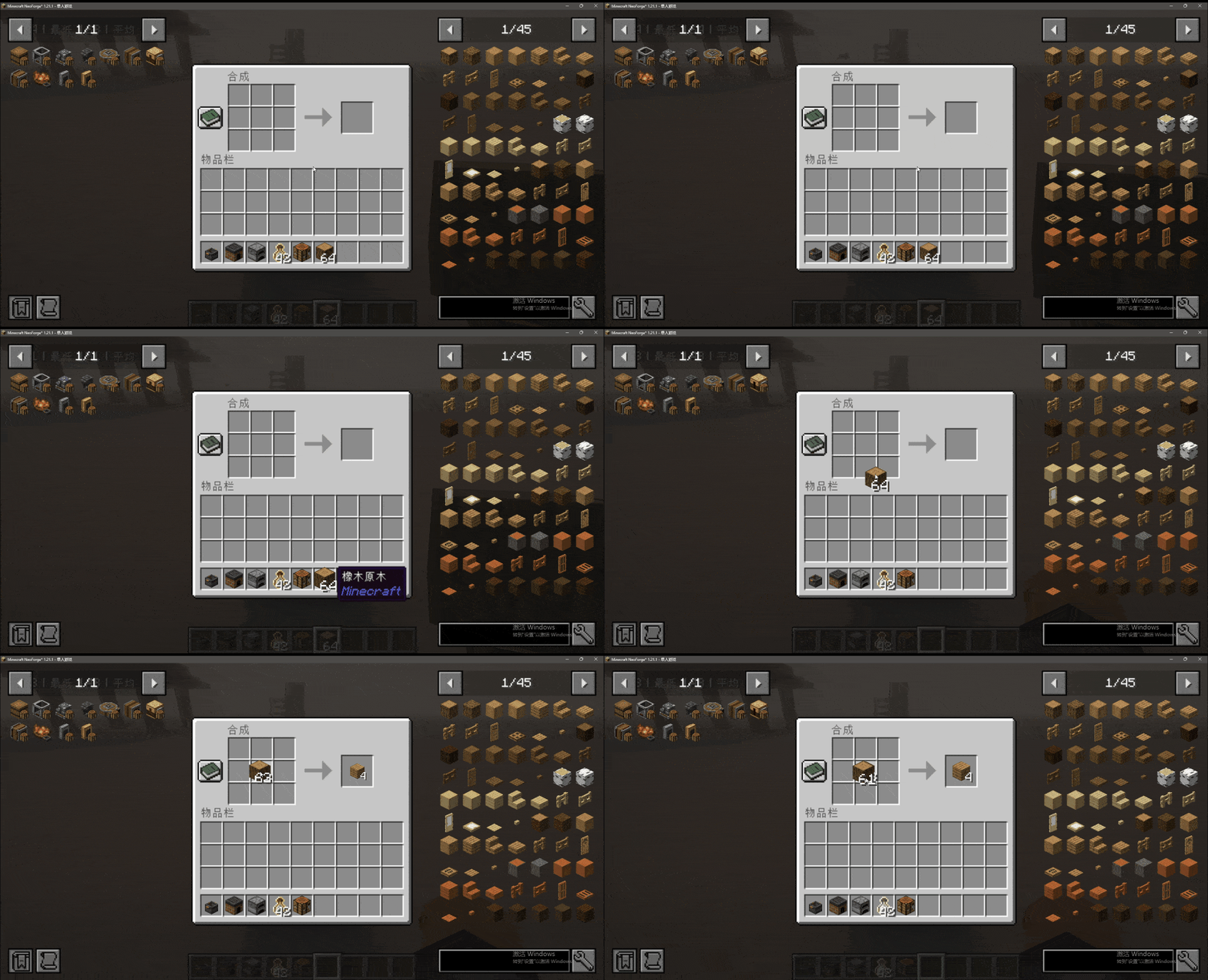
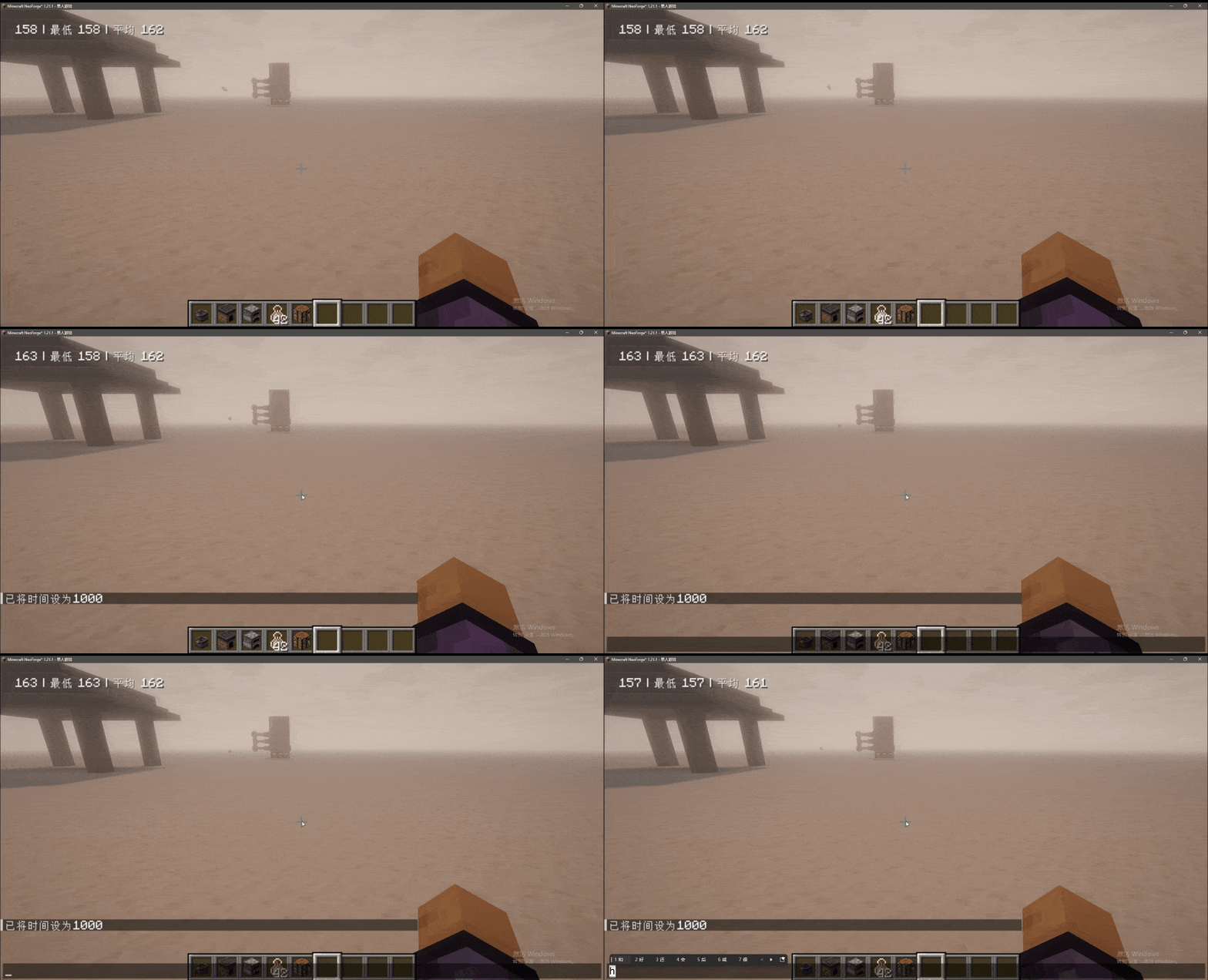
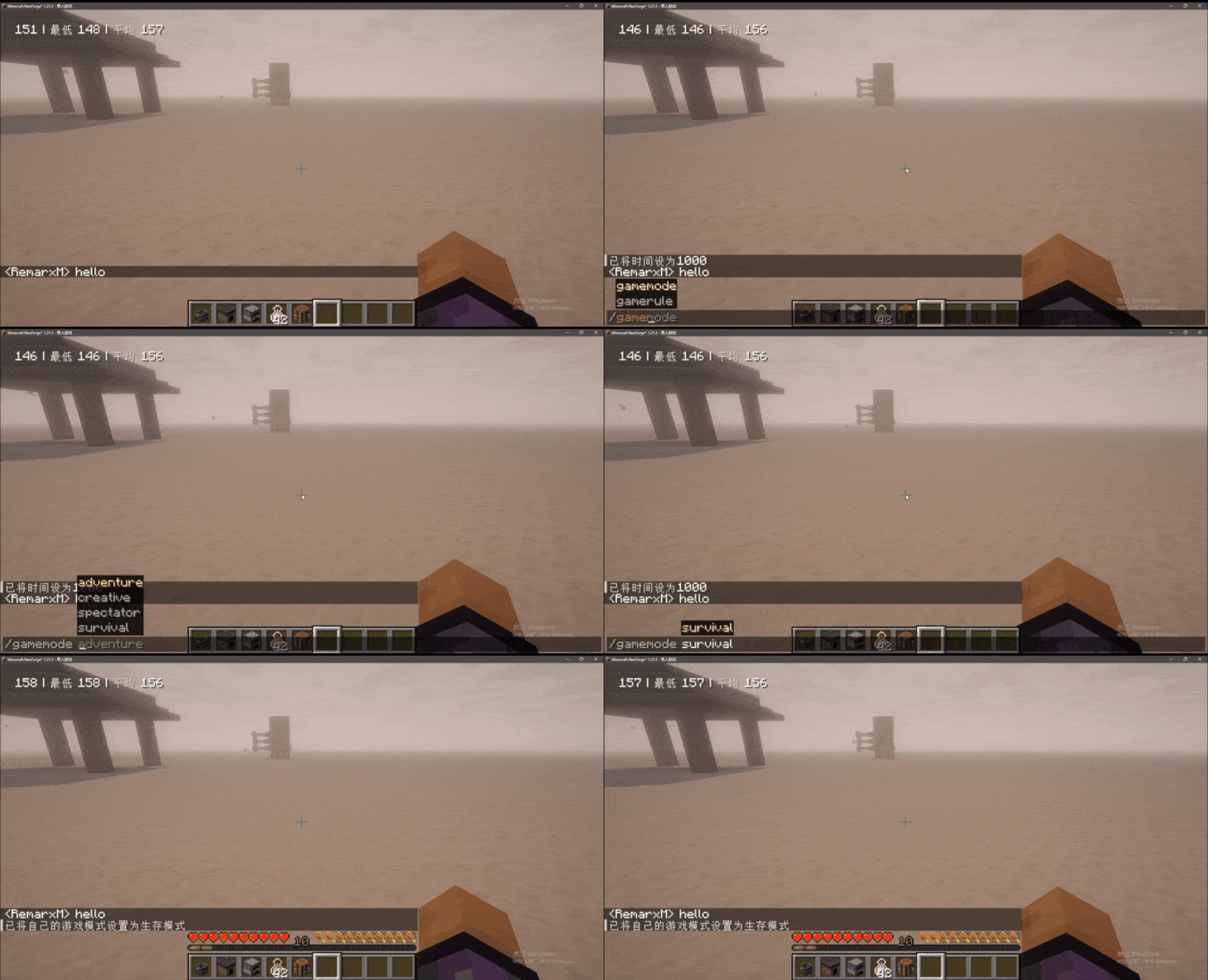
Added some GUI animation effects.
🎨 Animation Effects
Added various GUI animation effects to enhance the visual operation experience:
Chat Animation:

Window Item Animation:
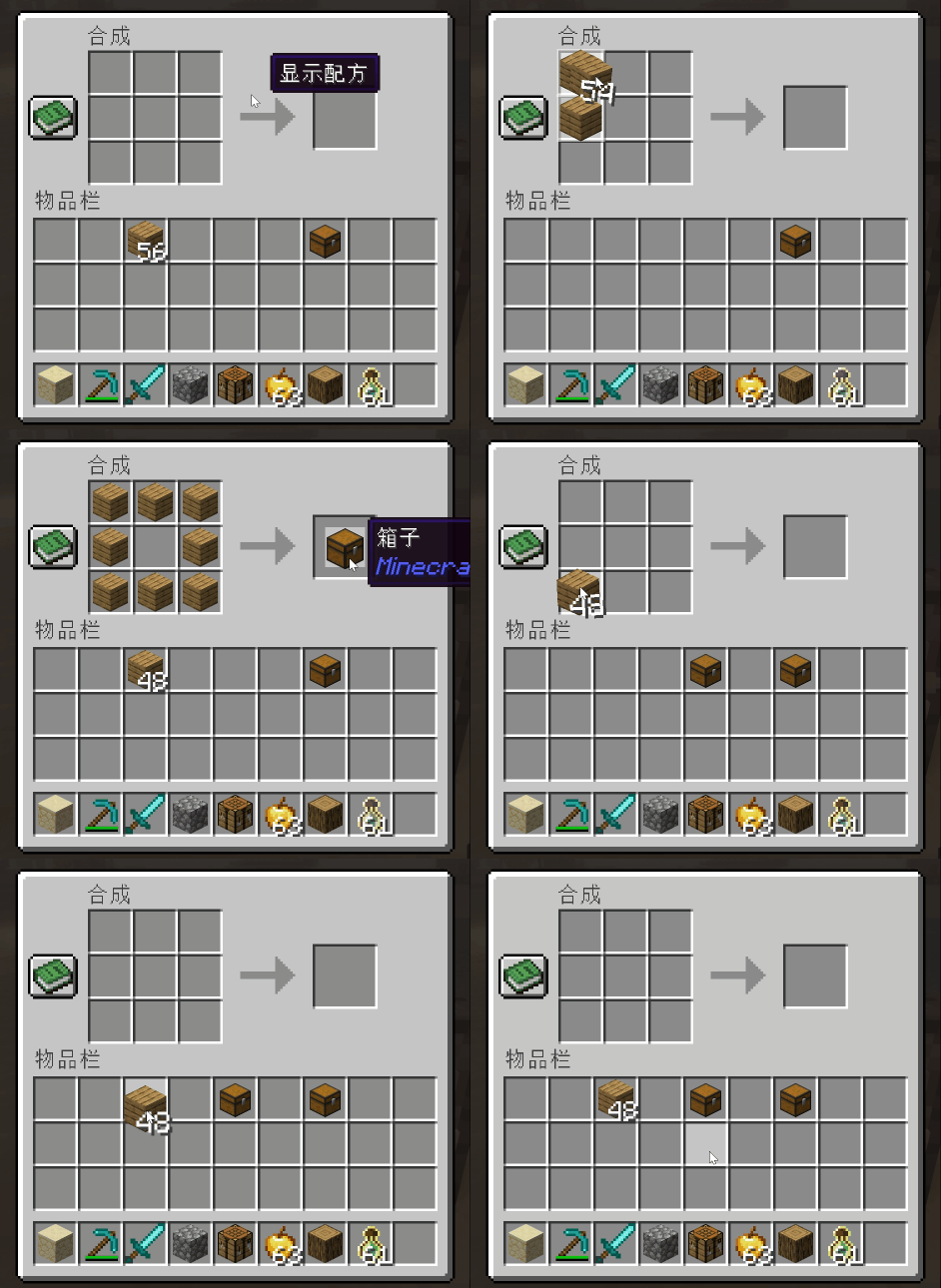
Window Open Animation:

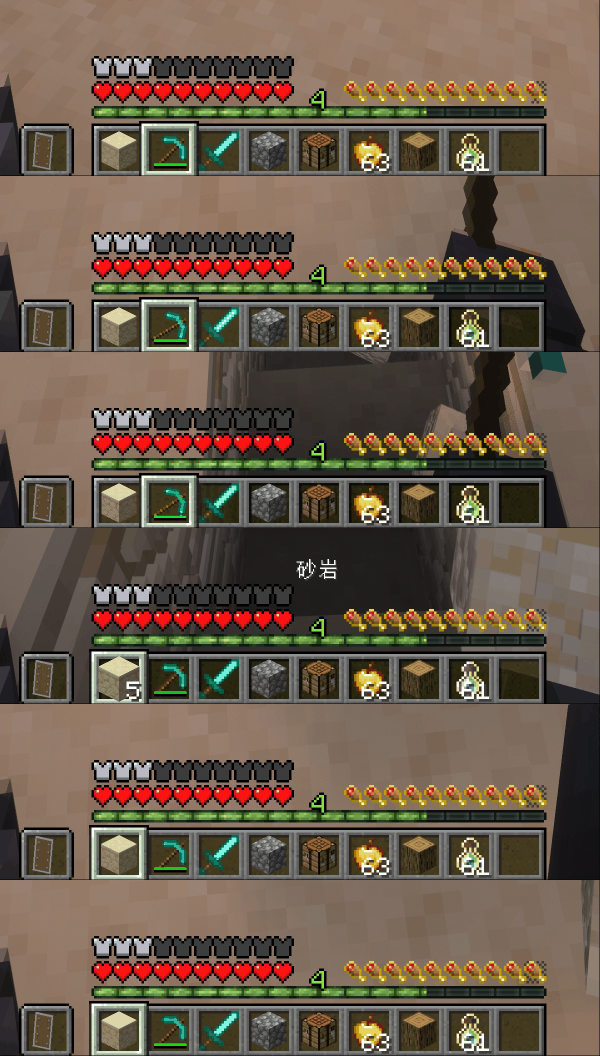
Hotbar Animation:

Item Use Animation:
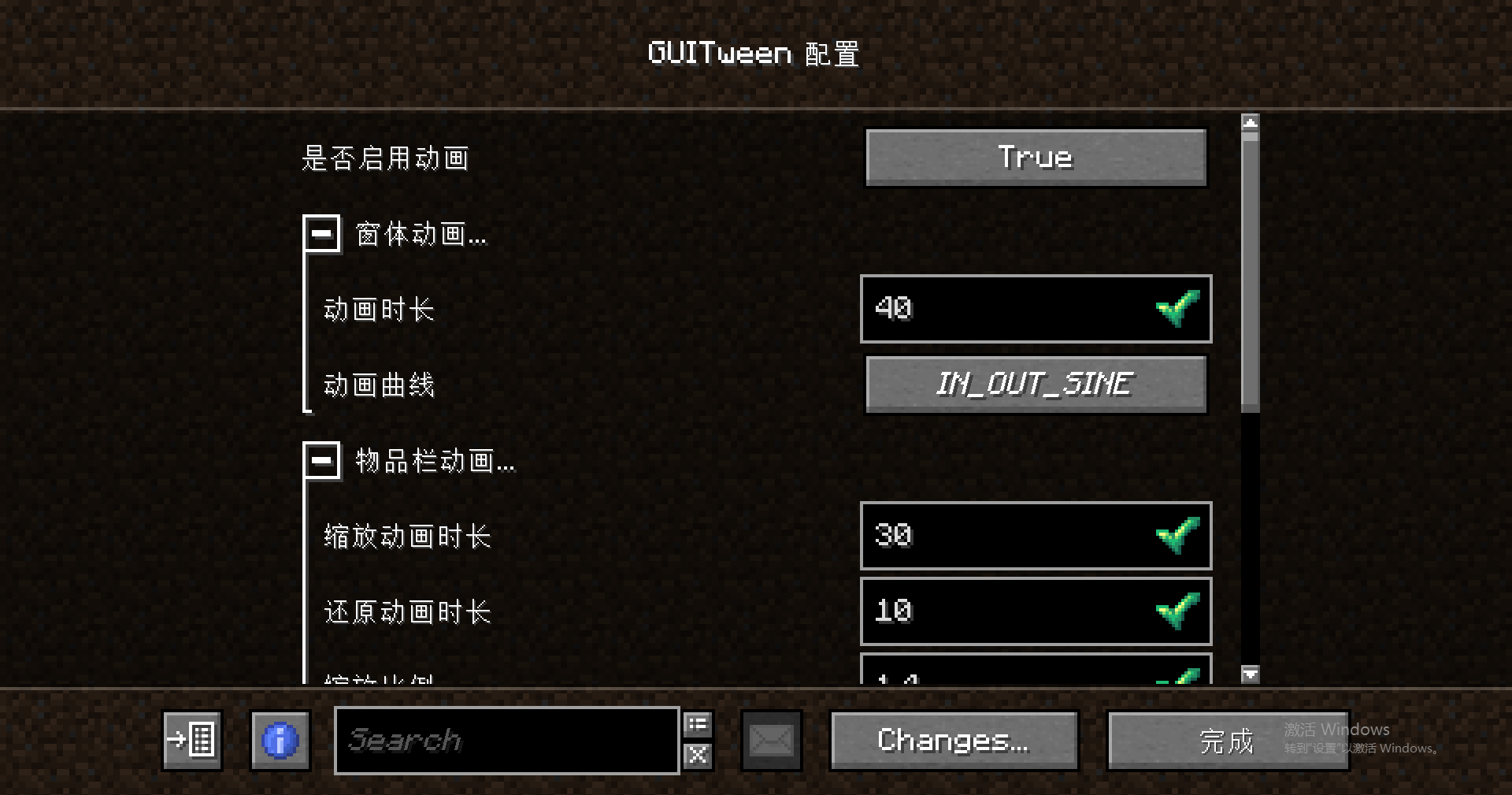
⚙️ Configuration
GUI animation related configuration interface:

🔧 Add a new screen output slot animation
You can add an output slot animation to a specified screen by creating a datapack, following these steps:
1. Folder Directory Structure
The following directory format must be strictly followed:
"Any Name"/data/"mod id"/window_slots/"name".json
Directory Example:

2. Configuration Instructions
Core Rules:
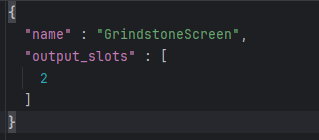
name: Fill in the screen class nameoutput_slots: Fill in the output slot index array
Configuration Example:
3. View Screen Information
Method to obtain screen class name and slot index:
Enter the configuration interface and enable "enable debug window"
Open the target screen to view the relevant information
Screen Information Example:

- Edition: Minecraft Java
- File type: .jar
- Minecraft versions listed: 1.21.1, 1.20.1, 1.21.11
- How to install: Install the matching mod loader (Forge, Fabric or NeoForge) for your Minecraft version. → Download the .jar. → Put it in the .minecraft/mods folder and launch that loader profile.
- Where to get it: Opens on CurseForge — not every file is mirrored on our own servers.
Install steps are the general flow for this file type — How to install Minecraft Java mods & modpacks walks through it step by step.
- Ships as guitween-fabric-26.1-3.3.0-beta-1.jar — drop this file into the mods folder
- Download size: 116 KB
- Download link checked 27 Aug 2026 — working
These come from our own check of the pack file, not from the source page.