Markdown Manual
Java mod listed for Minecraft 1.16–1.21. Downloads from the MC Java Mods app on Android.
I don't know my version or loader

MarkdownManual is a library mod enabling in-game manuals with content defined in Markdown documents. It is intended to be used by mod developers to provide in-game documentation of their mods in a simple manner. The mod provides a simple default manual look, but can be re-styled easily, or completely embedded into existing UI. This mod adds no player-facing content on its own.
For an example of how to use this library, see TIS-3D, which uses this for its in-game manual. For the required setup in code, please see the Manuals class. For content definition of the manual, please see the doc directory. But the short of it is: register a new manual with the manuals registry, register content for the new manual, register an item to make the manual available to players. Content documents are Markdown documents that may have links to other content documents. Images and blocks/items can be embedded using Markdown style image references (for example ).
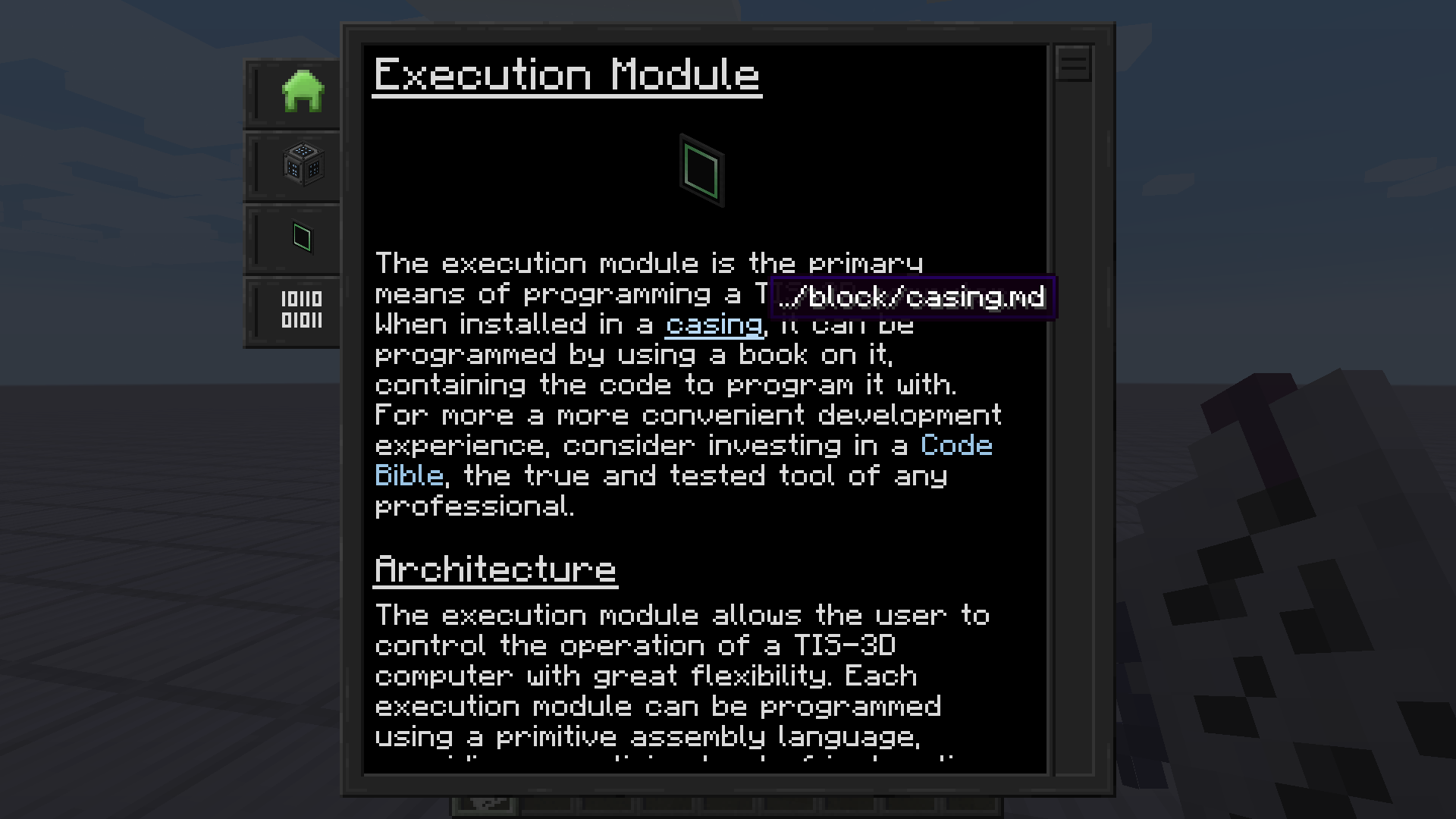
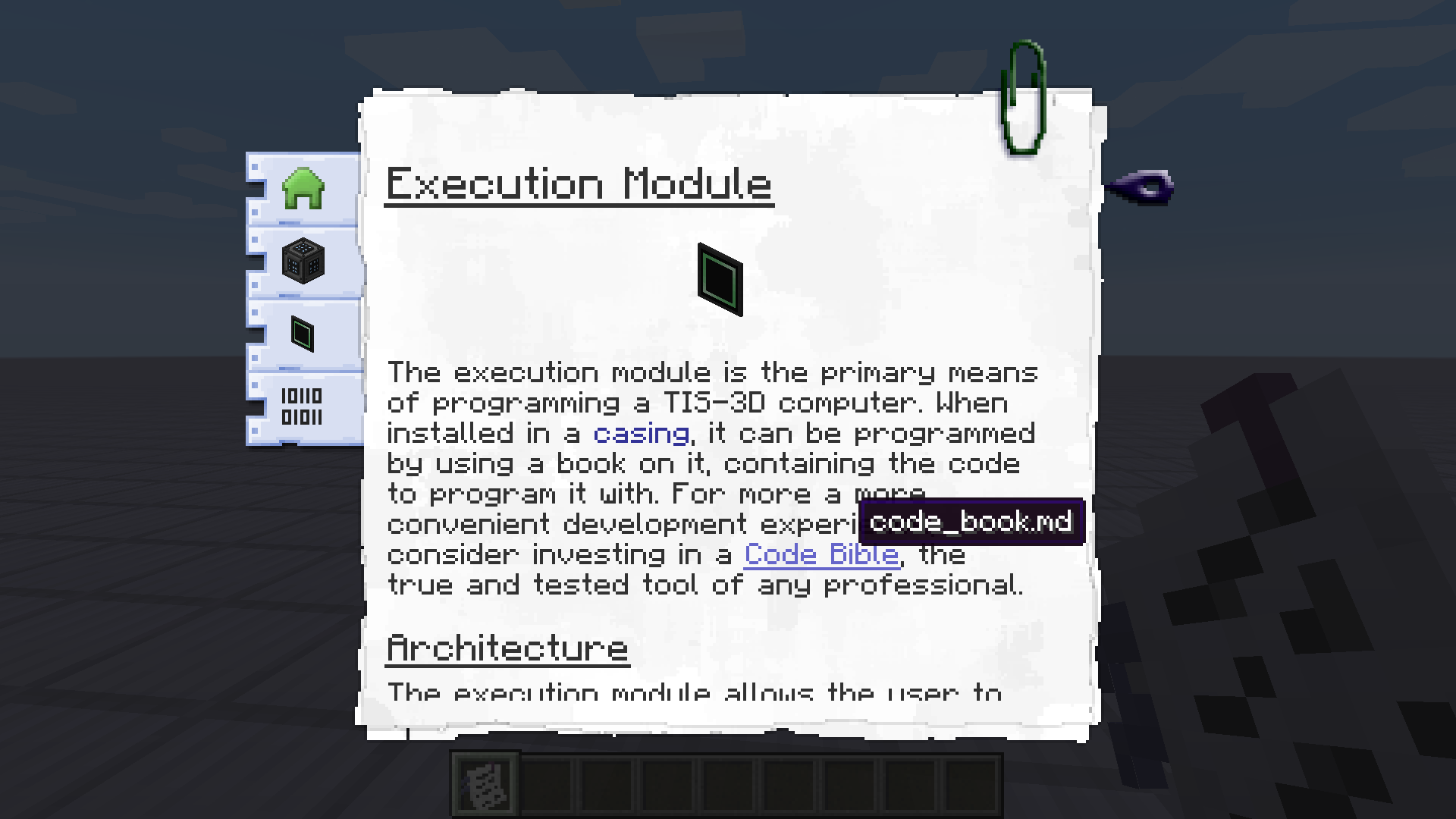
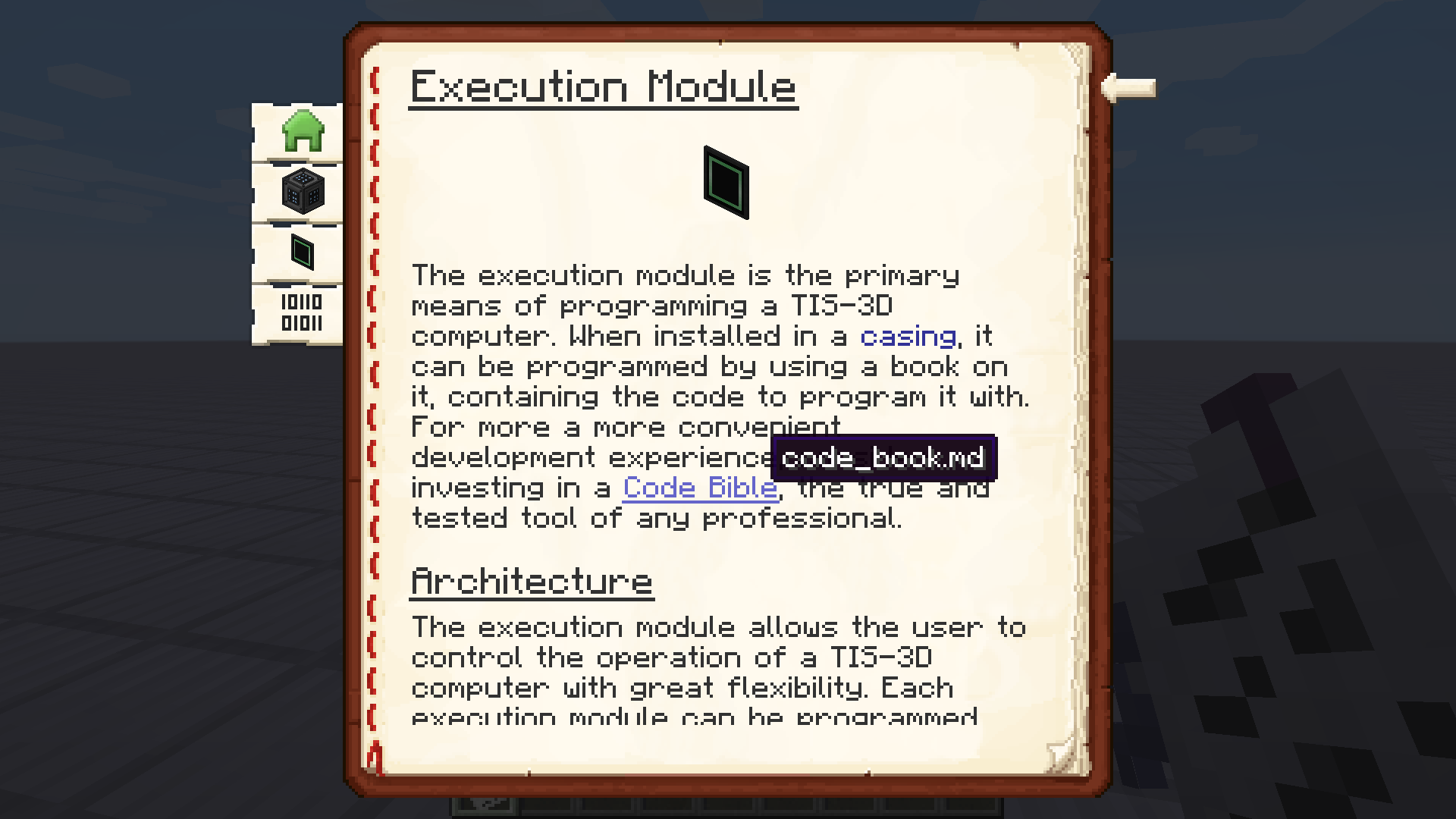
Here are some example screenshots, demonstrating how flexible the styling of the default manual UI is. Same content three times with different skins:
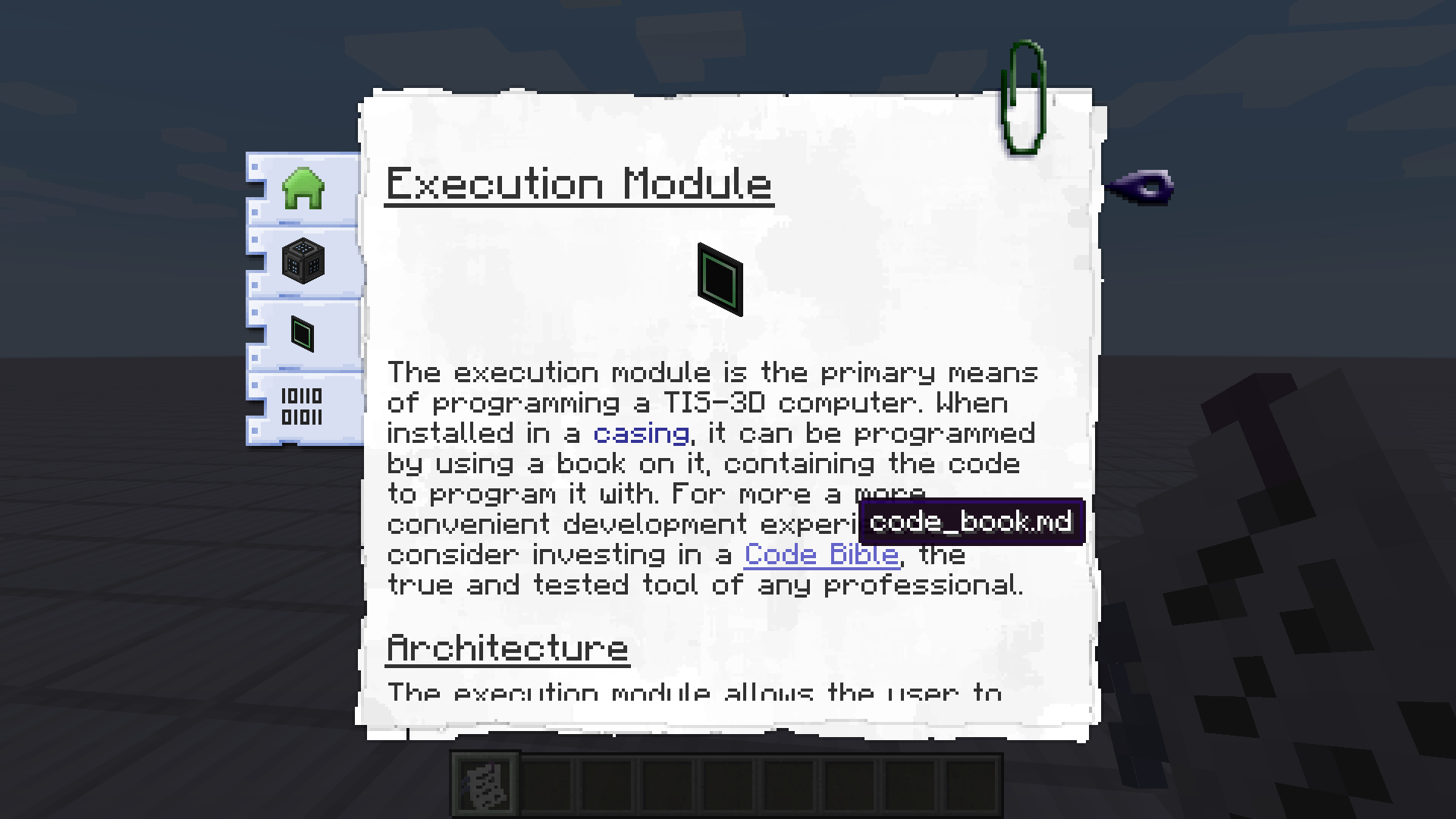
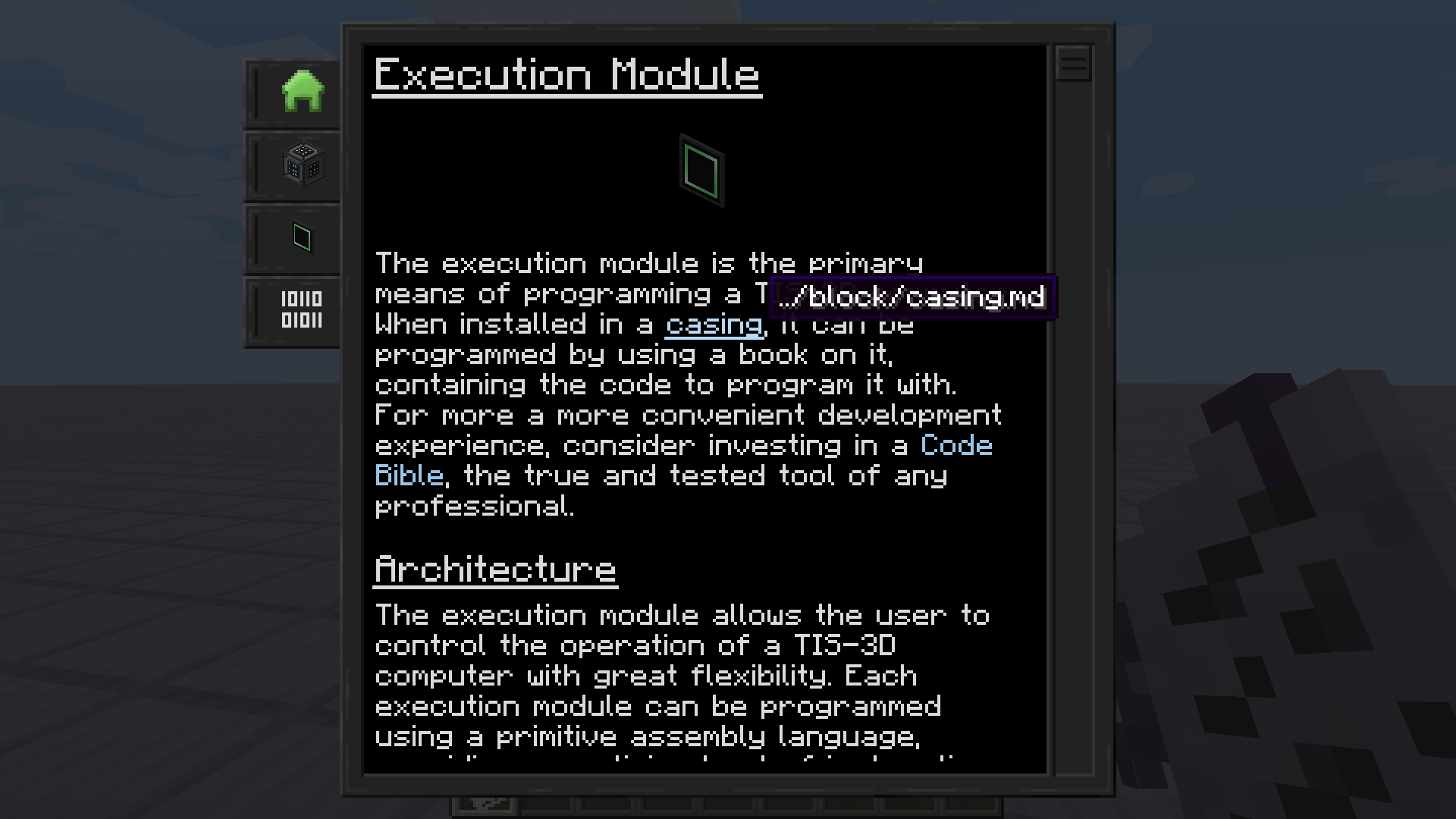
- Edition: Minecraft Java
- File type: .jar
- Minecraft versions listed: 1.21.11, 1.21.1, 1.20.4
- How to install: Install the matching mod loader (Forge, Fabric or NeoForge) for your Minecraft version. → Download the .jar. → Put it in the .minecraft/mods folder and launch that loader profile.
- Where to get it: Opens on CurseForge — not every file is mirrored on our own servers.
Install steps are the general flow for this file type — How to install Minecraft Java mods & modpacks walks through it step by step.
- Ships as markdown_manual-MC1.20.4-forge-1.2.6+6bb2558.jar — drop this file into the mods folder
- Download size: 142 KB
- Download link checked 28 Oct 2026 — working
These come from our own check of the pack file, not from the source page.