
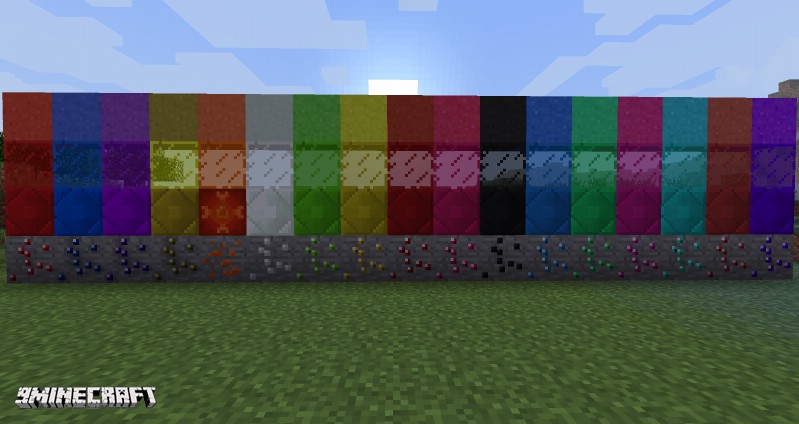
Gems+ mod adds emerald, ruby, sapphire, amethyst, topaz, phoenixite, jade, citrine, garnet, spinel, onyx, agate, malachite, tourmaline, chrysocolla, jasper, sugilite ores, items, blocks, tools, armor, dusts, sand and glass.
Phoenixite tools can be repaired by right clicking with them on lava, they can also be used as flint and steel and also light mobs on fire.
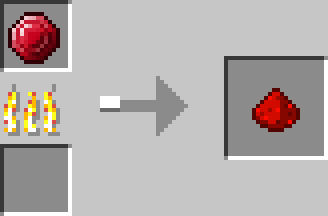
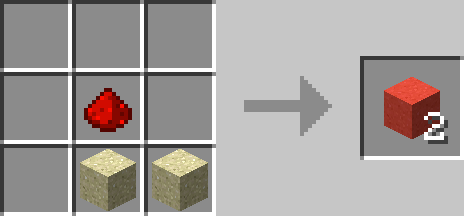
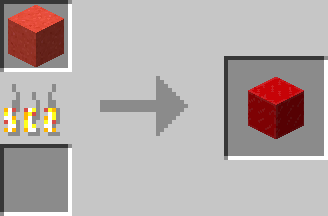
To get glass you first put the gems in furnace to get gem dust, and then you mix a gem dust with two sand and get colored sand, then you can smelt it in furnace and you get colored glass.
Screenshots:
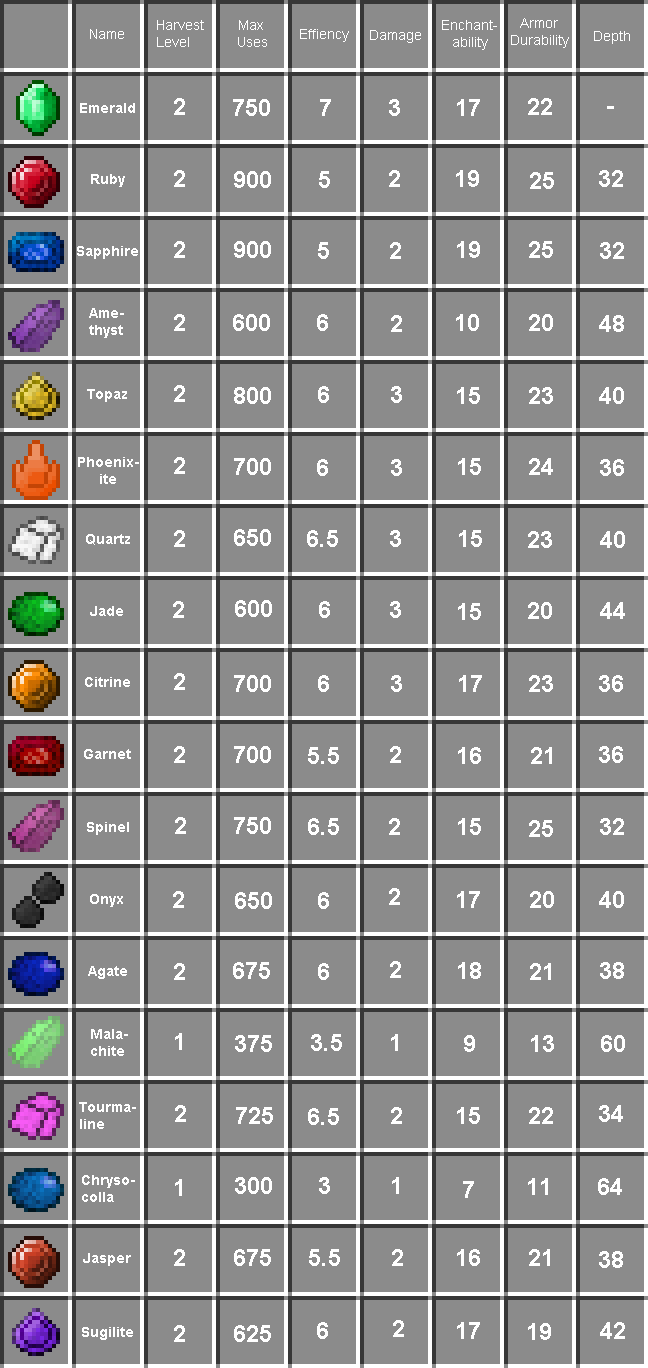
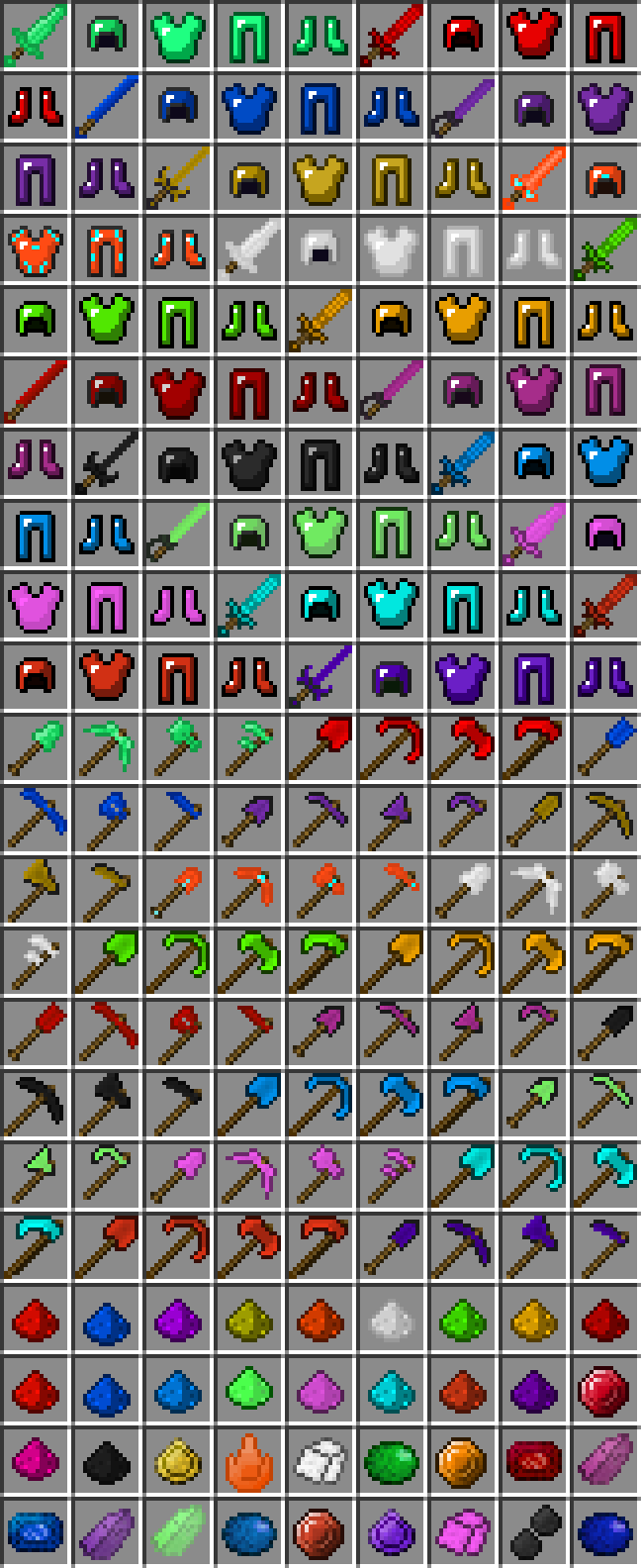
Crafting Recipes:
Gems+ Mod Download Links
For Minecraft 1.5.2
For Minecraft 1.6.4
For Minecraft 1.7.10
For Minecraft 1.8.9
For Minecraft 1.9.4
For Minecraft 1.10.2
- Edition: Minecraft Java
- File type: .jar
- How to install: Install the matching mod loader (Forge, Fabric or NeoForge) for your Minecraft version. → Download the .jar. → Put it in the .minecraft/mods folder and launch that loader profile.
- Where to get it: In MC Java Mods, or directly above on this page.
Install steps are the general flow for this file type — How to install Minecraft Java mods & modpacks walks through it step by step.
- Downloads as 213752.mcaddon
- Download size: 298 KB
- Download link checked 27 Jul 2026 — working
- Mirrored on our own servers — the download does not depend on the original host
These come from our own check of the pack file, not from the source page.