
AE2 Import Export Card
Java mod listed for Minecraft 1.18–1.21. File opened and checked on 3 Oct 2026; downloads from the MC Java Mods app on Android.
I don't know my version or loader
THIS MOD REQUIRES APPLIED ENERGISTICS 2
If you want to put this mod in your modpack, feel free to use it :)
This mod adds an Import & Export Card & Block Picker Card for Applied Energistics 2.
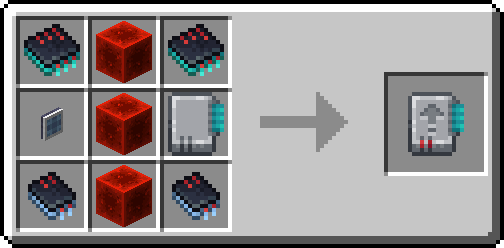
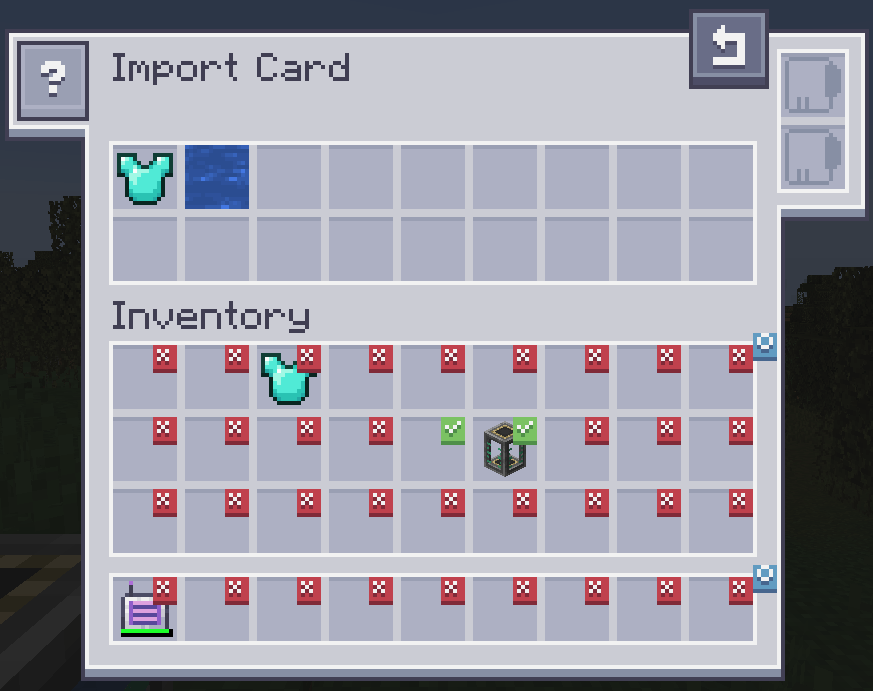
The Import Card takes items in specific slots of your inventory and dumps them into your ME system.
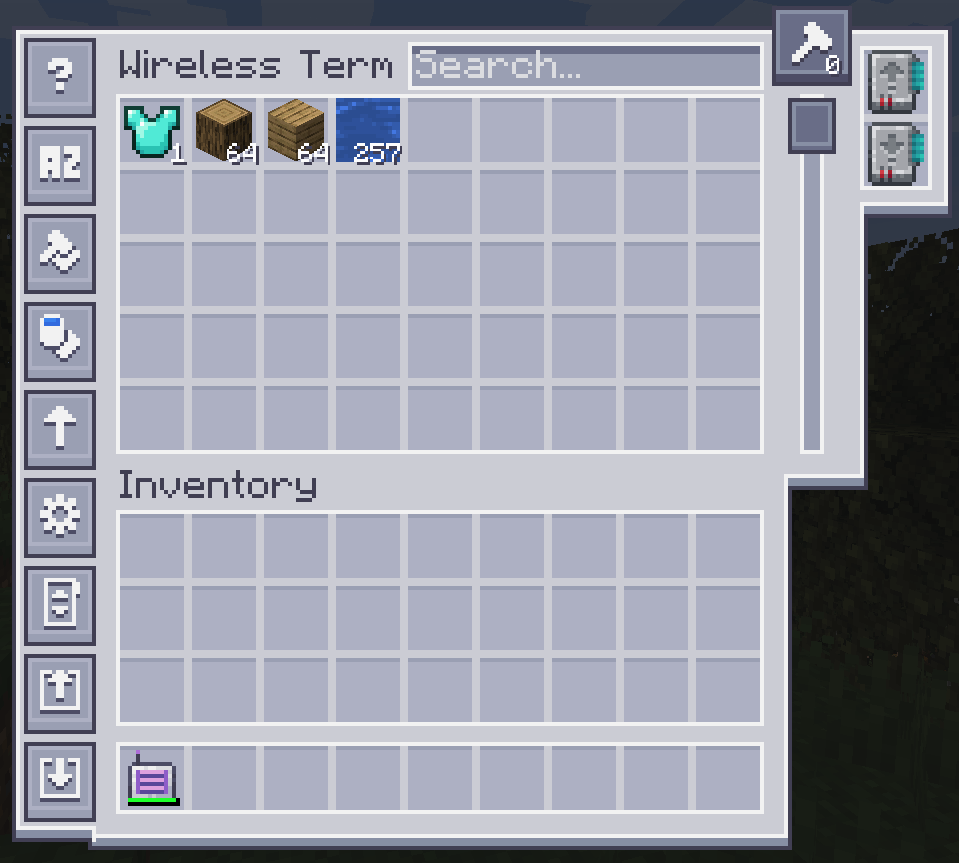
Open up your wireless terminal and add the import or export card in the slot on the right.
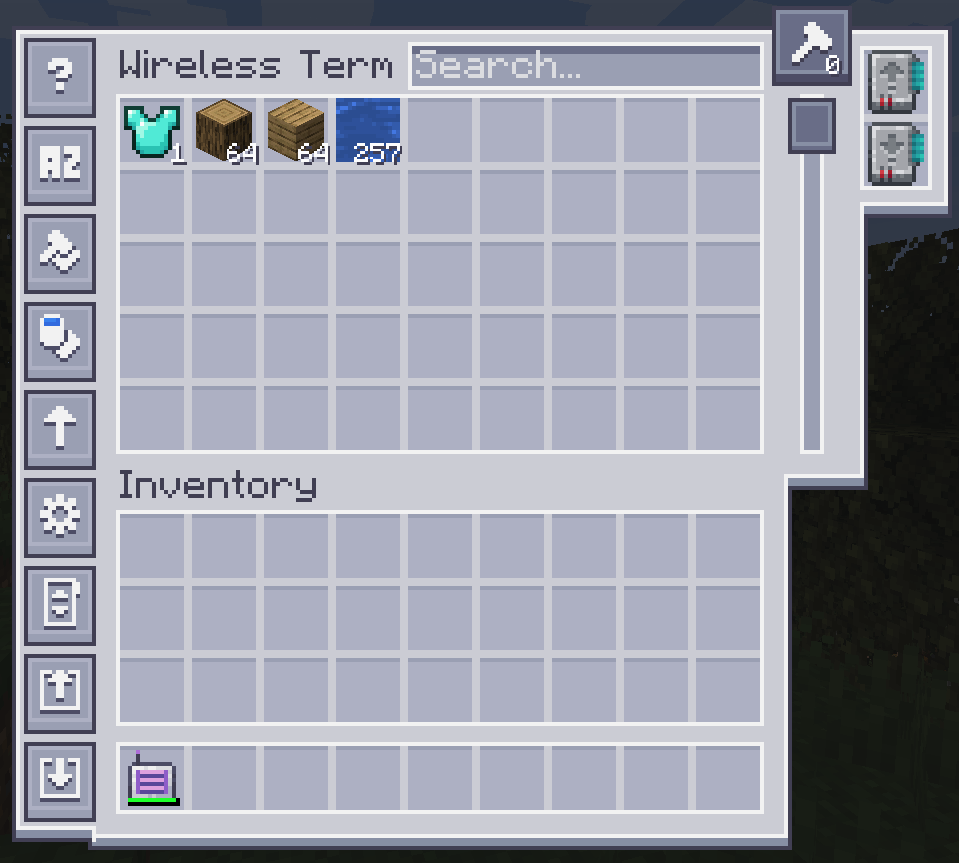
To configure it, click on one of the left side buttons.
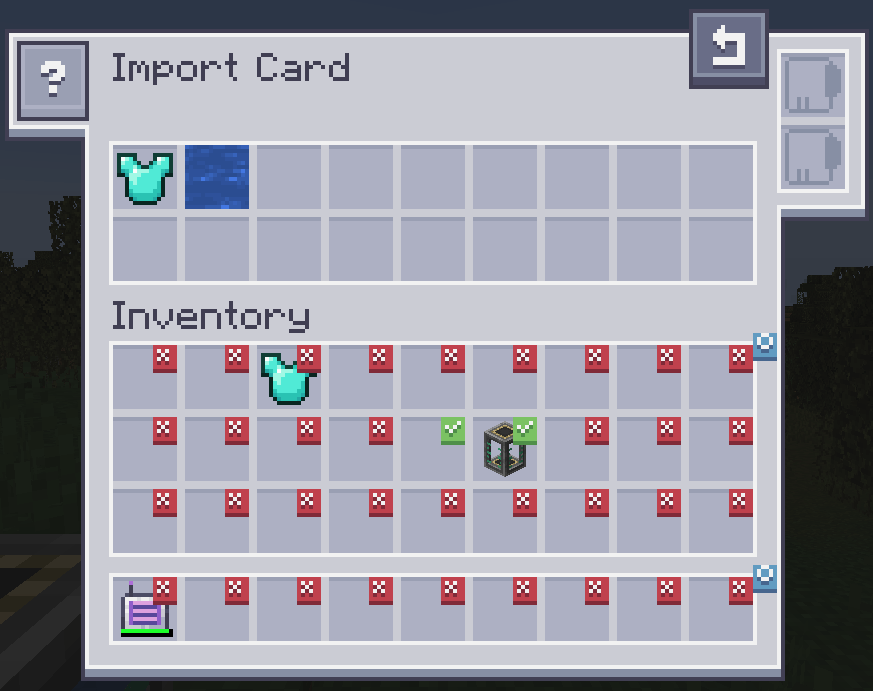
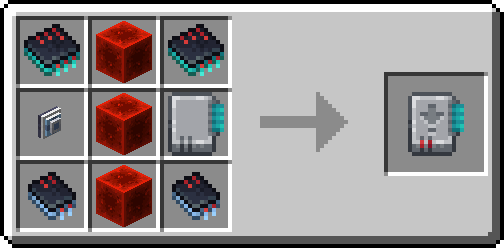
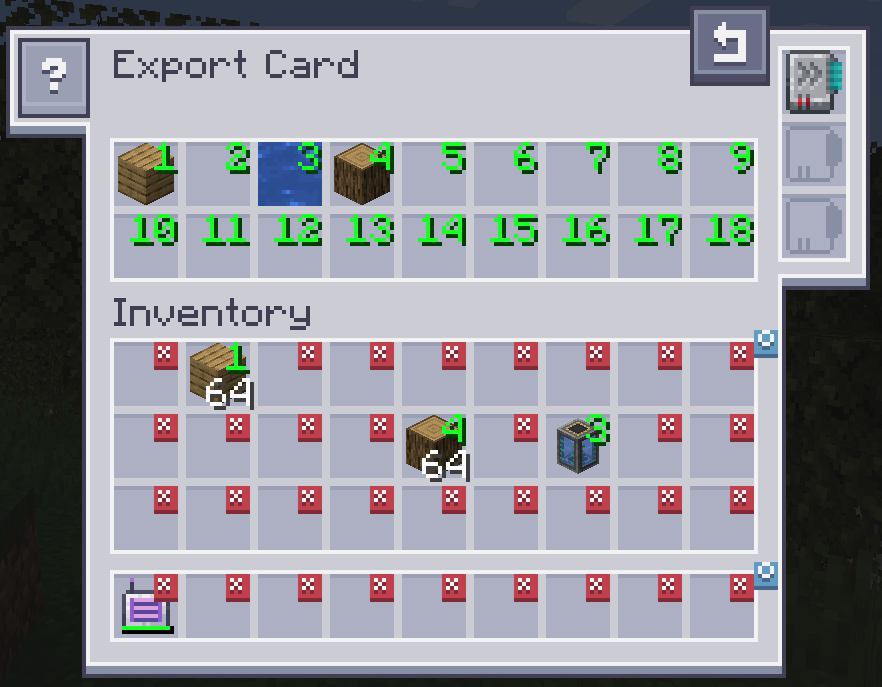
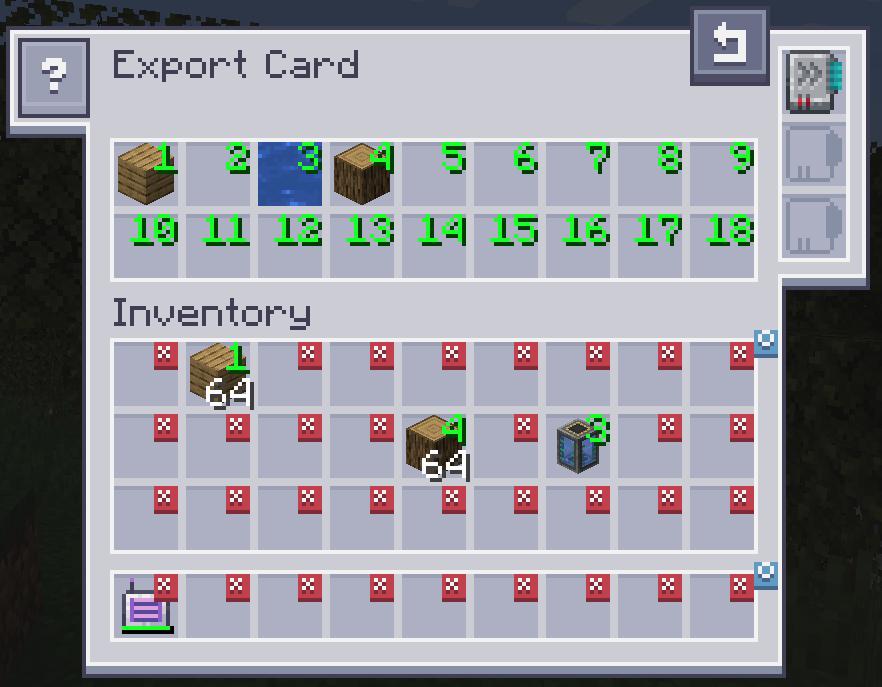 The Export Card works exactly the same but will pull items from your ME system into your inventory. To specify what items, drag the item from the inventory into one of the slots at the top and click on a slot in your inventory to change it to the desired number. Right clicking clears back to X. Fuzzy card is supported. Acceleration card improves the transfer speed from 1 to an entire stack of items. The crafting card is used to automatically request and craft items that are currently not available.
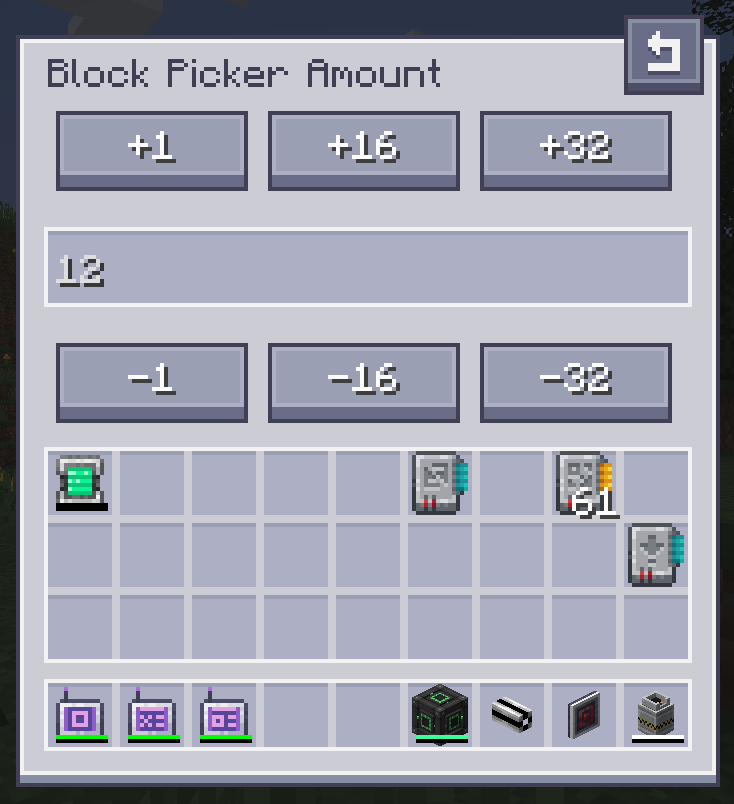
The Block Picker Card lets you extract the block you are currently looking at directly from your Network. Simply aim at a block and press the "Pick Block" keybind. If the matching block is available in your network, it will be extracted into your inventory. 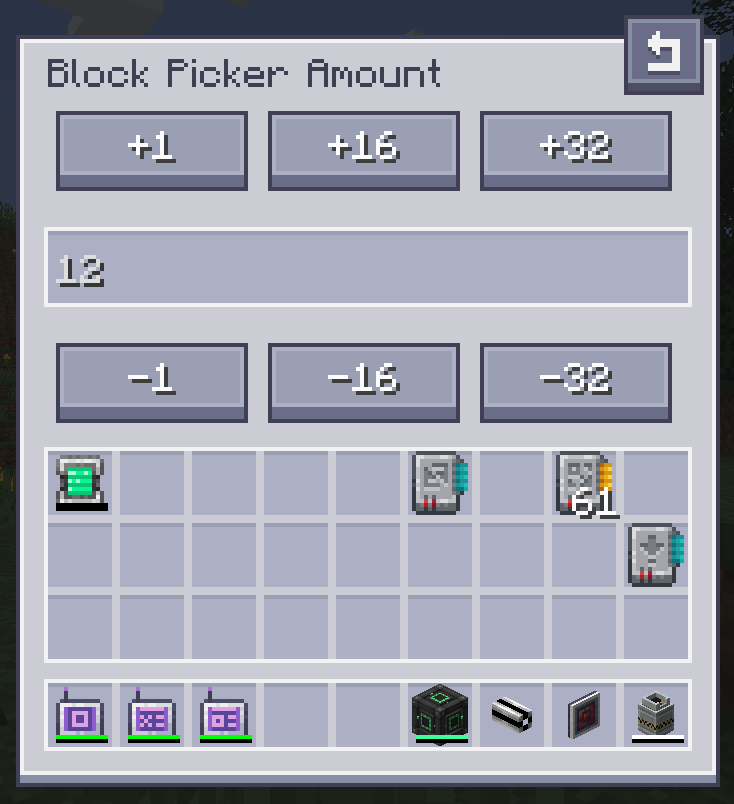
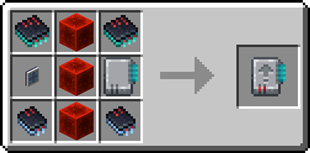
Import Card recipe:
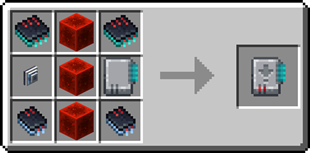
Export Card recipe:

Need a server? Get 20% off your first month by using promo code "ultra"

- Edition: Minecraft Java
- File type: .jar
- Minecraft versions listed: 1.21.1, 1.18.2, 1.19.3
- How to install: Install the matching mod loader (Forge, Fabric or NeoForge) for your Minecraft version. → Download the .jar. → Put it in the .minecraft/mods folder and launch that loader profile.
- Where to get it: Opens on CurseForge — not every file is mirrored on our own servers.
Install steps are the general flow for this file type — How to install Minecraft Java mods & modpacks walks through it step by step.
- Ships as ae2insertexportcard-1.18.2-1.0.0.jar — drop this file into the mods folder
- Download size: 215 KB
- Download link checked 24 Oct 2026 — working
These come from our own check of the pack file, not from the source page.