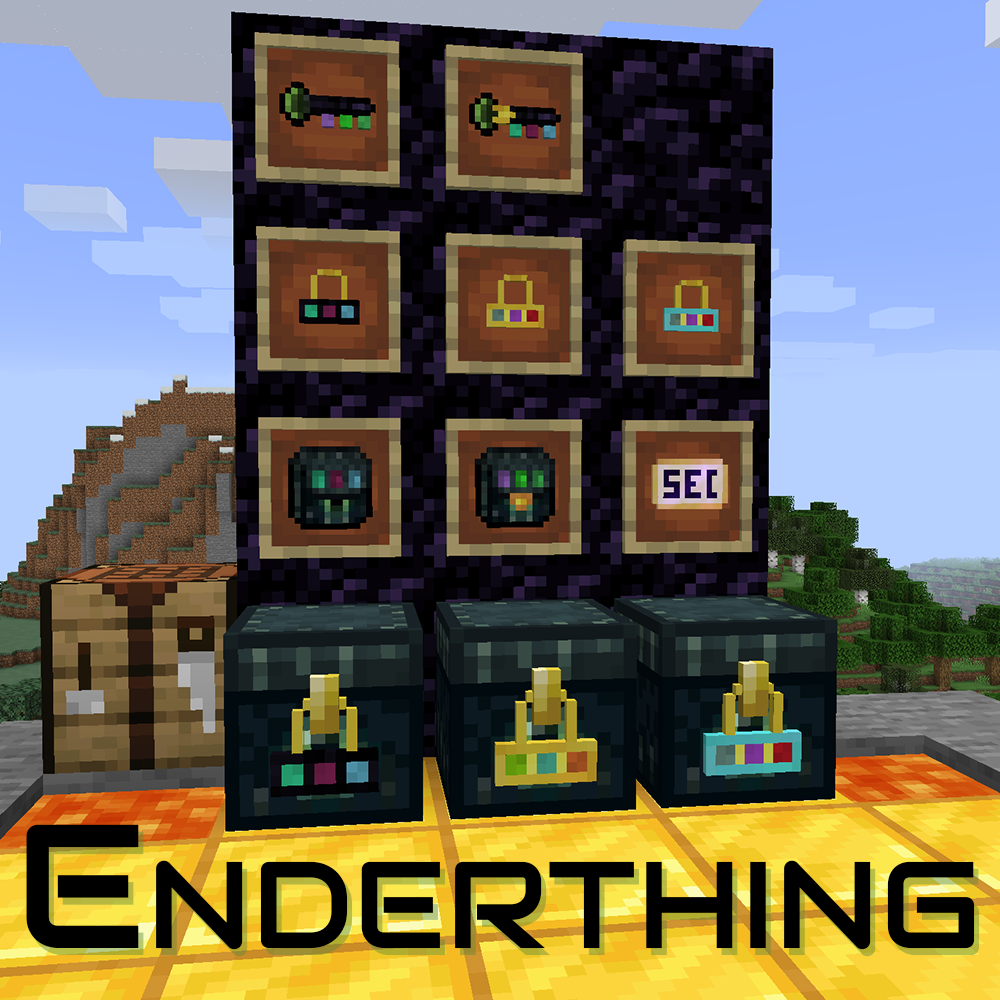
Enderthing
Java mod listed for Minecraft 1.16–1.21. Downloads from the MC Java Mods app on Android.
I don't know my version or loader
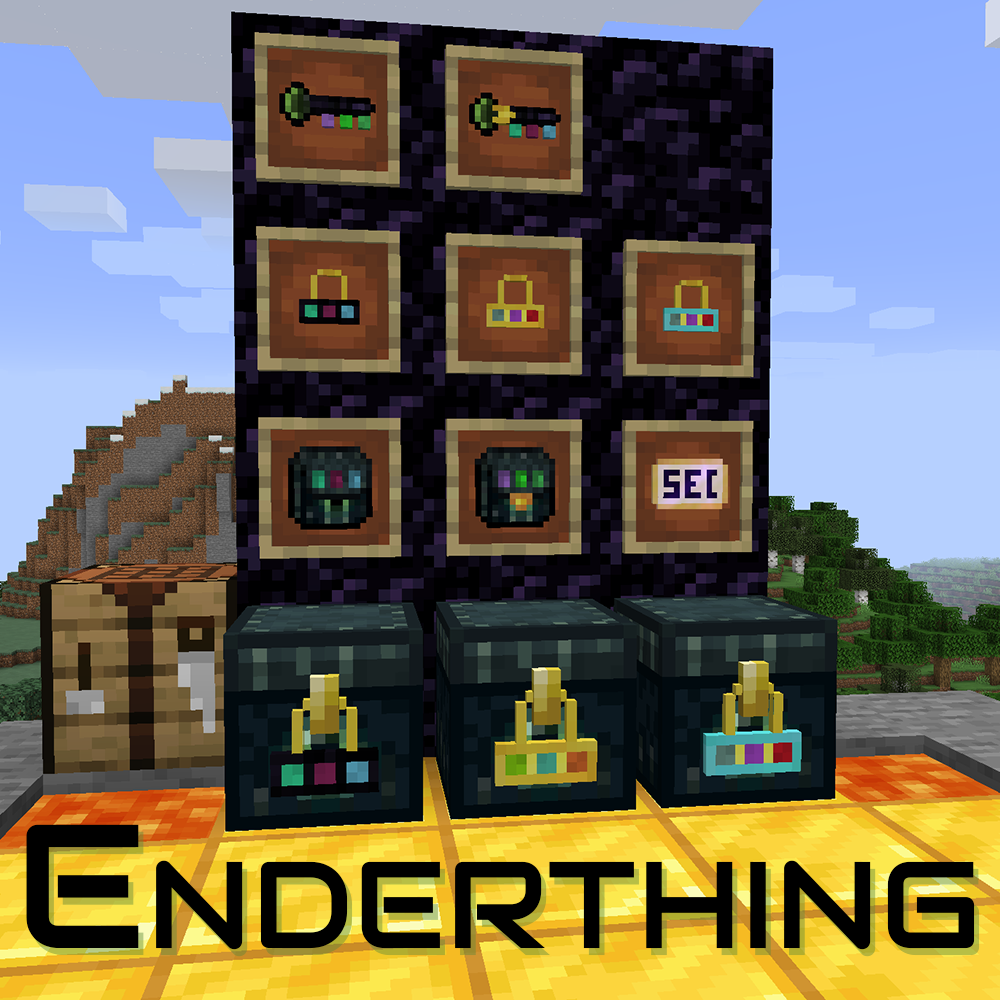
Enderthing provides the ability to have globally-shared inventories.
You can access those inventories by using a key on any Ender Chest, or you can place a lock on an Ender Chest to bind it to this inventory permanently.
WARNING: Data loss bug in versions 0.5.4 and earlier
If you die in 0.5.4 and earlier, the contents of your private inventories WILL be lost, with no way to recover the data other than a world backup! Please upgrade ASAP, as the new storage system introduced in 0.6 does not have this issue.
Current Features
• Ender Key: By shift-rightclicking on an Ender Chest, you can open the shared inventory corresponding to the color code of the key. Anywhere, any time.
• Private Keys: These items act like the normal keys, but instead of opening a global inventory, the inventory is player-bound instead, which means other players will get separate inventories from you.
• Ender Lock: By shift-rightclicking on an Ender Chest, you can permanently convert this chest into an Ender Key Chest, which will allow hoppers and other pipes to access the chest.
◦ If you use the lock on an already-keyed chest, the old lock will pop off, meaning it's reusable.
◦ If you want to de-key a chest, put it on your hand, and shift-rightclick on air.
◦ Private Locks: Similarly to keys, they act like normal locks, but with a caveat: Private chests can not be automated, since the inventory is bound exclusively to the player.
• Ender Key Chest
• Use Silk Touch to break without losing the Eye, like in vanilla!
• Ender Packs: Same principles as the chests and keys: normal ones access the global network, private ones access the private network.
• Ender Security Card: Once bound to a player, the card can be used to bind a chest to a player, so that the inventory becomes automatable.
Can I use this in <X>?
Yes. Unless <X>'s license is incompatible with this mod's, which is unlikely.
Help and Support
For bug reports and feature requests, visit the issue tracker (link above)
You can also find me on discord, in my little discord server (please use the support forum channels! DO NOT DM me unless strictly necessary).
I've got a Patreon!
Help me continue making games and mods! Click here
- Edition: Minecraft Java
- File type: .jar
- Minecraft versions listed: 1.21.11, 1.21.8, 1.21.7
- How to install: Install the matching mod loader (Forge, Fabric or NeoForge) for your Minecraft version. → Download the .jar. → Put it in the .minecraft/mods folder and launch that loader profile.
- Where to get it: Opens on CurseForge — not every file is mirrored on our own servers.
Install steps are the general flow for this file type — How to install Minecraft Java mods & modpacks walks through it step by step.
- Ships as enderthing-1.11.0-0.7.3.jar — drop this file into the mods folder
- Download size: 114 KB
- Download link checked 7 Oct 2026 — working
These come from our own check of the pack file, not from the source page.