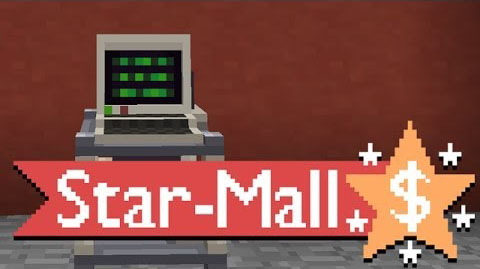
Star-Mall is a mod that adds an in-game block and item shop in the form of a computer station and “transmatter pad”. Players can browse the in-game stores via the catalog station’s GUI and select what items they wish to order. From there, the ordered materials are beamed down from space using cutting edge technology and right to the player’s home! Player can also sell surplus materials by loading their transmatter pads up with items and blocks they wish to sell.
Player can also sell surplus materials by loading their transmatter pads up with items and blocks they wish to sell. Simply throw them down on the pad or place them all in chests and access the Sell tab on the catalog station GUI. The GUI will let the player review which items they are about to sell before confirming the sale. After everything is confirmed, the materials are then beamed back up into space and credits are deposited directly to the station’s bank.
The station’s catalog is fully customizable thanks to a configuration file which server owners can change to their liking.
Download Links
- Edition: Minecraft Java
- File type: .jar
- How to install: Install the matching mod loader (Forge, Fabric or NeoForge) for your Minecraft version. → Download the .jar. → Put it in the .minecraft/mods folder and launch that loader profile.
- Where to get it: In MC Java Mods, or directly above on this page.
Install steps are the general flow for this file type — How to install Minecraft Java mods & modpacks walks through it step by step.
- Downloads as 214298.mcaddon
- Download size: 563 KB
- Download link checked 30 Jul 2026 — working
- Mirrored on our own servers — the download does not depend on the original host
These come from our own check of the pack file, not from the source page.