ModsJava
Certain Questing Additions
Java mod listed for Minecraft 1.20–1.21. Downloads from the MC Java Mods app on Android.
I don't know my version or loader
Open the Minecraft launcher and look at the profile you play on — it names both, like fabric-loader-1.21.4. The version also shows in the bottom-right corner of the game's main menu.
No loader in the profile name? Then it's plain Minecraft, and these mods won't run — you need Fabric or NeoForge installed first.
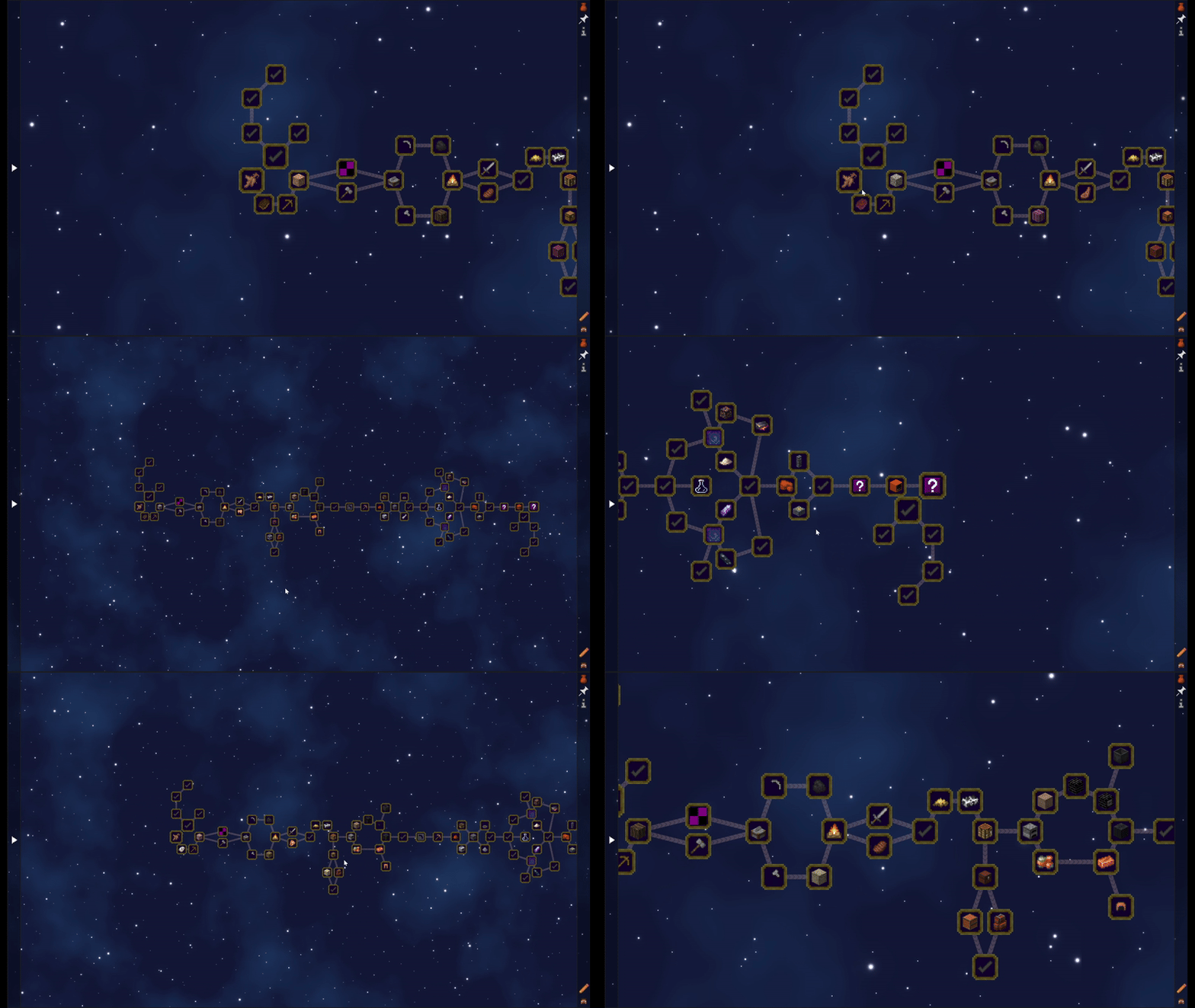
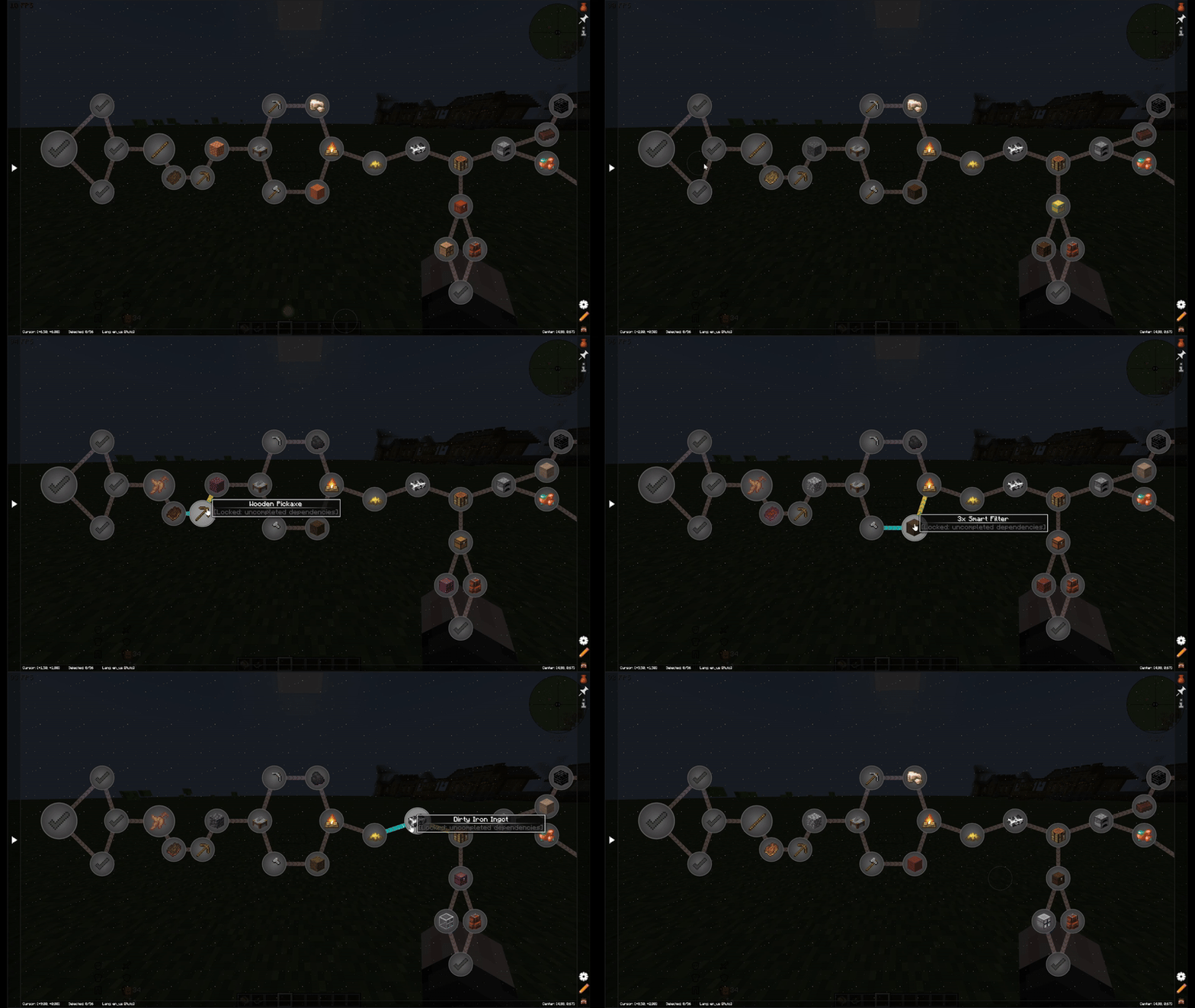
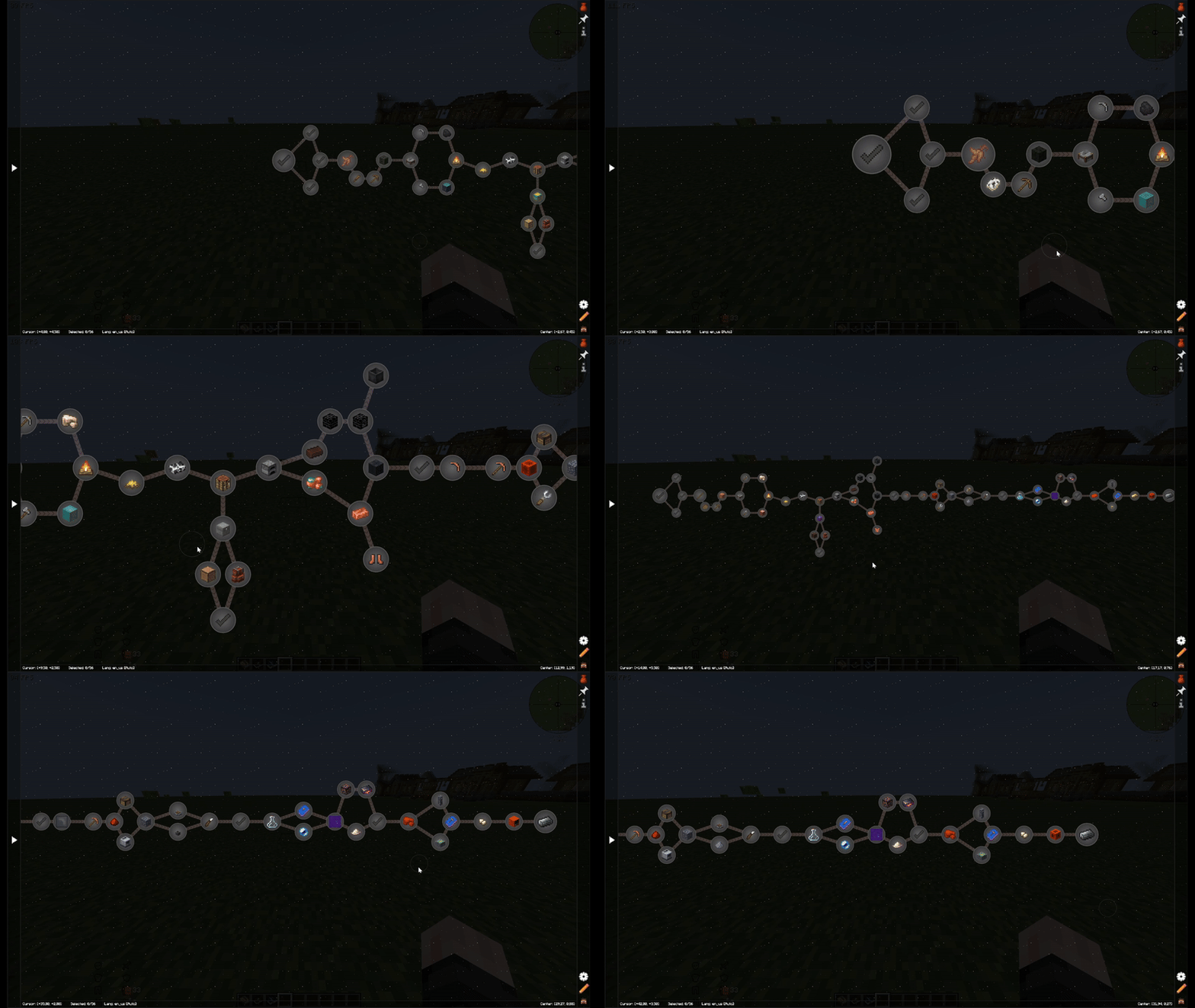
This mod adds a few minor improvements and smooth animations to FTB Quests mod.
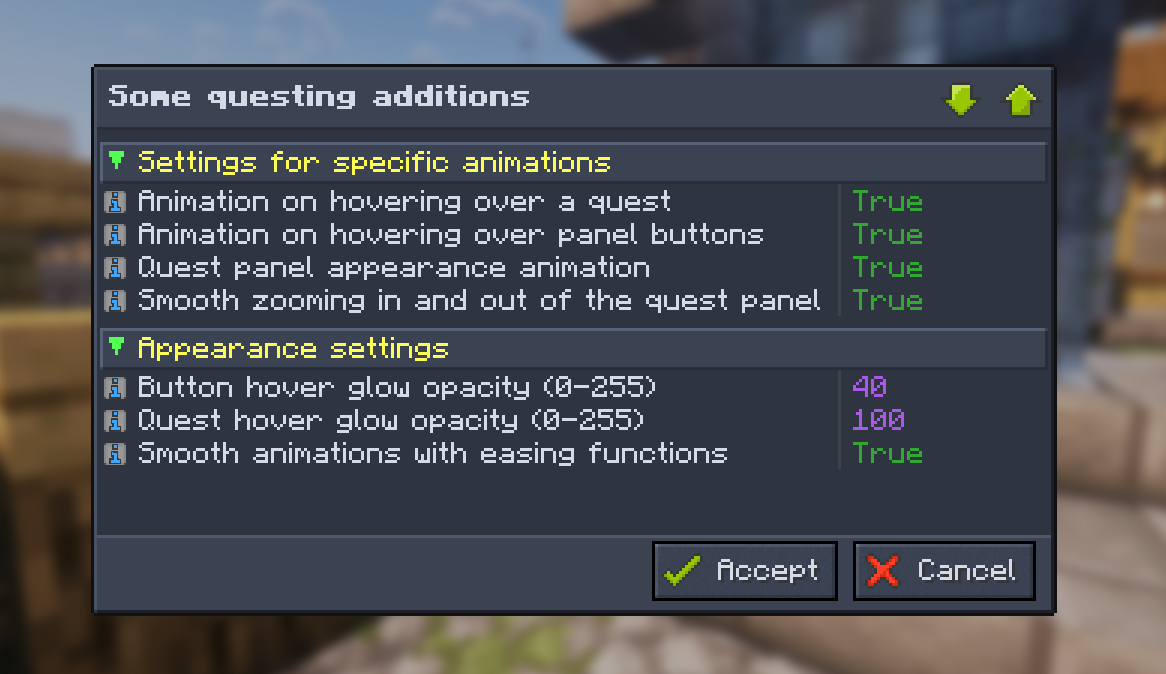
You can fine-tune everything via the in-game config. Command: /certain-questing-additions config.
Features:
- [NEW] Entity rendering in quest descriptions or on background;
- APNG images support (name your image as `*.apng.png`);
- Shader based background support for each chapter;
- EMI Integration;
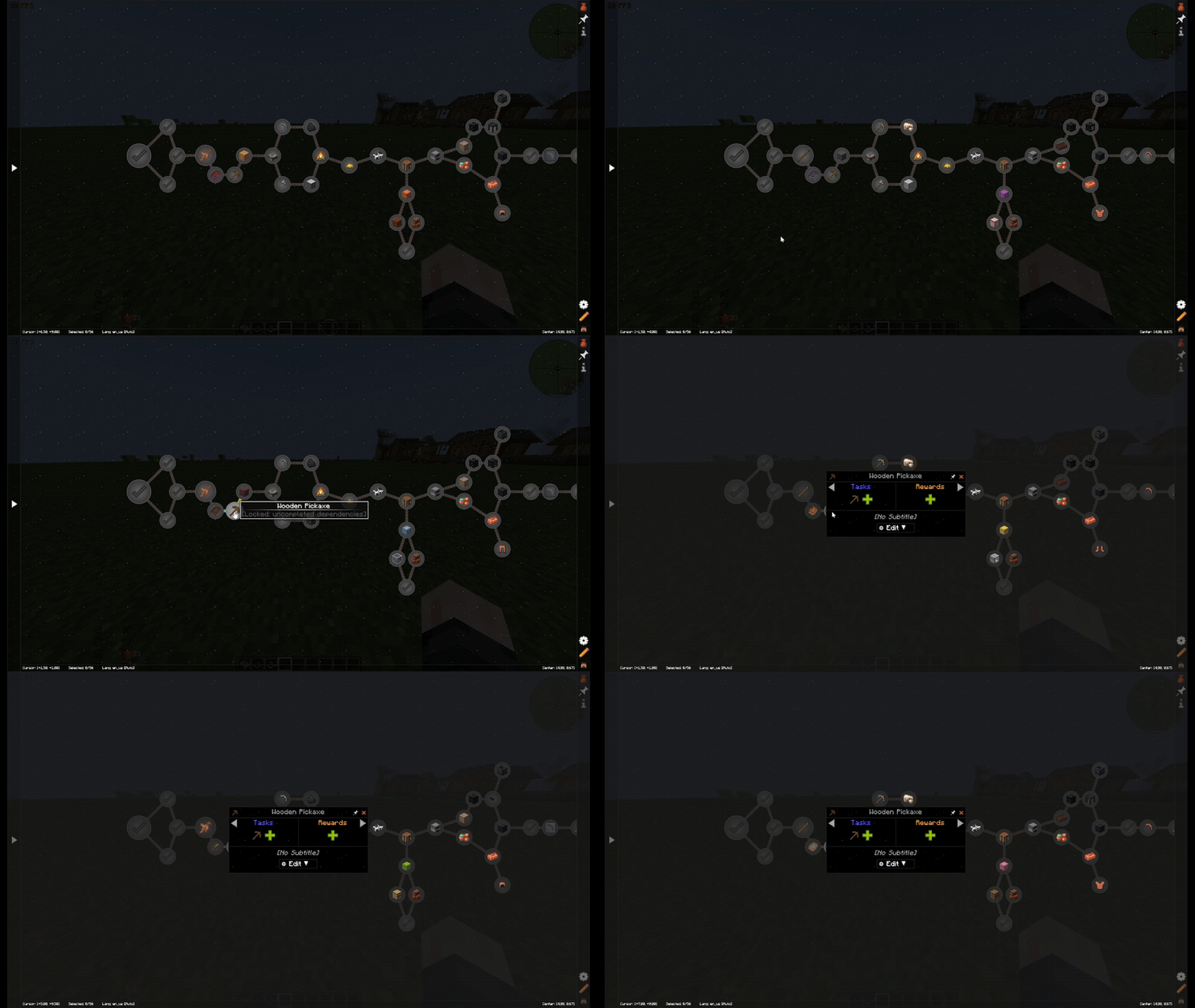
- Hover animations for quests and panel buttons;
- Smooth quest details opening and zoom in/out transitions;
- Adjustable glow opacity for buttons and quest highlights;
- Smooth chapter panel opening for 1.20.1 (like in original mod on 1.21.1+);
- Optional easing for all UI animations.
Developer's Discord Community: Click me here!
Quick facts
- Edition: Minecraft Java
- File type: .jar
- Minecraft versions listed: 1.21.1, 1.21.11, 1.20.1
- How to install: Install the matching mod loader (Forge, Fabric or NeoForge) for your Minecraft version. → Download the .jar. → Put it in the .minecraft/mods folder and launch that loader profile.
- Where to get it: Opens on CurseForge — not every file is mirrored on our own servers.
Install steps are the general flow for this file type — How to install Minecraft Java mods & modpacks walks through it step by step.
File checked by MCModsHub
- Ships as certain_questing_additions-forge-1.2.0.3+mc1.20.1.jar — drop this file into the mods folder
- Download size: 1.2 MB
- Download link checked 7 Oct 2026 — working
These come from our own check of the pack file, not from the source page.