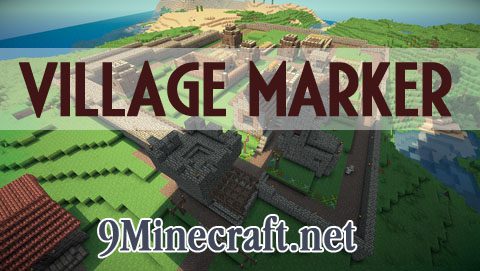
What is Village Marker?
The Village Marker allows the player to visualize villages by drawing dots on a sphere that represents the radius of the villages and drawing lines from all the doors that compose a village to the center of the village. Features 6 colors to help distinguish villages.
Video:
Village Marker Mod Download Links
For Minecraft 1.6.4
Single Player Only: https://dl.cdn9mc.com/index.php?act=dl&id=1385239511
Multiplayer (Also works in Single Player): https://dl.cdn9mc.com/index.php?act=dl&id=1385239486
For Minecraft 1.6.2
Single Player Only: https://dl.cdn9mc.com/index.php?act=dl&id=1385239604
Multiplayer (Also works in Single Player): https://dl.cdn9mc.com/index.php?act=dl&id=1385239584
For Minecraft 1.5.2
- Edition: Minecraft Java
- File type: .jar
- How to install: Install the matching mod loader (Forge, Fabric or NeoForge) for your Minecraft version. → Download the .jar. → Put it in the .minecraft/mods folder and launch that loader profile.
- Where to get it: In MC Java Mods, or directly above on this page.
Install steps are the general flow for this file type — How to install Minecraft Java mods & modpacks walks through it step by step.
- Downloads as 214477.mcaddon
- Download size: 43 KB
- Download link checked 27 Jul 2026 — working
- Mirrored on our own servers — the download does not depend on the original host
These come from our own check of the pack file, not from the source page.