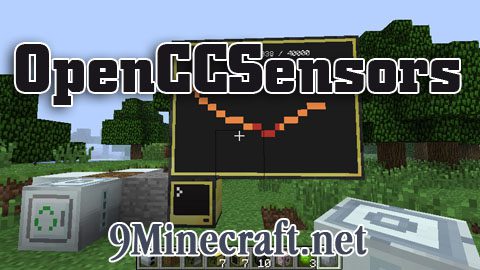
OpenCCSensors Mod
Overview: OpenCCSensors is a new, open-source, up to date replacement for CcSensors (outdated), allowing monitoring and gathering information from the…
⬇ DownloadOpen in MCModsHubGet it on Google Play →
Overview:
OpenCCSensors is a new, open-source, up to date replacement for CcSensors (outdated), allowing monitoring and gathering information from the Minecraft environment – including players, entities, proximity, world info, IndustrialCraft 2, BuildCraft 2, liquids, inventories – and more!
OpenCCSensors comes with its own API, and automatically installs a new program for you at /ocs/programs/sensorview. sensorview is a handy program for very quickly looking at the information gathered from your sensors.
Mod Spotlight:
More information and Recipes:
- Go to OpenCCSensors Mod wiki page
Controls for sensorview program:
- Left/right arrow: select sensor side
- Up/down arrow: select sensor target
- Page up/down: scroll detailed view (if these do not work and you have NEI installed, make sure to close the NEI interface and try again)
- S: save current detailed information
- Q: quit
- G: toggle graphing (requires monitor; advanced monitor suggested)
- N: graph next numeric value (from detailed view list)
- P: graph previous numeric value
Mod Download Links
For Minecraft 1.6.4
For 1.5.2/1.5.1
- Download size: 173 KB
- Download link checked 24 Jul 2026 — working
- Mirrored on our own servers — the download does not depend on the original host
These come from our own check of the pack file, not from the source page.