Immersive Paintings
Java mod listed for Minecraft 1.16–1.21. Downloads from the MC Java Mods app on Android.
I don't know my version or loader
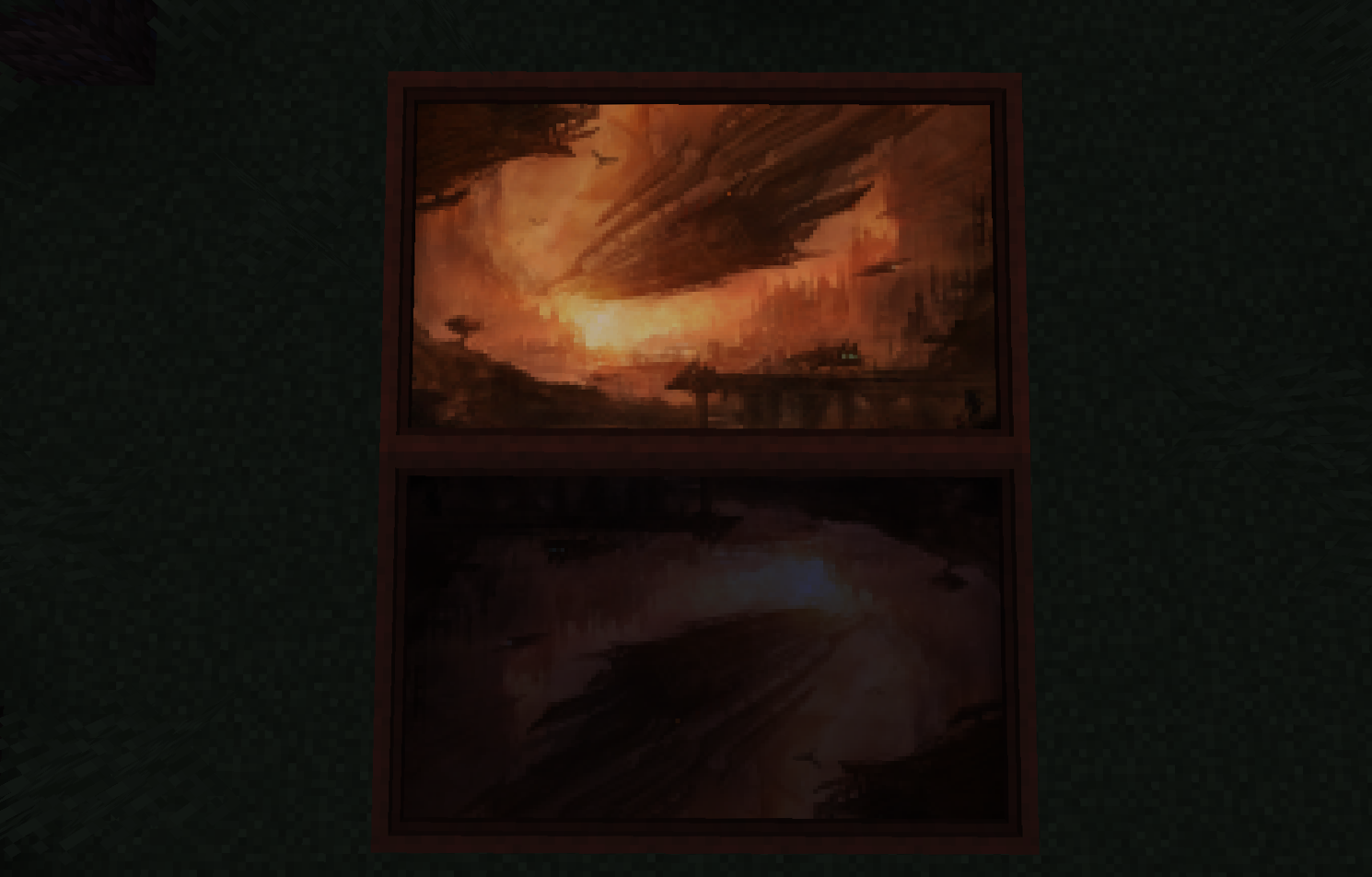
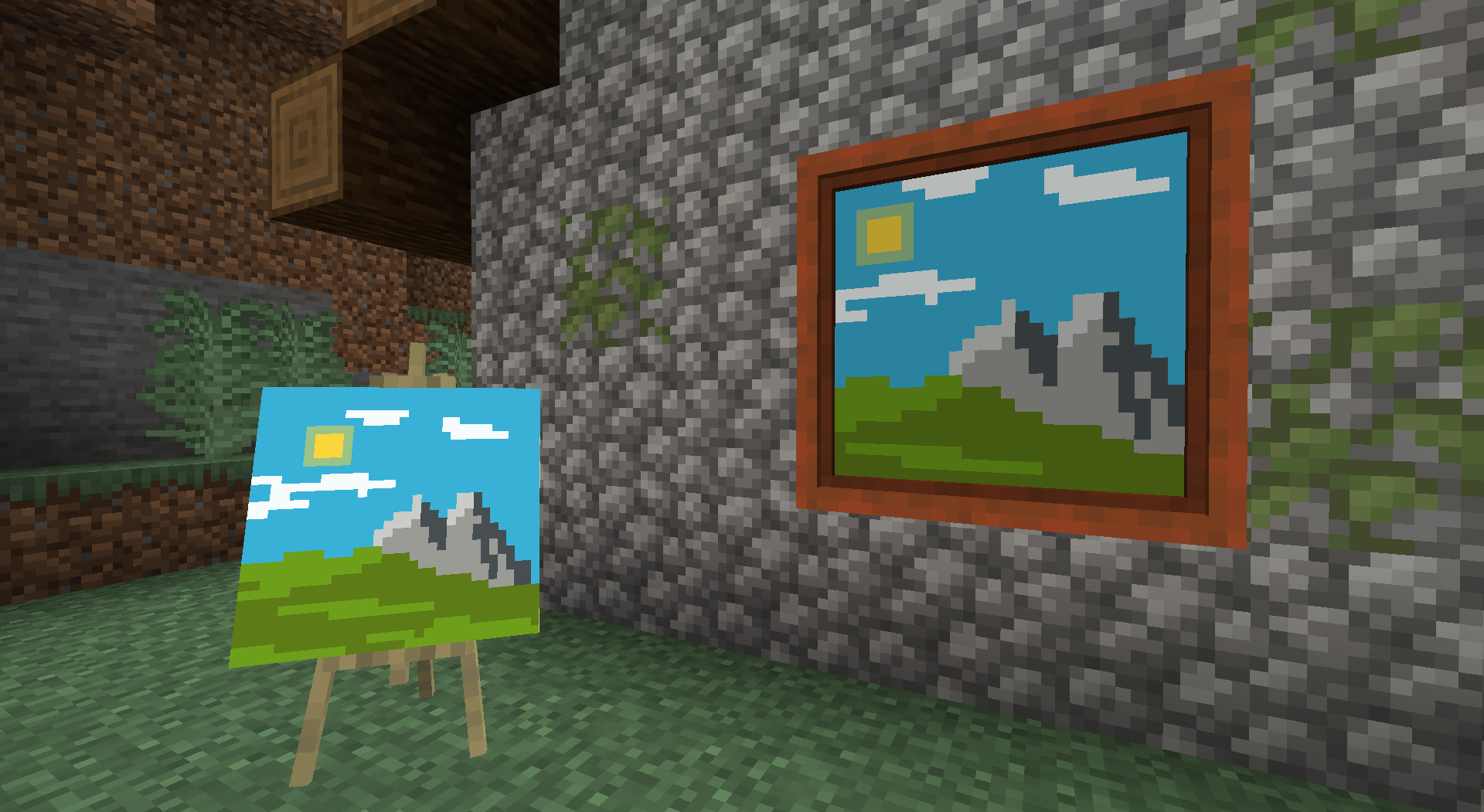
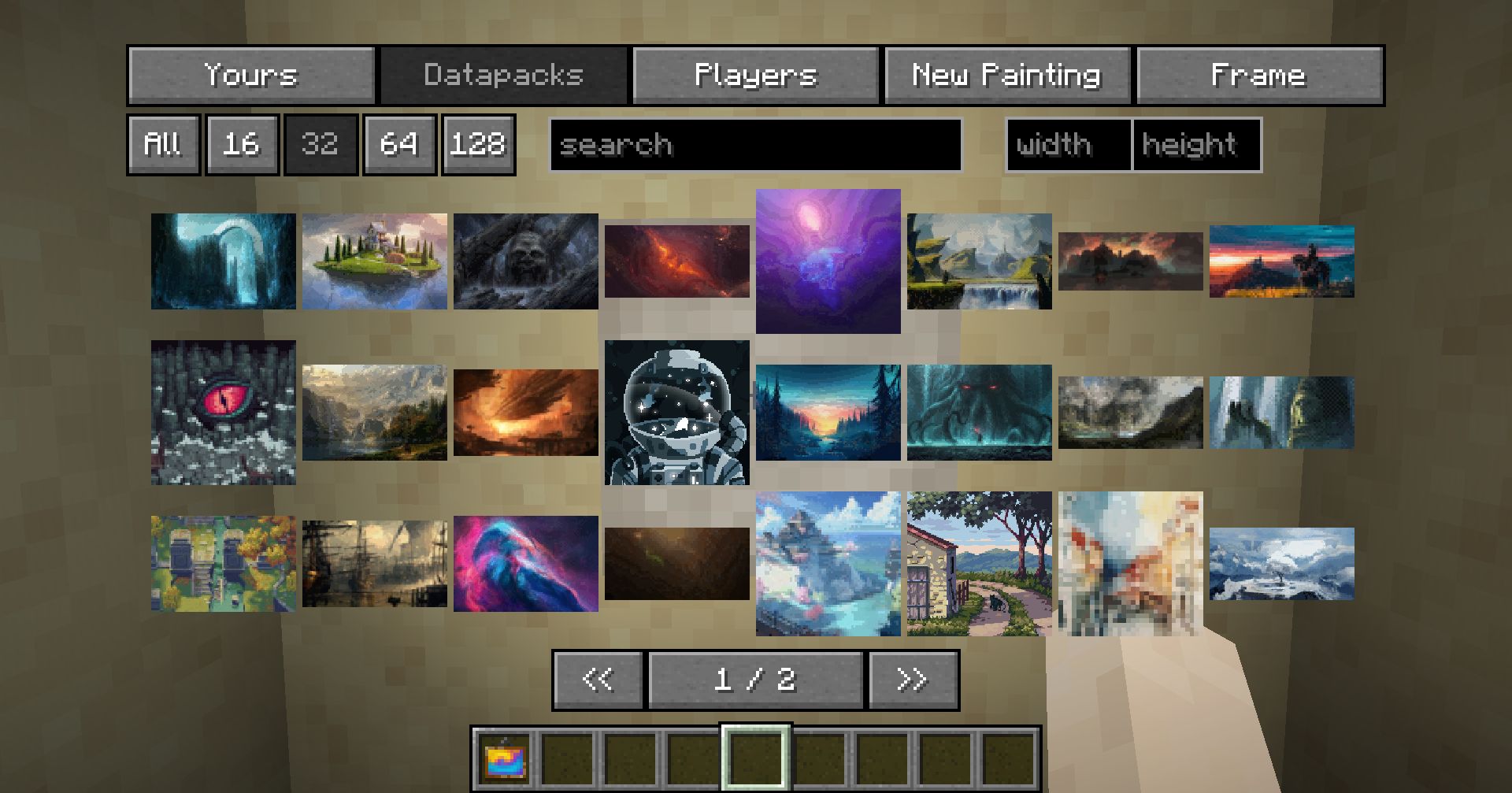
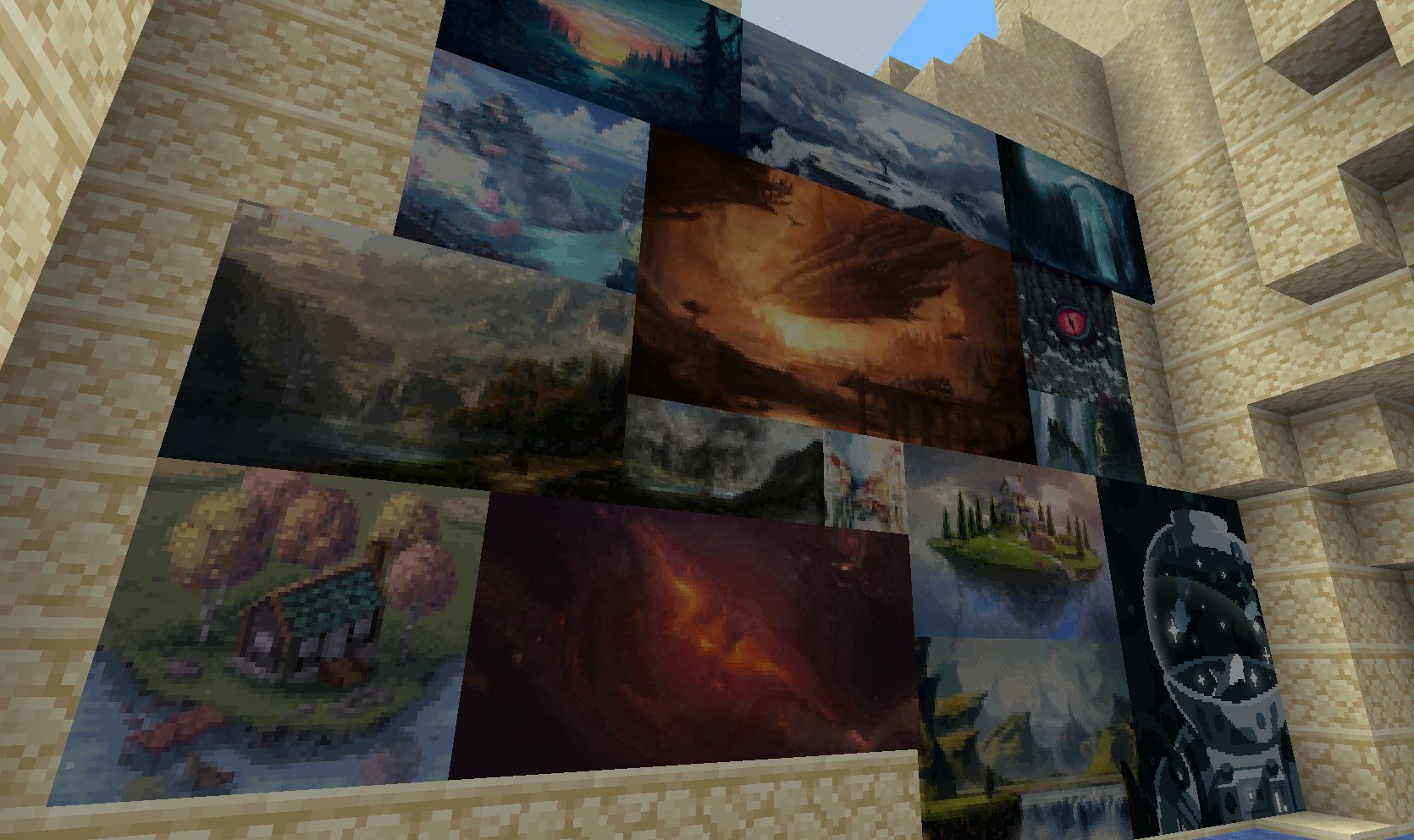





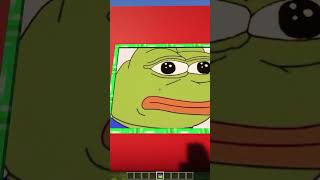
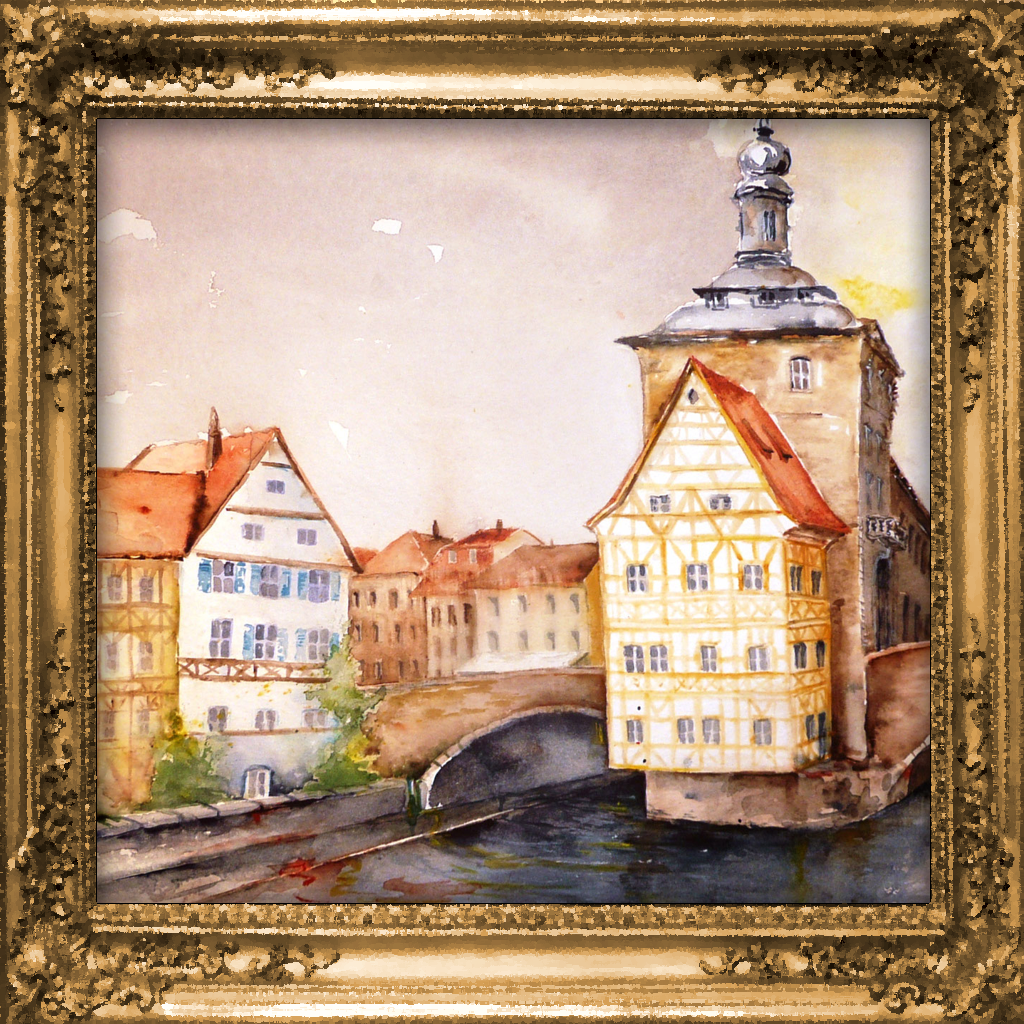
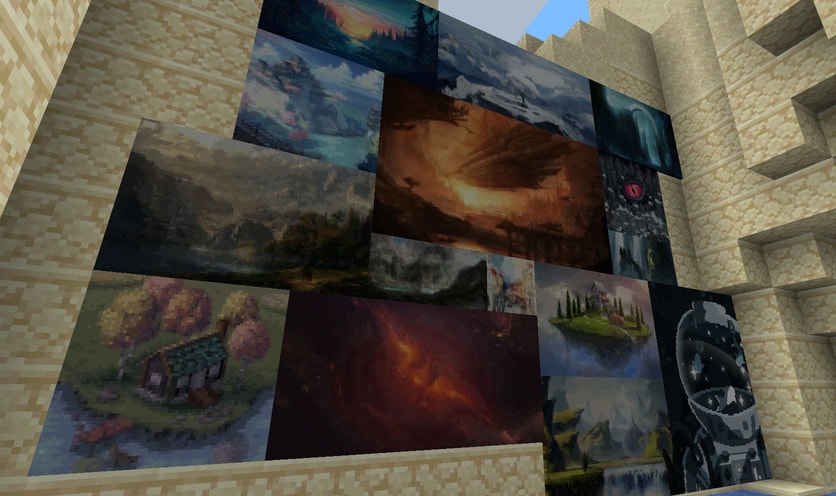
Tired of the overly pixelated, limited amount of paintings without a proper selection GUI? Immersive Paintings allows users to create their own, Minecraft-stylized paintings via drag and drop, screenshots, or by providing a URL. No resource pack required, Multiplayer friendly and easy to use.
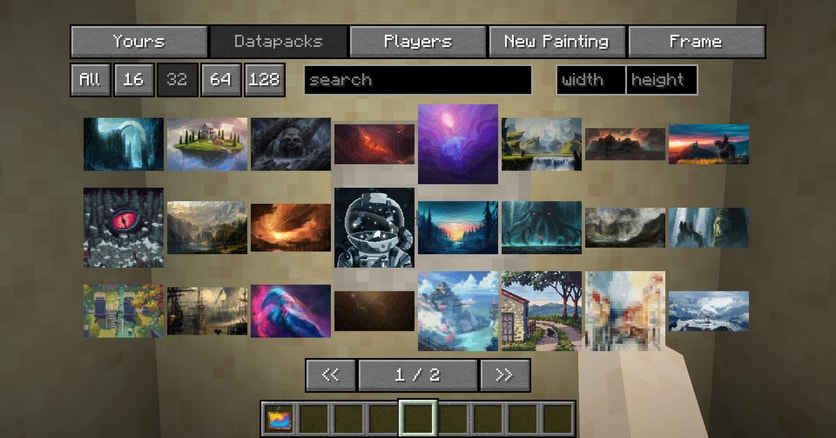
The mod offers a simple yet powerful GUI to select your paintings, those from fellow players or those provided via optional datapacks. Default datapack available for a quick start!
The creation menu allows you to quickly pixelate your images and apply post-effects and dithering to make them look like they fit into Minecraft, without much fiddling around.
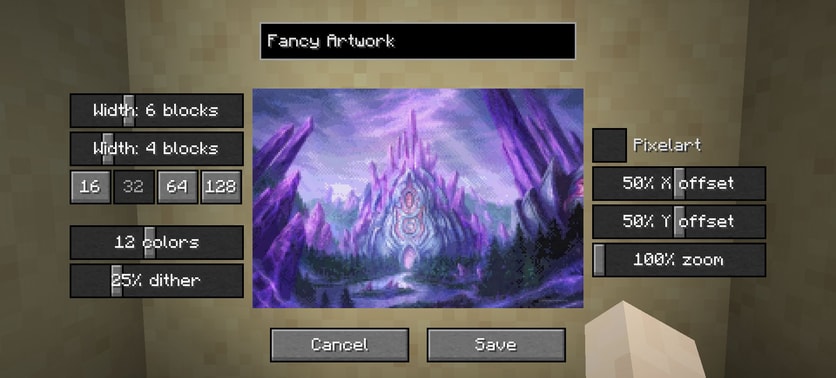
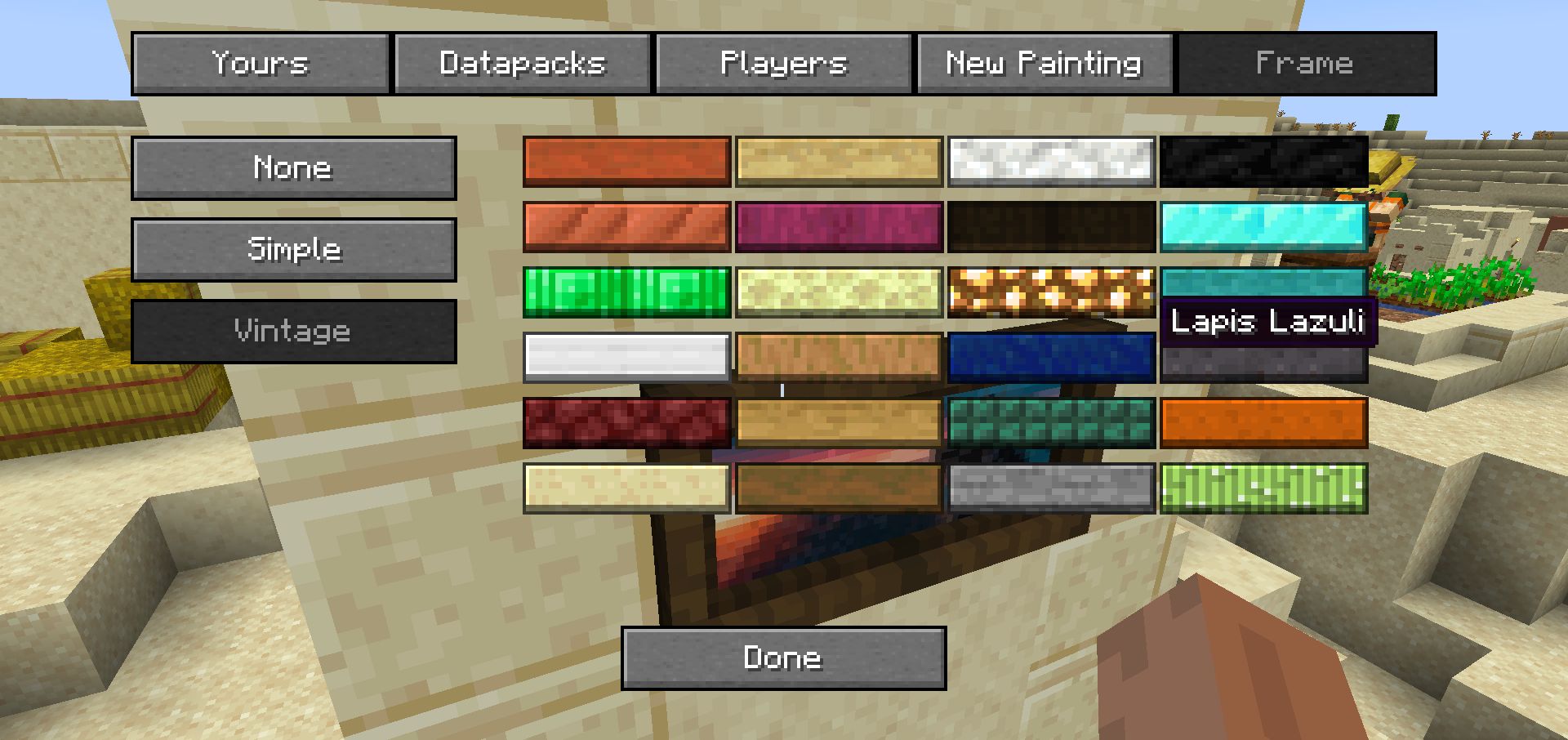
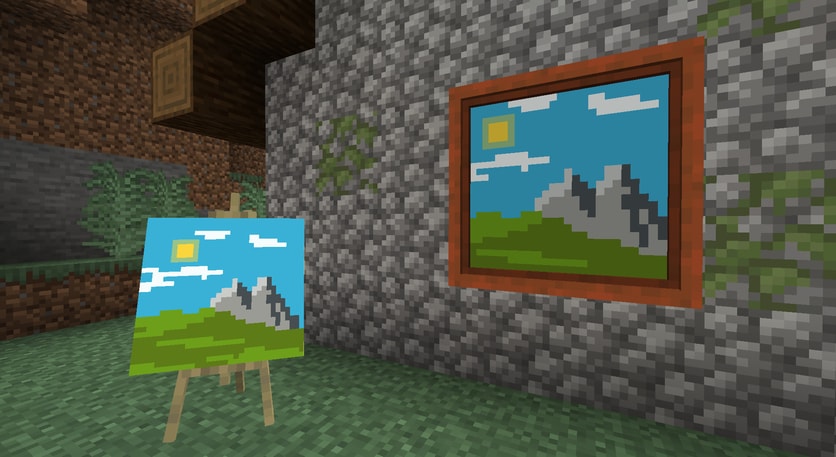
But what's a fancy painting without a fancy frame? Select from different styles and a lot of materials to put your artwork into a better focus.
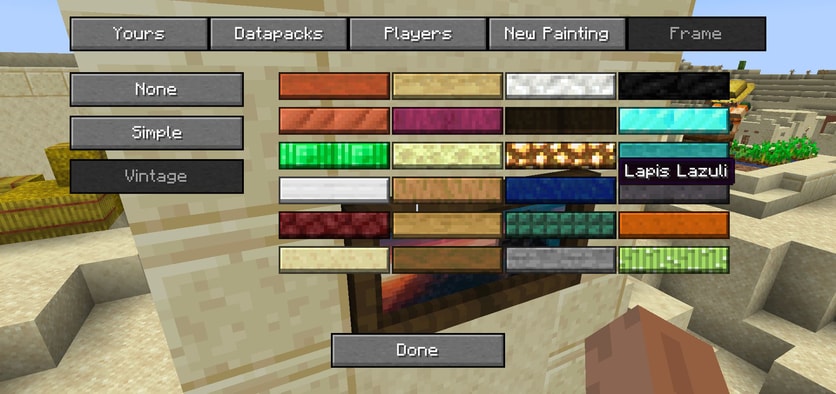
Using smart level of details, caching and lazy streaming of data the performance impact is not noticeable.
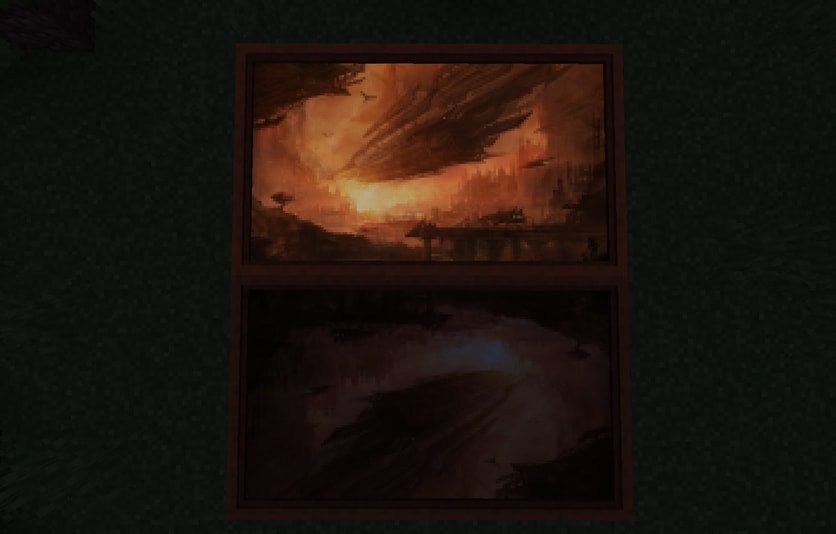
Available with glowing paint as well!
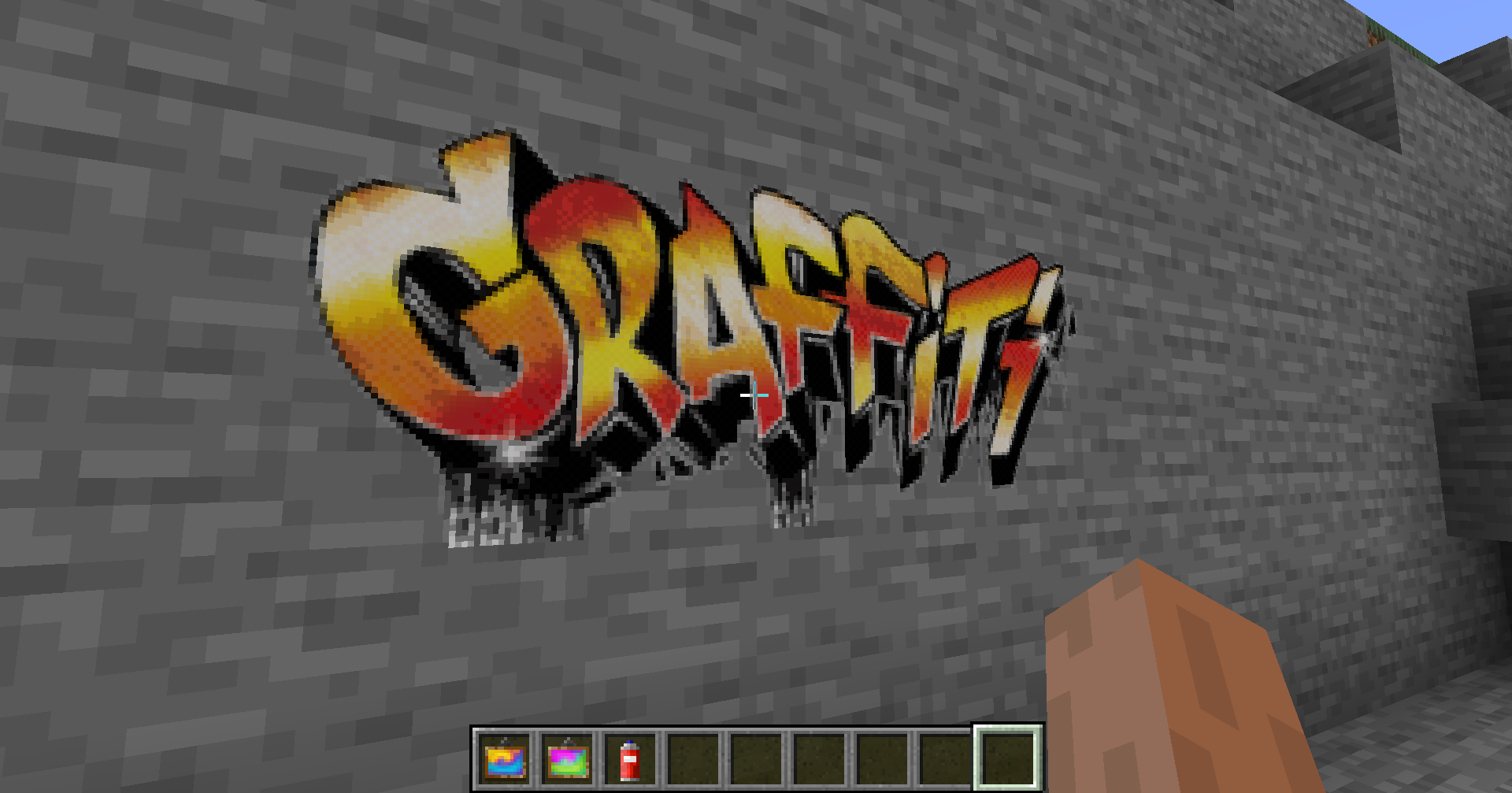
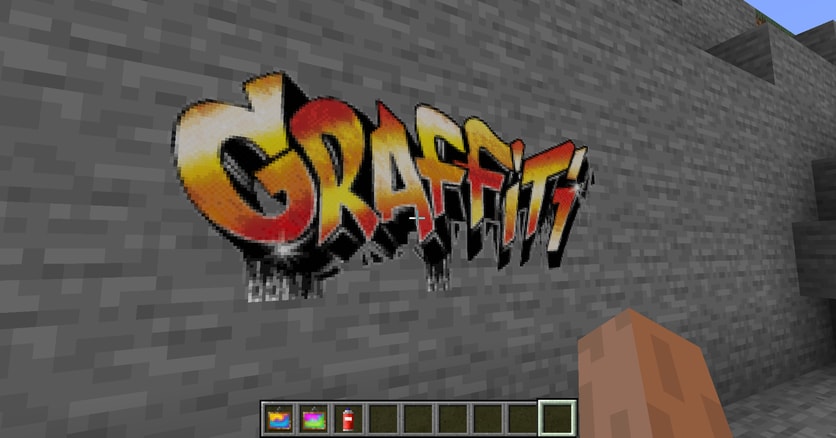
Your image has transparency? No problem, use a graffiti and spray it on every wall!
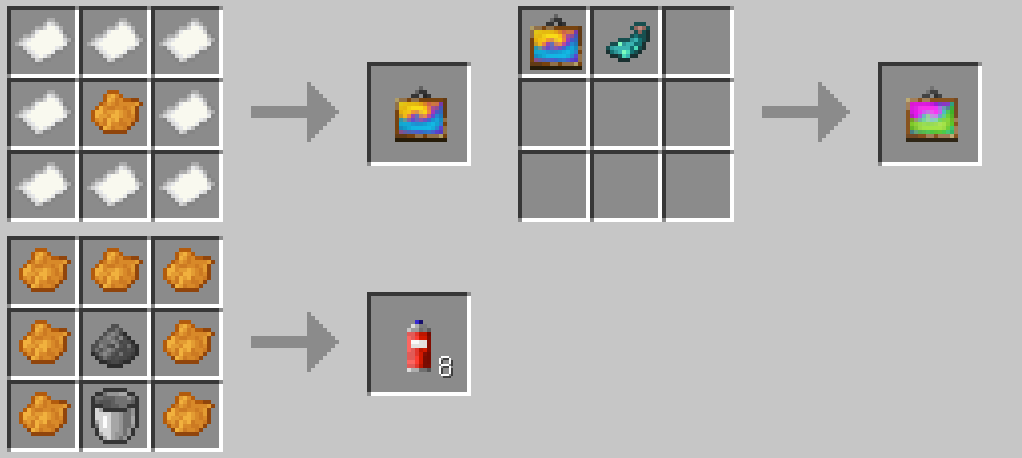
And here is the crafting recipe.
Joy of Painting compatible! Just slap a canvas on a painting to showcase!
For Server Admins
Immersive Paintings has to transfer and store images, on a server they may get quite a lot. If your server suffers from low bandwidth, or storage space, take a look at the config file. It allows a few limitations for users and bandwidth throttling to adjust to your need.
Datapacks
Optionally, share packs of paintings using datapacks.
Translations
You would like to have the mod in your language? Help translate the mod on Crowdin
Immersive Collection








Addons


- Edition: Minecraft Java
- File type: .jar
- Minecraft versions listed: 1.21.11, 1.21.1, 1.20.1
- How to install: Install the matching mod loader (Forge, Fabric or NeoForge) for your Minecraft version. → Download the .jar. → Put it in the .minecraft/mods folder and launch that loader profile.
- Where to get it: Opens on CurseForge — not every file is mirrored on our own servers.
Install steps are the general flow for this file type — How to install Minecraft Java mods & modpacks walks through it step by step.
- Ships as immersive_paintings-0.2.1+1.19.1.jar — drop this file into the mods folder
- Download size: 4.5 MB
- Download link checked 25 Oct 2026 — working
These come from our own check of the pack file, not from the source page.