Screenshot Viewer
Java mod listed for Minecraft 1.16–1.21. Downloads from the MC Java Mods app on Android.
⬇ Download on CurseForgeScreenshot Viewer
Screenshot viewer is a mod that allows you to see the screenshots that you have taken while you were gaming! (including the accidental ones you took when you where trying to press F3).
It comes with a great GUI and an in-game configuration thanks to CatConfigMC, a library I myself developped.
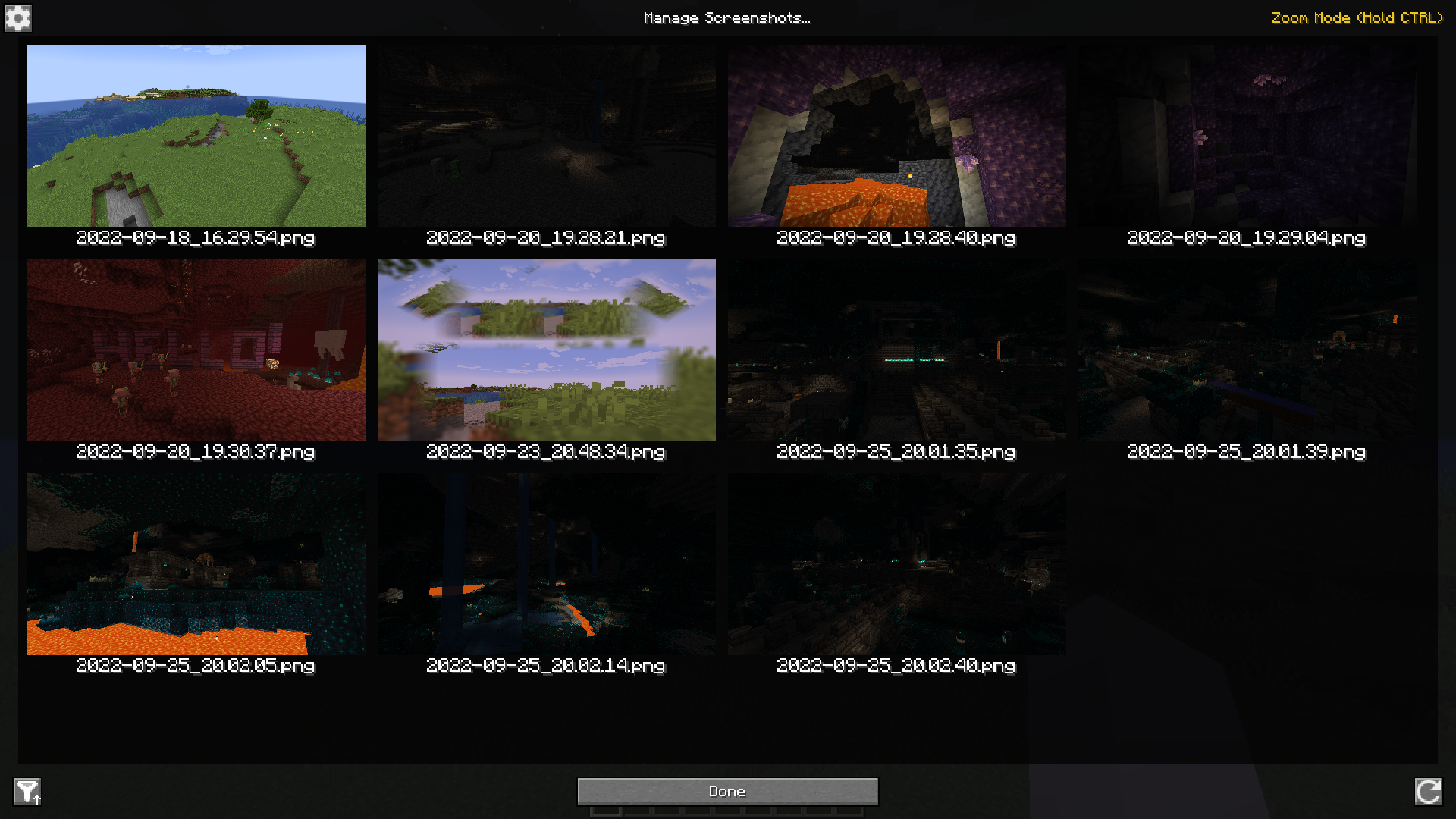
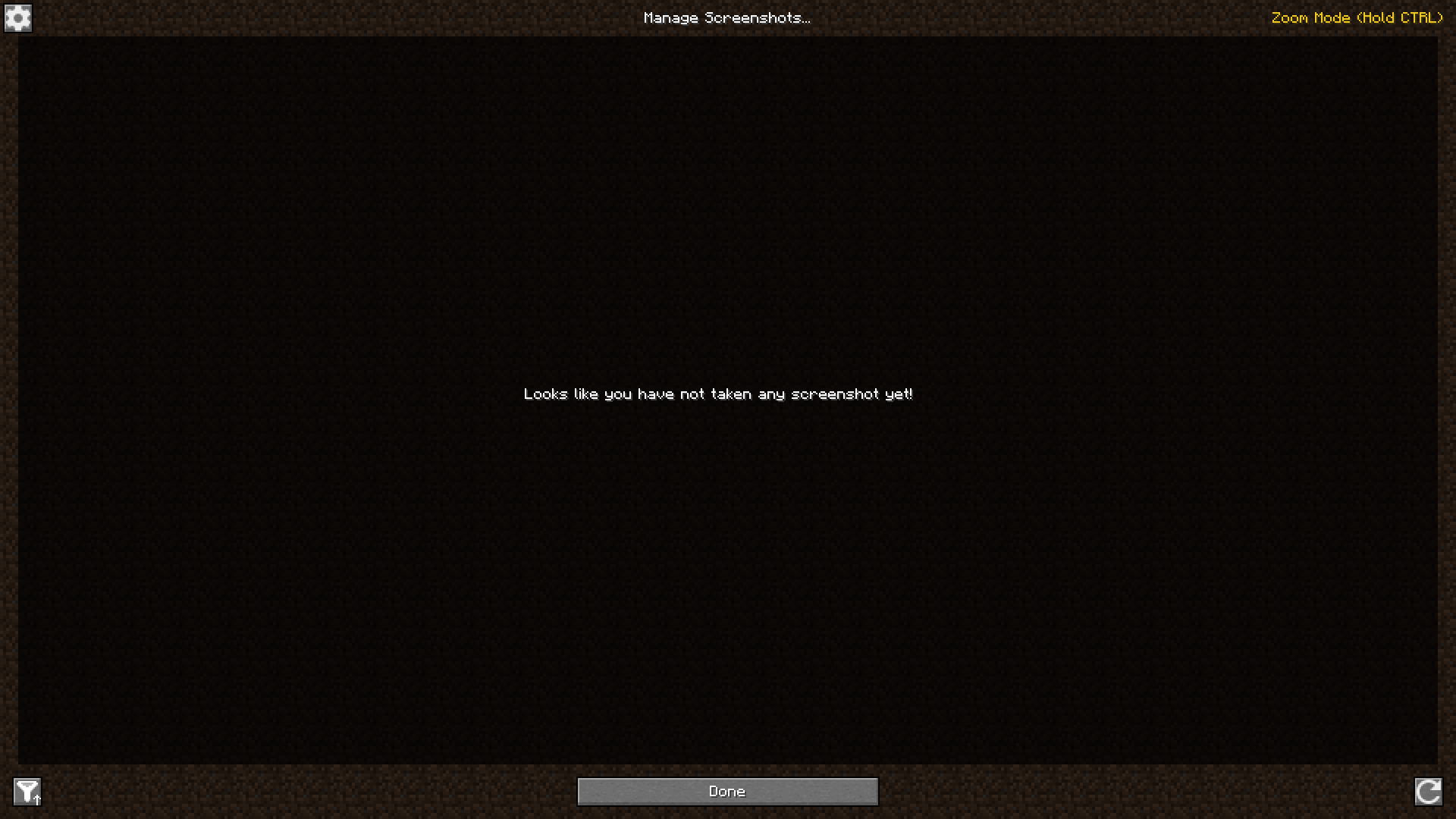
Here are two screenshots of the in-game GUI:
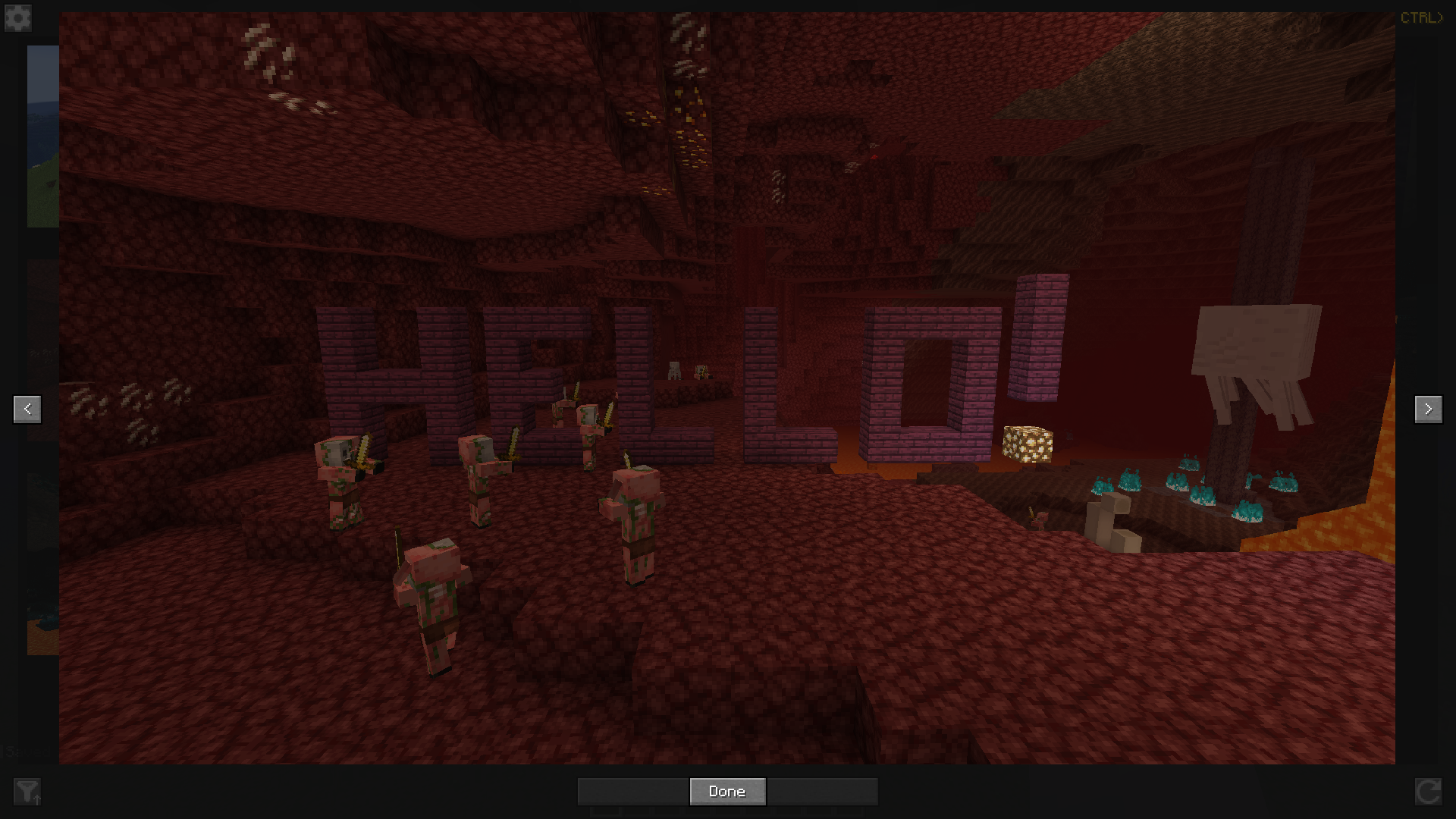
If you want to see in detail one of your screenshots, or just go through them, you can click on one to enlarge it and scroll or click on the buttons on the left and right to go to the next one or the previous one.
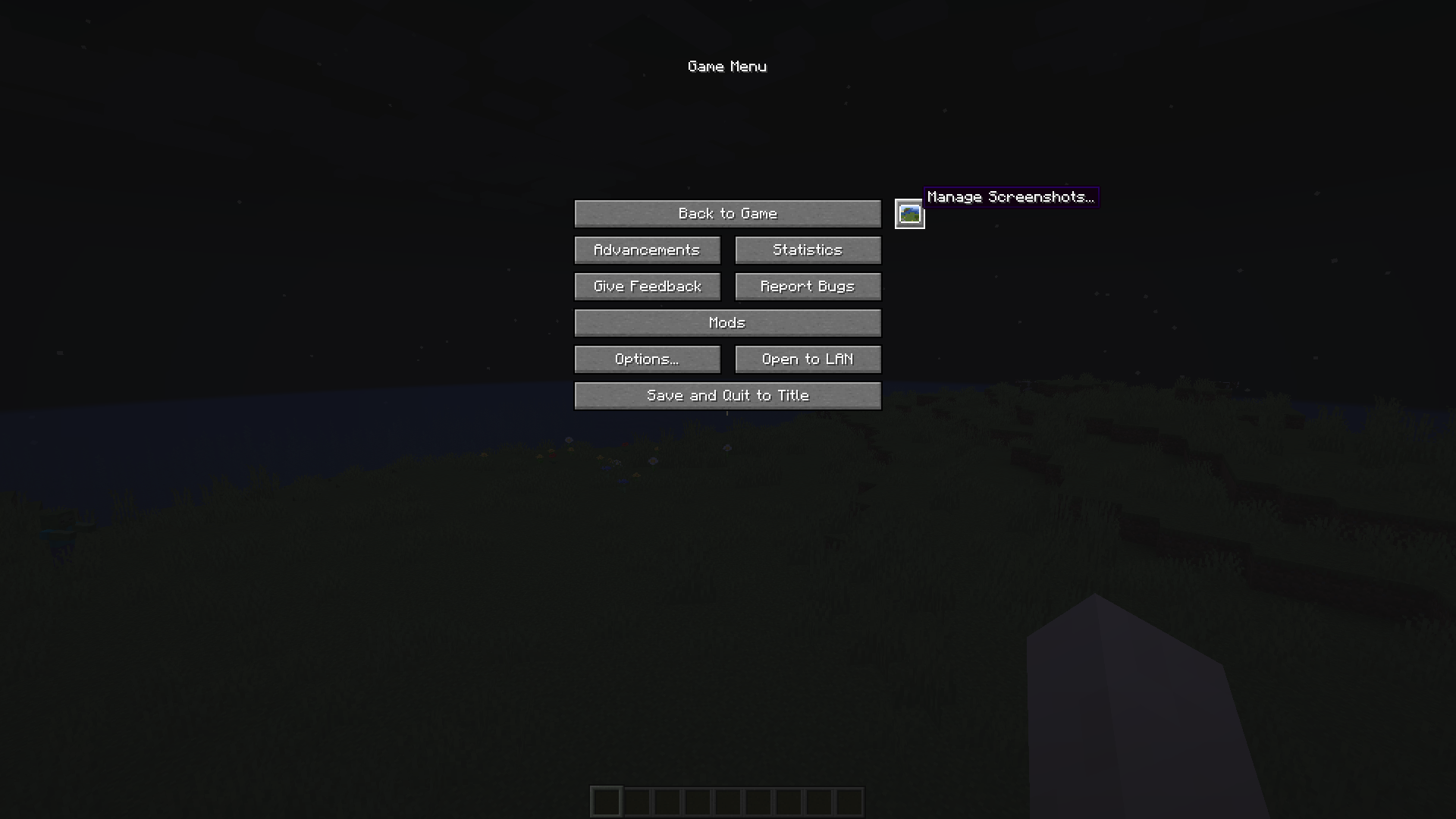
Finally, you can access this screenshots management screen by clicking on a button on the title screen or in the pause menu, or by configuring a key binding.
Hope you will enjoy the mod!
- Edition: Minecraft Java
- File type: .jar
- Minecraft versions listed: 1.21.11, 1.21.1, 1.21.4
- How to install: Install the matching mod loader (Forge, Fabric or NeoForge) for your Minecraft version. → Download the .jar. → Put it in the .minecraft/mods folder and launch that loader profile.
- Where to get it: Opens on CurseForge — not every file is mirrored on our own servers.
Install steps are the general flow for this file type — How to install Minecraft Java mods & modpacks walks through it step by step.
Screenshot Viewer is a free Minecraft Java mod. Compatible with Minecraft 1.21.11, 1.21.1, 1.21.4, 1.21.3 and newer. Downloaded 6,270,133 times (via CurseForge). Download it and open it directly in the game.