ModsJava
Storage Labels
Java mod listed for Minecraft 1.18–1.21. Downloads from the MC Java Mods app on Android.
I don't know my version or loader
Open the Minecraft launcher and look at the profile you play on — it names both, like fabric-loader-1.21.4. The version also shows in the bottom-right corner of the game's main menu.
No loader in the profile name? Then it's plain Minecraft, and these mods won't run — you need Fabric or NeoForge installed first.
Storage Labels




📖 About 📖
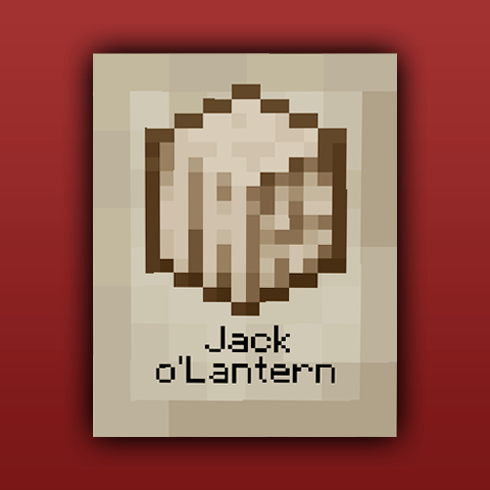
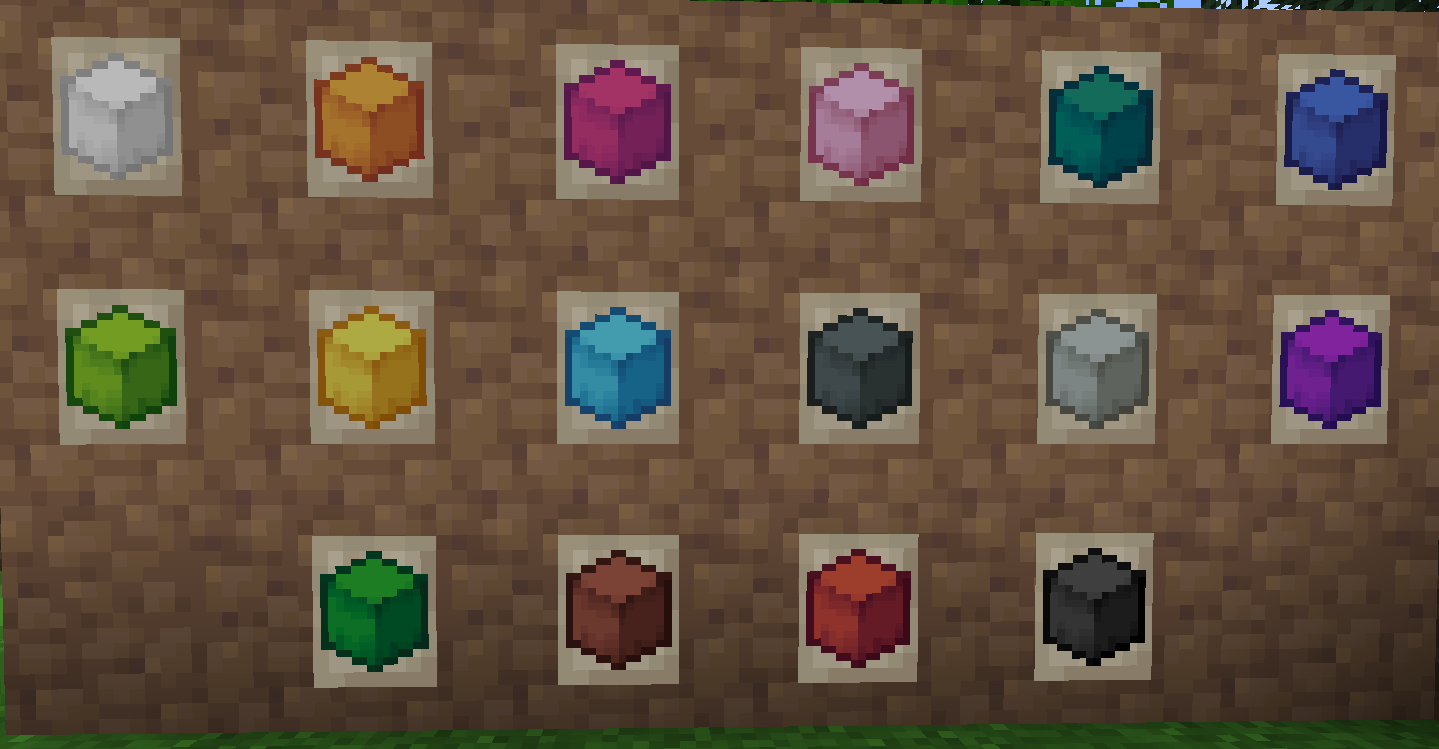
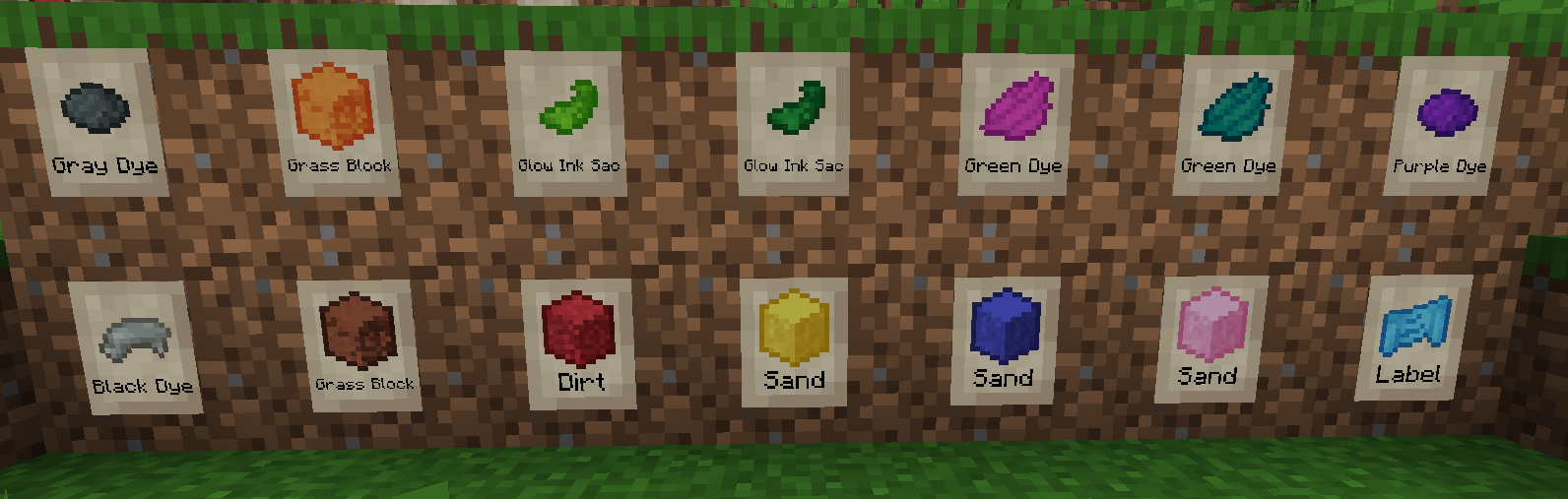
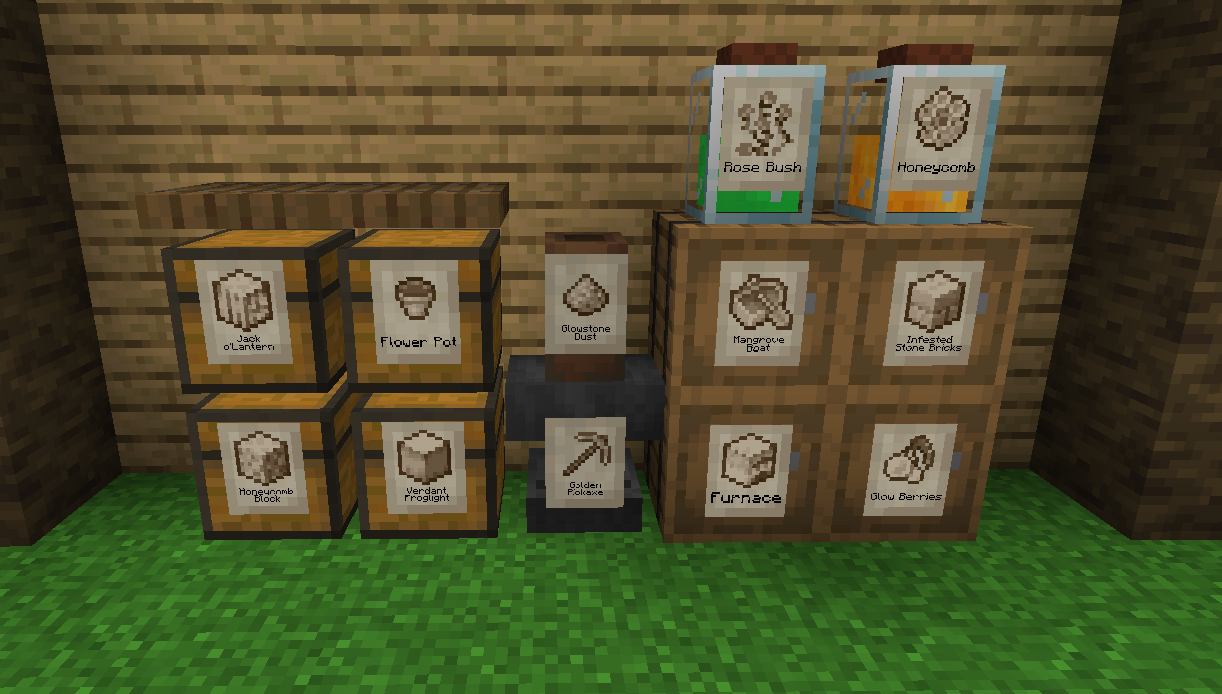
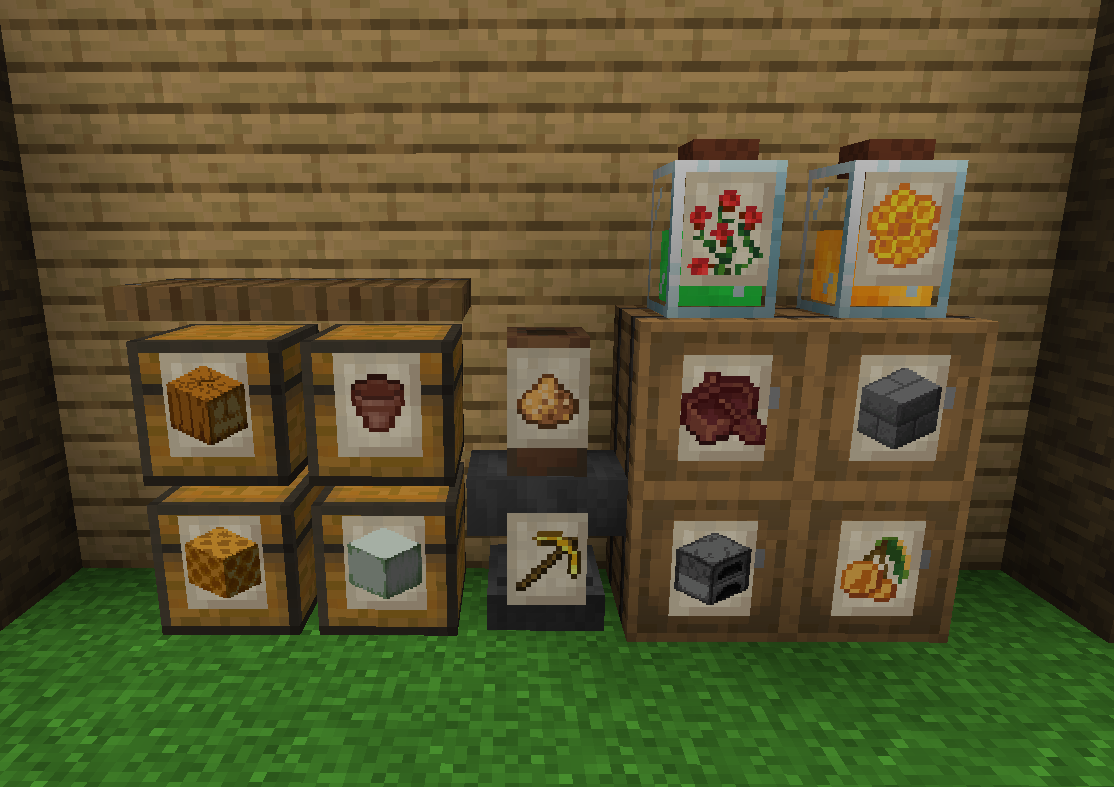
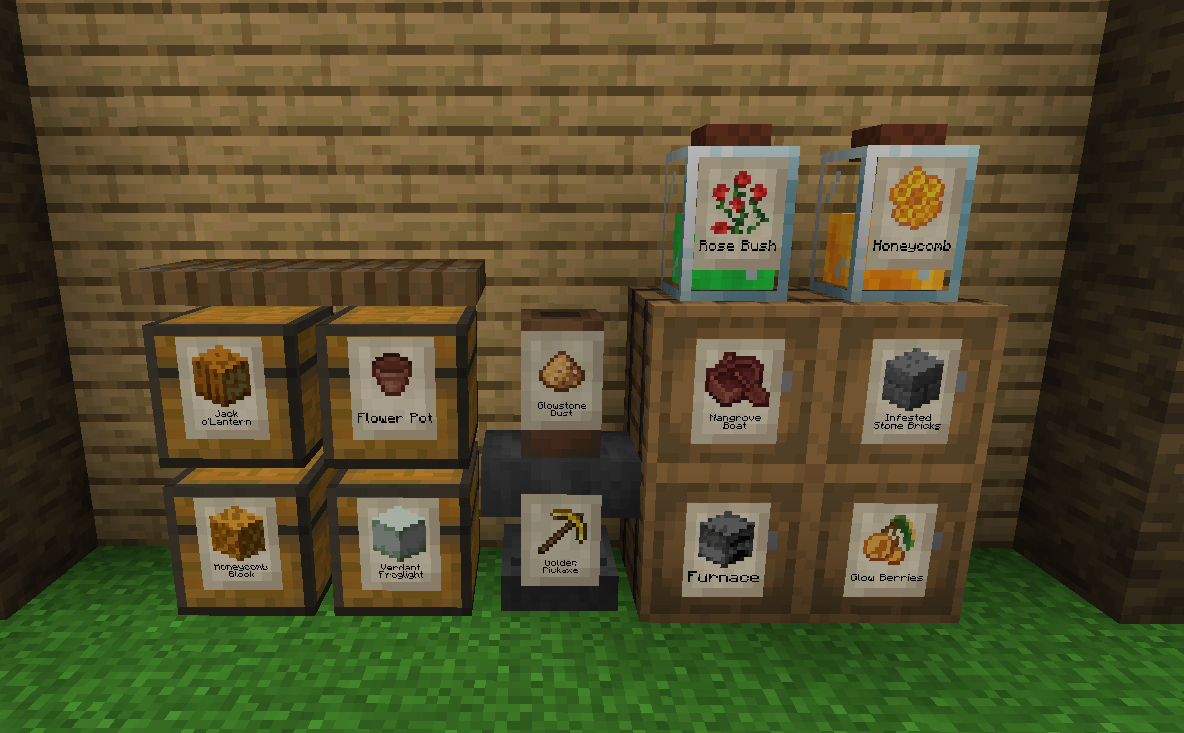
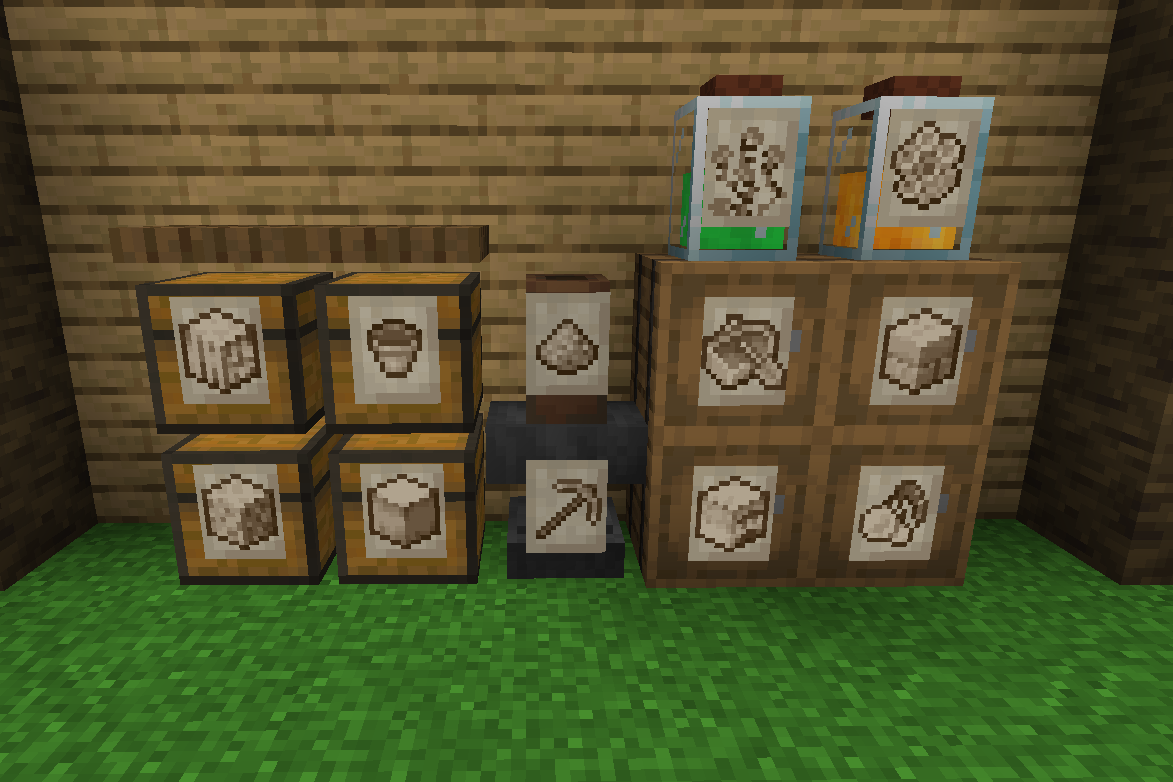
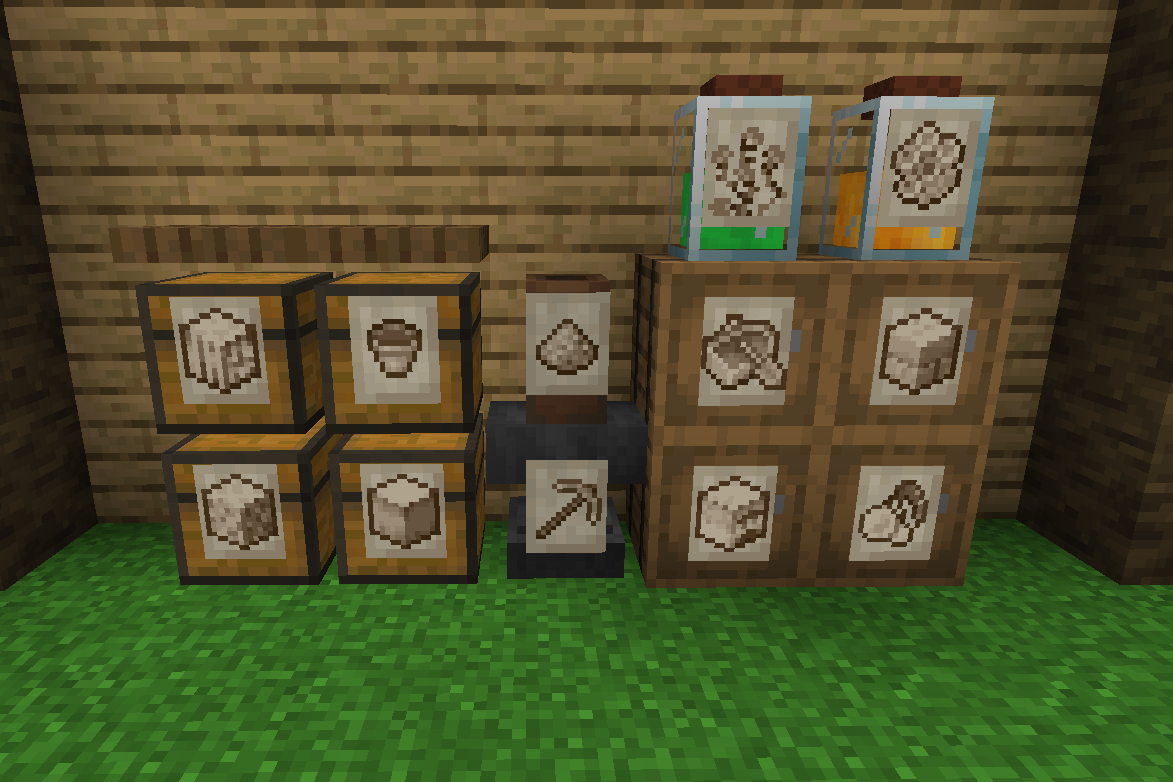
Storage Labels This is a simple mod that adds one item, the Label:
- Labels functions similar to Item Frames but can adapt to all surfaces and be physically connected to any solid block no matter the shape.
- By shift-clicking on a Label with an item you'll be able to change its image, showing that item you selected.
- Clicking on a Label will let the player interact with the block behind, making it perfect for your storage systems.
- Images shown by Labels are pixelated and colored to better fit Minecraft style. This works seamlessly for any item.
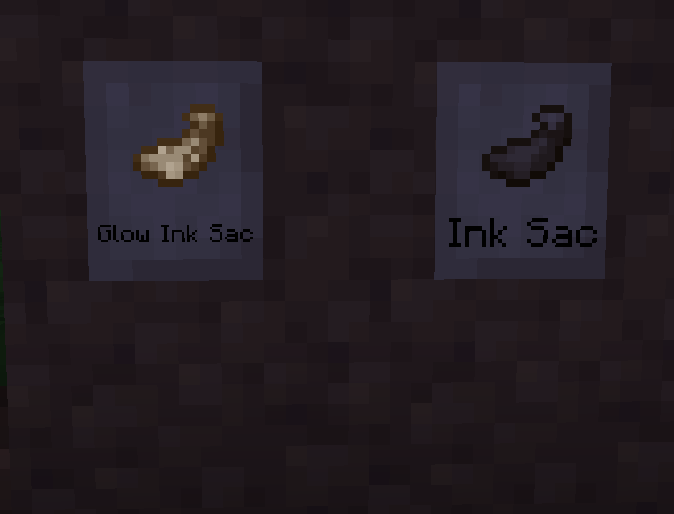
- Can accept Glow Ink Sacks to make then glow in the dark.
- Can be colored with any dye.
- Using a Feather on them will display the item name.
- Visuals can he heavily customized with the configs and texture packs.
❤️Support Me❤️
Modding is taking a lot of my time, so if you like what I do, and you would like to support me, you can do so here. If you do, you'll receive a custom Globe and or Statue just for you! This also applies if you purchase a server from Akliz using "supplementaries" code.

Need a server? Check out Akliz, they have top brand servers just for modded minecraft.
They really have a cozy community with great support and the servers wonderfully
Use code "supplementaries" to get 20% off and also support me in the process!
Use code "supplementaries" to get 20% off and also support me in the process!

🦉 Our Mods🦉



Quick facts
- Edition: Minecraft Java
- File type: .jar
- Minecraft versions listed: 1.21.1, 1.21, 1.20.1
- How to install: Install the matching mod loader (Forge, Fabric or NeoForge) for your Minecraft version. → Download the .jar. → Put it in the .minecraft/mods folder and launch that loader profile.
- Where to get it: Opens on CurseForge — not every file is mirrored on our own servers.
Install steps are the general flow for this file type — How to install Minecraft Java mods & modpacks walks through it step by step.
File checked by MCModsHub
- Ships as labels-1.20-2.0.0.jar — drop this file into the mods folder
- Download size: 247 KB
- Download link checked 7 Oct 2026 — working
These come from our own check of the pack file, not from the source page.