
Travelling House Mod
Minecraft Java mod. Downloads from the MC Java Mods app on Android.
⬇ Download
What Travelling House mod does?
This mod allows you to explore your minecraft world freely while still having your own base whenever you need it.
How does it work?
- Place a house packer block on one corner of your structure and place a corner marker on the opposite corner of your structure. This way you can select an area up to 50x256x50 in size (where 256 is in the vertical coordinates).
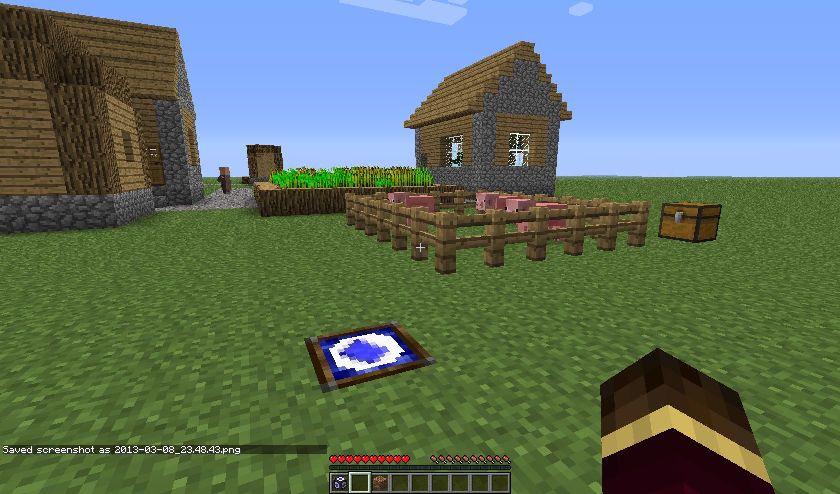
- After that take a blueprint and stick it in the house packer (same way as a record in a jukebox).
- If you placed both blocks, the house packer will instantly spit out the schematic and your base will be packed into that tiny piece of paper. If you didn’t place them both, it will spit out the empty blueprint again. And that’s it.
- To unpack your house, place your house packer somewhere and unpack it.
Screenshots:
Top-down area view (you can see the 2 corner markers)
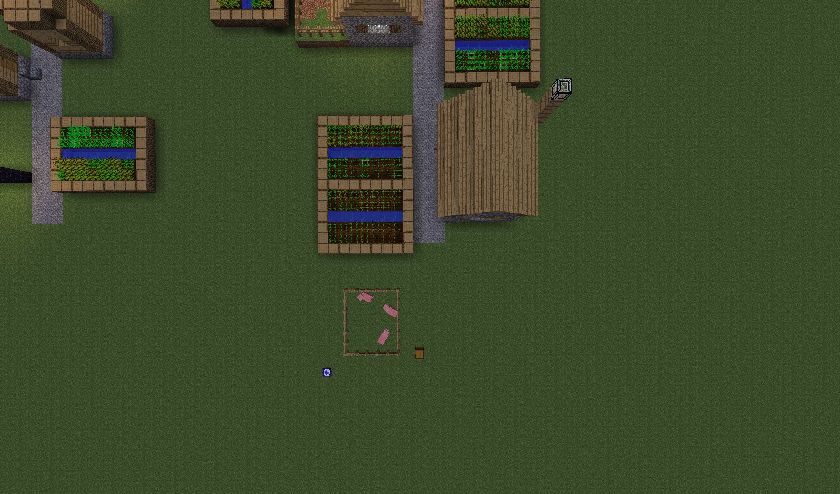
Pick an empty blueprint
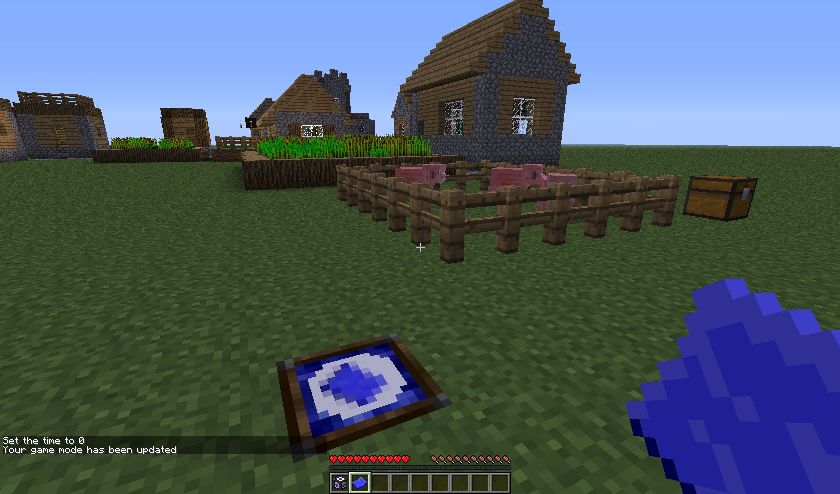
Right click and pick up the schematic
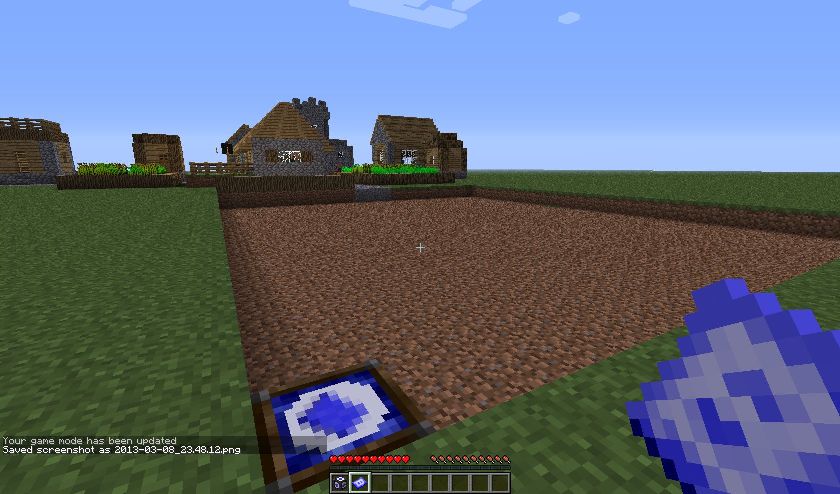
Go somewhere else and place a house packer in the same manner
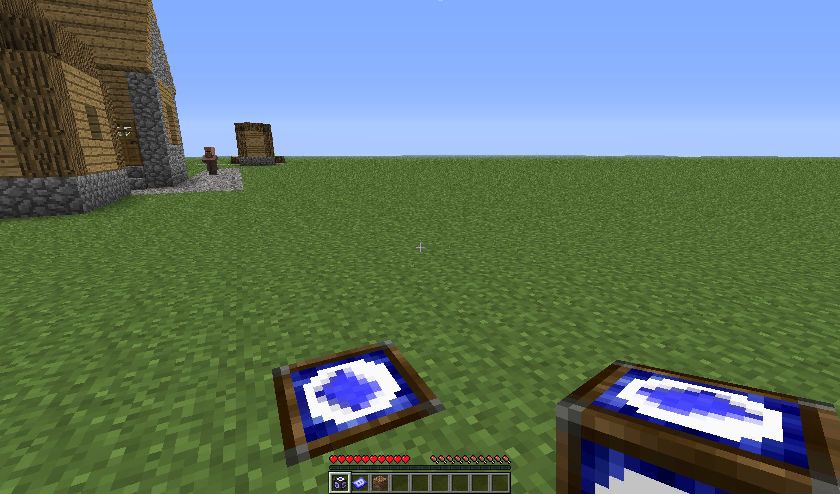
Right click with schematic to unpack
Video:
Crafting Recipes:
House packer:
Corner marker:
Advanced corner marker:
Blueprint:
Blueprint Schematics can only be obtained via the usage of these 3 items.
Important notes:
- Your structures are always oriented geographically the way you placed them. Making you able to orientate them at your will would make the mod extremely incompatible with a lot of mods.
- The corner marker disappearing is deliberate in order to stop you from moving your house around infinitely many times with barely any cost. In the next version (when the mod gets updated for 1.5) it will include a fairly expensive corner marker that doesn’t disappear, and makes repacking your house easier.
Mod Download Links
For Minecraft 1.6.4
For Minecraft 1.5.2
- Edition: Minecraft Java
- File type: .jar
- How to install: Install the matching mod loader (Forge, Fabric or NeoForge) for your Minecraft version. → Download the .jar. → Put it in the .minecraft/mods folder and launch that loader profile.
- Where to get it: In MC Java Mods, or directly above on this page.
Install steps are the general flow for this file type — How to install Minecraft Java mods & modpacks walks through it step by step.
- Downloads as 215121.mcaddon
- Download size: 20 KB
- Download link checked 30 Jul 2026 — working
- Mirrored on our own servers — the download does not depend on the original host
These come from our own check of the pack file, not from the source page.