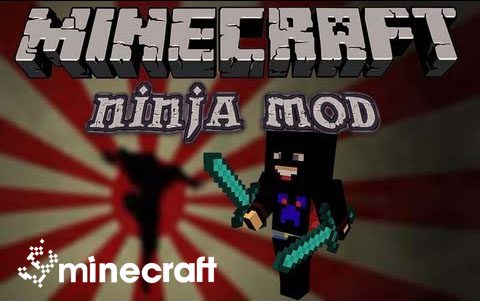
The Ninja Mod implements many different katanas, items, and a new world-generated ore!
How to use:
When you first start out survival, instead of making a boring old wooden sword, you can make a wooden katana. You can keep upgrading your katana until it’s diamond. Once you find Ninja Ore (under Y 25), you can smelt it into a Ninja Ingot. Once you have plenty of Ninja Ingots, a new world is opened to you. You can craft the legendary katana. The Legendary Katana swings faster, has a higher damage, and has more enchantability than a diamond sword. It is definetly the Master of all Katanas, and the one you want.
Elemental Katanas:
- The first ever elemental katana is the Katana of the Flame. It will set mobs on fire when hit, and also works like a flint and steel.
- The second ever elemental katana is the Katana of the Sea. It will slow down mobs when they are hit, simulating being underwater, and also works like a water bucket on the ground.
Download Ninja Mod:
For Minecraft 1.6.4
For Minecraft 1.6.2
- Edition: Minecraft Java
- File type: .jar
- How to install: Install the matching mod loader (Forge, Fabric or NeoForge) for your Minecraft version. → Download the .jar. → Put it in the .minecraft/mods folder and launch that loader profile.
- Where to get it: In MC Java Mods, or directly above on this page.
Install steps are the general flow for this file type — How to install Minecraft Java mods & modpacks walks through it step by step.
- Downloads as 215123.mcaddon
- Download size: 111 KB
- Download link checked 30 Jul 2026 — working
- Mirrored on our own servers — the download does not depend on the original host
These come from our own check of the pack file, not from the source page.