What Boxes Mod does?
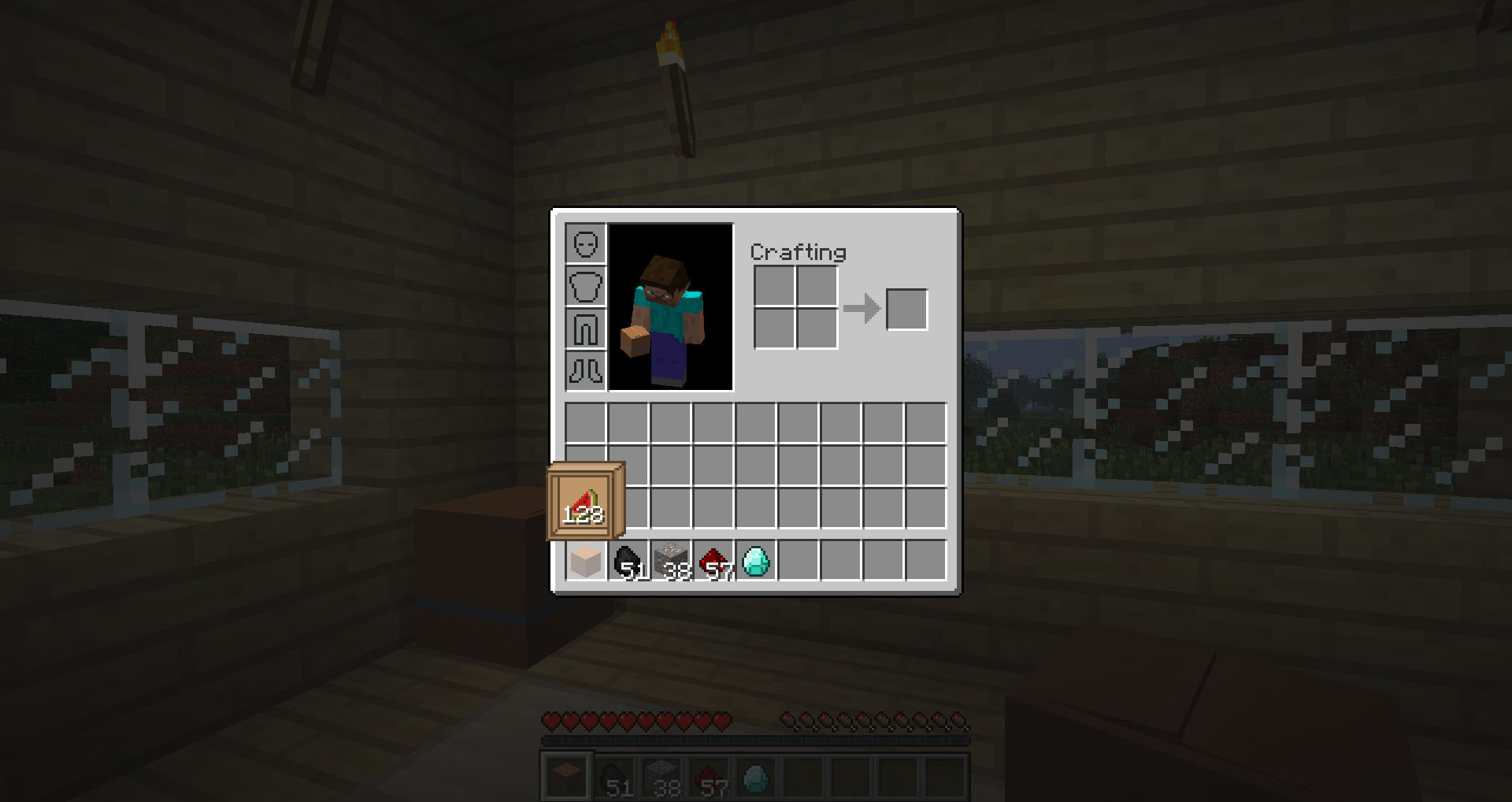
Boxes brings cardboard boxes to Minecraft! A basic box allows you to carry up to 18 stacks of items in one inventory slot. Though this is possible with backpack mods, there are two major differences:
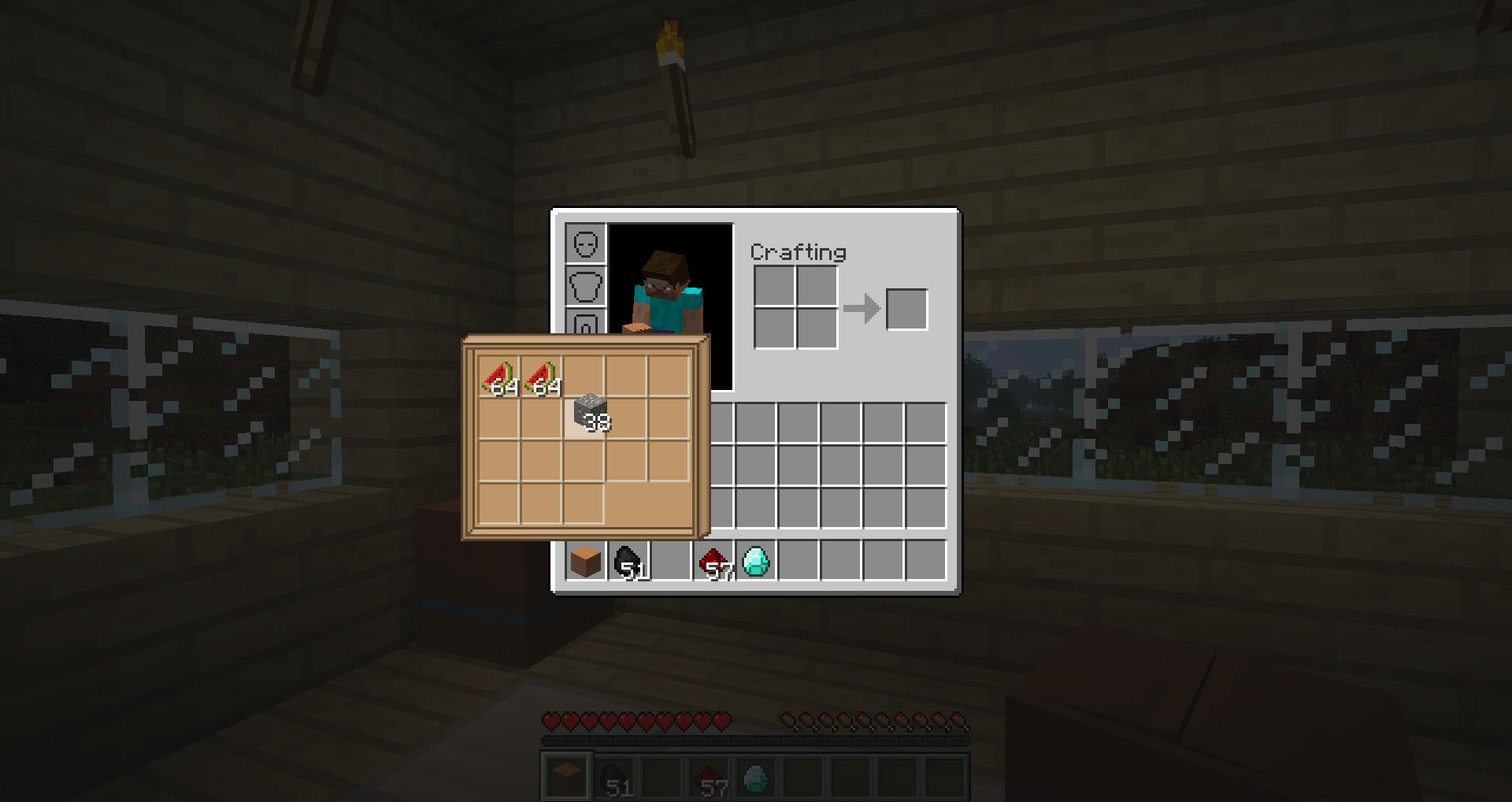
- 1) You can see and interact with the contents of a box without leaving your Gui.
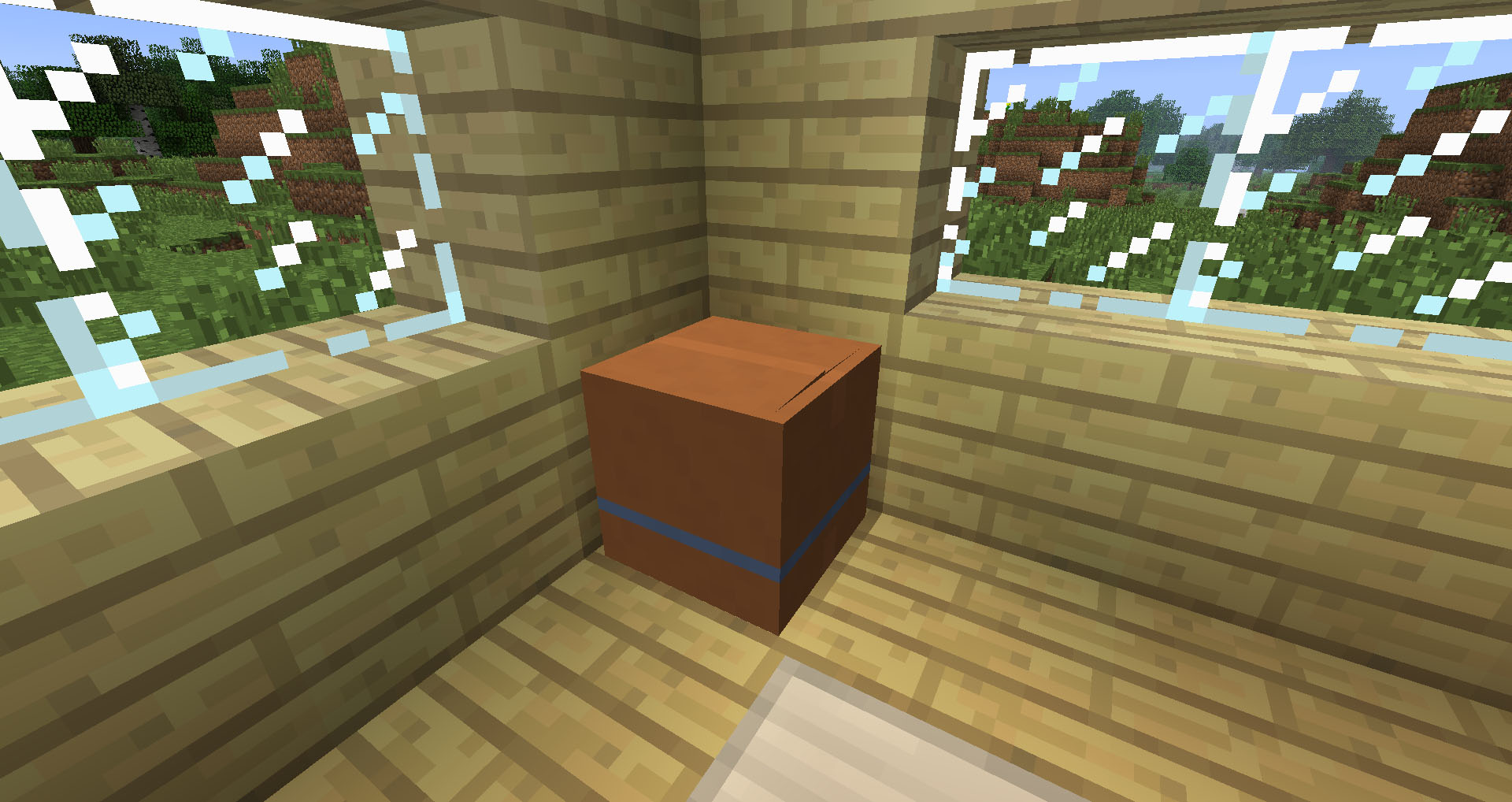
- 2) You can place a box in the world and pick it up again.
Features:
- Store up to 18 items in one inventory slot
- Content Tip shows you the contents of a box when you hover over it in your inventory
- Hold Shift to interact with Content Tips without stopping what you are doing (requires NEI)
- Shift+Right Click to place a box in the world
- RedPower2 Deployers can place boxes in the world
- Boxes are compatible with RedPower2 Tubes and BuildCraft Pipes
- Boxes drop in Creative mode so you don’t lose their contents
- SMP Support
Screenshots:
Video:
Requirements:
- MLCore
- Minecraft Forge
- NEI is required for interaction with ContentTips
Download Links
For 1.6.4/1.6.2
MLCore
For Minecraft 1.5.2
Quick facts
- Edition: Minecraft Java
- File type: .jar
- How to install: Install the matching mod loader (Forge, Fabric or NeoForge) for your Minecraft version. → Download the .jar. → Put it in the .minecraft/mods folder and launch that loader profile.
- Where to get it: In MC Java Mods, or directly above on this page.
Install steps are the general flow for this file type — How to install Minecraft Java mods & modpacks walks through it step by step.
File checked by MCModsHub
- Downloads as 215139.mcaddon
- Download size: 1.5 MB
- Download link checked 24 Jul 2026 — working
- Mirrored on our own servers — the download does not depend on the original host
These come from our own check of the pack file, not from the source page.