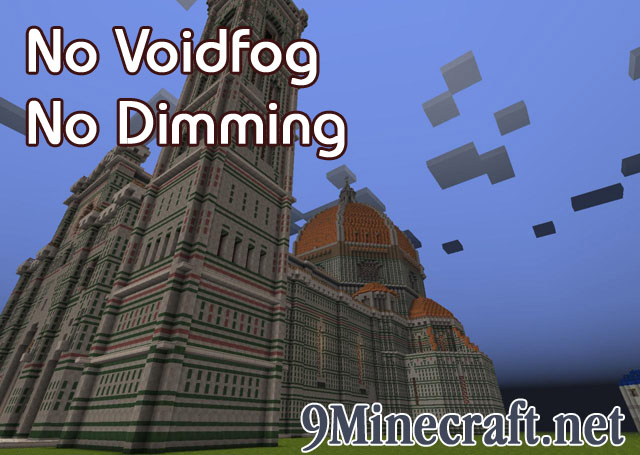
About No Voidfog and No Dimming Mod:
1.8 and beyond added void fog near bedrock level. This is not conducive to megabuilds that begin low. Fortunately there was a mod to remove it.
Unfortunately, 1.9 and beyond added a second effect when near bedrock: everything gets slightly darker. This mod removes both the fog and this second effect.
Vanilla Minecraft version 1.1 and up removes the fog if you are in creative mod (but not the dimming ugh). It also removes the fog AND the dimming if you are on a flat map. Use this mod to remove both of them no matter what: in survival, non flat maps, whatever
Creative Mode, no voidfog but still with dimming
See the images for an example of
- No voidfog but with dimming (creative mode)
- No voidfog and no dimming (this mod)
No Voidfog and No Dimming Mod Download Links
For Minecraft 1.6.4
For Minecraft 1.6.2
For Minecraft 1.5.2
- Edition: Minecraft Java
- File type: .jar
- How to install: Install the matching mod loader (Forge, Fabric or NeoForge) for your Minecraft version. → Download the .jar. → Put it in the .minecraft/mods folder and launch that loader profile.
- Where to get it: In MC Java Mods, or directly above on this page.
Install steps are the general flow for this file type — How to install Minecraft Java mods & modpacks walks through it step by step.
- Downloads as 215342.mcaddon
- Download size: 20 KB
- Download link checked 27 Jul 2026 — working
- Mirrored on our own servers — the download does not depend on the original host
These come from our own check of the pack file, not from the source page.