EntityJS
Java mod listed for Minecraft 1.19–1.21. Downloads from the MC Java Mods app on Android.
I don't know my version or loader
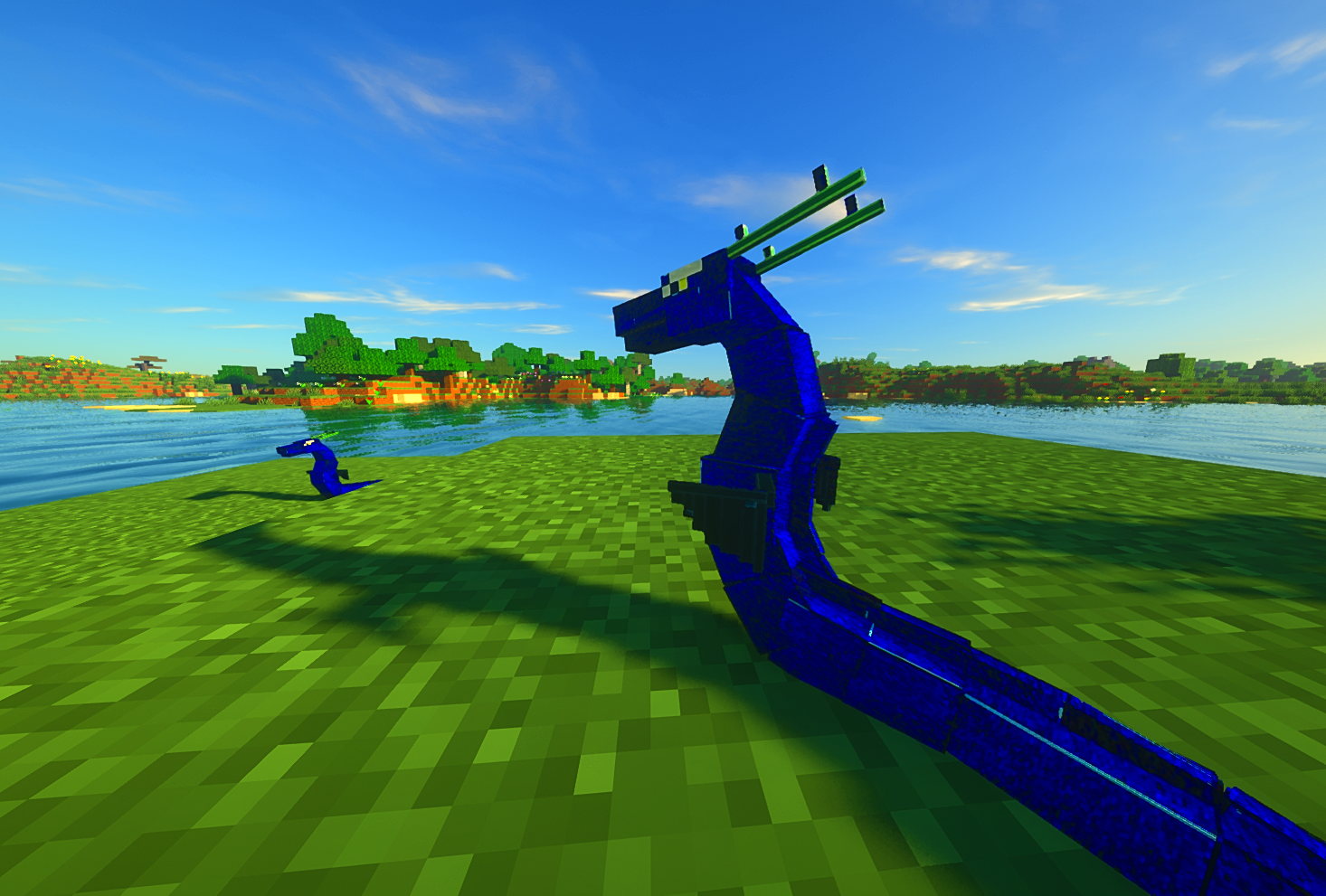
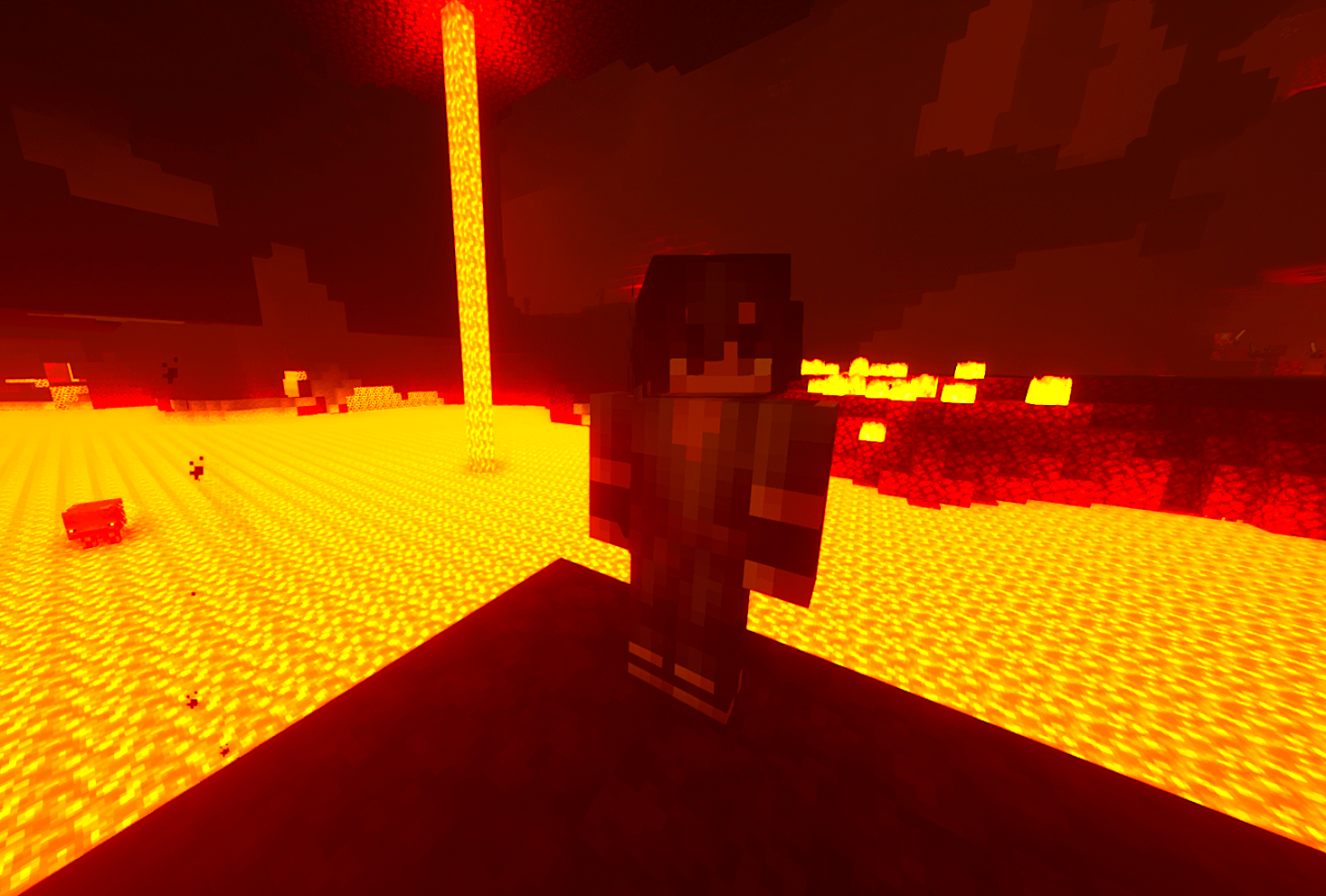
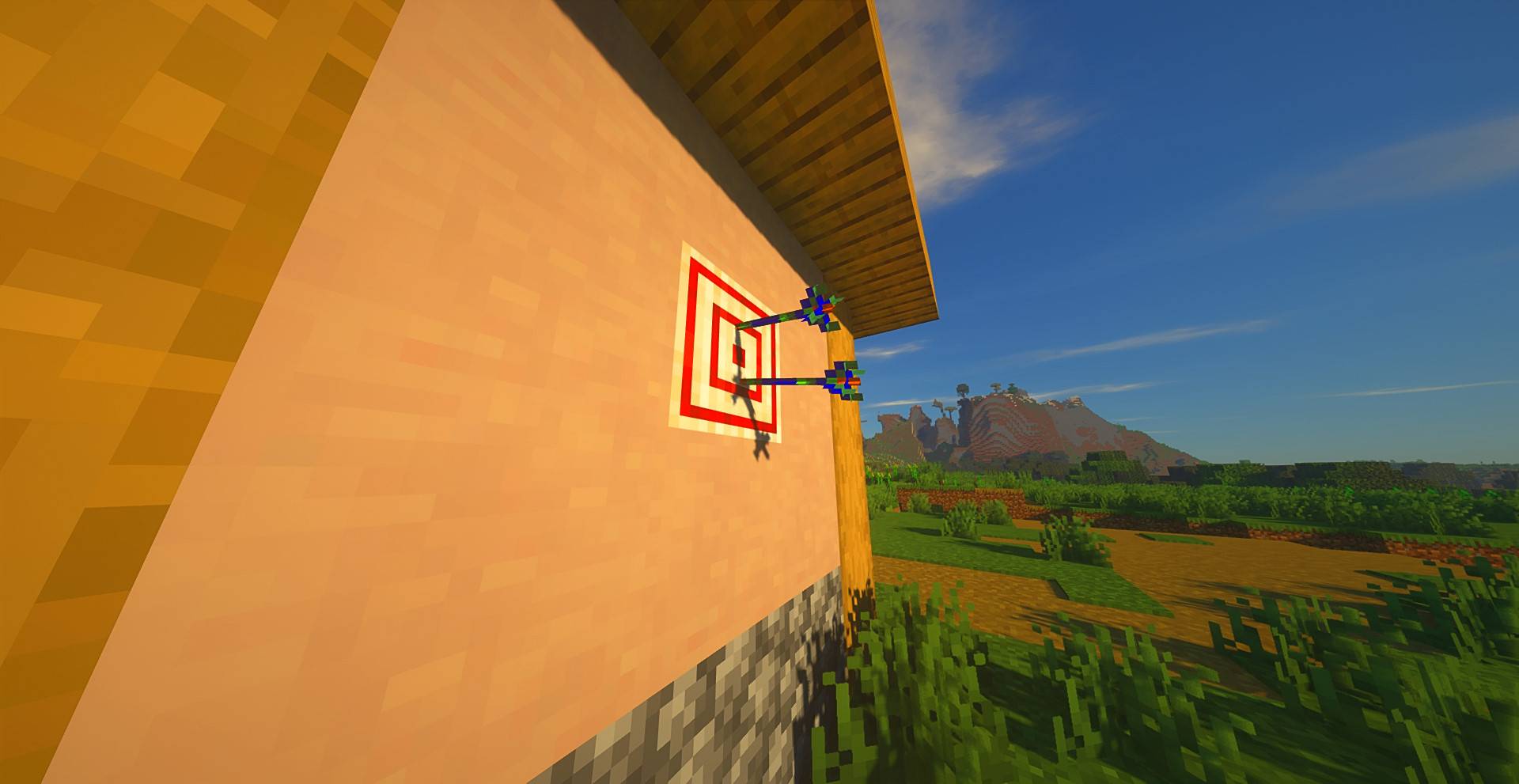
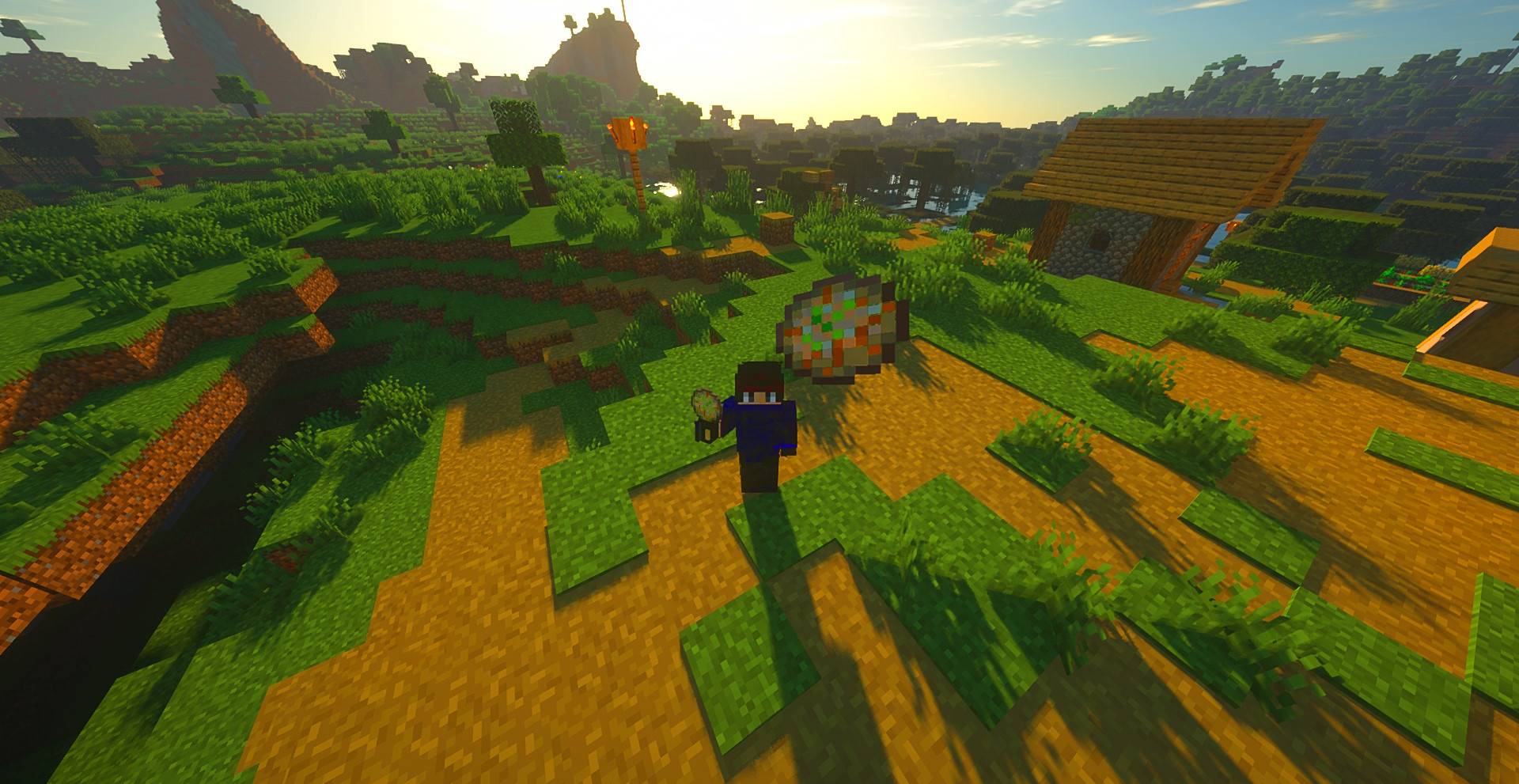
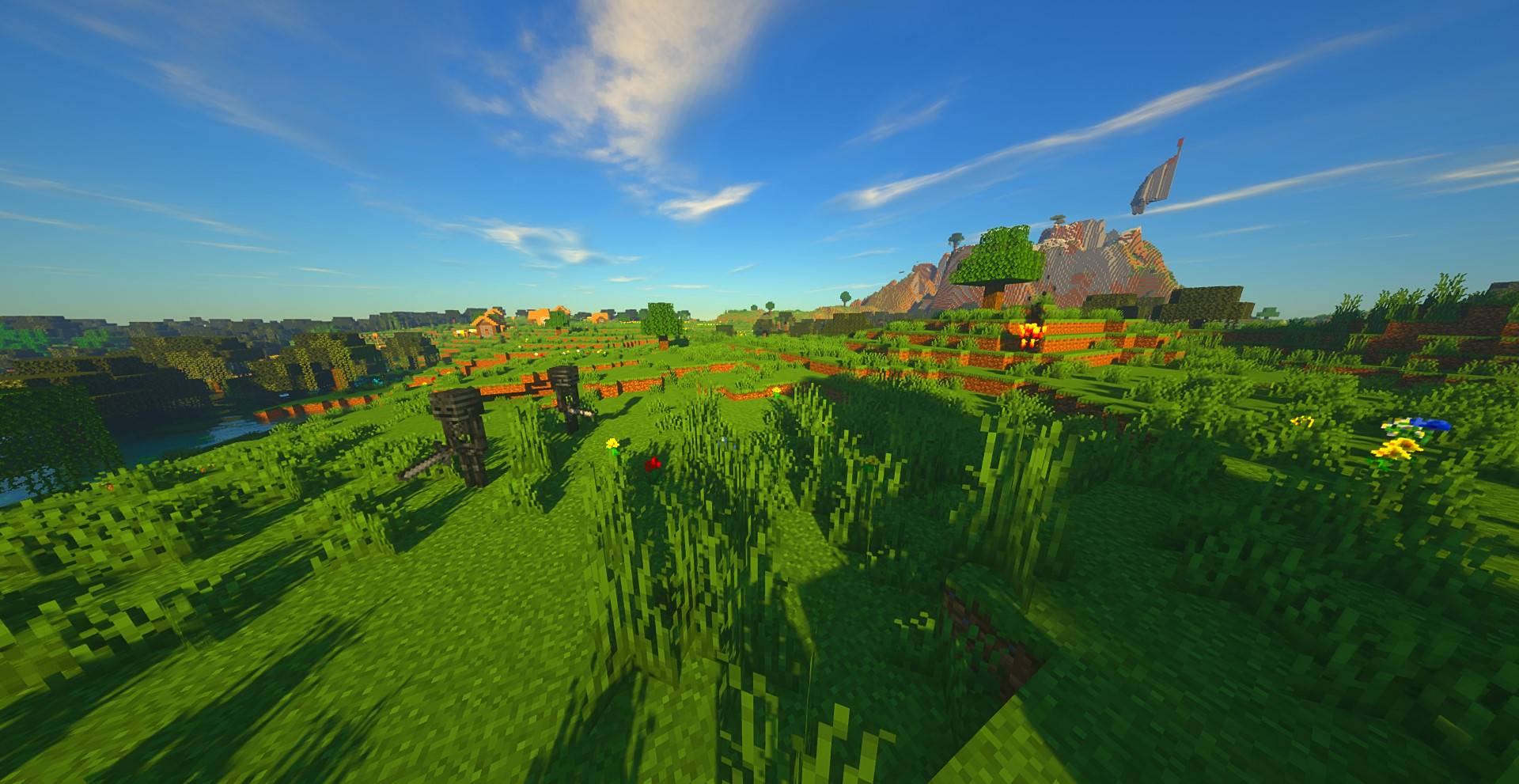

Key Features
- Dynamic Entity Registry: Easily register custom entities and define their attributes and behaviors using JavaScript.
- Entity Modification: Modify existing entity methods with the entity modification event for further customization.
- Full Animation Support: Enjoy smooth and lifelike animations for your entities, utilizing LioLib, a Geckolib 4 fork backporting many fixes to the unsupported 1.19.2 version
(EntityJS 1.20.1+ uses Geckolib as a direct dependency because it is a supported version)
- Spawn Control: Take full control over entity spawning by specifying spawn conditions, rates, and locations.
- Attribute Modification: Fine-tune entity attributes such as health, speed, damage, and more to suit your gameplay needs.
- Full AI Support: Access a comprehensive set of AI behaviors and functions to create intelligent and interactive entities.
Getting Started
To start using EntityJS, simply install the addon alongside KubeJS and begin creating your custom entities and animations. Refer to the documentation for detailed instructions and examples.
Special Compatibility
KubeJS Iron's Spells
Visit KubeJS Iron's Spells Mod Page
- Spellcasting Mobs: You can make any Mob cast spells by using the Goal event to attach spellcasting behavior.
- Custom Spellcasters: Create fully custom spellcasting mobs with tailored AI, spell sets, and behaviors.
- Spell Projectiles: Define and control custom spell projectiles for advanced combat and visual effects.
Community
Join the official KubeJS Discord community to connect with other users, share your creations, and get help with any questions or issues you encounter while using EntityJS. Alternatively, you can click the Discord icon below:

Youtube Tutorials:
- Edition: Minecraft Java
- File type: .jar
- Minecraft versions listed: 1.21, 1.21.1, 1.20.1
- How to install: Install the matching mod loader (Forge, Fabric or NeoForge) for your Minecraft version. → Download the .jar. → Put it in the .minecraft/mods folder and launch that loader profile.
- Where to get it: Opens on CurseForge — not every file is mirrored on our own servers.
Install steps are the general flow for this file type — How to install Minecraft Java mods & modpacks walks through it step by step.
- Ships as entityjs-fabric-0.7.3.jar — drop this file into the mods folder
- Download size: 3.5 MB
- Download link checked 7 Oct 2026 — working
These come from our own check of the pack file, not from the source page.