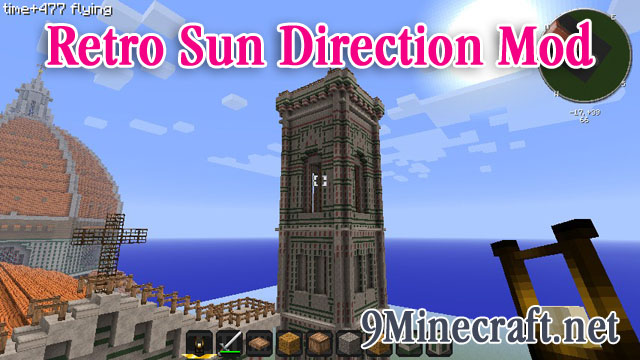
This mod makes the sun travel from north to south, to match the direction it went in Minecraft Beta. With this mod, clouds go “north” and the sun goes “west”, just like it used to.
If you install Zan’s Minimap, you can toggle between the old and new direction (see the third image)
Current sun direction, rising in the east, which was the south in beta
Old, Beta sun direction, rising in the Beta east, which is now the north in final (ie this is how it used to be)
Integration with Zan’s Minimap, showing the toggle between old and new sun direction
- Edition: Minecraft Java
- File type: .jar
- How to install: Install the matching mod loader (Forge, Fabric or NeoForge) for your Minecraft version. → Download the .jar. → Put it in the .minecraft/mods folder and launch that loader profile.
- Where to get it: Opens on the file's original source — not every file is mirrored on our own servers.
Install steps are the general flow for this file type — How to install Minecraft Java mods & modpacks walks through it step by step.
Retro Sun Direction Mod is a free Minecraft Java mod. Download it and open it directly in the game.