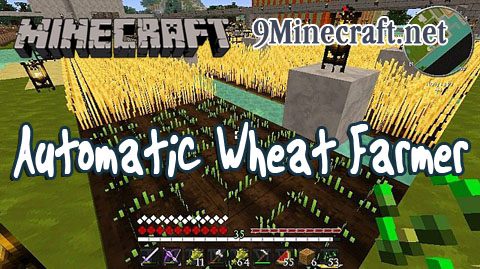
Automatic Wheat Farmer automatically plants wheat seeds in nearby empty farmland. Optionally it can also automatically harvest nearby (ripe) wheat.
Enable it by pressing P for Plant menu. If you have seeds in your item bar, when you approach farmland they will be planted. Harvesting only works if planting is enabled (to prevent griefing). You can only harvest when you are set to plant, and have seeds available.
Screenshots:
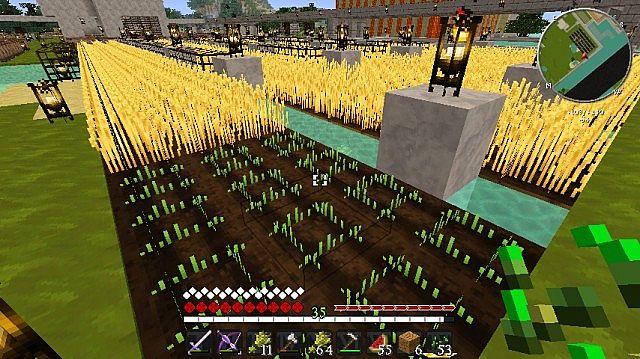
Seeds automatically planted on nearby farmland
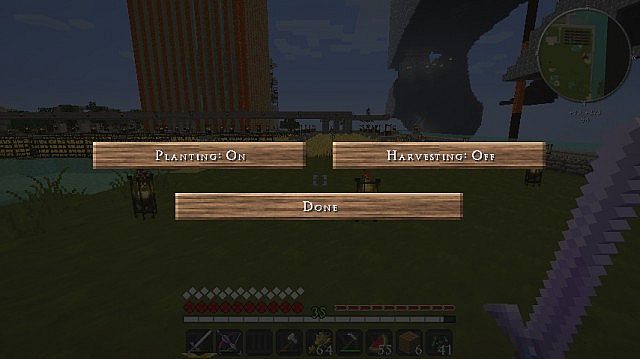
Planting menu
This works in singleplayer and multiplayer
- Edition: Minecraft Java
- File type: .jar
- How to install: Install the matching mod loader (Forge, Fabric or NeoForge) for your Minecraft version. → Download the .jar. → Put it in the .minecraft/mods folder and launch that loader profile.
- Where to get it: Opens on the file's original source — not every file is mirrored on our own servers.
Install steps are the general flow for this file type — How to install Minecraft Java mods & modpacks walks through it step by step.
Automatic Wheat Farmer Mod is a free Minecraft Java mod. Download it and open it directly in the game.