
Iris & Oculus Flywheel Compat
Java mod listed for Minecraft 1.18–1.21. File opened and checked on 24 Sep 2026; downloads from the MC Java Mods app on Android.
⬇ Download on CurseForgeVersion Compatibility:
| Create Version | NeoForge/Forge | Fabric |
|---|---|---|
| 6.0.9 | 2.1.0 | ❌ |
| 6.0.0 - 6.0.9 | 2.0.5 | ❌ |
| 5.0 | 1.X | 1.X |
Features:
- Render Create's entities using Flywheel Instancing with shaderpack enabled.
- Supports most shaderpacks without patching.
- Supports PBR.
The version 2.0.3 now fully supports Create 6.0.
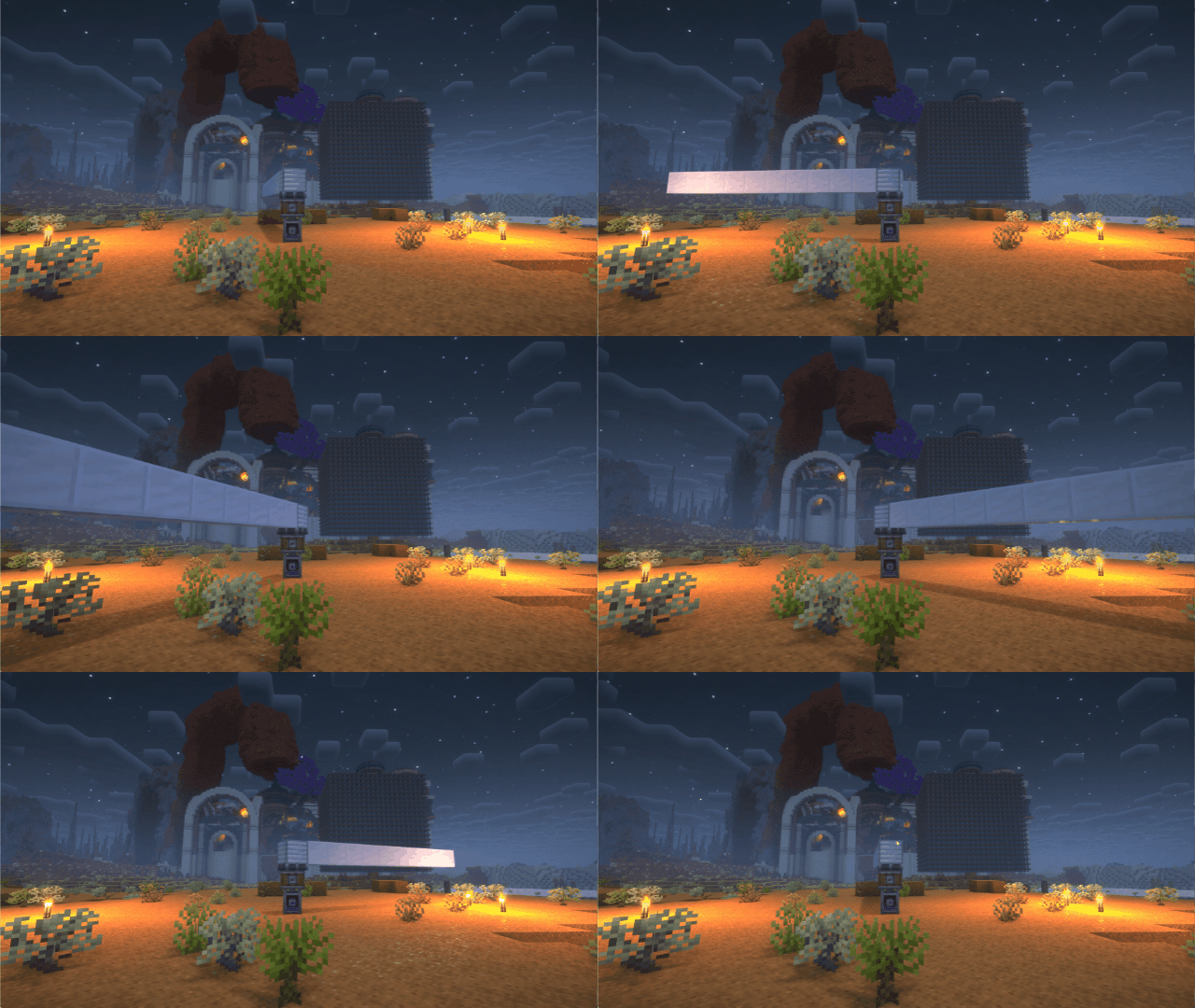

If you have any suggestions or issues, please raise them on the GitHub issue page.
undefined
What's this?
- Flywheel will disable its optimizations when you are using shaderpacks.
- This mod forces Flywheel’s optimizations to be enabled.
- For those using shaderpacks and mods that depend on Flywheel, this mod can significantly improve fps.
- If you don’t use shaderpacks, this mod has no effect because Flywheel’s optimizations are enabled by default.
undefined
Compatibility
The shaders that have been tested are:
- BSL
- Complementary
- Complementary Reimagined
- SEUS renewed
- Sildurs Vibrant Shaders
- AstraLex
- Kapa 5.1
- Nostalgia
- Rethinking Voxels
- SEUS PTGI HRR
There are some shaderpacks that are also supported, but not listed above, so you can test them yourself.
This mod only supports some specific versions of Iris !!!
| Create Version | NeoForge/Forge | Fabric |
|---|---|---|
| 6.0.9 | 2.1.0 | ❌ |
| 6.0.0 - 6.0.9 | 2.0.5 | ❌ |
| 5.0 | 1.X | 1.X |
| Iris or Oculus | This Mod |
|---|---|
| >= 1.8.1 | 2.0.0 |
| >= 1.6.13 | 0.2.2 |
| >= 1.6.5 | 0.2.1 |
| >= 1.6.2 | 0.2.0 |
| >= 1.5 and <= 1.6.1 | 0.1.9 |
| >= 1.4 and < 1.5 | 0.1.7~0.1.8 |
| <1.4 | 0.1.6 below |
CHANGELOG
2024/7/28
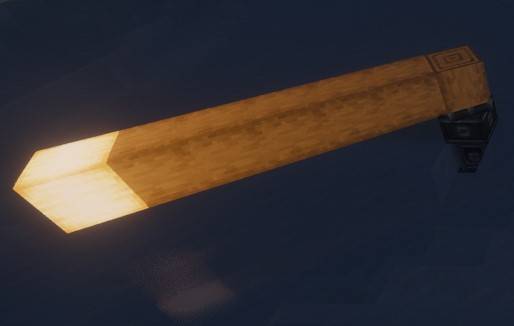
- Fix lighting issues of the moving contraption.
- The vertex light strength was incorrectly set to a fixed value, causing the moving contraption won't be affected by the light source.
- Use architecture to reorganize the project.
- Forge and Fabric forge are now merged into a single project, which is more convenient for future development.
- New version number format.
- Now the version number starts from 1.0.0. The first number represents the major version and will be increased when the mod has a significant update. The second number represents the Iris/Oculus compatibility and will be increased when the mod is no longer compatible with older versions of iris.
Principle
Flywheel uses a method called GPU Instancing to render entities. It is very efficient when rendering a large number of repeating entities (e.g., cogwheels in the Create mod).
However, when you use Iris and enable shaderpack, this optimization is disabled because Flywheel needs to use its own shaders to render these entities, and Flywheel’s shaders will no longer work when you enable shaderpack.
This mod will automatically merge Flywheel’s shaders with the shaders in the shaderpack when shaderpack is enabled, allowing entities to be rendered using Instancing.
When there is a large number of entities to render, there is a significant CPU bottleneck with the original rendering method. This means that the better your GPU is, the more substantial the FPS improvement from Flywheel will be. For example, on my RTX 4070ti at 4K resolution, the scene in the screenshot improved from 26fps to 65fps.
Comparison
Before

After
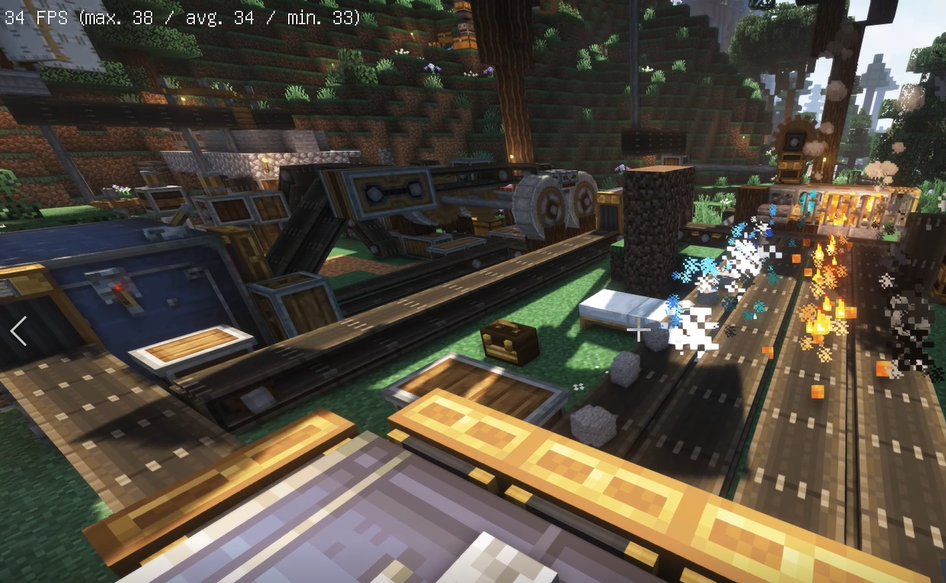
Before
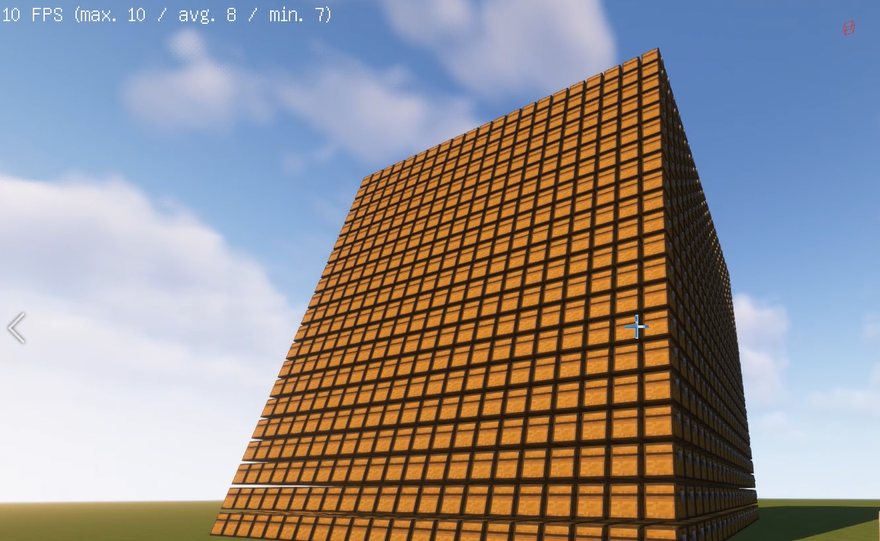
After
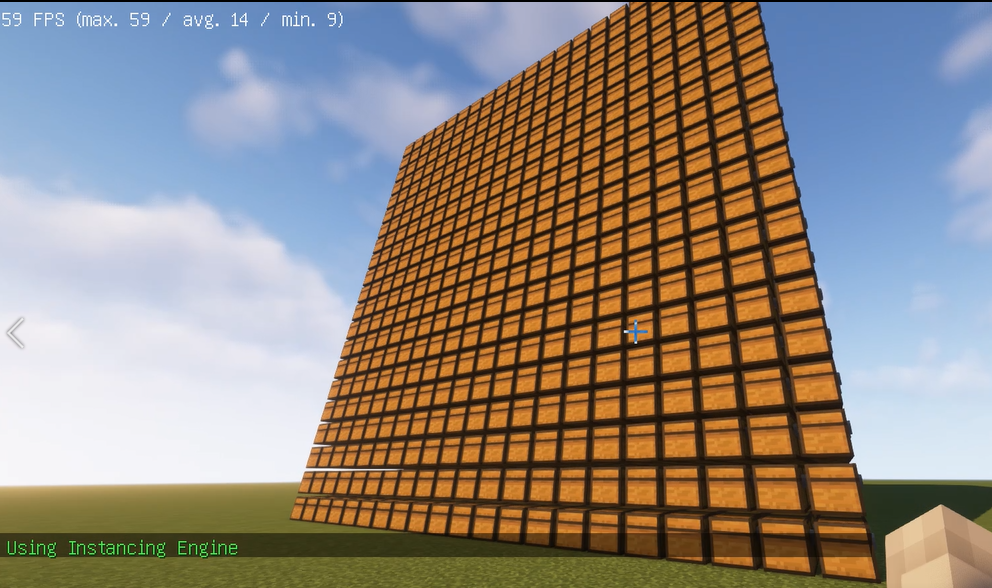
Before
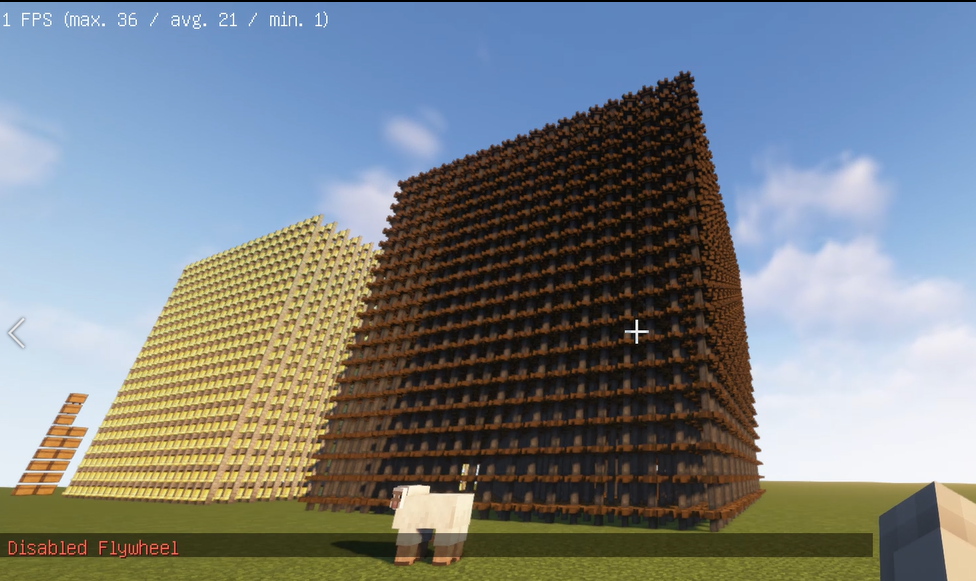
After
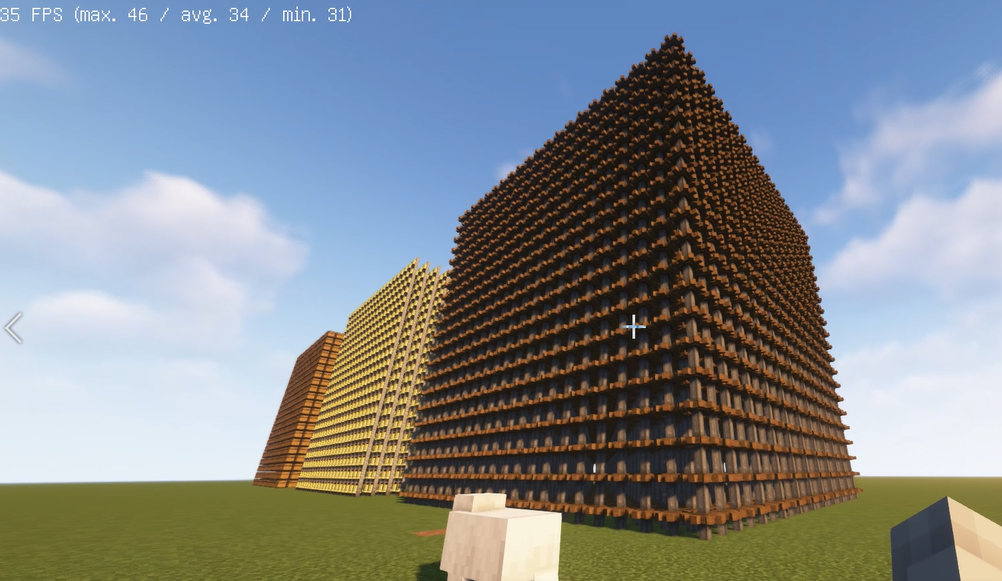
How to use it?
1. Install Flywheel(Create has embedded flywheel so you don't need to install it separately now) and Iris (Oculus if you use forge).
2. Install this mod.undefinedundefined
- Edition: Minecraft Java
- File type: .jar
- Minecraft versions listed: 1.21.1, 1.20.1, 1.19.2
- How to install: Install the matching mod loader (Forge, Fabric or NeoForge) for your Minecraft version. → Download the .jar. → Put it in the .minecraft/mods folder and launch that loader profile.
- Where to get it: Opens on CurseForge — not every file is mirrored on our own servers.
Install steps are the general flow for this file type — How to install Minecraft Java mods & modpacks walks through it step by step.
Iris & Oculus Flywheel Compat is a free Minecraft Java mod. Compatible with Minecraft 1.21.1, 1.20.1, 1.19.2, 1.18.2 and newer. Downloaded 39,981,882 times (via CurseForge). Download it and open it directly in the game.

