
XCommands Mod
Minecraft Java mod. Download on the author's site.
XCommands is a continuation of SinglePlayerConsole. It adds new features, not possible in SinglePlayerConsole. This is a universal mod – so can be…
⬇ Download
XCommands is a continuation of SinglePlayerConsole. It adds new features, not possible in SinglePlayerConsole. This is a universal mod – so can be installed on client or server.
Features:
- Console GUI, accessed with ‘~’
- WorldEdit support
- 70+ new commands
Screenshots:
Using with MagicLauncher
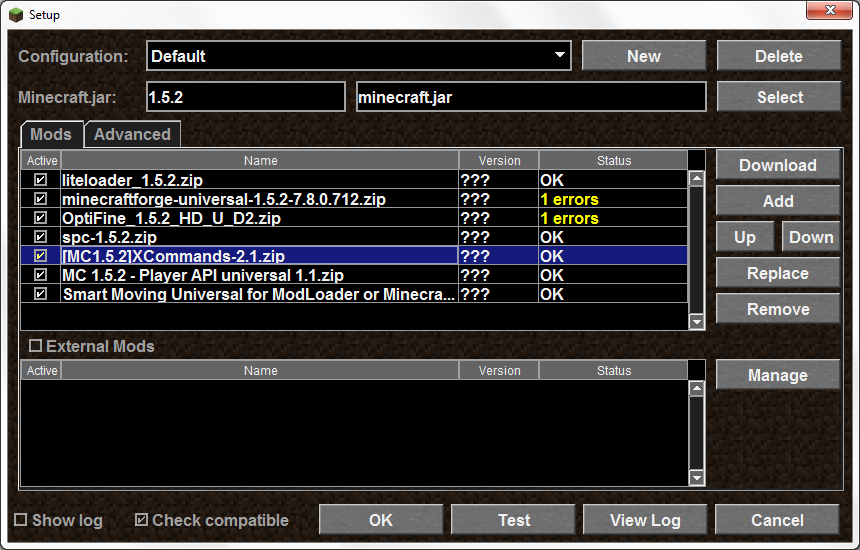
Console GUI
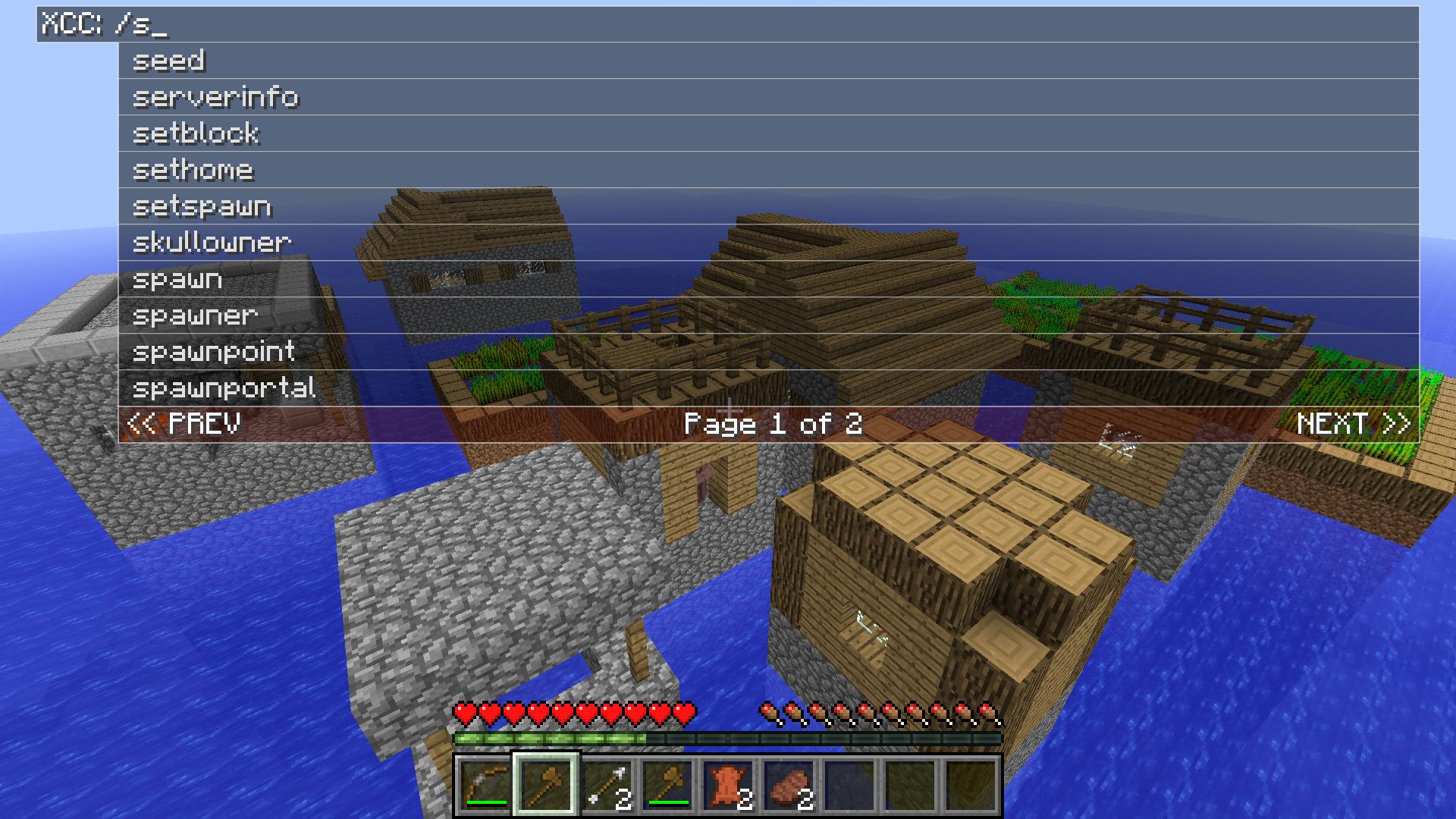
Console GUI Documentation:
Type in console commands without requiring ‘/c ‘
For example, ‘/c /noclip’ becomes ‘/noclip’
Regular commands require a ‘!’ after the first ‘/’
For example, ‘/waypoint list’ becomes ‘/!waypoint list’
The WorldEdit command ‘//wand’ becomes ‘/!/wand’
XCC also provides several inbuilt commands, these are provided through a ‘/!’ command.
Inbuilt commands
- /! display list of inbuilt commands
- /! clearhistory clear console history
- /! pause causes console GUI to pause game while open
- /! version displays console version
Keyboard
- Escape close console GUI
- Enter process entered text and close GUI
- Backspace deletes previous character
- Delete deletes following character
- Left arrow move cursor left
- Right arrow move cursor right
- Up arrow view earlier command history
- Down arrow view later command history
Mouse
- Left-click input selected command suggestion
- Right-click clear text and input ‘/!’
XCC is still in early development. The following features are incomplete:
- Clipboard support (currently you can only paste)
- Text selection (not yet implemented)
- Descriptions for vanilla commands
- Undo (not possible to undo paste)
- Automatic command description trimming
(command descriptions ‘overflow’ if they’re too long)
- Edition: Minecraft Java
- File type: .jar
- How to install: Install the matching mod loader (Forge, Fabric or NeoForge) for your Minecraft version. → Download the .jar. → Put it in the .minecraft/mods folder and launch that loader profile.
- Where to get it: Opens on the file's original source — not every file is mirrored on our own servers.
Install steps are the general flow for this file type — How to install Minecraft Java mods & modpacks walks through it step by step.
XCommands Mod is a free Minecraft Java mod. Download it and open it directly in the game.