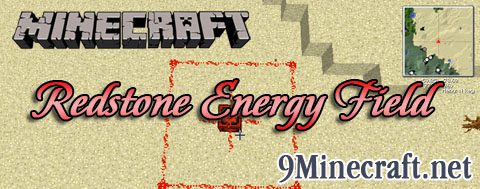
This mod just adds 1 block. This block can power a field within its range as specified in the configuration. The field is centered on the block. You can use this to mass power multiple machines or engines or whatever you wish. You can turn off the field by applying a lever, pressure plate, and anything that provides direct redstone current.
Information:
- Tier 1 energy block – Standard block that creates a field of redstone energy without much control (cant be lever/button/etc controlled directly)
- Tier 2 energy block – A more advanced tier that does everything the tier 1 energy block can do but can be lever/button/etc controlled, make sure its directly on the energy block.
- Tier 3 energy block – This block allows you to turn on particle effects when you right click it to show the powered field. And of course, has everything the tier 2 block can do
- Tier 4 energy block – Currently the most advanced tier block. You can control the range of the field via a GUI. While still being able to turn it off through a lever.
Screenshots:
Redstone Energy Field ON
Redstone Energy Field OFF
Usage:
Place the block down near blocks you want powered. By default the field will always be on unless controlled by a device. The field can be turned off by attaching a lever directly to the block, also works with pressure plates and buttons. The range of the field is configurable. So customize it to how you wish
- Edition: Minecraft Java
- File type: .jar
- How to install: Install the matching mod loader (Forge, Fabric or NeoForge) for your Minecraft version. → Download the .jar. → Put it in the .minecraft/mods folder and launch that loader profile.
- Where to get it: Opens on the file's original source — not every file is mirrored on our own servers.
Install steps are the general flow for this file type — How to install Minecraft Java mods & modpacks walks through it step by step.
Redstone Energy Field Mod is a free Minecraft Java mod. Download it and open it directly in the game.