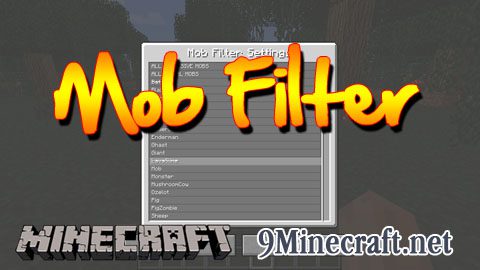
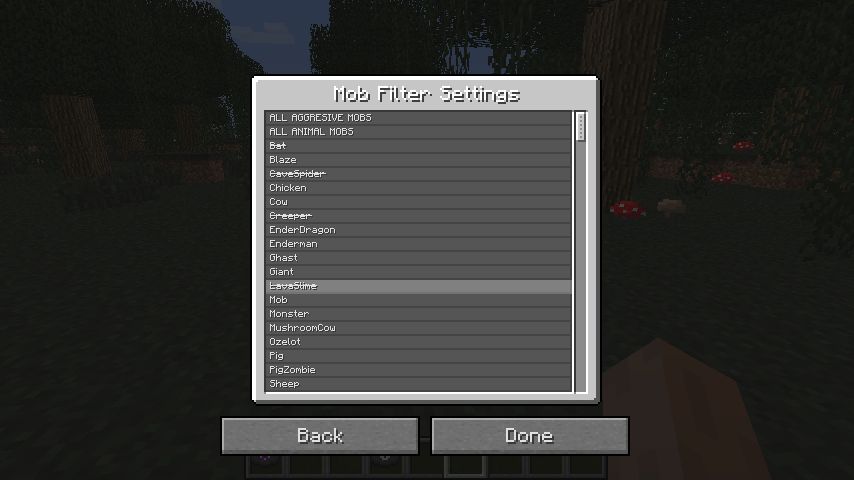
This mod is simple, it lets you filter out mobs that you don’t want to spawn. If you filter a mob that has already been spawned, then this mob will be removed. Simply press the CJB Menu key and click the Mob Filter button. There you can selected the mob you don’t wanna spawn.
Screenshot:
Quick facts
- Edition: Minecraft Java
- File type: .jar
- How to install: Install the matching mod loader (Forge, Fabric or NeoForge) for your Minecraft version. → Download the .jar. → Put it in the .minecraft/mods folder and launch that loader profile.
- Where to get it: Opens on the file's original source — not every file is mirrored on our own servers.
Install steps are the general flow for this file type — How to install Minecraft Java mods & modpacks walks through it step by step.
CJB Mob Filter Mod is a free Minecraft Java mod. Download it and open it directly in the game.