Little Big Redstone
Java mod listed for Minecraft 1.21. Downloads from the MC Java Mods app on Android.
⬇ Download on CurseForgeThe author built this one for Minecraft 1.21.1 on NeoForge. On other versions it may install and then do nothing.
Little Big Redstone
This mod adds a new block called the Microchip that allows you to put together complex logic that interfaces with redstone and item/fluid/energy storages!
For any questions, please ask in the #little-big-redstone channel on my discord.
All items come in all dye colors to allow for personalization, expression, and organization!
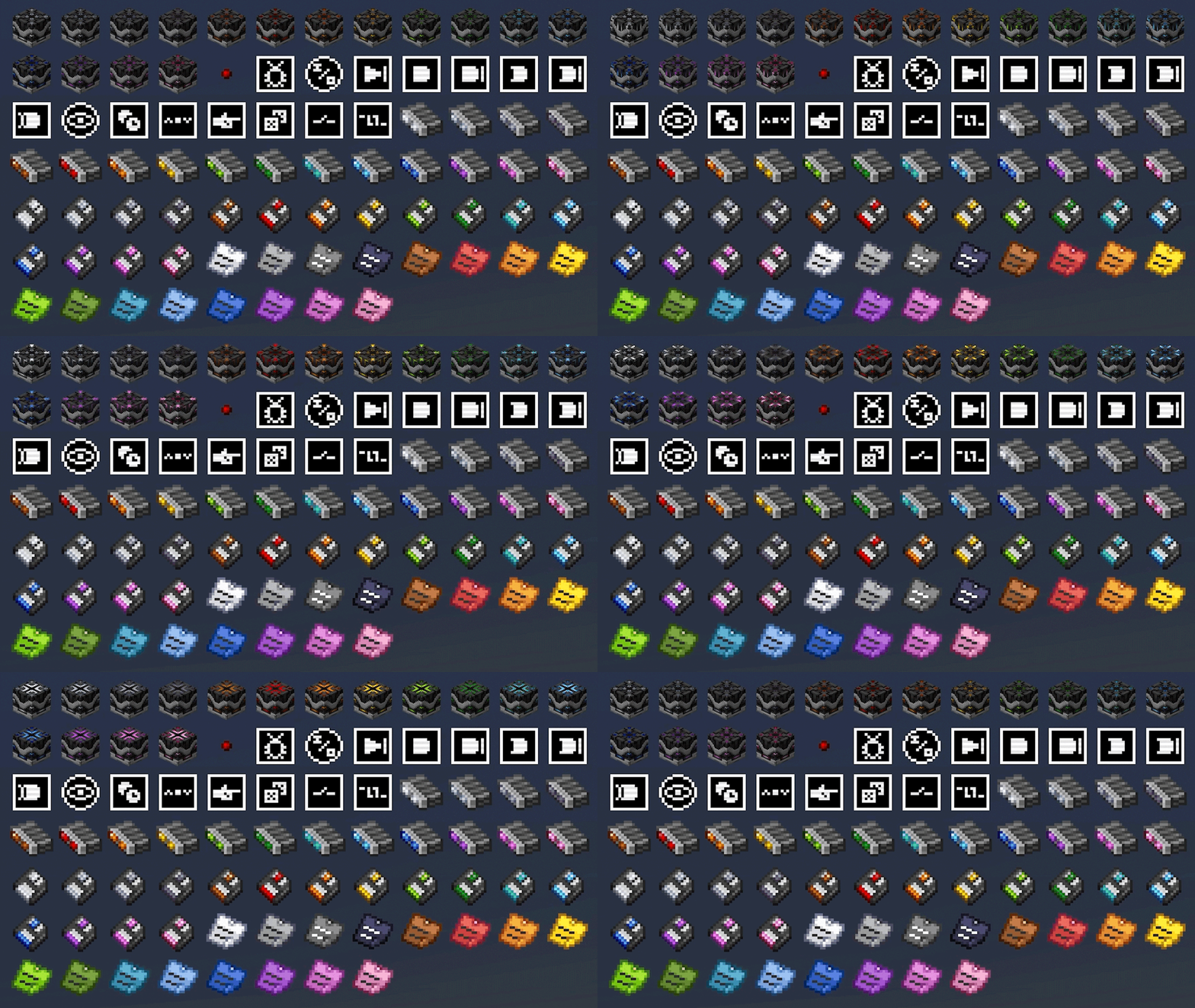
Microchips
Mirochips are blocks that can have logic placed in their GUI in many different arrangements. Redstone bits are used to create connections between logic components in the GUI. All logic components have tooltips that describe what their functions are.
Below is a demonstration of how complex logic can get inside of the microchip GUI. This is a seven segment display created by bigfoott. While this microchip does not have a designated output, you can place any number of inputs and outputs as you may need.
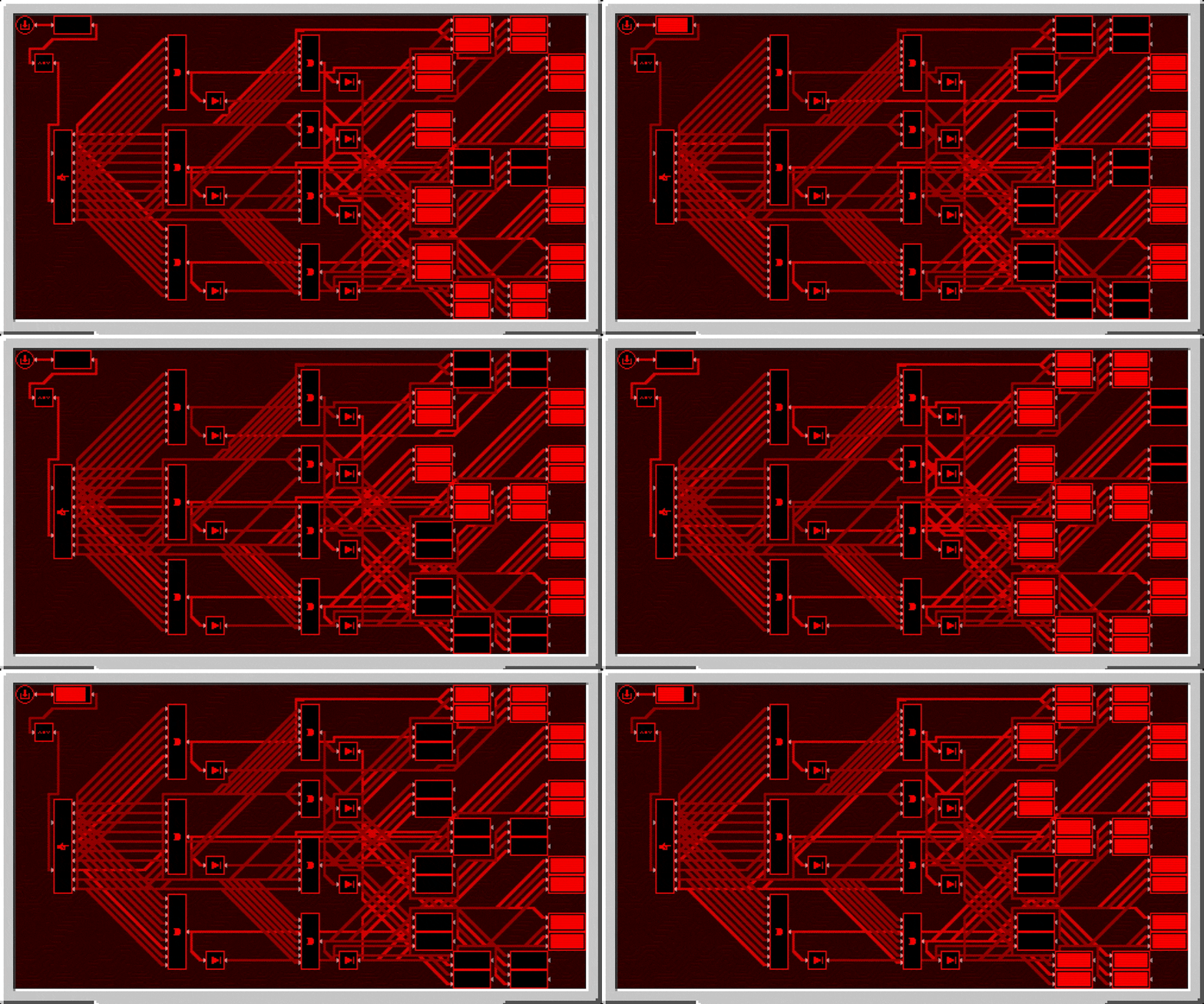
Logic can be colored separately from the color of the microchip by interacting with it in the gui with dye. You can remove the color from components with either snowballs (consumed) or a water bucket (not consumed).
Logic Arrays
Logic arrays are items that can store redstone bits and logic components. The contents can be opened both while in hand, or while in the GUI of a Microchip for ease of access.
Floppy Disks
Floppy disks are items that allow you to copy and store logic arrangements (and wire connections) from microchips. You then can take the stored circuit and install it into another microchip, however it does require that the items be present in your inventory for you to do so.
Sticky Notes
Sticky notes are items that you can place into the world similar to item frames. On each face of a block, you can place 4 sticky notes with any combination of colors and rotations. The text on sticky notes can also be colored by interacting with dye on a sticky note. Sticky notes retain their contents and colors when broken and placed.

When placed, you can interact with a sticky note to view what is written on it, or write your own text. Sticky notes support very rudimentary markdown formatting.

Sticky notes may also be placed inside of microchips to allow you to put notes in your logic.

All art (with exception of the logic components, wires, and redstone bit) are made by Facu.
- Edition: Minecraft Java
- File type: .jar
- Minecraft version listed: 1.21.1
- How to install: Install the matching mod loader (Forge, Fabric or NeoForge) for your Minecraft version. → Download the .jar. → Put it in the .minecraft/mods folder and launch that loader profile.
- Where to get it: Opens on CurseForge — not every file is mirrored on our own servers.
Install steps are the general flow for this file type — How to install Minecraft Java mods & modpacks walks through it step by step.
- Ships as little-big-redstone-1.8.2-beta-1.21.1.jar — drop this file into the mods folder
- Download size: 1.5 MB
- Download link checked 7 Oct 2026 — working
These come from our own check of the pack file, not from the source page.