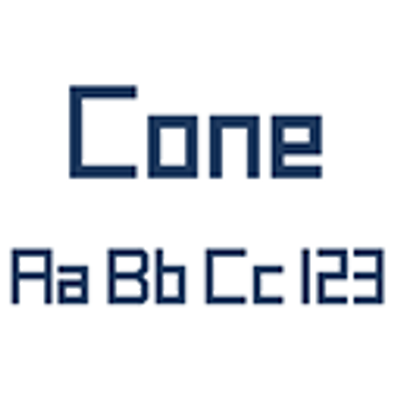
Cone font on Minecraft.

It only change game's font.
Installation
This file goes in the resourcepacks folder, just like any other texturepack. It's activated in the same way as a texture pack.
Tip: If you have multiple texture packs active, place this file on top of them all to apply the font to everything.

Quick facts
- Edition: Minecraft Java
- File type: .zip (resource pack)
- Minecraft versions listed: 1.21, 1.20.2, 1.21.8
- How to install: Download the .zip resource pack — do not unzip it. → Put it in .minecraft/resourcepacks. → Enable it in Options → Resource Packs.
- Where to get it: Opens on CurseForge — not every file is mirrored on our own servers.
Install steps are the general flow for this file type — How to install Minecraft Java resource packs walks through it step by step.
Cone Font is a free Minecraft Java resourcepack. Compatible with Minecraft 1.21, 1.20.2, 1.21.8, 1.20.5 and newer. Downloaded 546 times (via CurseForge). Download it and open it directly in the game.