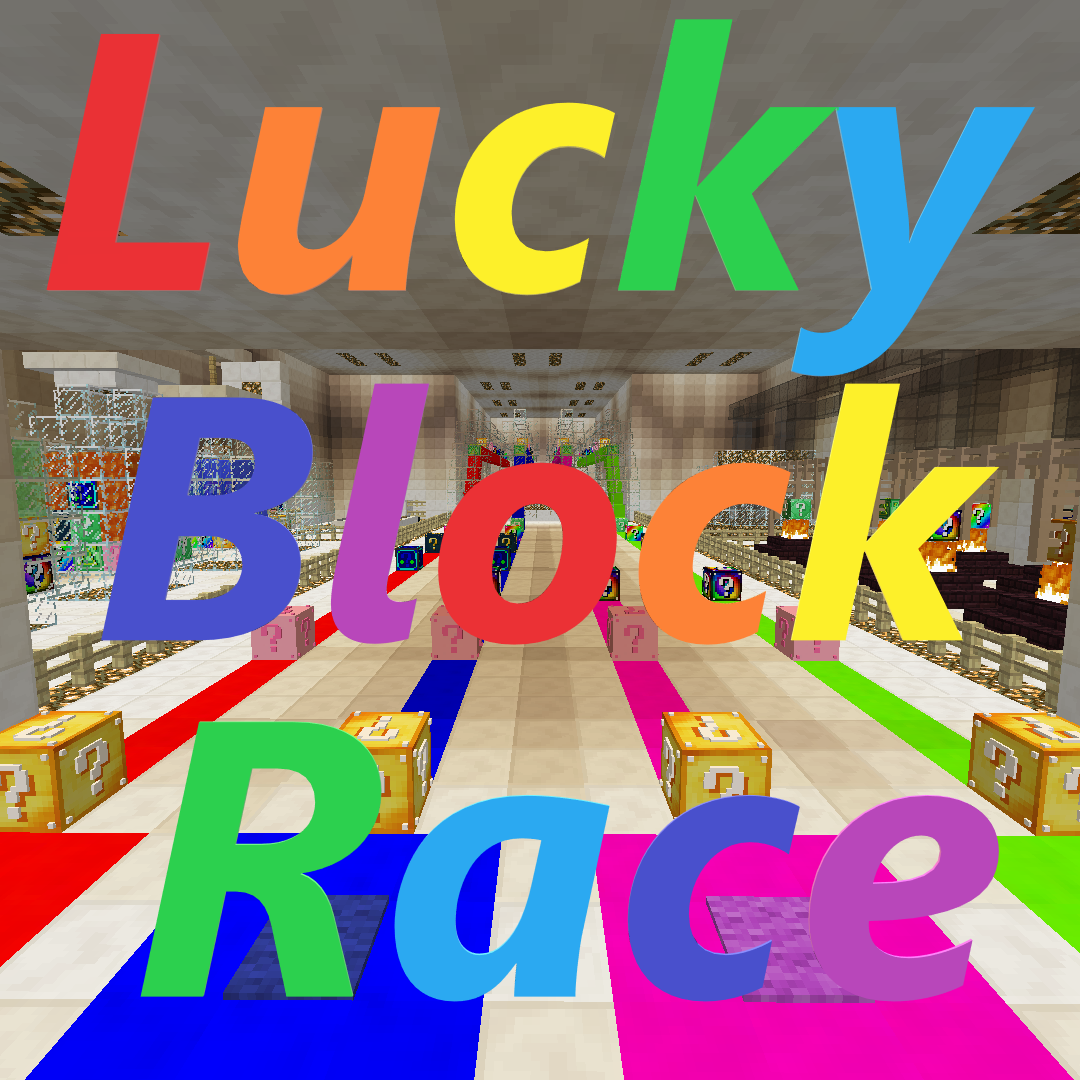
Have you ever wanted to play with lucky blocks but you didn't know how to download addons or how to download a world or how to host a server to play with your friends?
This modpack is the solution to your problems, this modpack has 7 lucky block addons thanks to which you can play the best minecraft lucky block map, which will be automatically download in your saves file after downloading the modpack (if you want to play it multiple times, I recommend making some backups, if you forget or you have no idea of how to do it, you can download the modpack again), and thanks to Essential mod you will be able to invite your friends in your world with ease.
Modlist:
1) Lucky block
2) Better sprinting
3) Chance Cubes (they are not in the map that I featured above but you can use them if you want)
4) Essential Mod, the mod that lets you invite your friends in your world
5) Loot++, needed for lucky block addons to work
6) Mouse Tweaks
7) Potion core, needed for lucky block addons to work
Lucky block addons:
1) Emerald
2) Astral
3) Night
4) Spiral
5) Delta
6) Pink
7) Rainbow
If you are wondering "On curseforge there are other lucky block addons, how do I download and use them?" the answer is: You search the lucky block addon that you want and then you press the download button that appears when you move the mouse arrow over the mod name, after downloading it, open the modpack folder, addons --> lucky_block --> here you paste the lucky block addon file.
WARNING: do NOT take for granted that all lucky block addons work together without any problem
- Edition: Minecraft Java
- File type: .jar
- How to install: Install the matching mod loader (Forge, Fabric or NeoForge) for your Minecraft version. → Download the .jar. → Put it in the .minecraft/mods folder and launch that loader profile.
- Where to get it: Opens on CurseForge — not every file is mirrored on our own servers.
Install steps are the general flow for this file type — How to install Minecraft Java mods & modpacks walks through it step by step.
Lucky Block Race - The Luckiest is a free Minecraft Java modpack. Downloaded 59,190 times (via CurseForge). Download it and open it directly in the game.