
Alloy Forgery
Java mod listed for Minecraft 1.16–1.21. Downloads from the MC Java Mods app on Android.
I don't know my version or loader
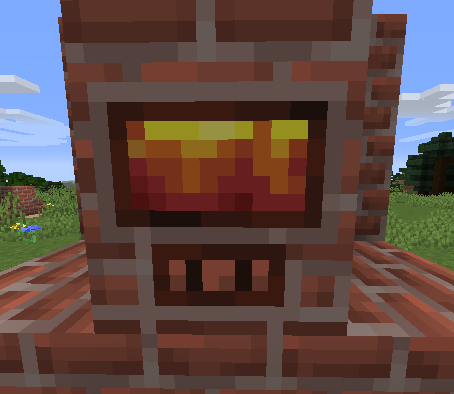
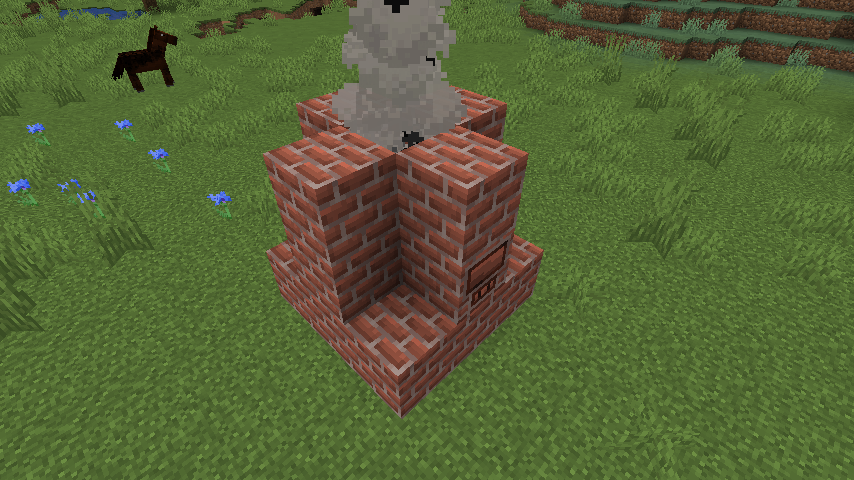
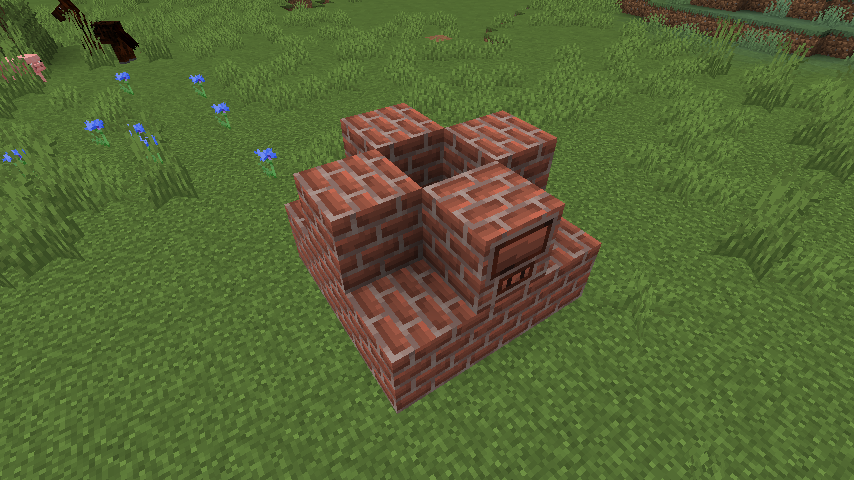
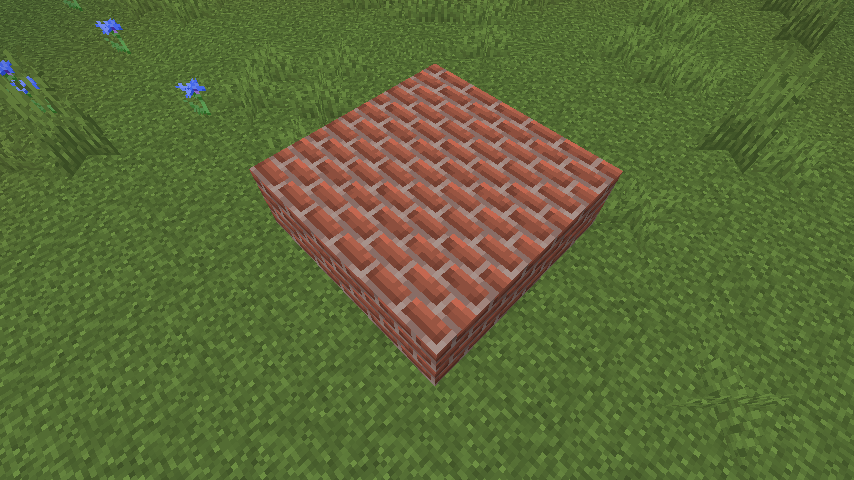
Alloy Forgery adds a multiblock alloy smelter, the Alloy Forge. In its base configuration it serves as an easy way to increase ore yield, but everything is data-driven allowing you to add new forges and recipes as you please. These data-driven features are mostly intended for mod and modpack authors, especially because new forge types can only be added through other mod-datapacks or global configuration files.
By default there are three forge tiers, each with different fuel capacity and speed. They're all made from different stone-like materials, you can look them up on the wiki.
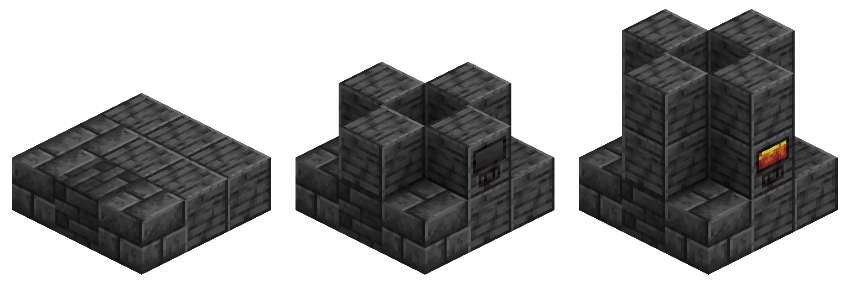
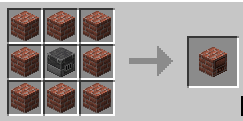
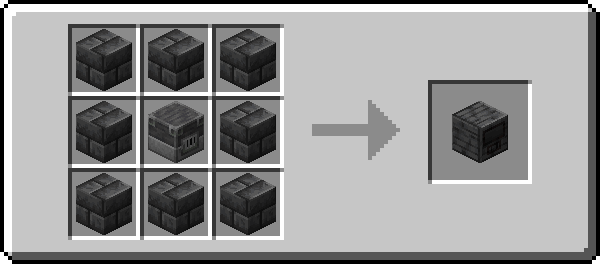
All controllers are crafted according to this pattern, with the outer ring of blocks corresponding to that controller's material. To construct a forge, simply follow the convenient guide above this piece of text using any combination of blocks that forge type supports.
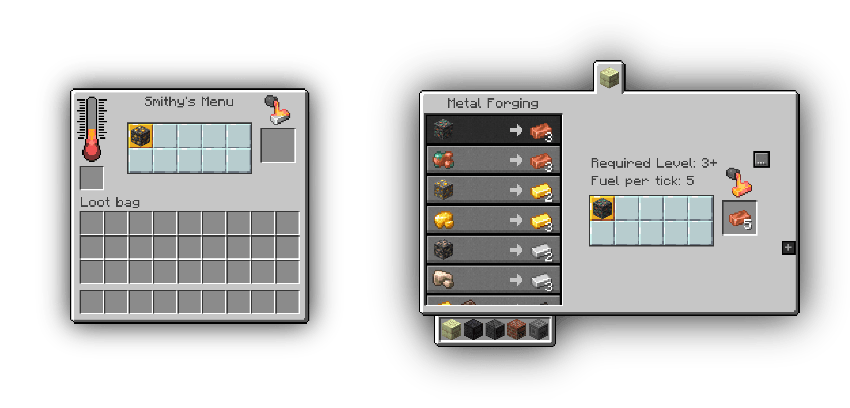 Roughly Enough Items and EMI is supported!
Development Discord:
Join this is if you have any issues or need help adding new content
- Edition: Minecraft Java
- File type: .jar
- Minecraft versions listed: 1.21.10, 1.21.4, 1.21
- How to install: Install the matching mod loader (Forge, Fabric or NeoForge) for your Minecraft version. → Download the .jar. → Put it in the .minecraft/mods folder and launch that loader profile.
- Where to get it: Opens on CurseForge — not every file is mirrored on our own servers.
Install steps are the general flow for this file type — How to install Minecraft Java mods & modpacks walks through it step by step.
- Ships as alloy-forgery-fabric-3.0.5+1.21.4.jar — drop this file into the mods folder
- Download size: 395 KB
- Download link checked 25 Oct 2026 — working
These come from our own check of the pack file, not from the source page.

