
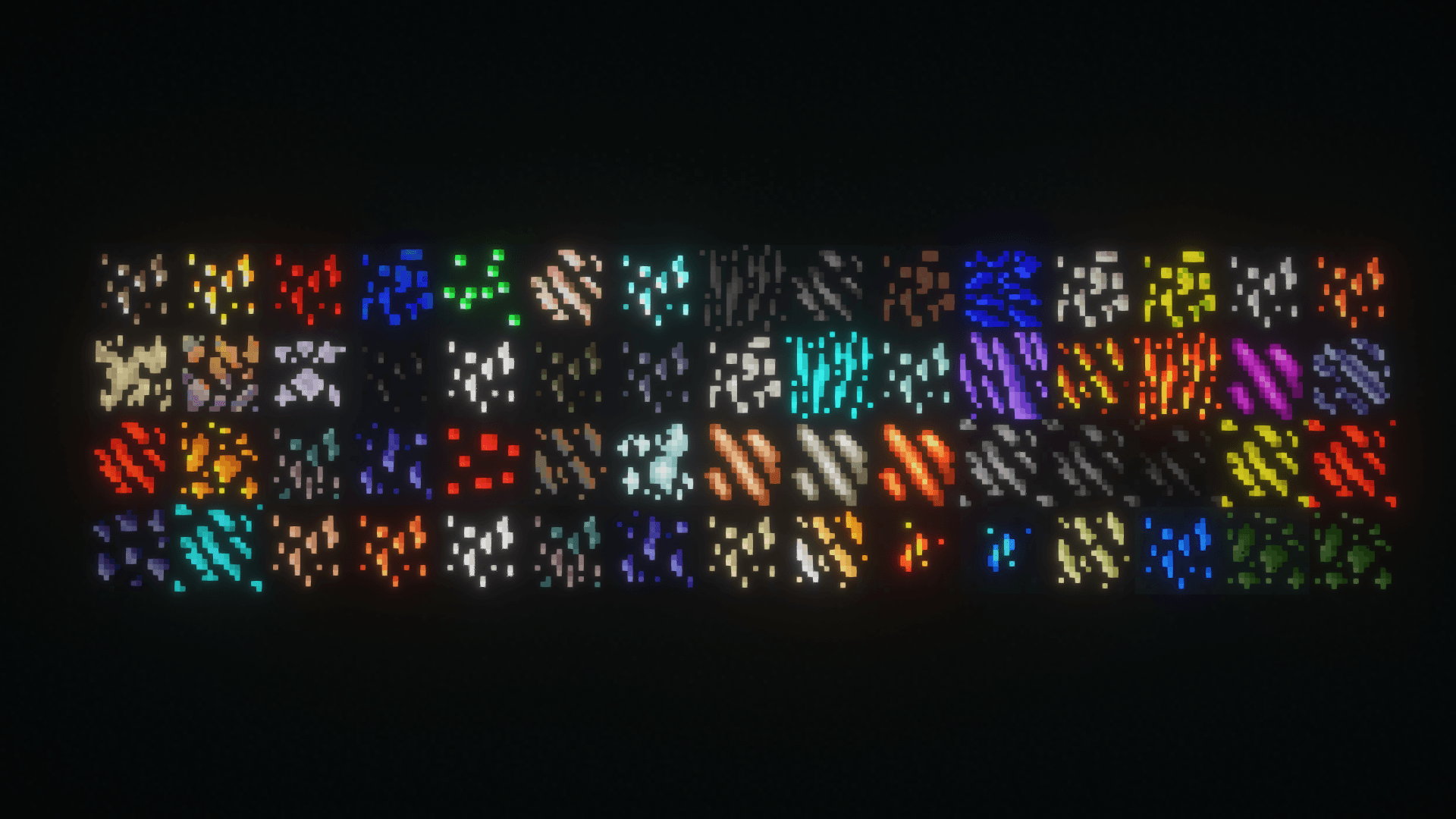
This pack makes ores in Hbm's Nuclear Tech Mod (and NTM: Space) glow.
It requires shaders that support seusPBR/oldPBR. BSL and Complementary are known to work.
I would also recommend using Shader Fixer along with this, but thats optional.
If you're using Complementary, and you want to use Integrated PBR+ along with this, then in settings, go to Materials → IntegratedPBR+ Materials → Other IPBR+ Features, and switch IPBR+ Emissive Mode to seusPBR > IPBR+.
How to use with Angelica:
On Angelica, using seusPBR with default settings causes visual errors.
If you're using Complementary, a workaround for this is to go in settings, then go to Materials → labPBR/seuspbr Materials, set Normal Map Strength to 0, and disable Parallax Occlusion Mapping.
If you have any issues or suggestions, then let me know!
- Edition: Minecraft Java
- File type: .zip (resource pack)
- How to install: Download the .zip resource pack — do not unzip it. → Put it in .minecraft/resourcepacks. → Enable it in Options → Resource Packs.
- Where to get it: Opens on CurseForge — not every file is mirrored on our own servers.
Install steps are the general flow for this file type — How to install Minecraft Java resource packs walks through it step by step.
- Downloads as Glowing Hbm's NTM Ores 1.0.1.zip
- Download size: 43 KB
- Download link checked 29 Aug 2026 — working
These come from our own check of the pack file, not from the source page.