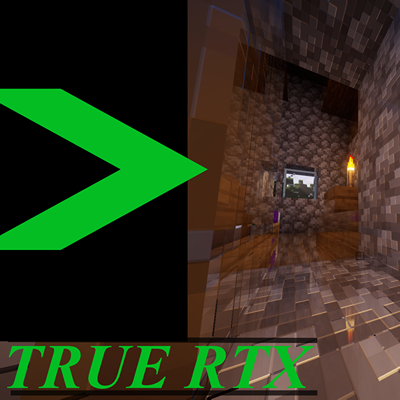
TRUE RTX
Java modpack listed for Minecraft 1.20. File opened and checked on 3 Oct 2026; downloads from the MC Java Mods app on Android.
⬇ Download on CurseForgeIn this modpack you get to have the full experience. From the perfect animations and the stuning graphics, you will feel as if playing Minecraft for the first time once again. The shadows and detail are all just breath taking. And I would like to share this with all of you! Thanks for your time enjoy!
How do I turn on RTX?
- Go to video settings
- Navigate your way to shader packs
- Click on Complementary Unblound (Euphoria Patches)
- Go to shader pack settings
- Then click on profile until it says "SpacEagle17's Settings"
That should do it!
- Edition: Minecraft Java
- File type: .jar
- Minecraft version listed: 1.20.1
- How to install: Install the matching mod loader (Forge, Fabric or NeoForge) for your Minecraft version. → Download the .jar. → Put it in the .minecraft/mods folder and launch that loader profile.
- Where to get it: Opens on CurseForge — not every file is mirrored on our own servers.
Install steps are the general flow for this file type — How to install Minecraft Java mods & modpacks walks through it step by step.
TRUE RTX is a free Minecraft Java modpack. Compatible with Minecraft 1.20.1. Downloaded 15,585 times (via CurseForge). Download it and open it directly in the game.