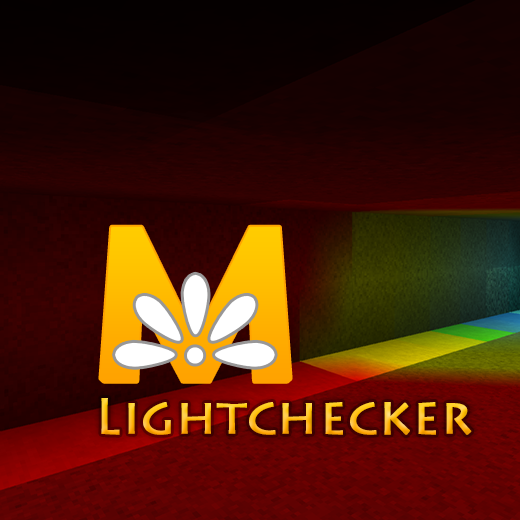
With the Lightchecker you can see where mobs can and cannot spawn.
(http://minecraft.gamepedia.com/Light)
Light Level:
7 - 0 red to black
10 - 8 yellow to orange
14 - 11 white - blue - green
Note:
- This requires OptiFine to work.
- This ignores sunlight level.
- Works with all resolutions.
How to install this pack?
- Press Start and type in %appdata%
- Open .minecraft
- Find and open your .minecraft folder
- Drag and drop or copy and paste the .zip file into the resource pack folder
- Boot Minecraft with OptiFine
- Go to options - > resource packs
- Select Lightchecker. Lightchecker needs to be placed on the first position in the list of activated resource packs.
- Done!
See Monsterley:
Monsterley (32px)
Monsterley HD Universal (128px high-resolution semi-realistic resource pack)
- Edition: Minecraft Java
- File type: .zip (resource pack)
- How to install: Download the .zip resource pack — do not unzip it. → Put it in .minecraft/resourcepacks. → Enable it in Options → Resource Packs.
- Where to get it: Opens on CurseForge — not every file is mirrored on our own servers.
Install steps are the general flow for this file type — How to install Minecraft Java resource packs walks through it step by step.
Lightchecker is a free Minecraft Java resourcepack. Downloaded 23,214 times (via CurseForge). Download it and open it directly in the game.