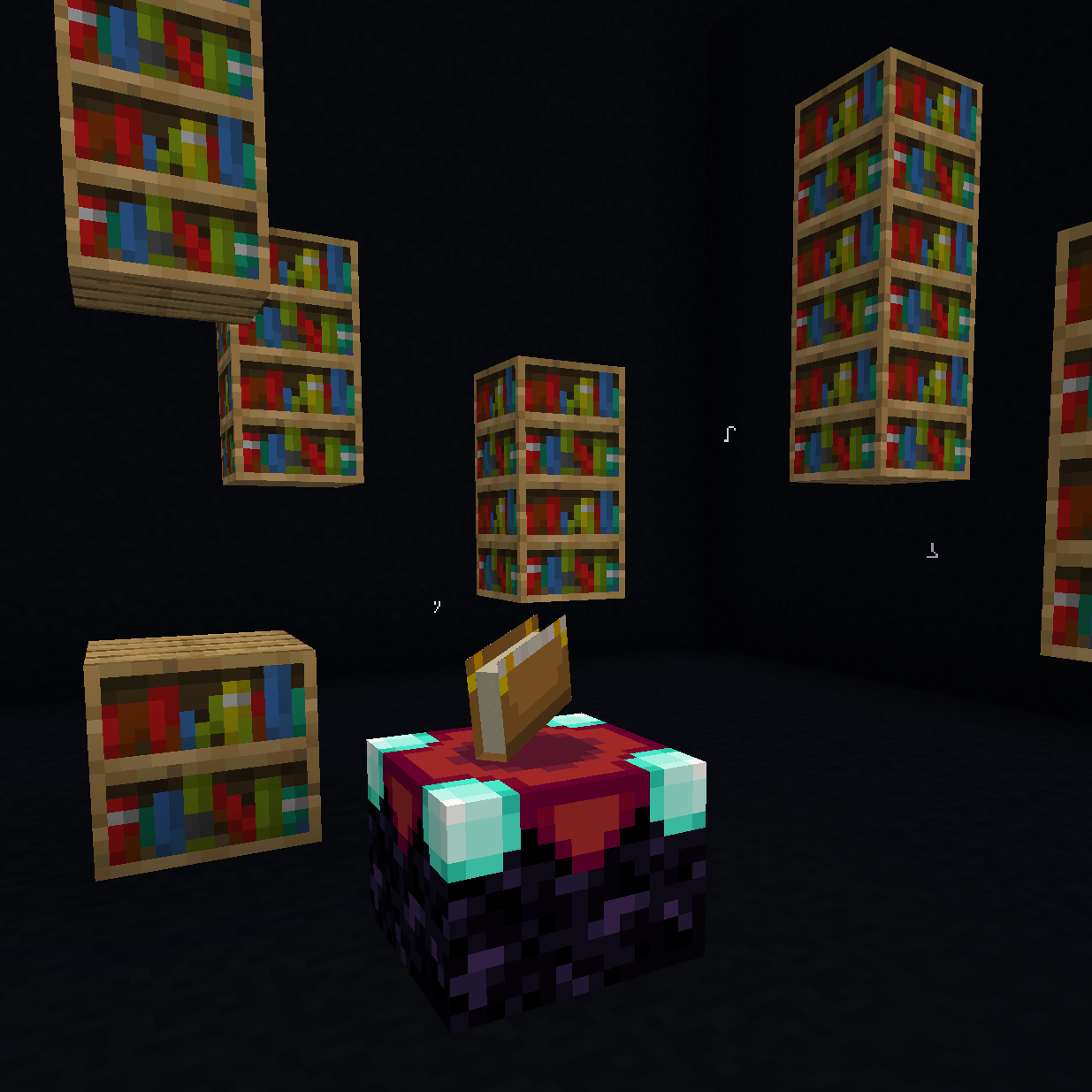
BEER - Bookshelf Extended Enchanting Reach
Java mod listed for Minecraft 1.18–1.21. Downloads from the MC Java Mods app on Android.
I don't know my version or loader
BEER - Bookshelf Extended Enchanting Range
Are you tired of the age-old struggle of cramming all your bookshelves within a measly two blocks of your enchanting table? Does your grand library feel wasted, its shelves ignored by the arcane arts?
Starting from v1.4, BEER has been completely rewritten from scratch! Gone are the days of global range settings. Now you have per-enchanting setup control over your bookshelf range using special modifiers.
What's New in v1.4:
- Per-Setup Customization: Each enchanting table can have its own unique bookshelf detection range using special modifier items
- Configurable Modifier Limits: Set your own maximum number of modifiers that can be used per enchanting setup
- XP Consumption Option: Enable XP costs for applying modifiers through the config (optional)
- Full Apotheosis Compatibility: Works seamlessly with Apotheosis for enhanced enchanting experiences
With BEER v1.4, you can finally unleash the full potential of your enchanting room designs. Build sprawling libraries, hidden alcoves, or towering archives, all while powering up your enchanting table like never before. The flexibility is now in your hands—modify each enchanting setup individually to suit your specific needs and architectural vision.
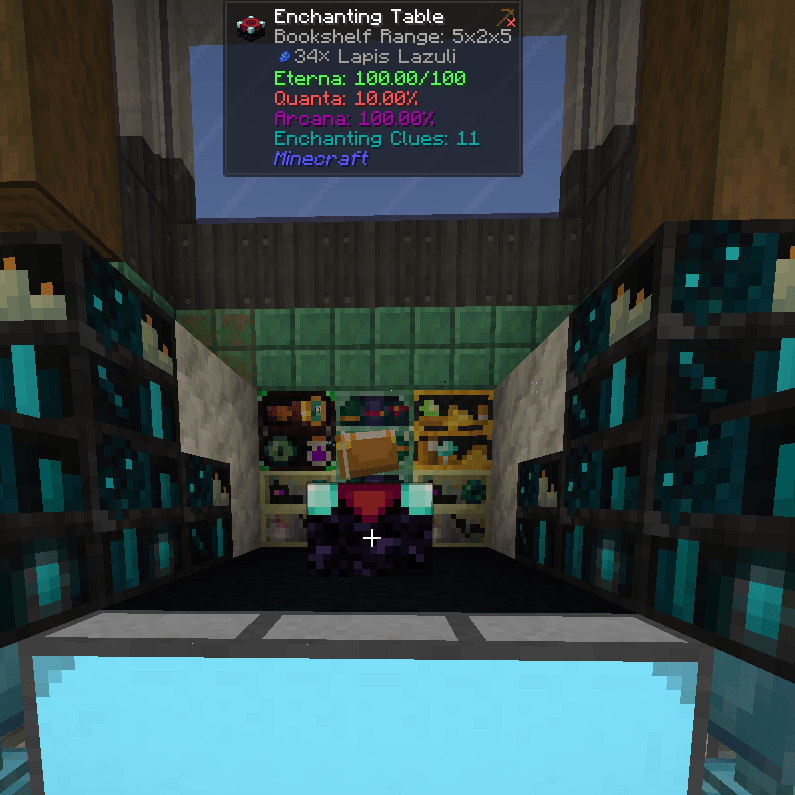 No more cramped corners. No more wasted space. Just pure enchanting power tailored to each of your magical workstations—cheers to that!

Install BEER today and raise a glass to enchanting without limits!
- Edition: Minecraft Java
- File type: .jar
- Minecraft versions listed: 1.19.3, 1.19.4, 1.18.2
- How to install: Install the matching mod loader (Forge, Fabric or NeoForge) for your Minecraft version. → Download the .jar. → Put it in the .minecraft/mods folder and launch that loader profile.
- Where to get it: Opens on CurseForge — not every file is mirrored on our own servers.
Install steps are the general flow for this file type — How to install Minecraft Java mods & modpacks walks through it step by step.
- Ships as beer-1.2.jar — drop this file into the mods folder
- Download size: 10 KB
- Download link checked 7 Oct 2026 — working
These come from our own check of the pack file, not from the source page.