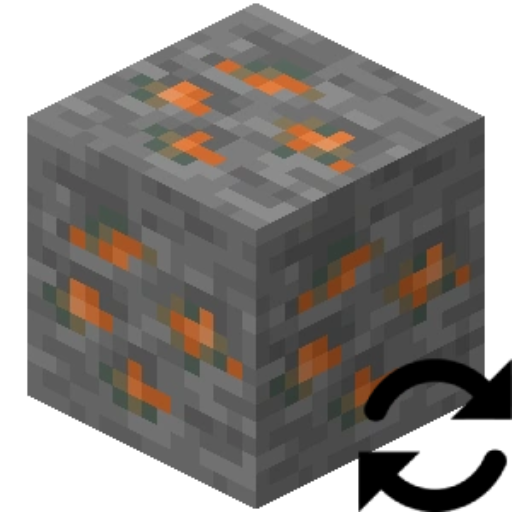
Block Swap (Fabric)
Java mod listed for Minecraft 1.18–1.20. Downloads from the MC Java Mods app on Android.
⬇ Download on CurseForgeBlock Swap is a simple mod that let's you replace one block with another. This works both during world gen and placing blocks in a live generated world.
Why would I want this?
Imagine this: You've installed 25 technology mods and you have 10 tin ores, 14 copper ores, 4 uranium ores, 10 lead ores, and 15 silver ores. Or maybe.... you've installed Oh The Biomes You'll Go and Biomes O' Plenty and don't like the fact that both mods add Redwood Logs.
Painful right? Now imagine a mod that let's you make these duplicate block a single block... yup you've just found it!
This mod allows you to replace Block A with Block B in its config and that's it.
But what about Block State properties?
This mod will remap the Block State properties from Block A's Block State to Block B's Block State(if the property is present).
Performance? Is this slow?
In my own profiling, it has NO performance hit.
Config
Config is reloaded each world load.

- Edition: Minecraft Java
- File type: .jar
- Minecraft versions listed: 1.19.2, 1.19.3, 1.19.4
- How to install: Install the matching mod loader (Forge, Fabric or NeoForge) for your Minecraft version. → Download the .jar. → Put it in the .minecraft/mods folder and launch that loader profile.
- Where to get it: Opens on CurseForge — not every file is mirrored on our own servers.
Install steps are the general flow for this file type — How to install Minecraft Java mods & modpacks walks through it step by step.
Block Swap (Fabric) is a free Minecraft Java mod. Compatible with Minecraft 1.19.2, 1.19.3, 1.19.4, 1.20.1 and newer. Downloaded 6,848,457 times (via CurseForge). Download it and open it directly in the game.