Book of Dragons
Java mod listed for Minecraft 1.20. File opened and checked on 21 Oct 2026; downloads from the MC Java Mods app on Android.
⬇ Download on CurseForgeThe author built this one for Minecraft 1.20.1 on Forge. On other versions it may install and then do nothing.

REQUIRES AZURELIB
DISCORD LINK
BOOK OF DRAGONS
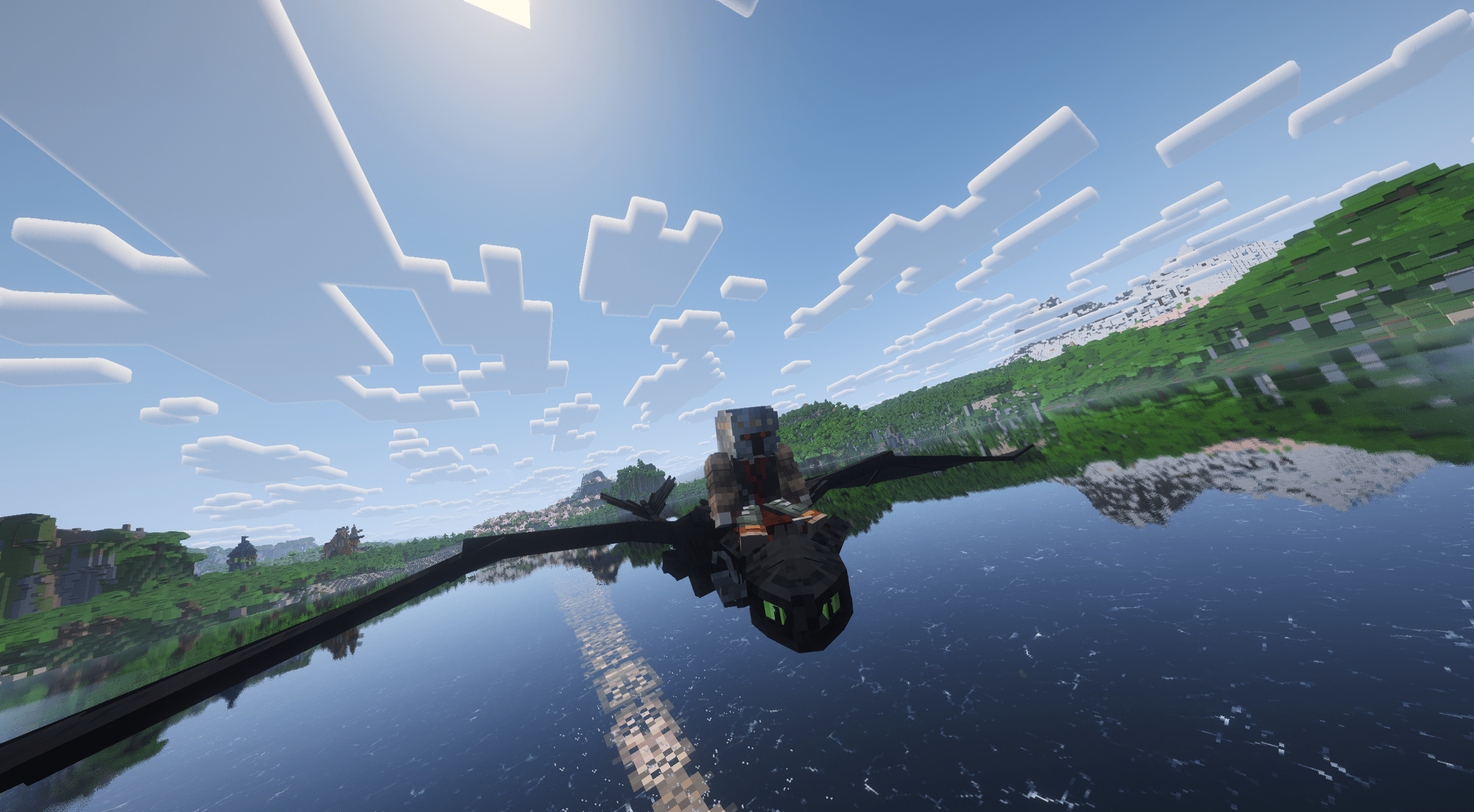
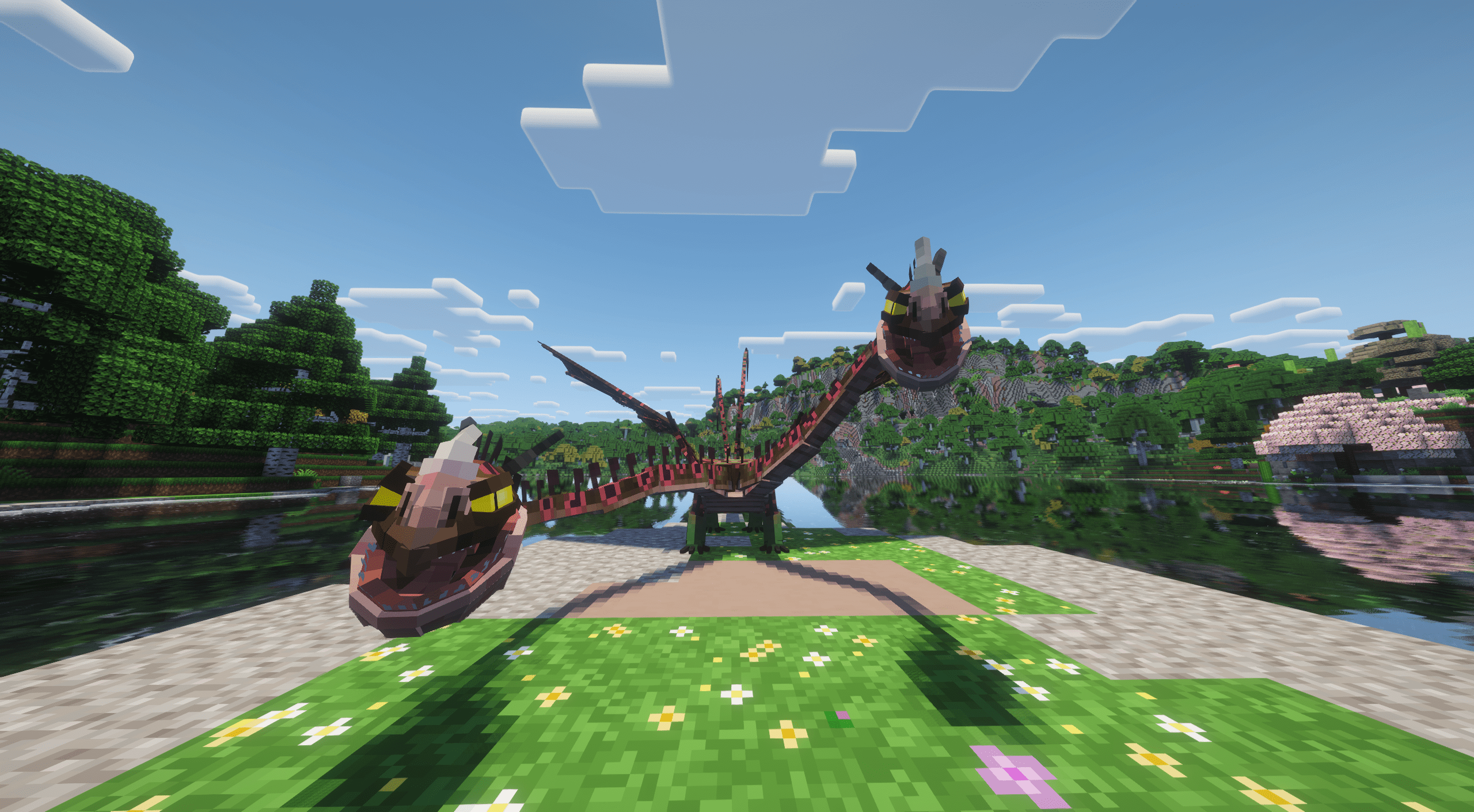
A Dreamworks Dragons/ How to Train Your Dragon themed mod that introduces dragons from the movies and shows that you can tame and interact with.
DISCLAIMER
This project was initially developed solo, and still has a very small team, so very little testing was done in live environment. Bugs, glitches or other problems are to be expected and can be reported here, together with suggestions and applications in case you want to contribute to the mod.
PROGRESSION
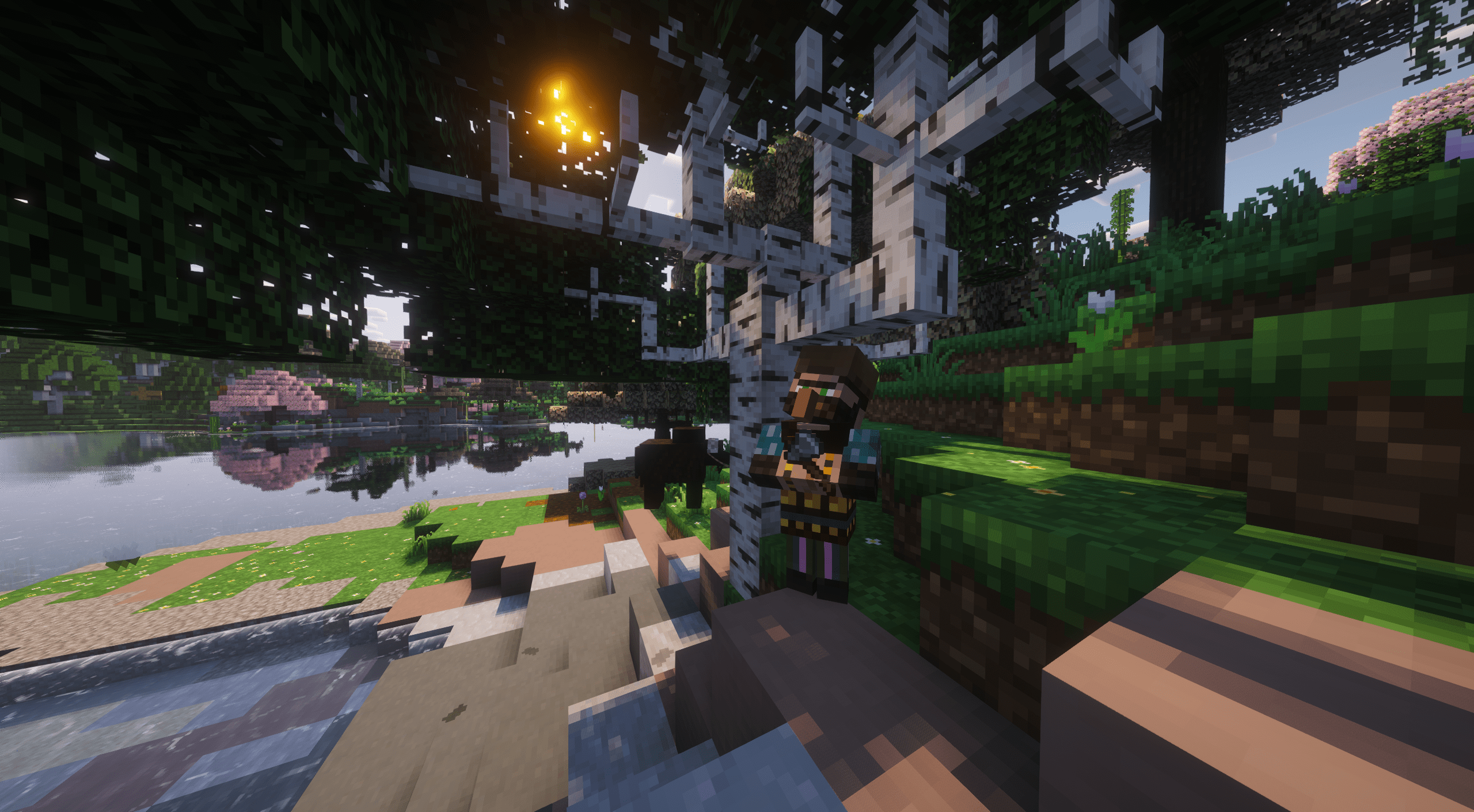
The mod has a basic initial progression system in the form of the BOOK OF DRAGONS  . To first acquire it, you must buy it from a certain travelling merchant hooligan that shows up as soon as you first Acquire some Hardware.

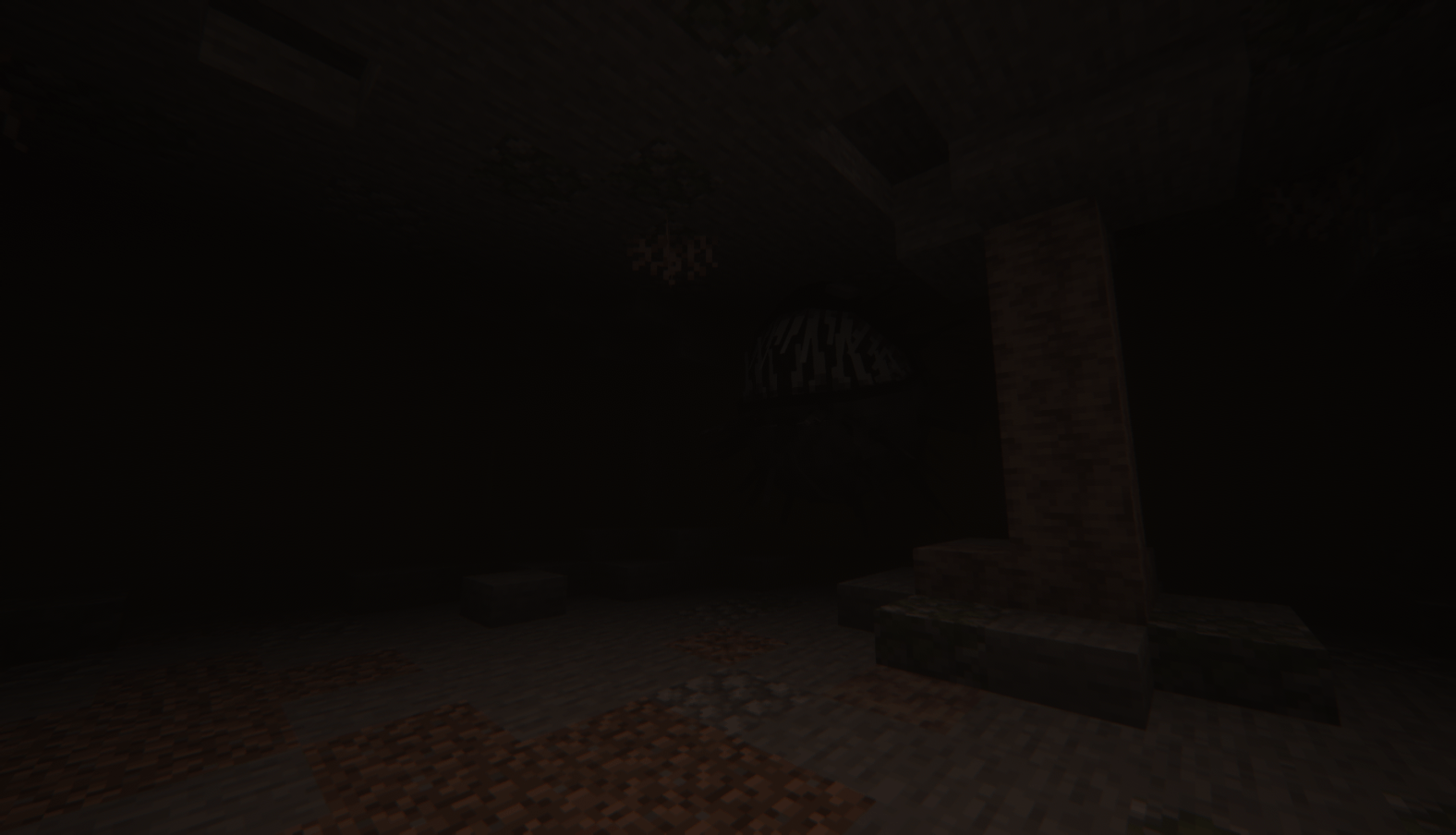
A totally not suspicious trader, check out his wares!
HUNTING
The Book of Dragons updates as you interact with each dragon. Not sure where to find them? The Hooligans can sell you some maps pointing to the nearest roost! That handy viking anvil also helps him craft some gear to keep you in one piece in case things get heated.
<details> <summary>Spoiler</summary>

Viking Anvil recipe, can also be bought from the Hooligan Drifter

Call your dragon over from anywhere as long as it's on a loaded chunk!
</details>
TAMING
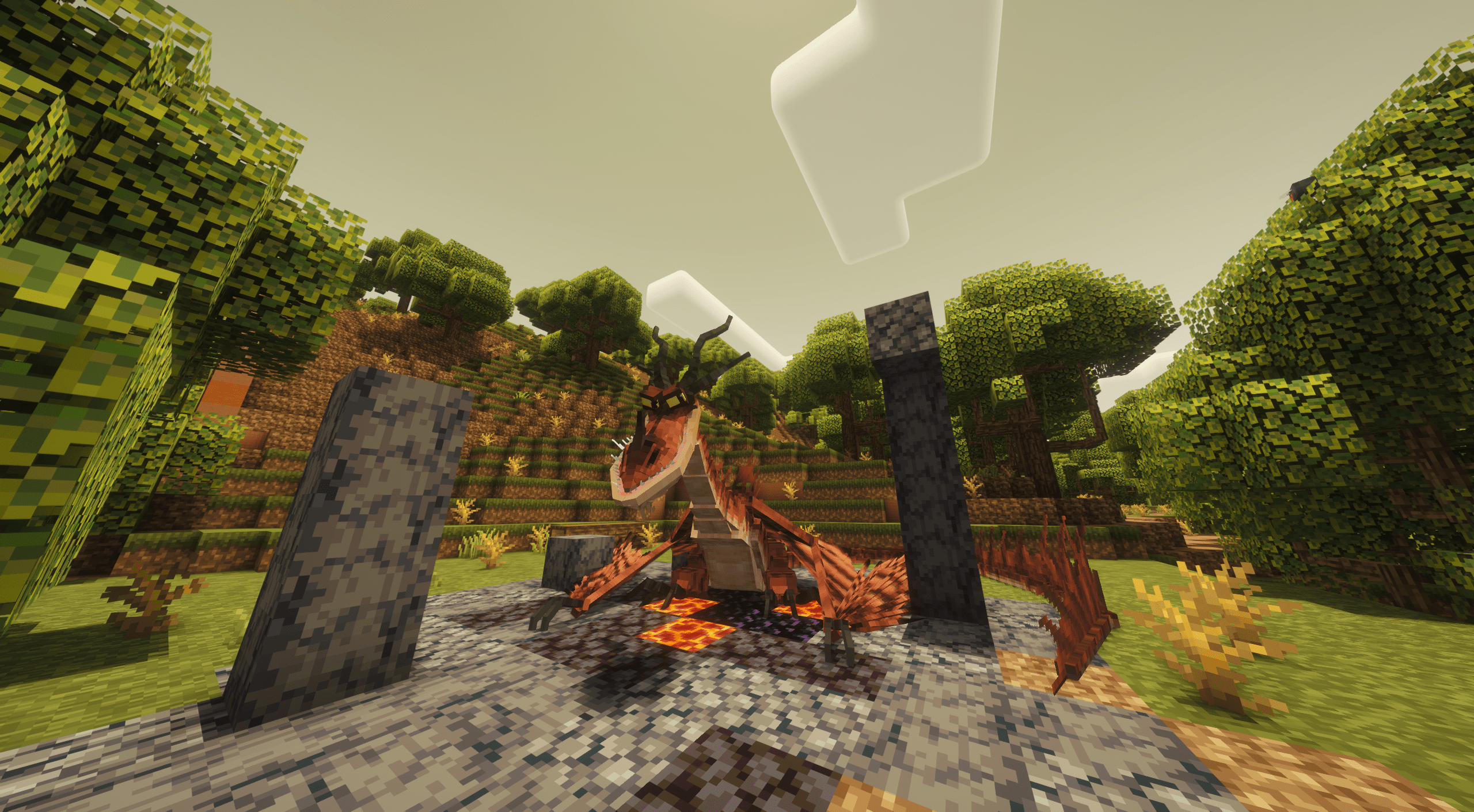
Dragons are not inherently hostile, but aren't necessarily patient either. Get rid of any armor and weapons and approach slowly though, and you might be able to drop some food for them. The BOOK OF DRAGONS should help in deciding what to feed them.

Slowly now!
TAMING PROCESS:
- Get close enough for the dragon to notice you. It'll enter a stance, and your screen will shake slightly.
- Crouch, Strip all armor and make sure you're not holding any weapon/ shield;
- Drop the correct food item for the dragon to eat, and keep dropping more until it sits and the message pops. Check the BOOK OF DRAGONS for data on the dragons, like the food needed to tame it;
- RIGHT MOUSE CLICK the dragon with empty hands to fully tame it.
- Once tamed, can be fed through right clicking with food; SHIFT + RIGHT MOUSE CLICK cycles the command state of the dragon (sit, follow, wander).
BASIC CONTROLS
- While riding on the ground, CTRL to sprint (toggle)
- SPACEBAR + direction to take off;
- In the air, CTRL Airbrakes, SPACEBAR Boosts, mouse movement also controls Pitch and Yaw dynamically;
- Hold RIGHT MOUSE CLICK to lock camera flight controls, allowing for free camera movement without influencing the dragon direction;
- A/D Rolls the dragon in 2D Flight mode. Do a Barrel Roll!
- HOLD LEFT MOUSE CLICK to fire the dragon main form of ranged attack. Projectiles like the fury blast can be charged up, while breath attacks like the nightmare have a small windup and can be held.
- C activates the secondary dragon ability, unlocked through bonding more with the dragon!
EXPLORE
Discover the dragons and tame them them to learn more about their behaviors, explore together, create bonds explore the world, because now? Now you have DRAGONS!

CREDITS
RU-RU Russian Translation provided by HoVeTLw!
DE-DE Standard German Translation provided by the TLOTD group!
SCH-DE German Dialect Translation provided by Isla Nublar!
PL-PL Polish Translation provided by TikereQ!
FR-FR French Translation provided by Enzo Demarle!
All screenshots were taken with Complementary Reimagined + Euphoria Patches, and the Reimagined resource pack for the visuals and lighting shown!
- Edition: Minecraft Java
- File type: .jar
- Minecraft version listed: 1.20.1
- How to install: Install the matching mod loader (Forge, Fabric or NeoForge) for your Minecraft version. → Download the .jar. → Put it in the .minecraft/mods folder and launch that loader profile.
- Where to get it: Opens on CurseForge — not every file is mirrored on our own servers.
Install steps are the general flow for this file type — How to install Minecraft Java mods & modpacks walks through it step by step.
- Ships as bookofdragons-1.31-1.20.1.jar — drop this file into the mods folder
- Download size: 4.1 MB
- Download link checked 8 Oct 2026 — working
These come from our own check of the pack file, not from the source page.