Armor Stand Arms (RPG Theme)
Java mod listed for Minecraft 1.20–1.21. Downloads from the MC Java Mods app on Android.
⬇ Download on CurseForge
DESCRIPTION
Your vanilla experience will now be further enhanced thanks to the ability to easily and quickly add arms to all your armor stands.
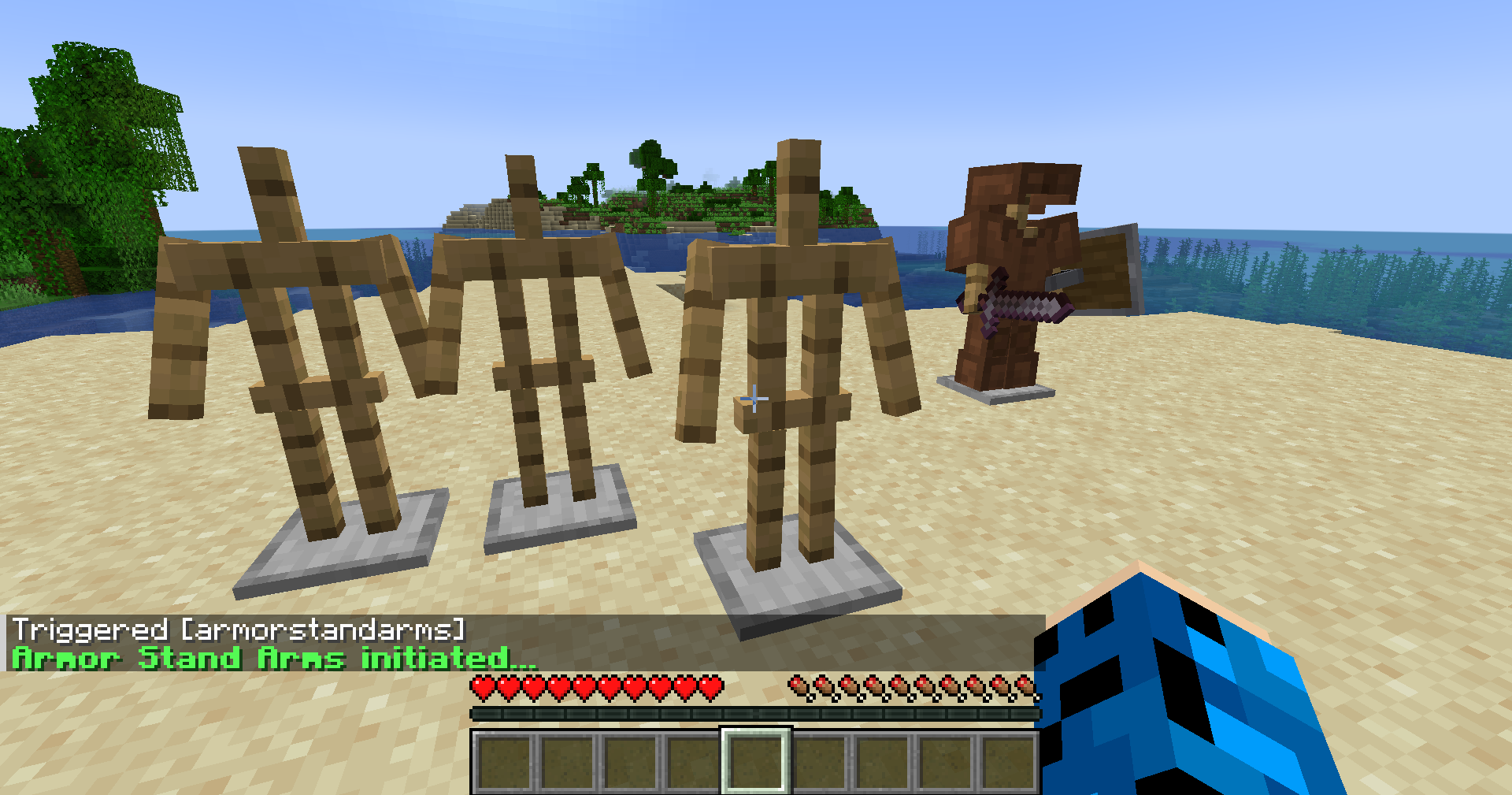
Simply go near an armor stand you have already placed and use the command /trigger armorstandarms and it will create the arms for you. Make sure you are at least 3 blocks or less distance from the armor stand. This will work server-side and is not required on the client for playing on servers.
Get a server today and play with your friends! Click HERE or below banner & Use Code GAMERPOTION to get 25 off!



- Edition: Minecraft Java
- File type: .jar
- Minecraft versions listed: 1.21.8, 1.21.6, 1.21.7
- How to install: Install the matching mod loader (Forge, Fabric or NeoForge) for your Minecraft version. → Download the .jar. → Put it in the .minecraft/mods folder and launch that loader profile.
- Where to get it: Opens on CurseForge — not every file is mirrored on our own servers.
Install steps are the general flow for this file type — How to install Minecraft Java mods & modpacks walks through it step by step.
Armor Stand Arms (RPG Theme) is a free Minecraft Java mod. Compatible with Minecraft 1.21.8, 1.21.6, 1.21.7, 1.21.9 and newer. Downloaded 2,837,148 times (via CurseForge). Download it and open it directly in the game.