
Ash Of Sin: No More Too Many Structures
Intelligently controls structure and feature density with configurable radius and count limits to prevent overlaps and overcrowding.
I don't know my version or loader
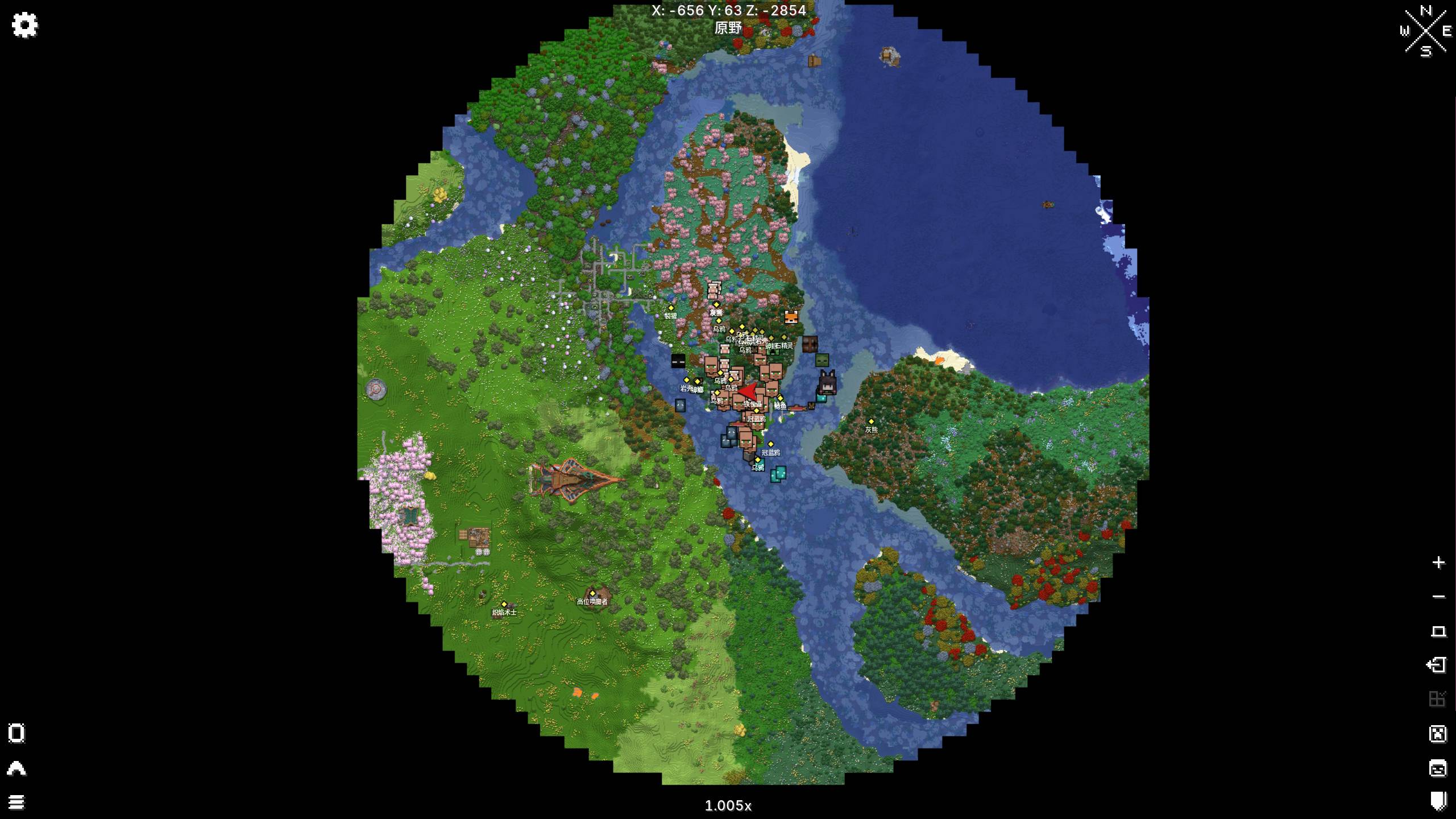
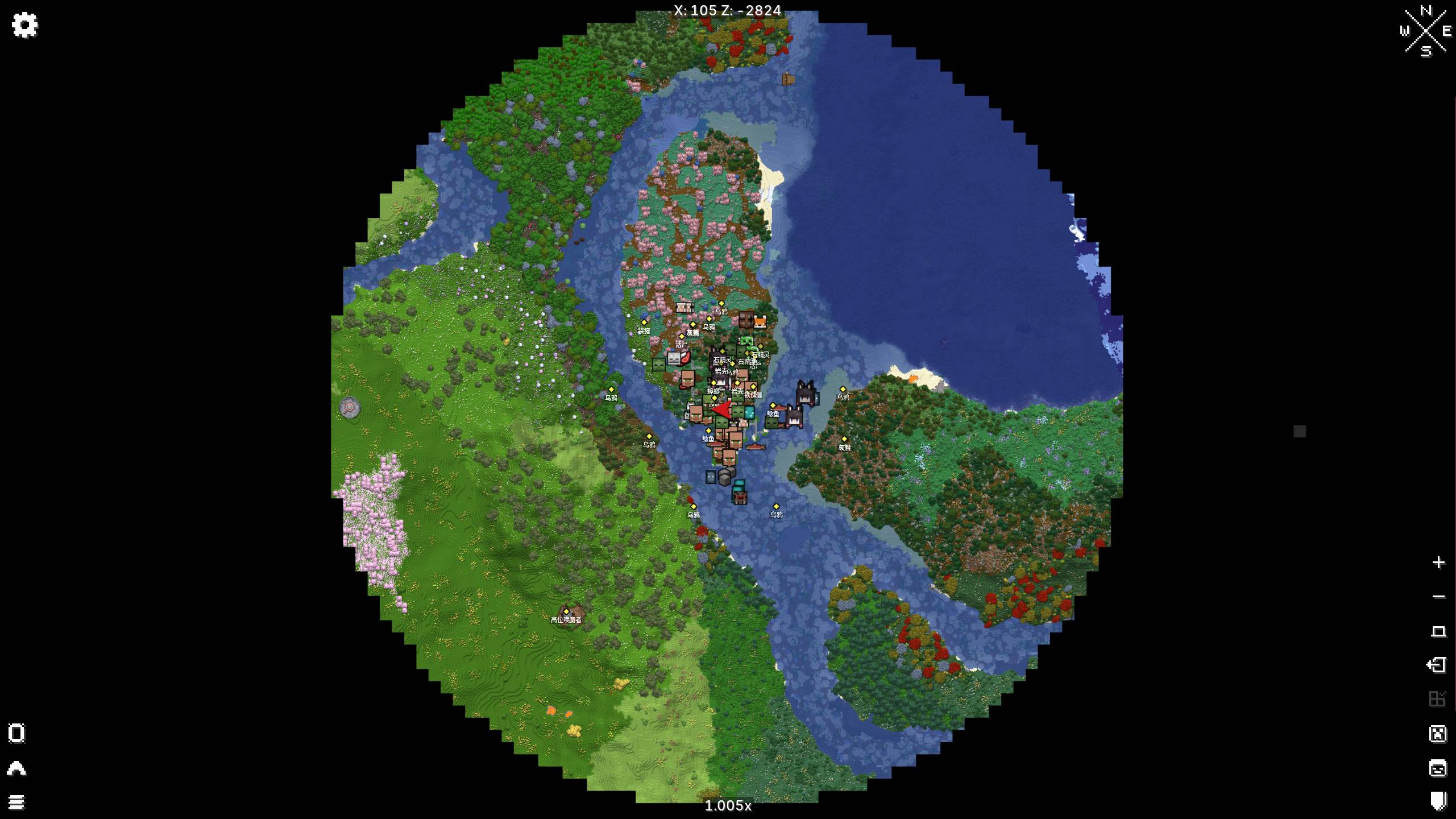
Ash Of Sin: No More Too Many Structures

The configuration file is generated in the config\ash_of_sin directory.
The name of the configuration file is no_more_too_many_structures.toml.
This mod intelligently controls the density of structure and feature generation via configurable radius and maximum count limits, effectively preventing overlaps and excessive density for a more reasonable and beautiful world. It also supports whitelist/blacklist to flexibly control which structures/features should be forced to generate or be completely disabled.
- Edition: Minecraft Java
- File type: .jar
- Minecraft versions listed: 1.20.1, 1.19.2, 1.18.2
- How to install: Install the matching mod loader (Forge, Fabric or NeoForge) for your Minecraft version. → Download the .jar. → Put it in the .minecraft/mods folder and launch that loader profile.
- Where to get it: Opens on CurseForge — not every file is mirrored on our own servers.
Install steps are the general flow for this file type — How to install Minecraft Java mods & modpacks walks through it step by step.
- Ships as Ash Of Sin-No More Too Many Structures-1.20.1-1.0.13.jar — drop this file into the mods folder
- Download size: 92 KB
- Download link checked 27 Aug 2026 — working
These come from our own check of the pack file, not from the source page.