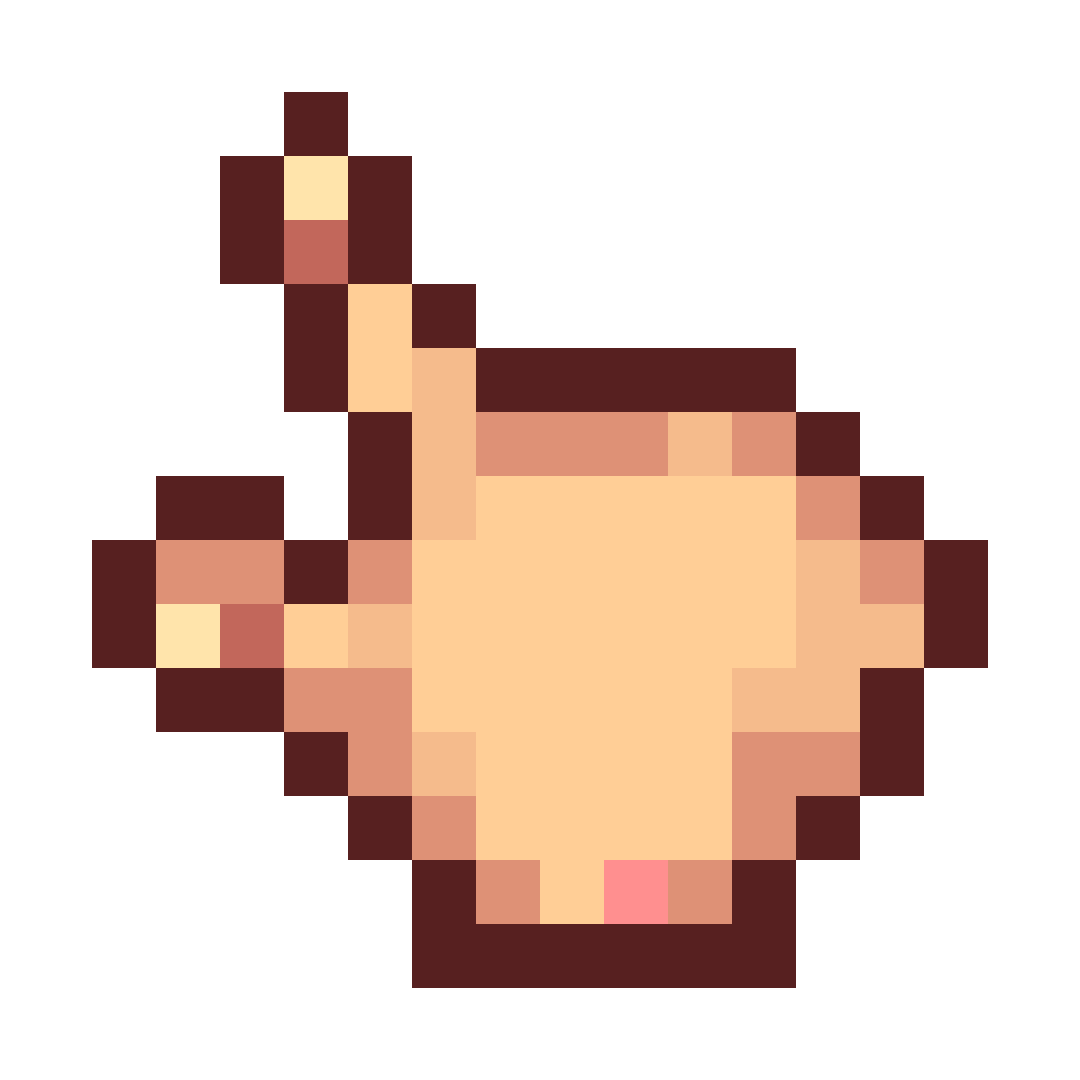
Cursor Pack
Java resource pack listed for Minecraft 1.16–1.20. Download on the author's site.
⬇ Download on CurseForge
Warning : You need to install Cursor Mod (Fabric/Forge) to use this pack.
Configuration Guide :
- Select Resource Pack
- Open Mod list.
- Open Cursor Mod's Config.
- Click Options.
Hand : Change the "customcursor_hand.png" to "hand.png" and change X HotSpot to "10"
Beam : Change the "customcursor_beam.png" to "beam.png"
Grabbing Hand : Change the "customcursor_hand_grab.png" to "grab.png" and change Y HotSpot to "9"
Cross : Change the "customcursor_cross.png" to "cross.png"
Pointer : Change the "customcursor.png" to "pointer.png" and change X HotSpot to "5", Y HotSpot to "1"
- Edition: Minecraft Java
- File type: .zip (resource pack)
- Minecraft versions listed: 1.17.1, 1.16.3, 1.19.3
- How to install: Download the .zip resource pack — do not unzip it. → Put it in .minecraft/resourcepacks. → Enable it in Options → Resource Packs.
- Where to get it: Opens on CurseForge — not every file is mirrored on our own servers.
Install steps are the general flow for this file type — How to install Minecraft Java resource packs walks through it step by step.
Cursor Pack is a free Minecraft Java resourcepack. Compatible with Minecraft 1.17.1, 1.16.3, 1.19.3, 1.16.1 and newer. Downloaded 2,029 times (via CurseForge). Download it and open it directly in the game.