
Create : New Furnitures
Java mod listed for Minecraft 1.20–1.21. File opened and checked on 13 Oct 2026; downloads from the MC Java Mods app on Android.
⬇ Download on CurseForge



Current Version: 1.1.1
New 1.1.2 Bridge structure FPS bug resolved, and added description on bridge to understand how it works
Compatibility: Minecraft 1.20.1 & 1.21.1 Neoforge + with the Create 5 and Create 6
1.1.2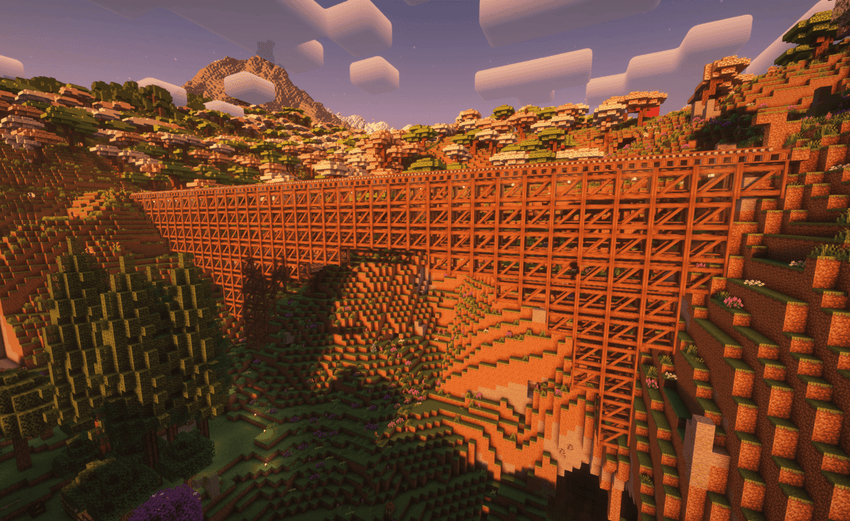
1.0.8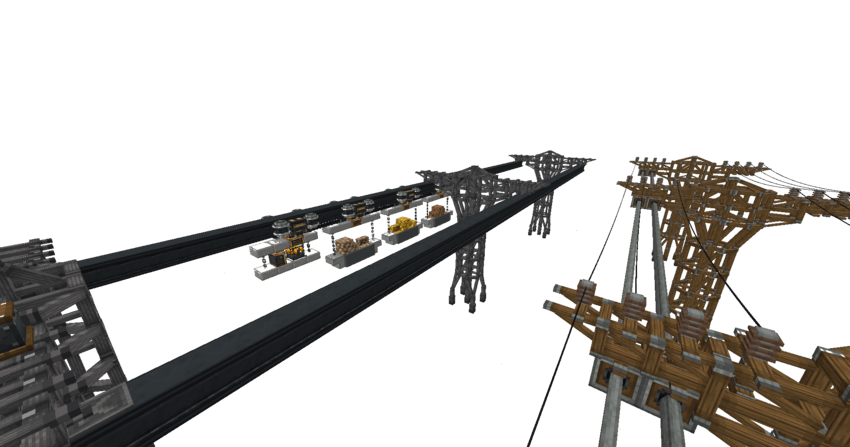
1.0.5
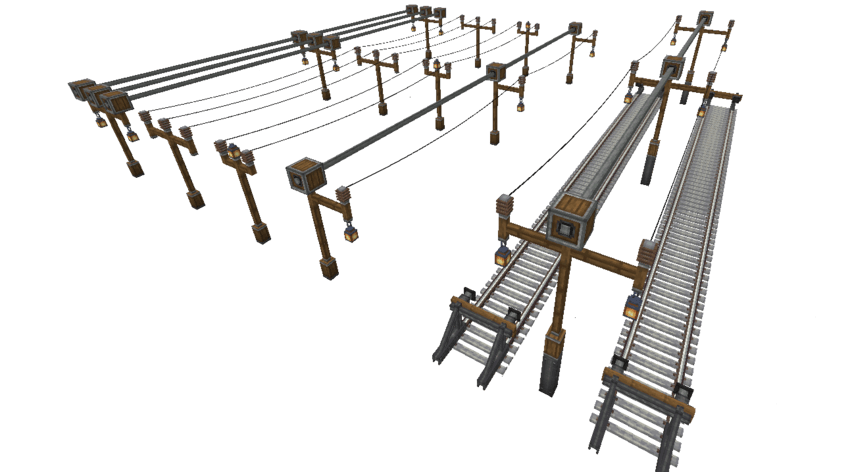
1.0.4
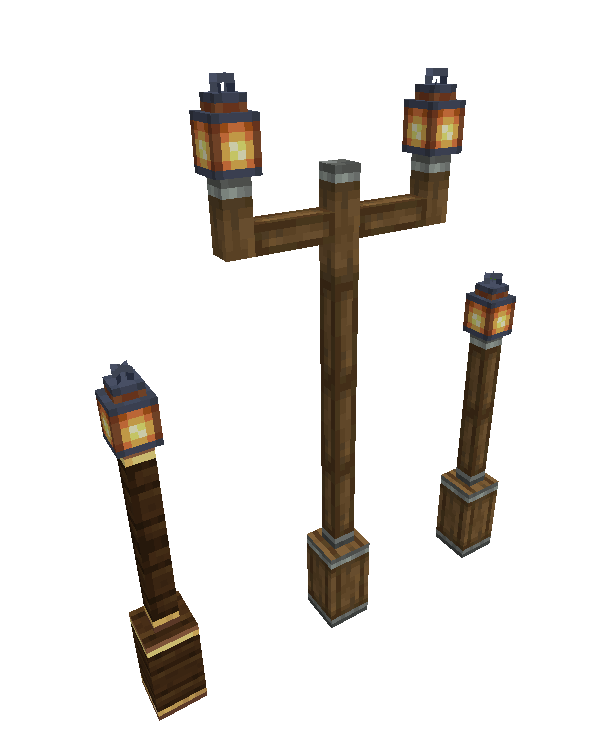
About the Mod
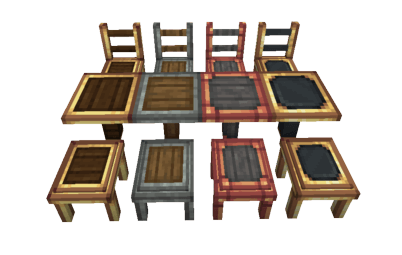
Welcome to Create Furnitures, a mod that enhances your Minecraft experience by adding industrial-style furniture! If you're a fan of the Create mod, this mod perfectly complements your builds by introducing tables, chairs, and stools in various materials and colors. Perfect for decorating workshops, dining rooms, or cozy steampunk corners!

Key Features
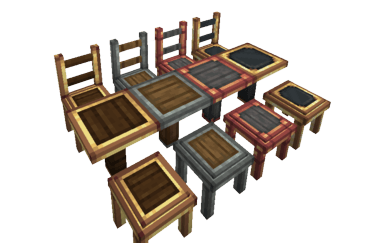
- Tables: Available in 4 variants based on the iconic materials from the Create mod:
- Andesite Casing
- Copper Casing
- Railway Casing
- Brass Casing
- Chairs: Each chair matches the table materials for a harmonious look. You can sit on them for maximum immersion!
- Stools: Small and practical, the stool is perfect for cozy corners or industrial workshops.
- Colors: Each type of furniture is available in 4 different colors for even more customization.
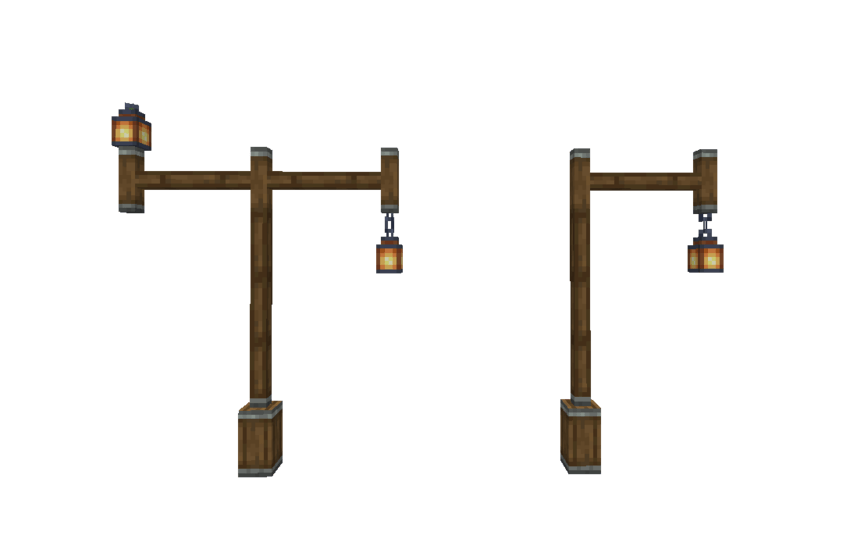
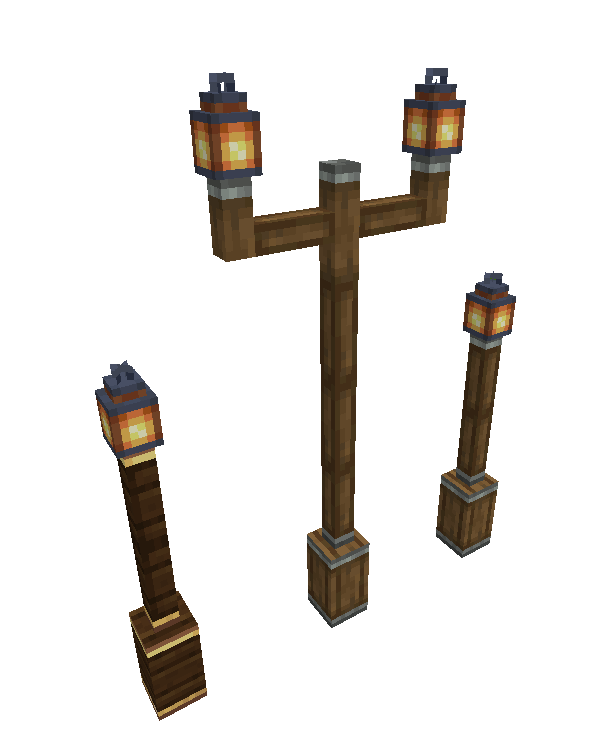
- Pillars: New Pillars Added
- Small Andesite Pillar
- Small Brass Pillar
- Tall Andesite Pillar
Screenshots
How to Craft the Furniture?
Crafting these furniture pieces is simple and intuitive! Place Create Casings in Stone Cutter
Integration with Create
- The furniture uses materials from the Create mod, ensuring perfect aesthetic integration.
- Compatible with advanced Create machinery, such as the Assembly Line.
- Add a decorative touch to your mechanical systems and industrial bases!
Installation
- Ensure you have the Create mod installed.
- Download the Create Furnitures file from this page.
- Place the .jar file into the mods folder of your Minecraft installation.
- Launch the game and enjoy your new furniture!
Compatibility and Bugs
- Compatibility: Works with all versions compatible with Create.
- Known Bugs: None so far. If you find any, please report them in the "Issues" section.
Credits
- Creator: Arginou
- Assets and Inspiration: The Create mod
Useful Links
- My Communauty Server Modpack : Create France Serveur
- My Discord : >>Link<<
Thank You for Downloading Create Furnitures!
Don't forget to leave a comment and a rating if you enjoy the mod! It helps make it more popular and improve the experience.
- Edition: Minecraft Java
- File type: .jar
- Minecraft versions listed: 1.20.1, 1.21.1
- How to install: Install the matching mod loader (Forge, Fabric or NeoForge) for your Minecraft version. → Download the .jar. → Put it in the .minecraft/mods folder and launch that loader profile.
- Where to get it: Opens on CurseForge — not every file is mirrored on our own servers.
Install steps are the general flow for this file type — How to install Minecraft Java mods & modpacks walks through it step by step.
Create : New Furnitures is a free Minecraft Java mod. Compatible with Minecraft 1.20.1, 1.21.1. Downloaded 952,124 times (via CurseForge). Download it and open it directly in the game.