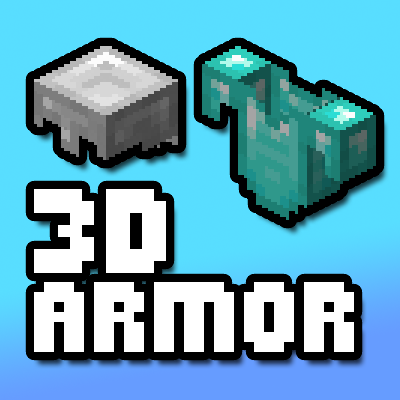
3D Armour Item Models
This pack turns the inventory items for armour into 3D models instead of their 2D sprites. This pack should also be fully* compatible with other resource packs that change armour too since it doesn't add any new textures for the models.
*I haven't tested this. Probably won't work with any resource pack that uses extra armour layers.
Armour Trims
This pack is now fully compatible with 1.20 to include armour trims.

But just like the vanilla item sprites, only the colour of the trim is shown, not the pattern. The default pattern used on trimmed armour is host.
Invisible Armour
The pack also adds invisible armour items for people who use OptiFine or any other compatible CIT mod. To get them, use the command:/give @s armour_item{CustomModelData:1}
For survival players you will need a datapack like Custom Roleplay Data to obtain them.

- Edition: Minecraft Java
- File type: .zip (resource pack)
- Minecraft versions listed: 1.20, 1.19.4
- How to install: Download the .zip resource pack — do not unzip it. → Put it in .minecraft/resourcepacks. → Enable it in Options → Resource Packs.
- Where to get it: Opens on CurseForge — not every file is mirrored on our own servers.
Install steps are the general flow for this file type — How to install Minecraft Java resource packs walks through it step by step.
Inventory 3D Armor is a free Minecraft Java resourcepack. Compatible with Minecraft 1.20, 1.19.4. Downloaded 4,409 times (via CurseForge). Download it and open it directly in the game.