
Chat Signing Hider
Java mod listed for Minecraft 1.19–1.21. Downloads from the MC Java Mods app on Android.
⬇ Download on CurseForgeThis client side Fabric mod hides all things related to chat signing.
It hides:
- The
Chat messages can't be verifiedtoast message when joining a server or opening the chat - The chat preview warning screen when joining a server for the first time
- The small color indicators next to chat messages
- The red circle next to unsigned chat messages
This mod does not remove any signatures or prevent other players from reporting you. It is purely visual!
It is strongly recommended that you only use this mod on private servers you trust. For all other cases you should use No Chat Reports!
Screenshots
When joining a new server for the first time
Without the mod 
With the mod 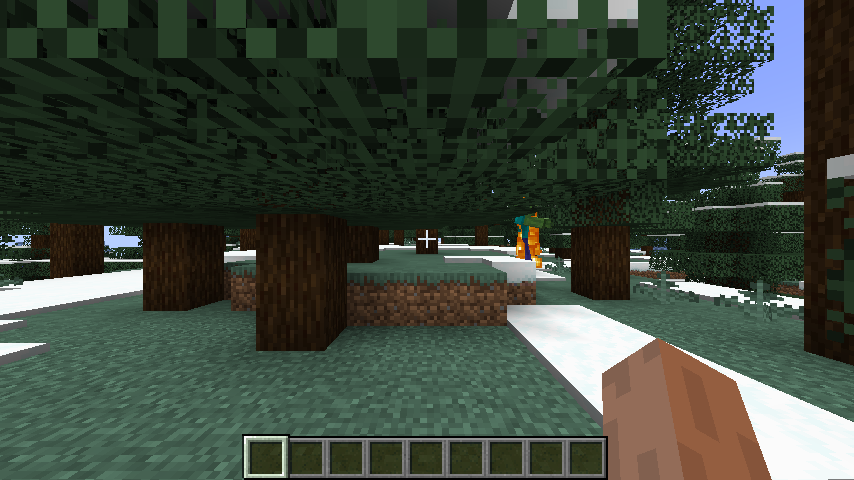
When joining a new server
Without the mod 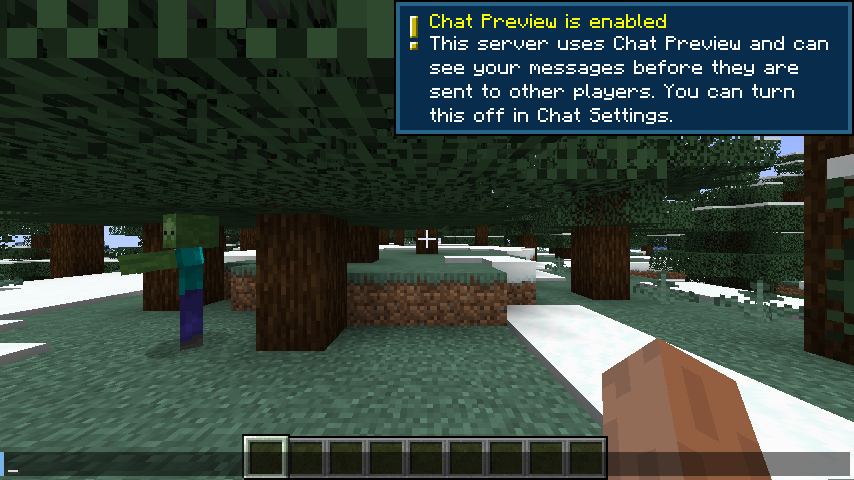
With the mod 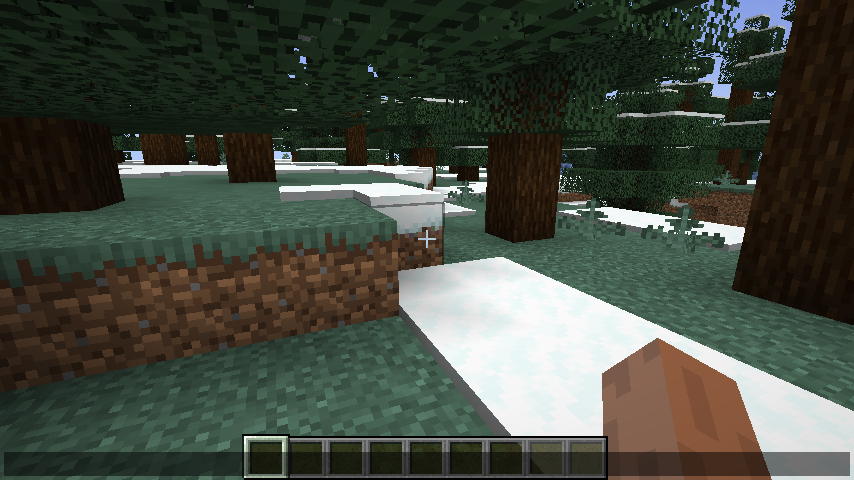
Sending or receiving a chat message
Without the mod 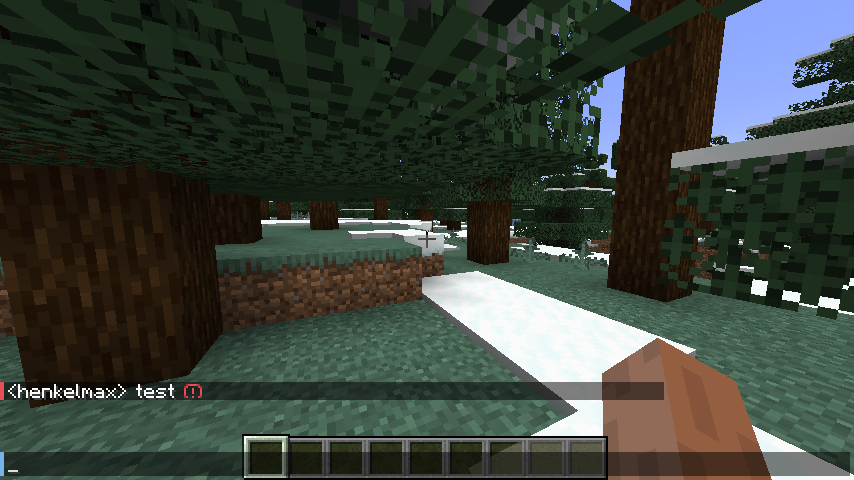
With the mod 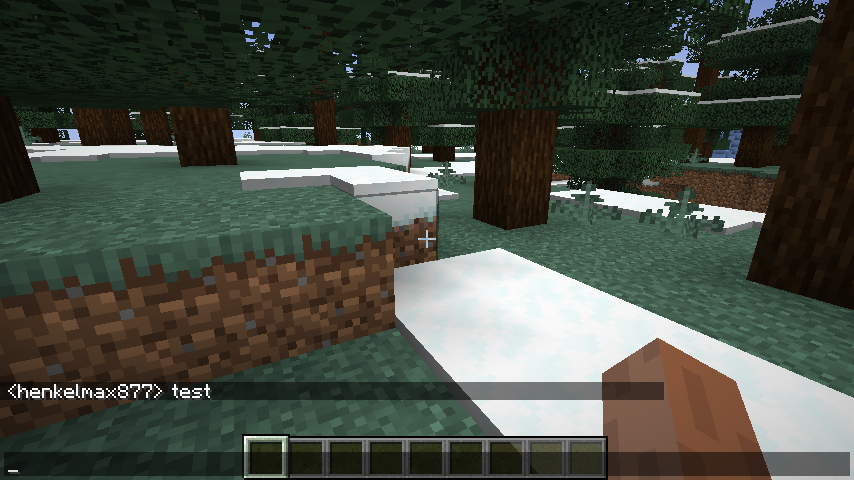
- Edition: Minecraft Java
- File type: .jar
- Minecraft versions listed: 1.21.11, 1.21.9, 1.21.10
- How to install: Install the matching mod loader (Forge, Fabric or NeoForge) for your Minecraft version. → Download the .jar. → Put it in the .minecraft/mods folder and launch that loader profile.
- Where to get it: Opens on CurseForge — not every file is mirrored on our own servers.
Install steps are the general flow for this file type — How to install Minecraft Java mods & modpacks walks through it step by step.
Chat Signing Hider is a free Minecraft Java mod. Compatible with Minecraft 1.21.11, 1.21.9, 1.21.10, 1.21.8 and newer. Downloaded 1,357,603 times (via CurseForge). Download it and open it directly in the game.