Spectrum
Java mod listed for Minecraft 1.18–1.21. Downloads from the MC Java Mods app on Android.
I don't know my version or loader
Overview
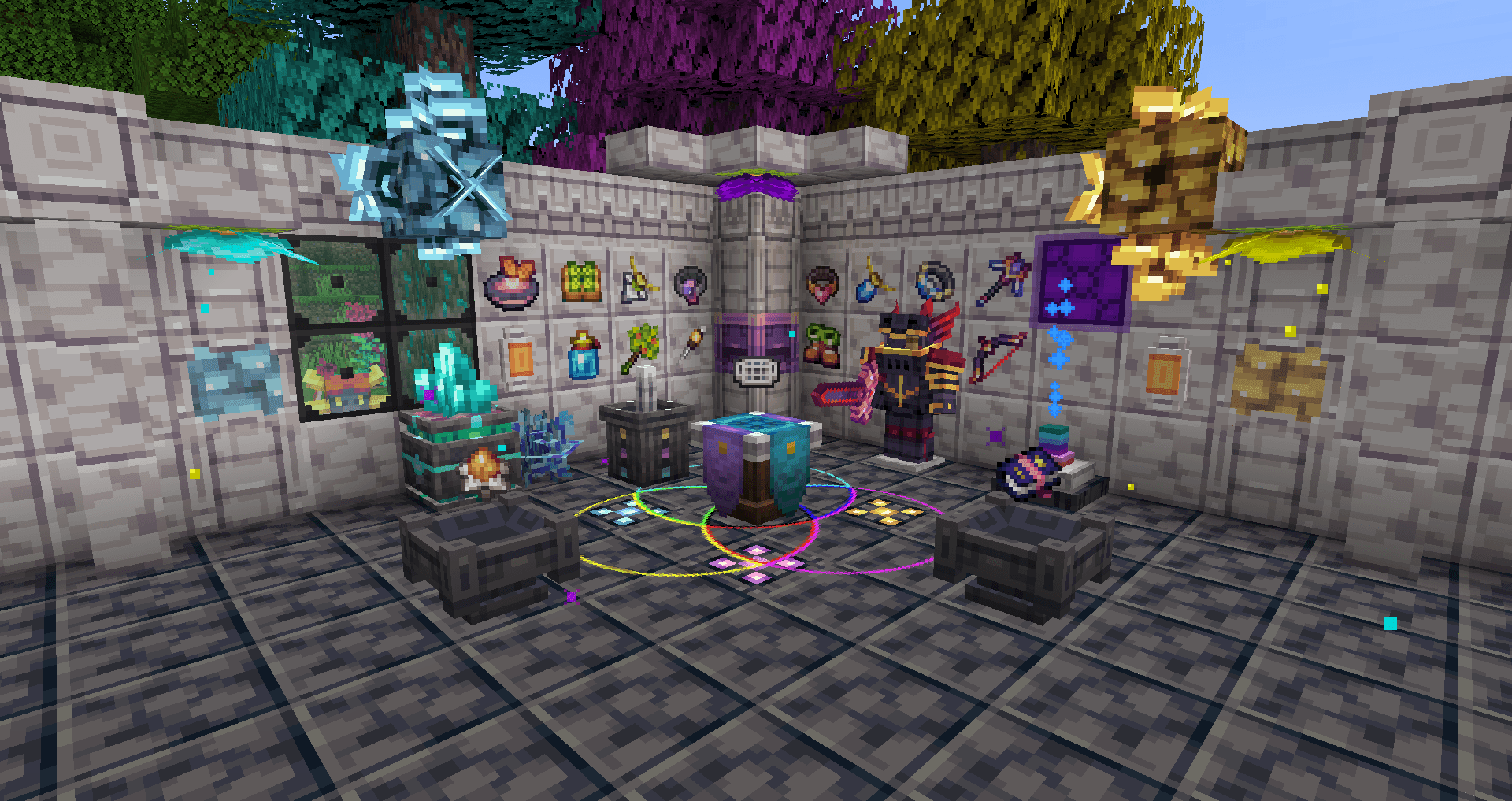
Spectrum is a colour-themed magic mod all about discovery and exploration. You will combine the sixteen colours and magical resources you discover on your journey to create magical tools and machines. The ultimate goal is to discover what lies beneath the once impenetrable bedrock floor.
In the process, you will gain a new perspective on things that have always been around you. You will notice things that have always seemed out of place, but you have never been able to identify them because you lacked the knowledge and tools to observe them. Now is the time!
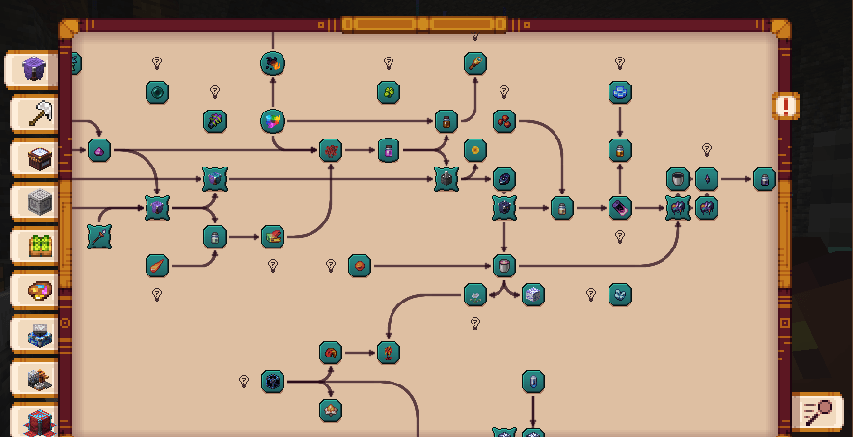
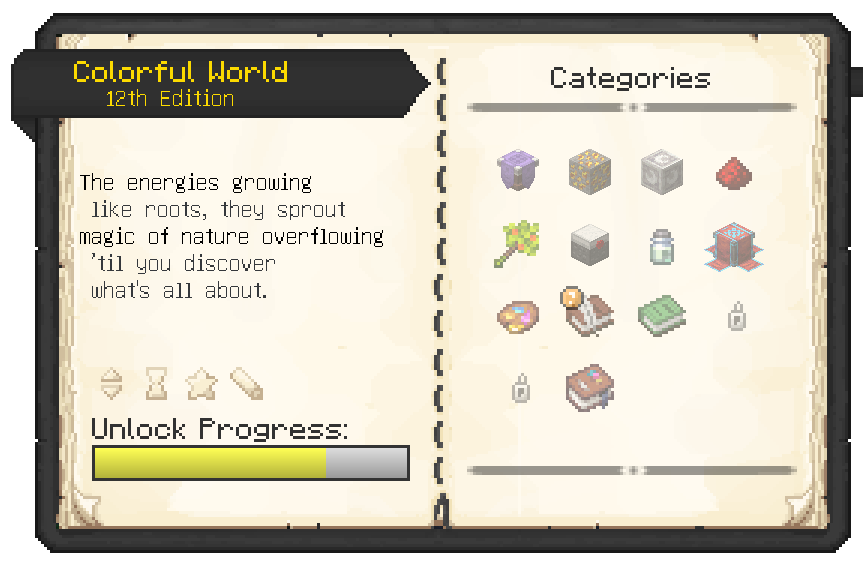
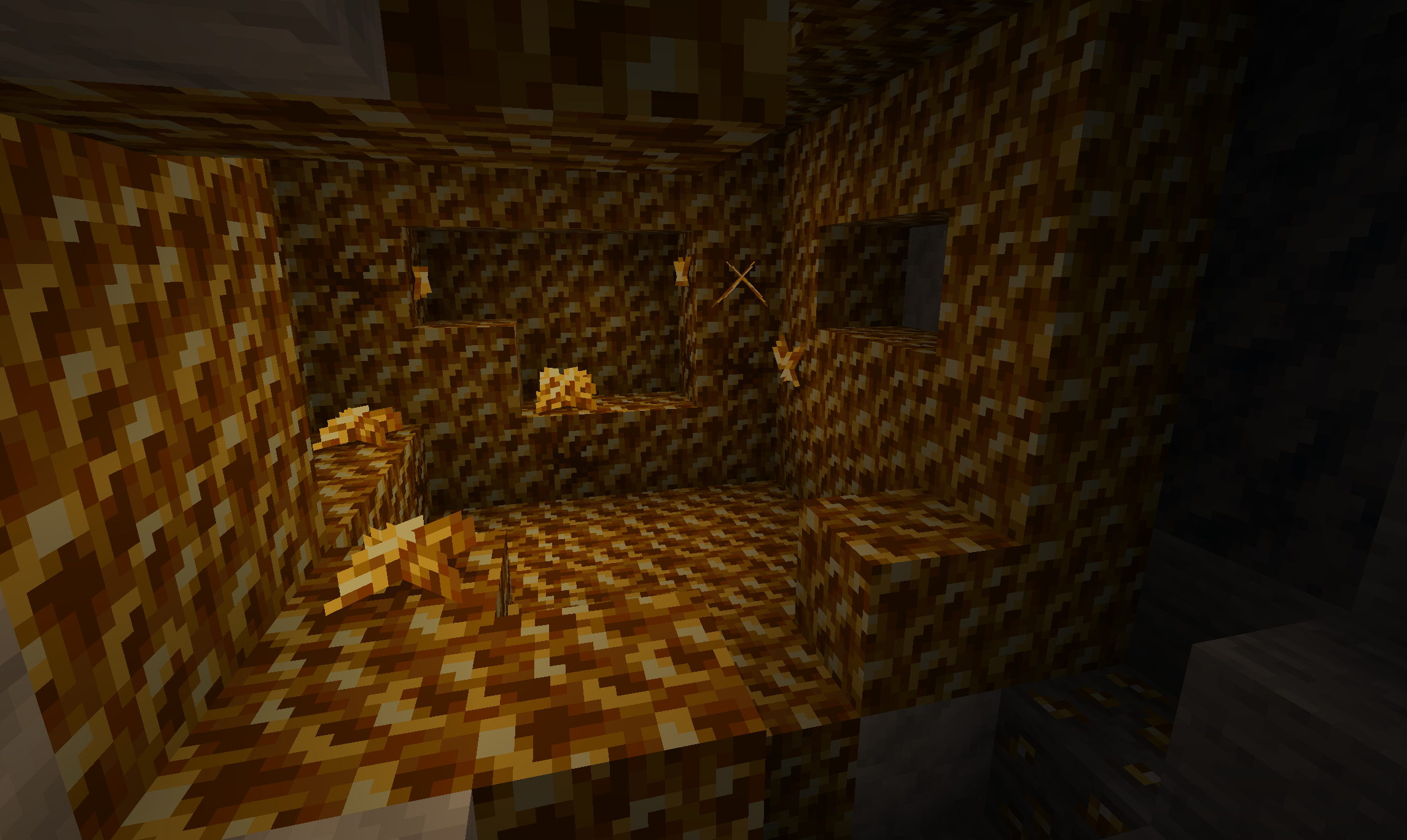
Spectrum is progression-based and doesn't give everything away at first glance. As you progress through its advancement trees, you will have many realizations and solve lots of puzzles. Each step of your journey will be hinted at through advancements and the in-game guidebook that you will receive as soon as you find your first geode.
There is no hand-holding, so you will need to experiment and explore quite a lot. This also means that it may not be the best fit for everyone. Everyone plays Minecraft differently, and that's perfectly fine!
Spectrum is not meant to be rushed through or 'grinded'. It is best enjoyed alongside your playthrough.
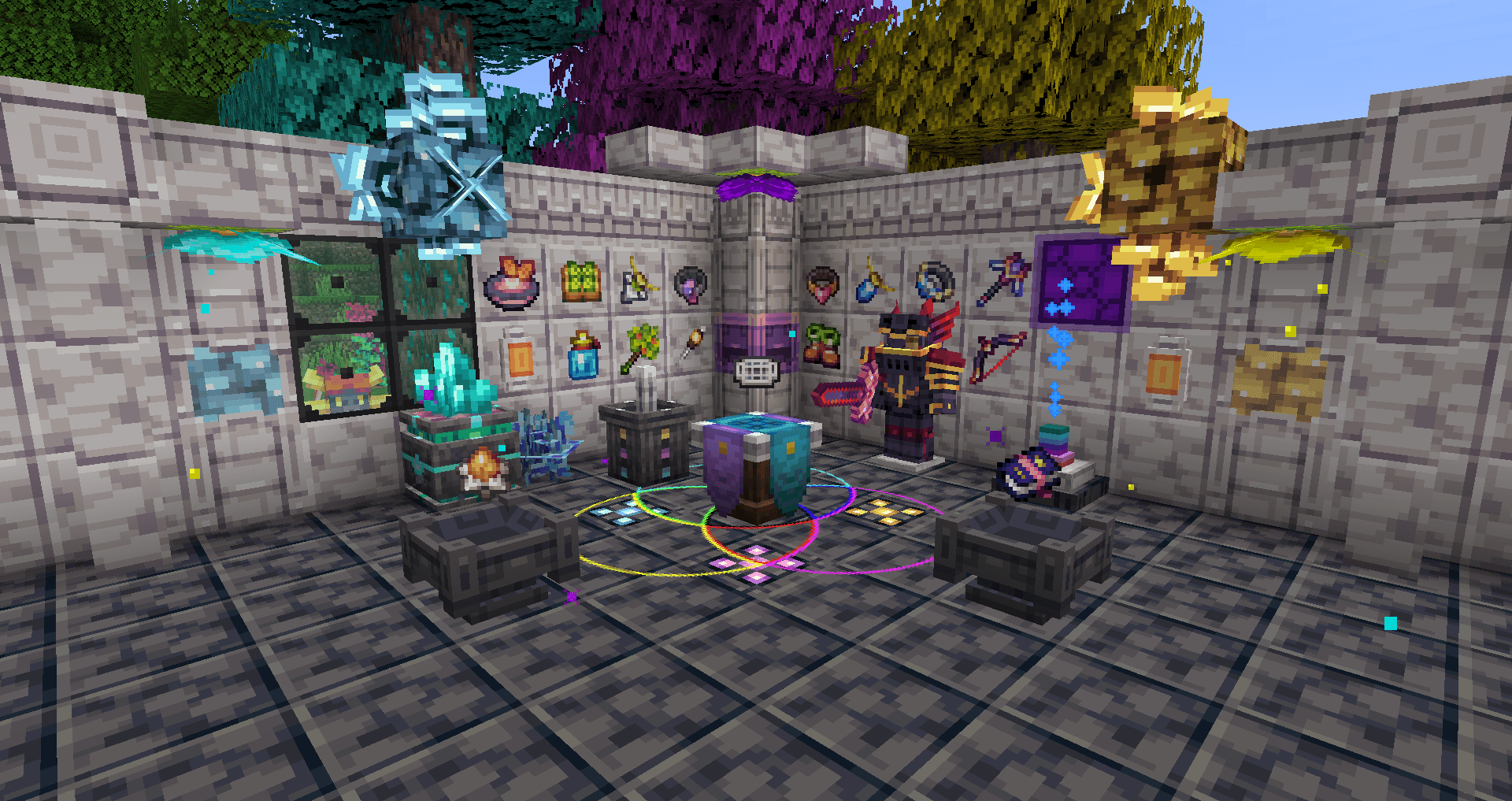
Everything you ever wanted in a Magic Mod
- A handcrafted progression and revelation system.
- lots of new magical equipment, items, blocks and decorations
- Lots of new enchantments and potion effects
- New fluids with full collision and unique effects
- Build your own customizable crafting structures.
- Lots of new handcrafted sounds and particles
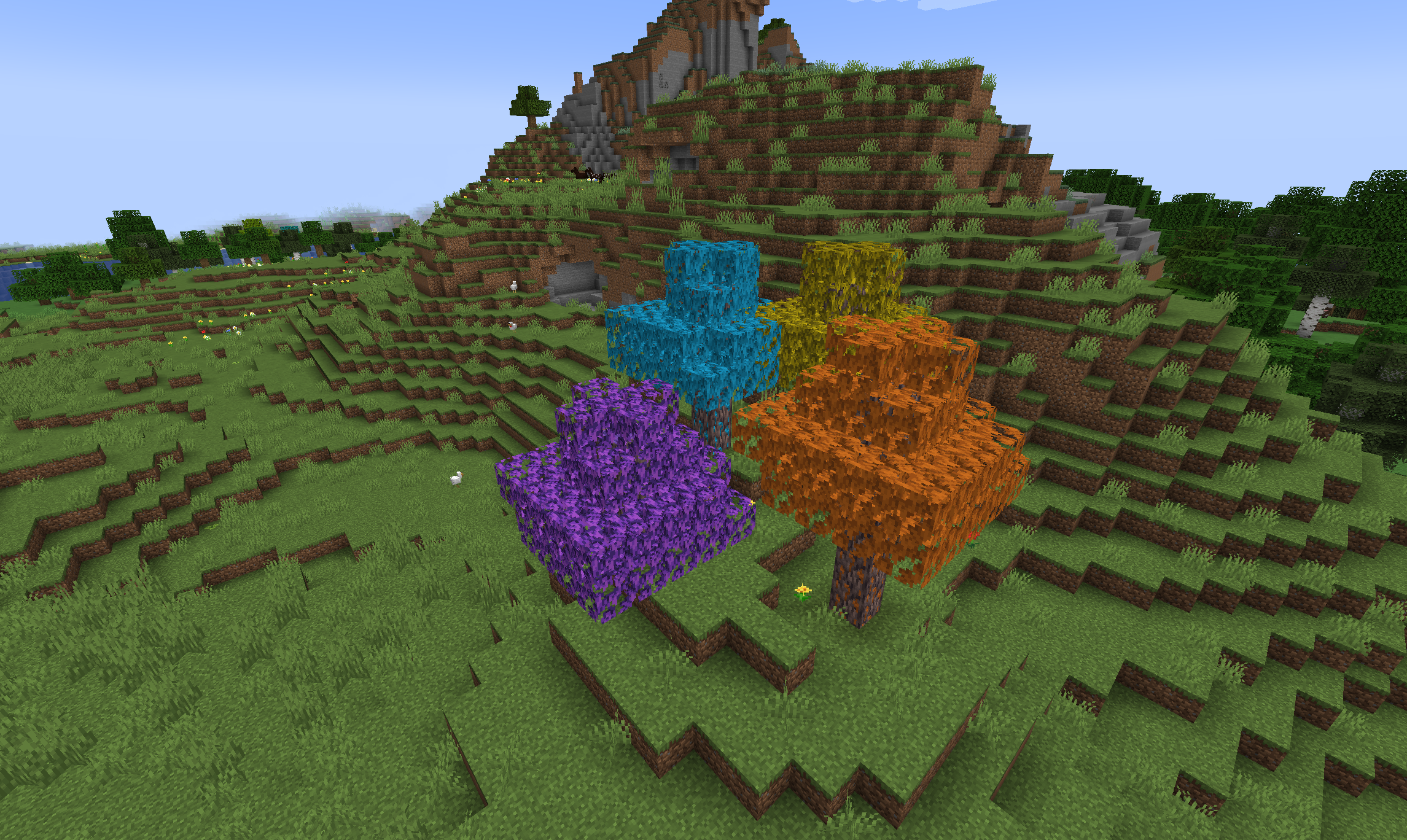
- New unique ores, plants, and geodes
- Customizable structures with intriguing puzzles
Revelations
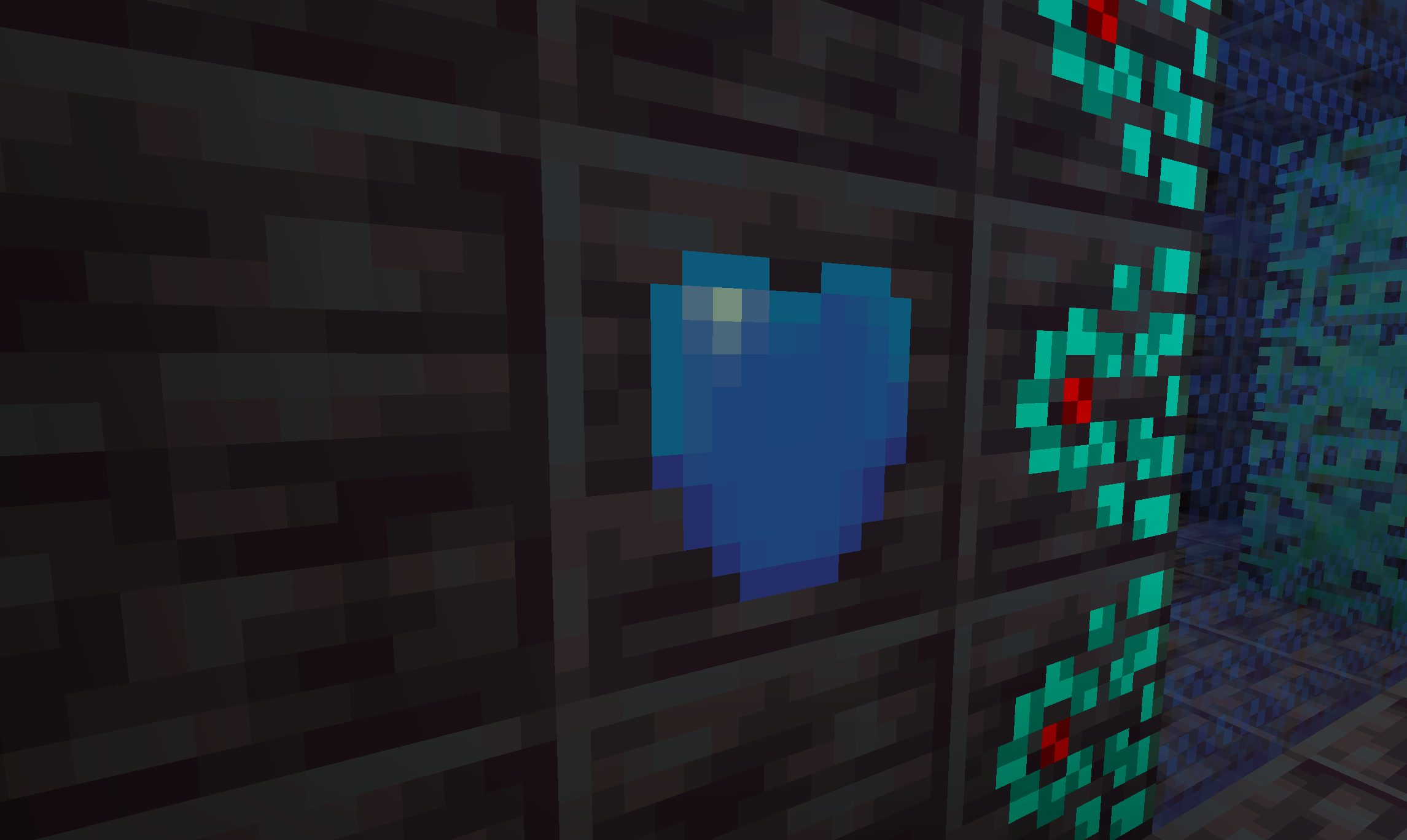
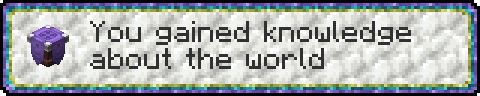
Just because something looks like stone doesn't mean it is…
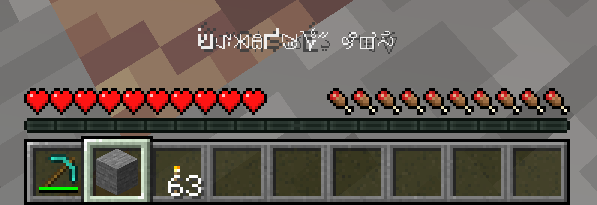
There is a lot to uncover and lots of discoveries to be made.
Is this mod for me?
You might fancy Spectrum if you enjoy: Outer Wilds; Myst; Thaumcraft; Chromaticraft; figuring out how and why things work with only limited guidance.
You may hate Spectrum if you enjoy: Generic tech mod #7 with linear progression that tells you exactly what to do at every step; following video tutorials
Progressing through the mod
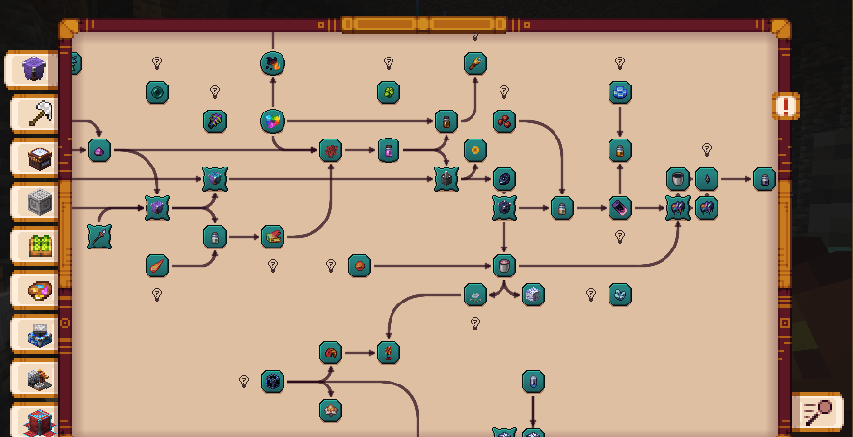
When you first start out, you may notice that most items only appear with a locked recipe in your chosen recipe viewer. In Spectrum, recipes and their matching guidebook entries are unlocked step by step, providing something new to experiment with at each stage.
Everything will be hinted at via advancements and the guidebook that is gifted to you when you stumble upon your first geode: your own personal notebook. You will note down everything you stumble upon, every recipe you unlock and every discovery you make there.
New ways to craft
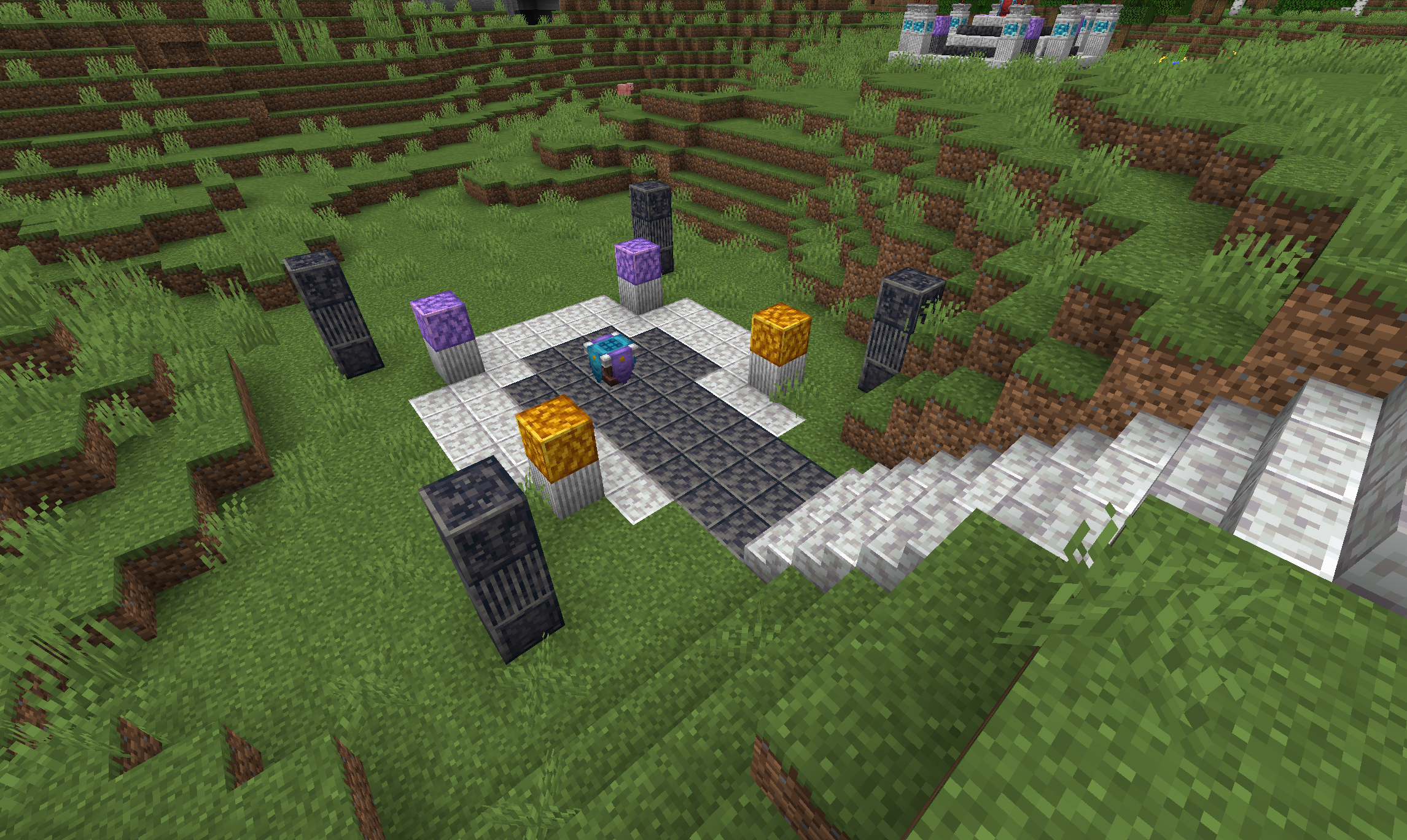
Spectrum offers many new ways to express yourself. Its multiblock structures are designed to be satisfying and fun to play with, giving you lots of freedom to construct and personalize them in your own creative way.
Spectrum's Discord
You will find a lot of helpful people on Spectrum's Discord. There are always friendly and helpful people around. Feel free to swing by if you like!
https://discord.com/invite/EXU9XFXT8a
Lots of room to tinker for modpack makers
Almost everything is configurable, from recipes to the entire progression path. Spectrum also comes with lots of new advancement criteria.
Full and extensive documentation is available for modpack makers in Spectrum's Wiki.
As a player, you will find everything you need in the extensive in-game guidebook.
Want to contribute?
Every single input and be it just feedback or a bug report is greatly appreciated!
Mod Integration
Spectrum ships with custom content for many mods: Custom recipes, sensible tags and even custom blocks and items.
For the mods with more extensive content integrations, there exist dedicated entries in the guidebook.
Check it out for a list of supported mods!
Examples
- AE2: Lots of additional Recipes; Crystal Apothecary compat
- Alloy Forgery: New forges, recipes & fuel
- Botania: New custom items, Black Hole Talisman support, additional recipes & Potion Workshop reagents
- Paginated Advancements & Custom Frames: Custom advancement frames
- Starry Skies: Many additional spheres, making a full skyblock Spectrum playthrough possible
- Chalk: Making Chalk unbreakable
- EMI: Integration for all of Spectrum's recipe types
- Go Fish: Full compat for Go Fish enchants & loot tables; enchantment recipes
- RoughlyEnoughItems: Integration for all of Spectrum's recipe types
- …and many more
Support Us
We mainly mod for fun - still, every Dollar is immensely appreciated!
//avatars.githubusercontent.com/u/26429514?s=40&v=4"_alt="dafuqs">_dafuqs"> DaFuqs DaFuqs |
|---|
 |
- Edition: Minecraft Java
- File type: .jar
- Minecraft versions listed: 1.21.1, 1.20.1, 1.19.2
- How to install: Install the matching mod loader (Forge, Fabric or NeoForge) for your Minecraft version. → Download the .jar. → Put it in the .minecraft/mods folder and launch that loader profile.
- Where to get it: Opens on CurseForge — not every file is mirrored on our own servers.
Install steps are the general flow for this file type — How to install Minecraft Java mods & modpacks walks through it step by step.
- Ships as spectrum-1.8.0-alpha3.jar — drop this file into the mods folder
- Download size: 51.3 MB
- Download link checked 7 Oct 2026 — working
These come from our own check of the pack file, not from the source page.