Enhanced Falling Trees
I don't know my version or loader







You can also join my Discord!
Description
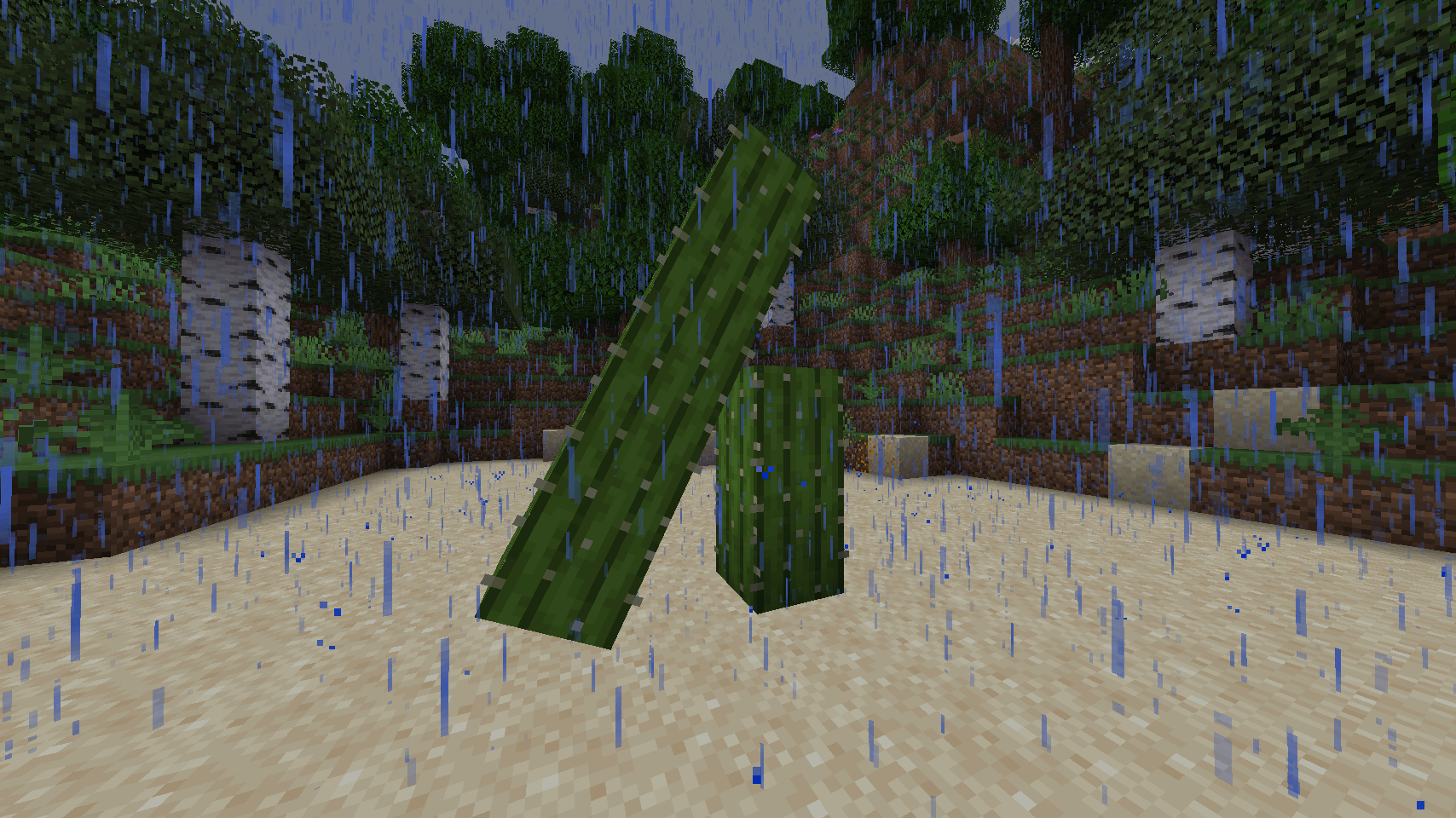
Enhanced Falling Trees allows trees to fall realistically when cut down, however, the mod only slightly adds realism and has nothing to do with physics as such, it only simulates a fall for the sake of performance, simulating a falling tree.
Additionally, enjoy enhanced visual and auditory features with particle effects as the tree disappears and a wide range of impact and falling sounds.
Fork of the Panda's Falling Tree's mod.
Showcase
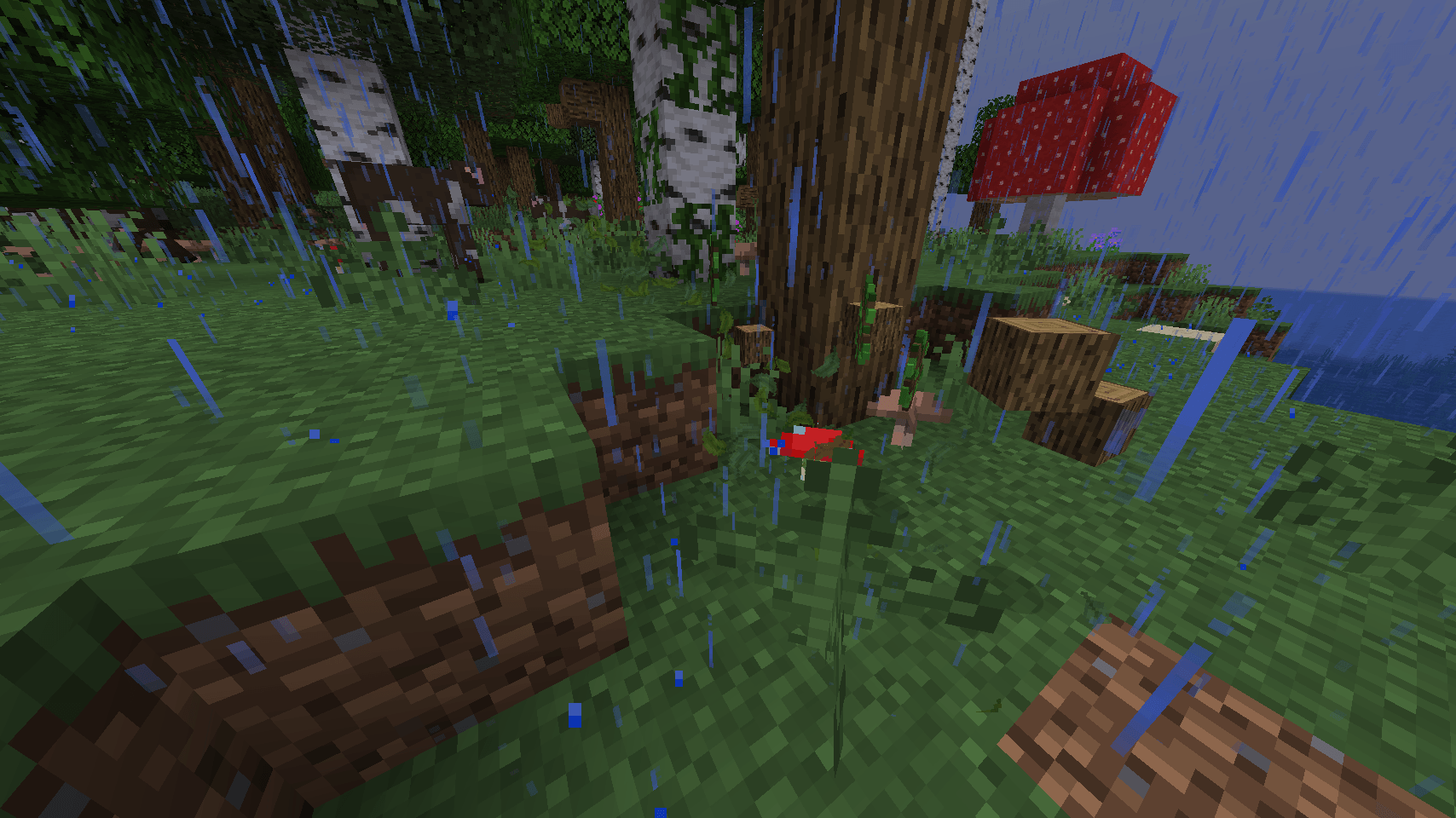
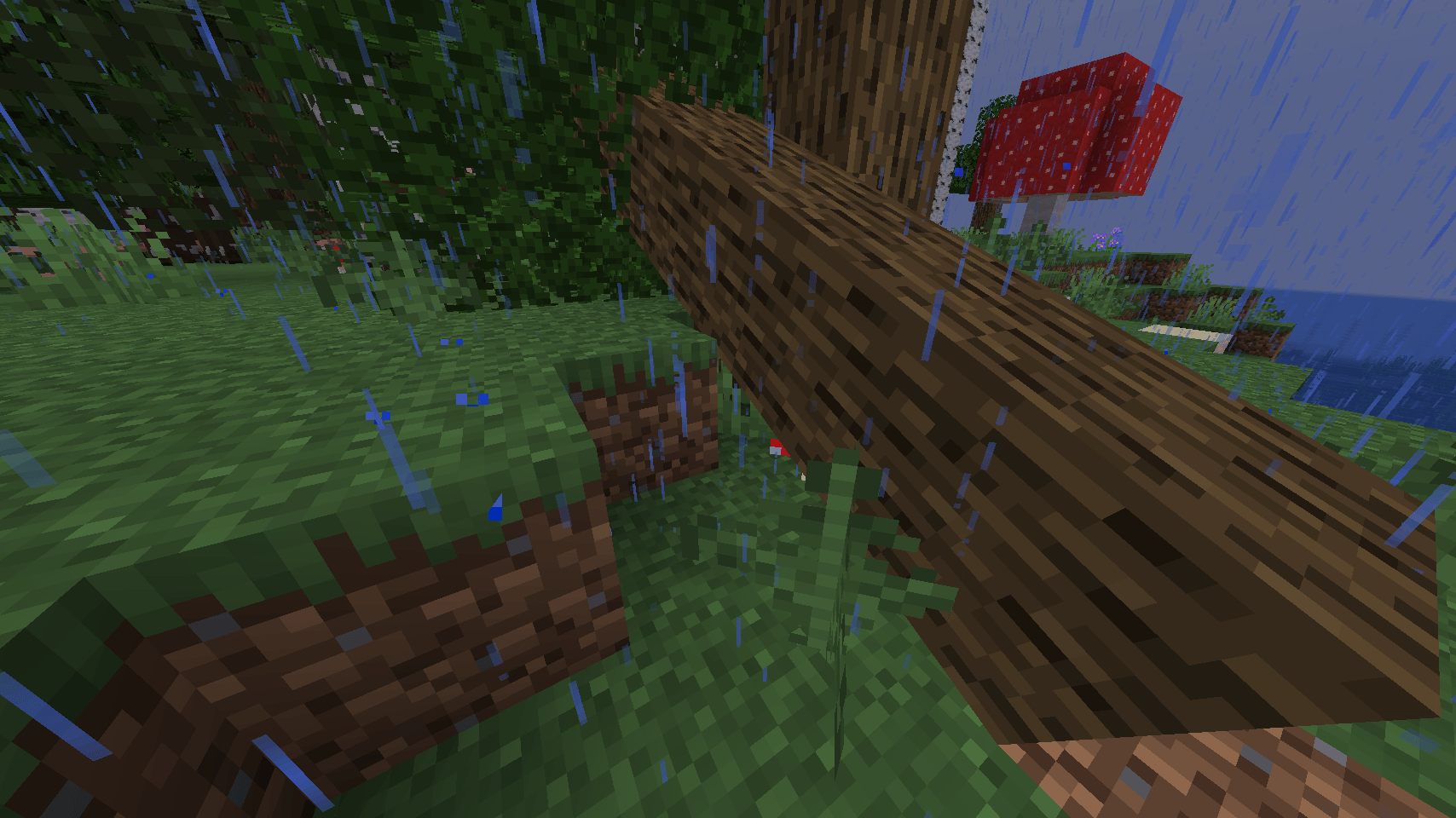
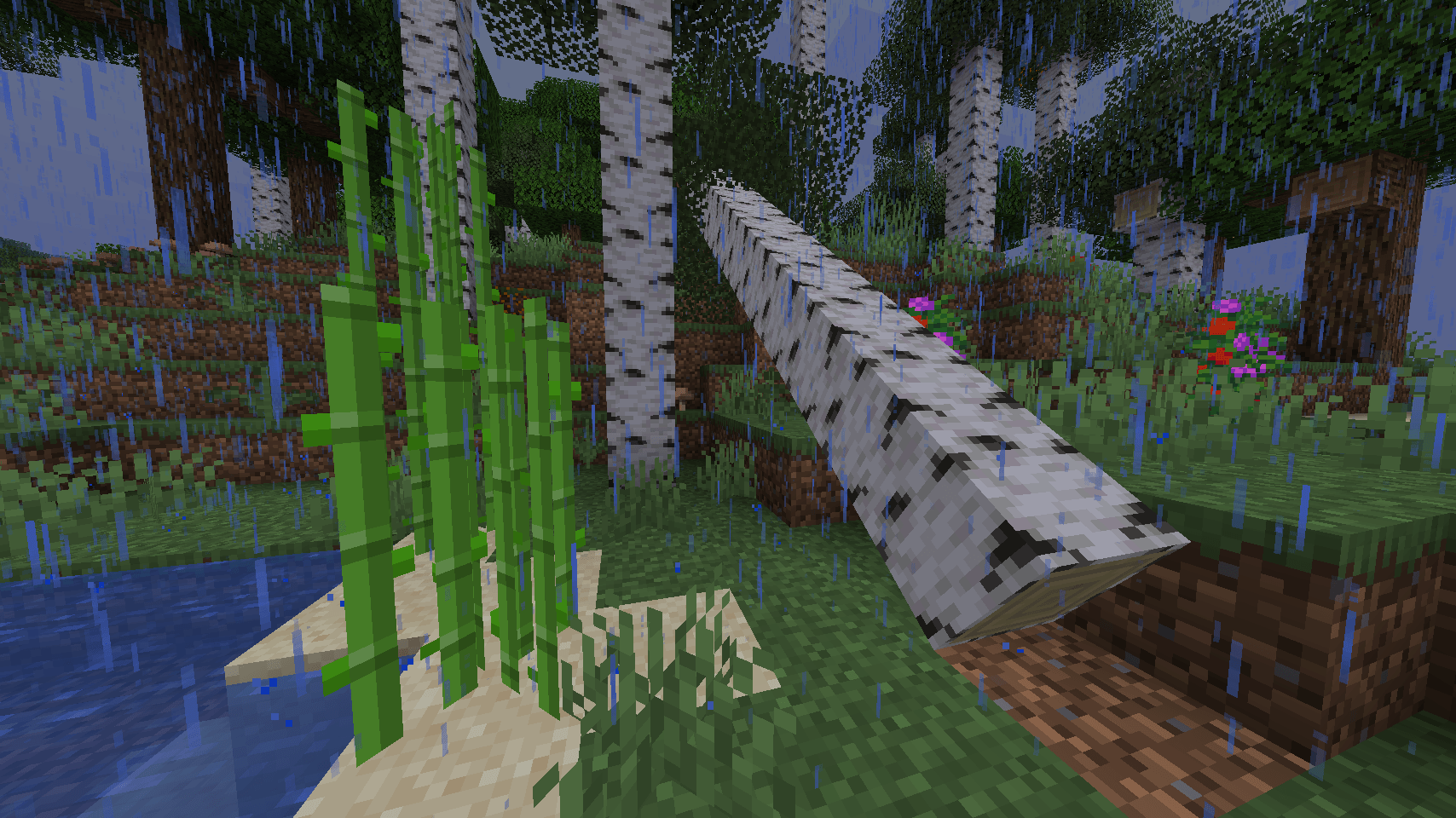
Default tree fall

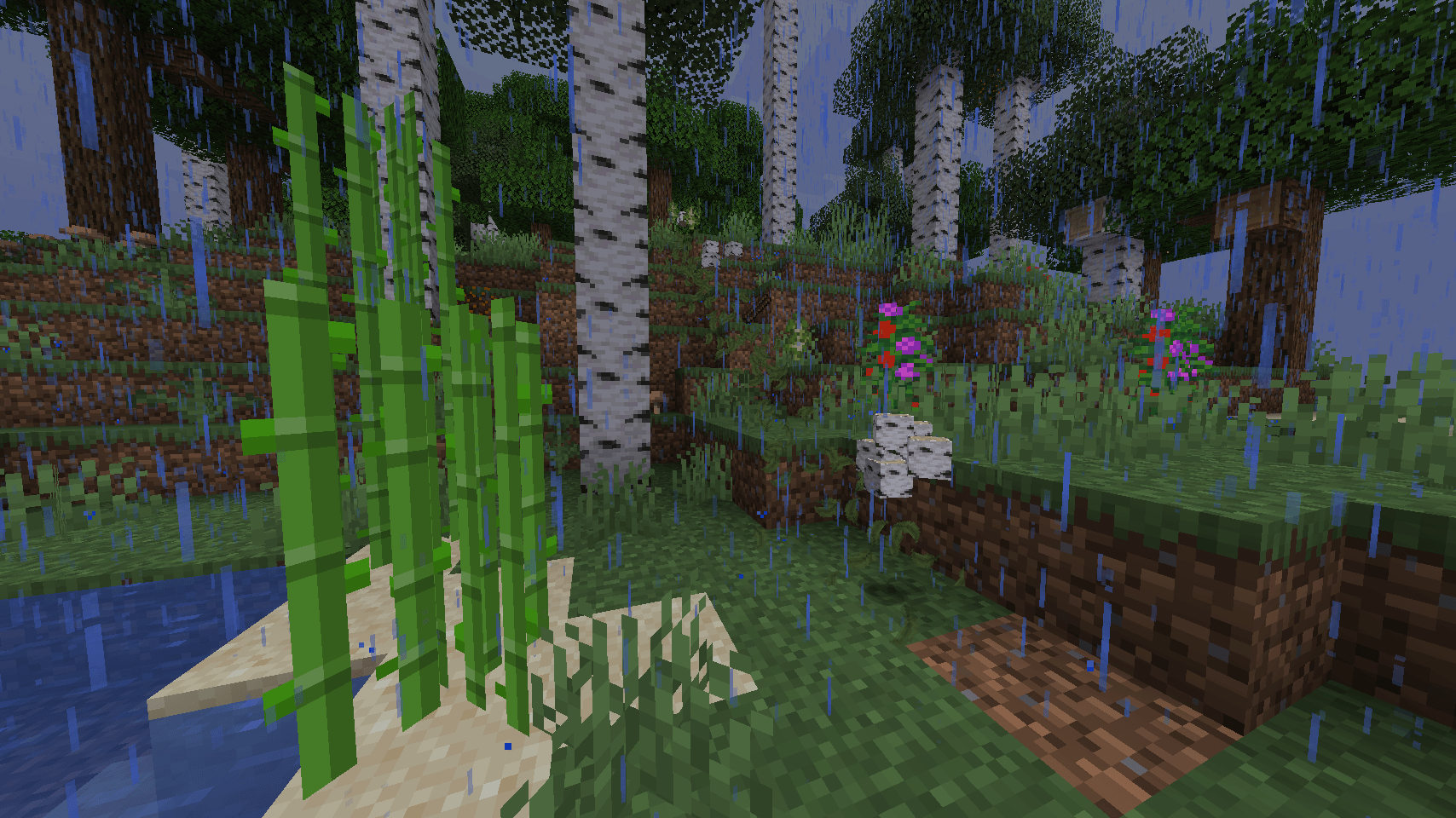
You can see more examples at Images tab!
Features
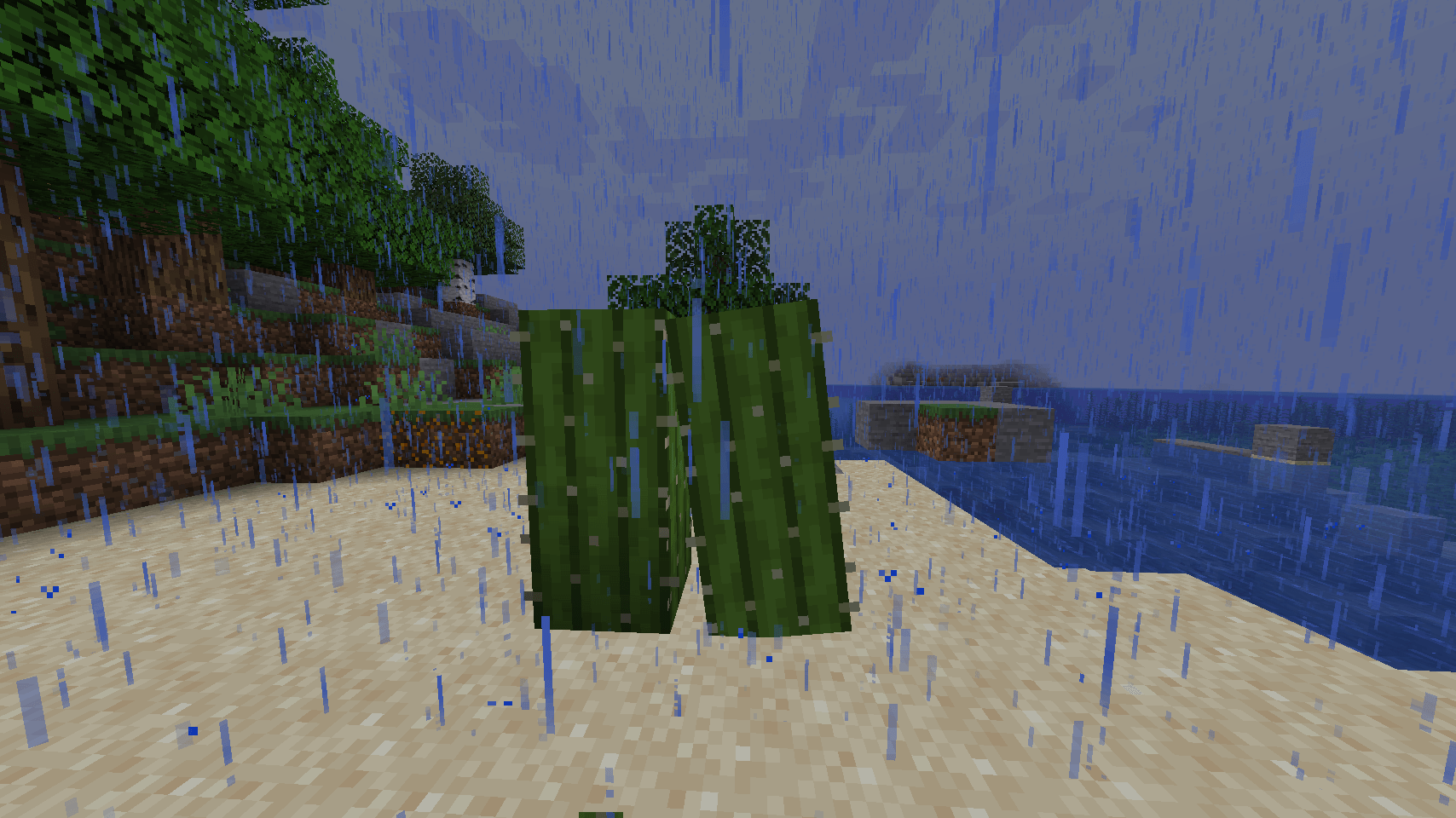
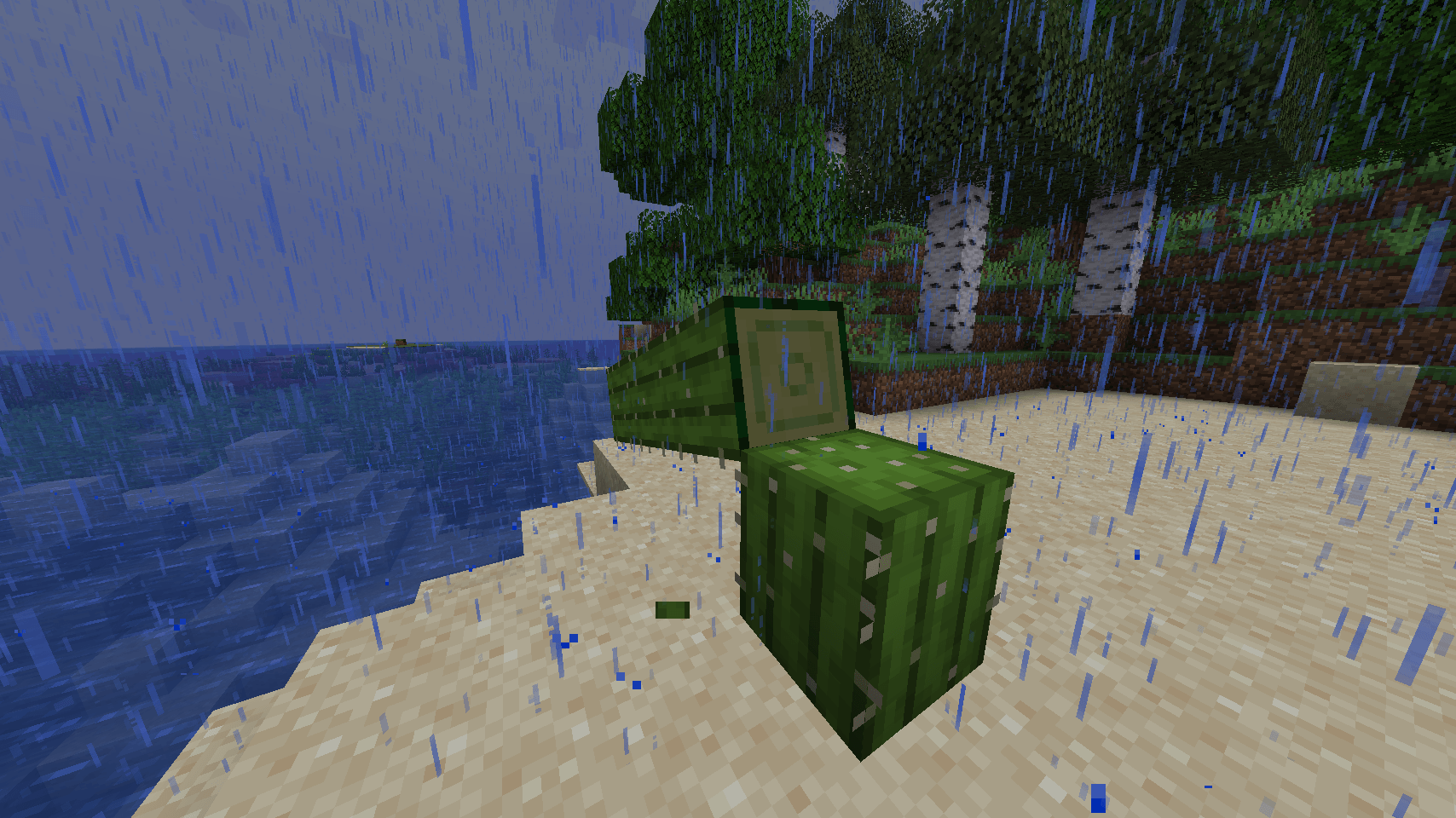
- Realistic Tree Falling: (also bamboo and cactus are supported) Trees no longer simply disappear; they fall over realistically when cut.
- Particle Effects: (for trees) After the tree disappears, particles of leaves appear along the tree trunk.
- Dynamic Sounds: A wide variety of sounds accompany the falling and impact of trees, enhancing the immersive experience.
- Flexible customization: Everything in the mod can be customized, for example the number of particles or the duration of a tree’s existence after falling, the speed of falling, etc.
- Worlds reverse compatibility: If you join the world with this mod and then without it and vice versa, everything will work fine.
Compatibility
Versions
- Compatible with Minecraft Fabric/Forge versions 1.20 to 1.20.4.
Mods
- Compatible with other mods that add trees natively.
Known issues
Sometimes when a tree falls, some part of it may fall into the ground, or physics doesn't work as expected. Why?
- This is normal behavior and will probably be fixed soon. Reminder: This is just an imitation of physics using simple functions and formulas, so sometimes its behavior may not be entirely correct.
Please note this mod is a work in progress and features are subject to change.
- Edition: Minecraft Java
- File type: .jar
- Minecraft versions listed: 1.21.11, 1.21.10, 1.21.9
- How to install: Install the matching mod loader (Forge, Fabric or NeoForge) for your Minecraft version. → Download the .jar. → Put it in the .minecraft/mods folder and launch that loader profile.
- Where to get it: Opens on CurseForge — not every file is mirrored on our own servers.
Install steps are the general flow for this file type — How to install Minecraft Java mods & modpacks walks through it step by step.
- Ships as efallingtrees-0.7.1-26.2+forge.jar — drop this file into the mods folder
- Download size: 1.4 MB
- Download link checked 27 Aug 2026 — working
These come from our own check of the pack file, not from the source page.