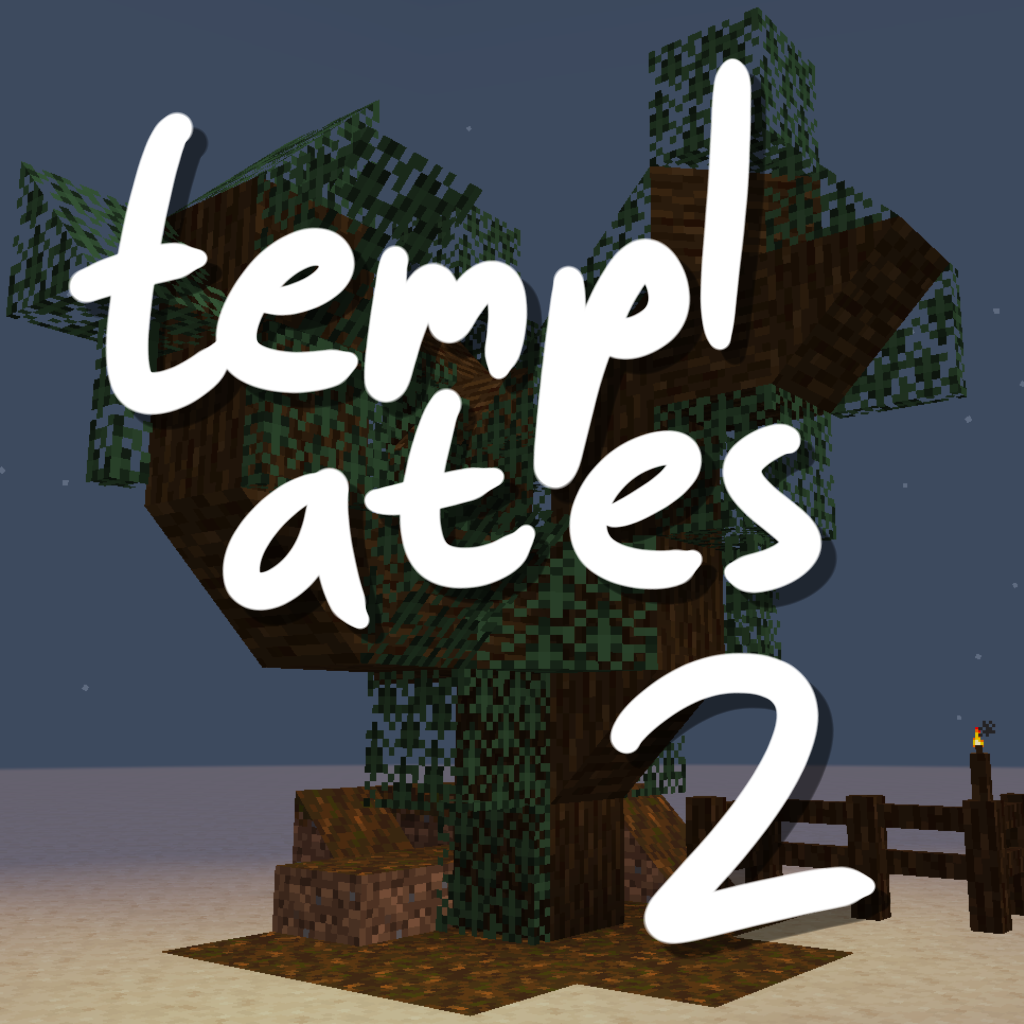
Templates adds retexturable blocks. Place a Template and right-click it with any full-size block, and the Template will look just like that block.
You can make custom fences, walls, stairs, slabs, trapdoors, levers, buttons, candles, TNT, and more.
- Click with Glowstone Dust to make it emit light.
- Click with a Redstone Torch to make it act as a redstone power source.
- Click with a Popped Chorus Fruit to make it non-solid.
It is a mod in the long tradition of "Carpenter's Blocks", "Framed Blocks", and friends. It is not the first implementation of this idea, and it won't be the last.
It's also not too hard for other mods to interface with Templates and add their own templatable blocks.
New in 2.2.0: Supports connected textures! I tested Chisel Reborn, but any mod that implements FabricBlock#getAppearance should work.
⚠ Templates was originally conceived as a tech-demo for, and tests the limits of, the Fabric Rendering API. You'll need a compatible renderer implementation installed. Fabric API includes one called Indigo, but it is not compatible with Sodium. If you use Sodium, you might need to install a mod like Indium for Templates to work properly.
- Edition: Minecraft Java
- File type: .jar
- Minecraft versions listed: 1.21.1, 1.20.4, 1.20.1
- How to install: Install the matching mod loader (Forge, Fabric or NeoForge) for your Minecraft version. → Download the .jar. → Put it in the .minecraft/mods folder and launch that loader profile.
- Where to get it: Opens on CurseForge — not every file is mirrored on our own servers.
Install steps are the general flow for this file type — How to install Minecraft Java mods & modpacks walks through it step by step.
Templates 2 is a free Minecraft Java mod. Compatible with Minecraft 1.21.1, 1.20.4, 1.20.1. Downloaded 807,841 times (via CurseForge). Download it and open it directly in the game.