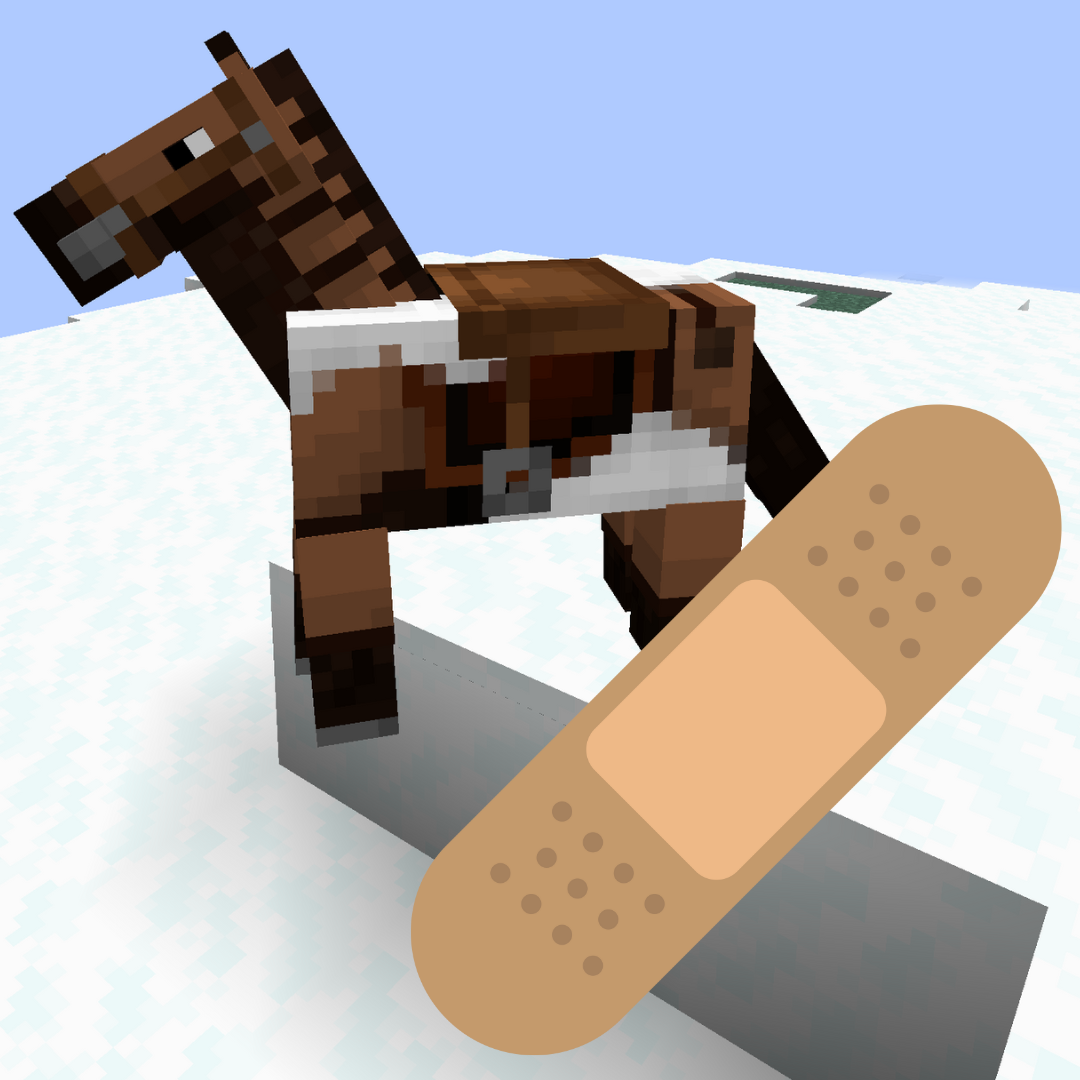

Bad Horse Fix



NOTE: As of Minecraft 1.21.2 this bug appears to be fixed! The latest version of the mod (3.0.0) should now be compatible with EVERY version of Iris/Oculus that includes the bug.
About
This mod fixes horse markings appearing above horse armor when using the Iris or Oculus shaders mods.
Basically, this mod checks everything being rendered to see if it contains "horse", "armor", or "markings" and if it finds anything, it forces it to be rearranged. There doesn't seem to be any noticeable performance hit.
Bugs
If you run into any glitches, bugs, or problems of any kind, please report them on the GitHub Issues page for this mod. If issues go unreported, they also go unfixed!
Modpacks
You can include this mod in modpacks that are hosted on Modrinth, CurseForge, or that respect this mod's license (LGPL-3.0). Feel free to post it here if you do include it. I'd love to check it out!
- Edition: Minecraft Java
- File type: .jar
- Minecraft versions listed: 1.21, 1.21.1, 1.17.1
- How to install: Install the matching mod loader (Forge, Fabric or NeoForge) for your Minecraft version. → Download the .jar. → Put it in the .minecraft/mods folder and launch that loader profile.
- Where to get it: Opens on CurseForge — not every file is mirrored on our own servers.
Install steps are the general flow for this file type — How to install Minecraft Java mods & modpacks walks through it step by step.
Bad Horse Fix is a free Minecraft Java mod. Compatible with Minecraft 1.21, 1.21.1, 1.17.1, 1.19.3 and newer. Downloaded 481,107 times (via CurseForge). Download it and open it directly in the game.