
One Enough Item
Java mod listed for Minecraft 1.17–1.21. Downloads from the MC Java Mods app on Android.
I don't know my version or loader
OneEnoughItem (OEI)
This mod was developed to resolve the issue of duplicated item dictionaries in modpacks – three types of silver, four types of lead, five types of tomatoes, six types of corn – each with distinct recipes.
With OEI, you can effortlessly replace duplicate items with unique designated representatives.
Typical Cases
17 types of tomatoes in a modpack
Six types of silver ore in a modpack
All with independent recipes!
Those days are now over. With OEI, items are replaced with their designated representatives immediately upon creation!
Usage
OEI is datapack-driven and supports hot reloading. Configure replacements at data/oei/replacements using this simple syntax:
[
    {
        "matchItems": [
            "#forge:ore",
            "minecraft:potato",
            "minecraft:carrot"
        ],
        "resultItems": "minecraft:egg"
    }
]
List item IDs to replace under matchItems, and specify the designated representative in resultItems.
Warning: Never replace an item with itself – this may cause critical bugs!
OEI supports tag matching. If tag-based replacements require game reloads, use raw item IDs instead (likely due to mod conflicts).
Built-in Editor (v1.0.3+):
Press CTRL+R to open the GUI editor for codeless replacement configuration!
The editor includes recipe deduplication – see official documentation.
Effects
OEI replaces items at the earliest possible stage – not by scanning player inventories.
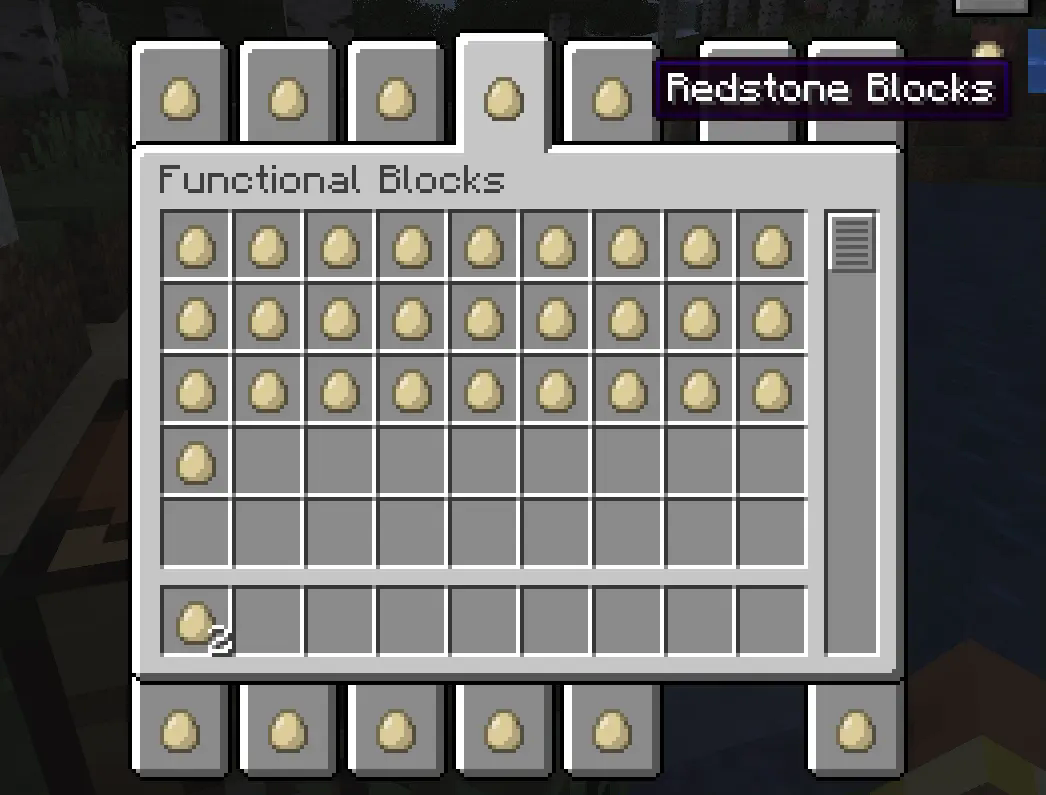
Example: Replacing all items with eggs instantly transforms the creative inventory:
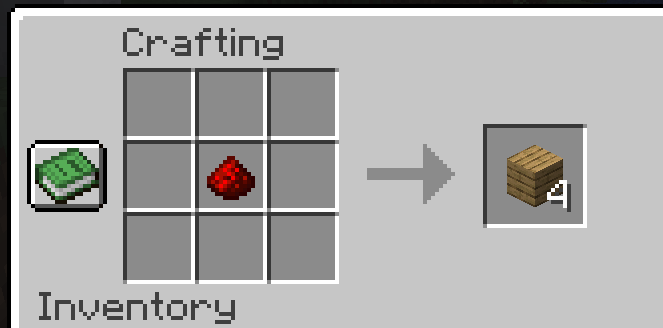
Recipes automatically adapt. Here, iron ingots → eggs in a furnace recipe:
All recipes are automatically processed, including JEI displays:
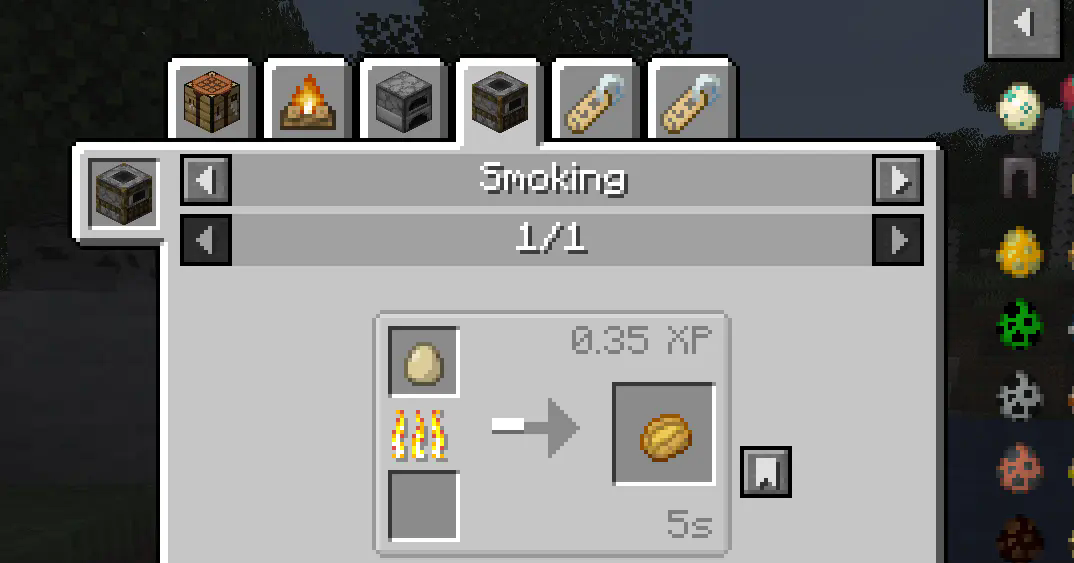
Works with trades, advancements, and nearly all non-hardcoded recipes.
Additionally, replacing items with air will completely remove them. However, for compatibility reasons, such changes will not take effect in the Creative Mode inventory or JEI displays.
Deep Replacement
Enable in config to extend replacements to item interaction contexts (e.g., healing iron golems with eggs after replacing iron ingots).
Use when standard recipe replacement fails for specific mods.
Note: Only affects item detection – does not fully inherit original item functionality.
Roadmap
- Properties Stripping: Remove properties of replaced items (e.g., food properties to exclude them from Spice of Life handbooks). Configurable.
- Tag Inheritance: Make representatives inherit all tags from replaced items.
- Tag Removal: Completely strip tags from replaced items to eliminate them from recipes.
- Edition: Minecraft Java
- File type: .jar
- Minecraft versions listed: 1.21.1, 1.20.1, 1.17.1
- How to install: Install the matching mod loader (Forge, Fabric or NeoForge) for your Minecraft version. → Download the .jar. → Put it in the .minecraft/mods folder and launch that loader profile.
- Where to get it: Opens on CurseForge — not every file is mirrored on our own servers.
Install steps are the general flow for this file type — How to install Minecraft Java mods & modpacks walks through it step by step.
- Ships as oneenoughitem-1.0.3-alpha_hotfix.jar — drop this file into the mods folder
- Download size: 937 KB
- Download link checked 28 Oct 2026 — working
These come from our own check of the pack file, not from the source page.